









 Official manufacturer image
Our picks
Top picks
Official manufacturer image Official manufacturer image
NETGEAR EAX15
Check price on Amazon Official manufacturer image
TP-Link RE550
Check price on AmazonBy type
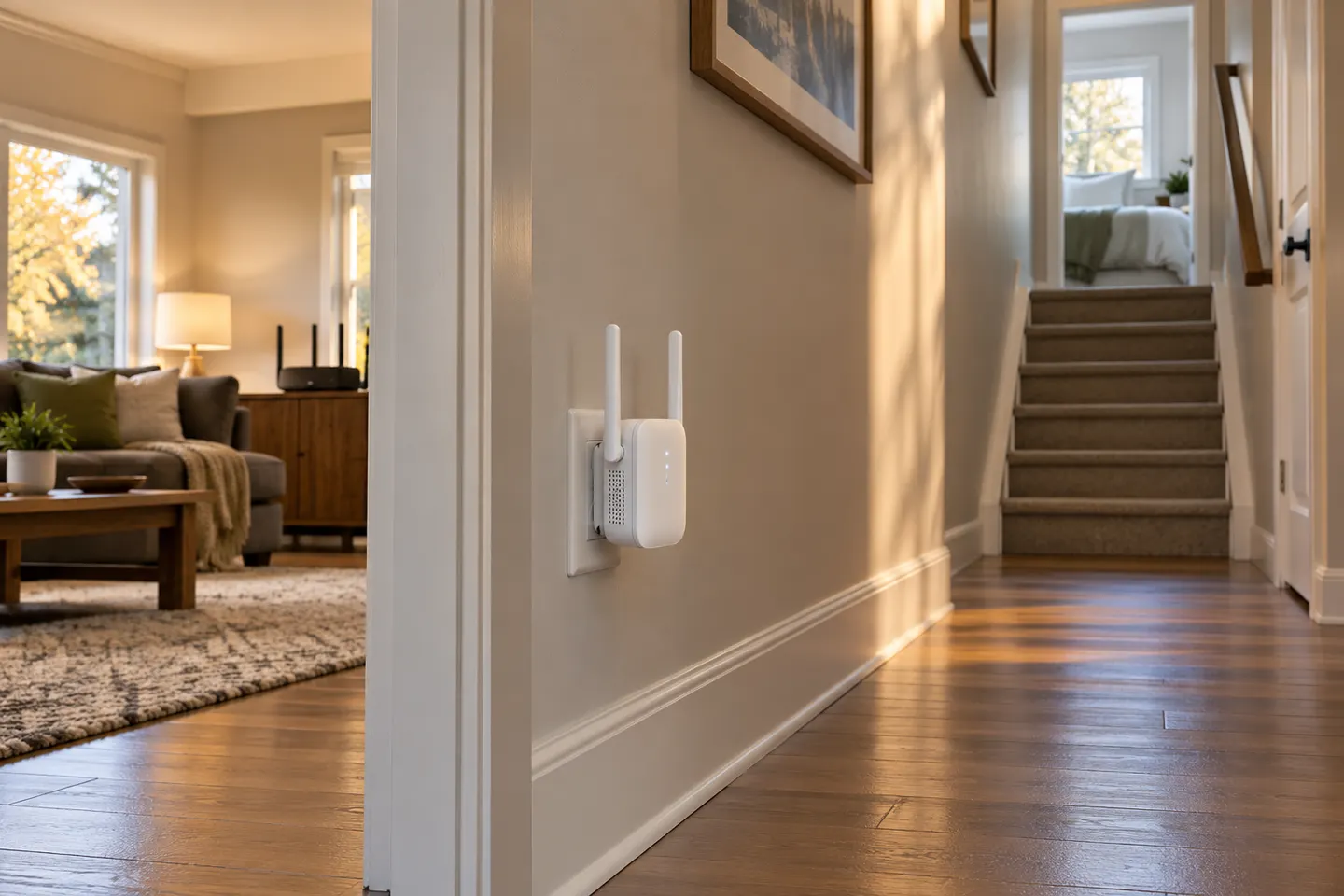 Plug
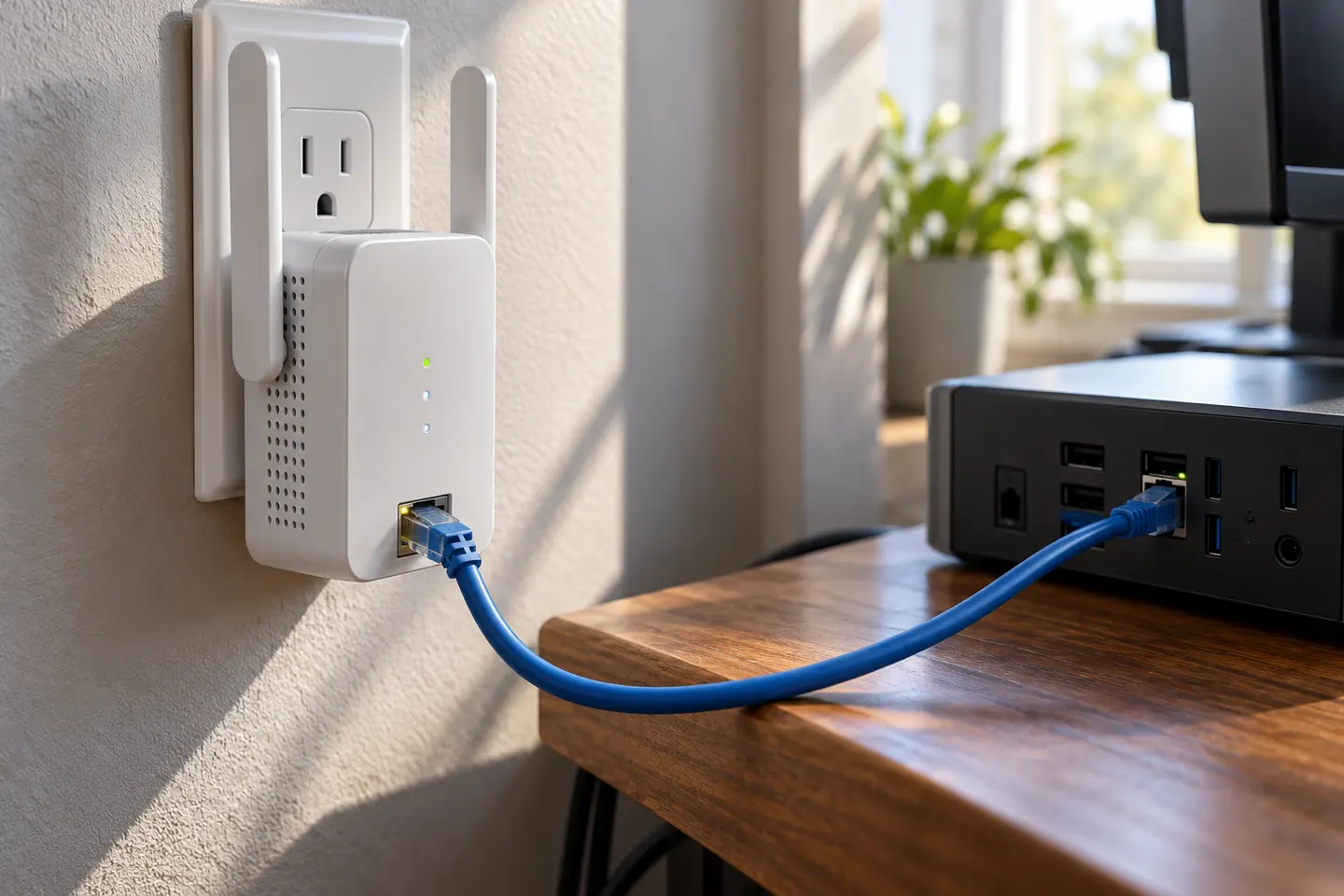 Ethernet plug
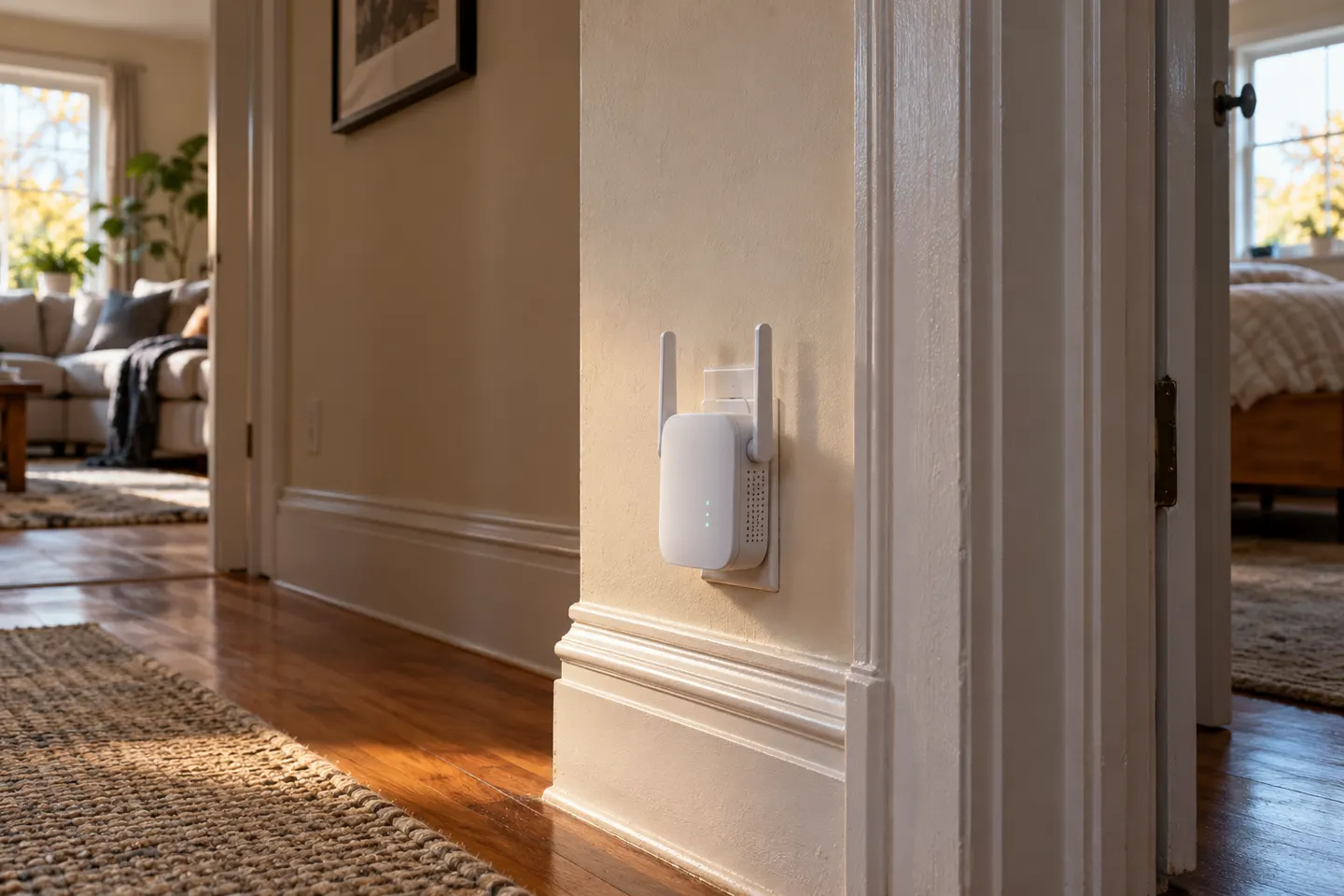 Wall plug
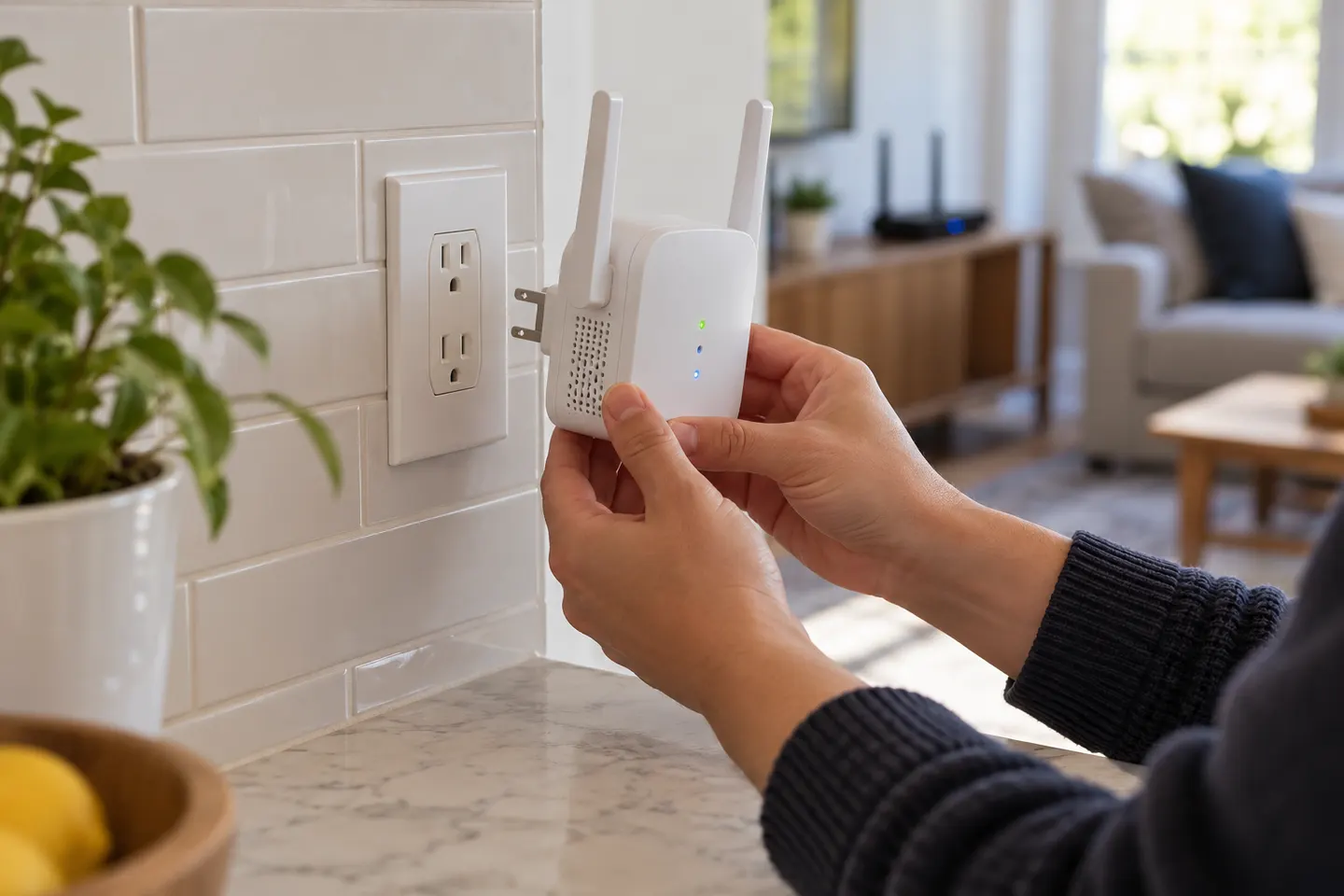
 Plug in
Show all (5)
Common questions
Questions before you buy
Are plug-and-play WiFi extenders really automatic?
They still require pairing with the router and placement. Some offer WPS or app setup to simplify the initial configuration; check the model instructions.
Do I need an app to set up a range extender?
It depends on the product. Some models support setup through an app, a browser or WPS; consult the manufacturer’s guide.
Where should I plug in a WiFi extender?
Choose an outlet between the router and the weak-coverage area where the extender still receives a usable signal. Use the model’s signal indicator if provided.
Will a plug-in extender work with any router?
Compatibility depends on supported WiFi standards and settings. Check the manufacturer’s compatibility information for your router and extender.