Independent buying guidance · US editionHow we work
Gearjury
All categories
All categories
Best picksGood Meat Thermometers for Every Kind of Cook
Best picksBest WiFi Extenders: Which Range Extender Should You Buy?
Best picksBest Dash Cams for Cars in 2026
Best picksBest Radar Detectors for Cars: Models Compared
Best picksGood Winter Gloves for Cold Weather: Five Useful Picks
Best picksBest Headlamps: Six Lights Compared for Different Uses
Best picksBest Portable Air Coolers for Patios, Workshops and Small Spaces (2026)
Best picksTop 10 Best Battery-Powered Weed Eaters for Different Yards
Best picksBest Air Purifier for Bedroom in the US: Quiet Models Compared
United StatesEnglish

Category hub

Simple Wi-Fi Range Extenders: Easier Setup, Clearer Choices

For a straightforward setup, prioritize a documented app or WPS process, a useful signal indicator and model-specific support.

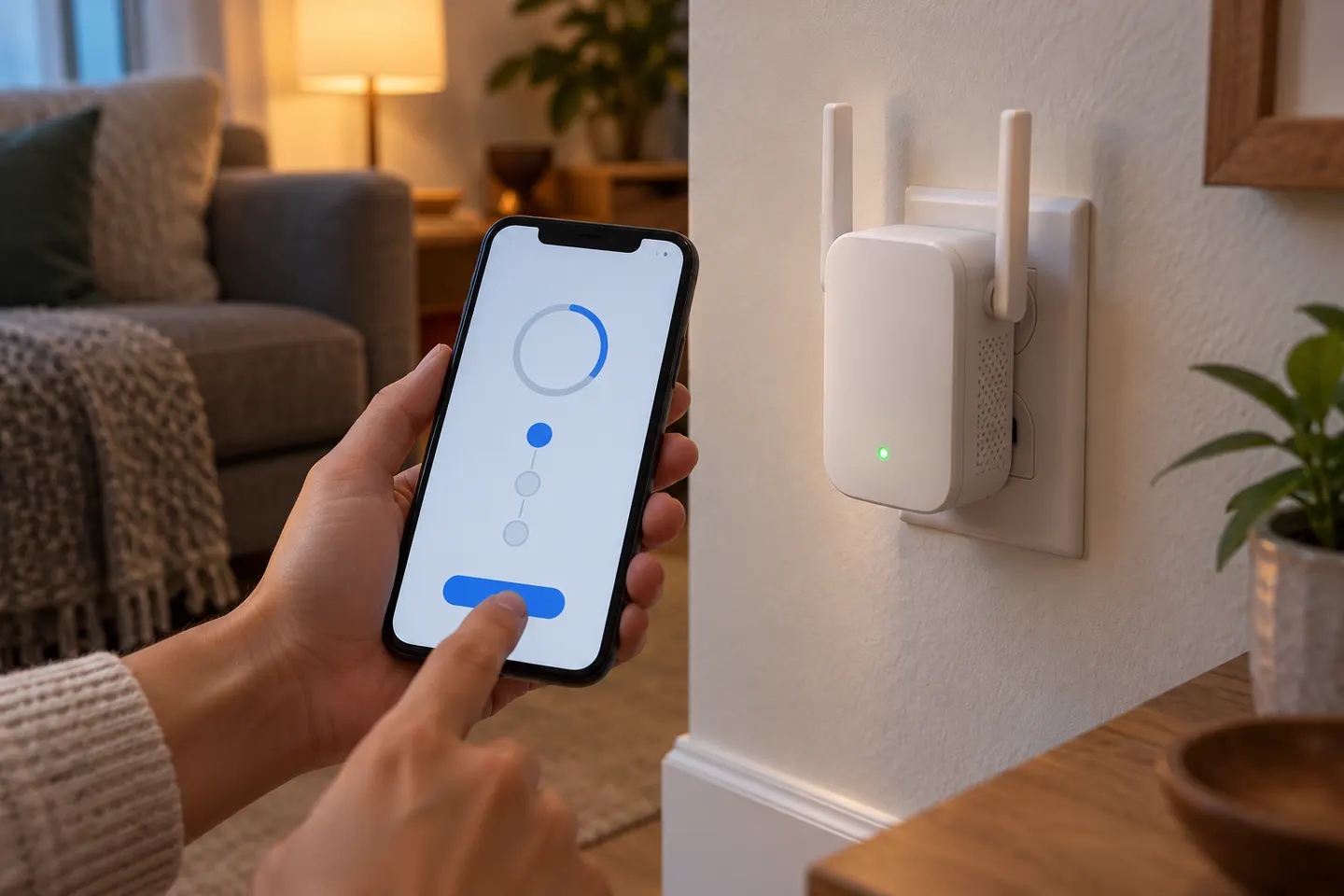
A simple Wi-Fi range extender should make setup understandable and provide a clear way to confirm its connection. Look for an official app, browser instructions or WPS support, plus an indicator that helps you place the unit. TP-Link documents app, web and WPS routes for supported models; NETGEAR also describes push-button setup on selected products. After pairing, move the extender away from the router only as far as its signal remains reliable, then test the room where coverage was weak.

Simple Wi-Fi Range Extenders: Easier Setup, Clearer Choices

Common questions

Questions before you buy

What is the easiest way to set up a Wi-Fi extender?

If both router and extender support WPS, the button method can be quick; otherwise use the manufacturer app or browser setup. Follow the exact model instructions.

Do I need an app to install a range extender?

Not always. Many products also offer browser or WPS setup, but available methods depend on the model.

Why does an easy-to-set-up extender still have weak Wi-Fi?

Simple setup does not guarantee a good location. Move the extender to a point with a stronger router connection and check its signal indicator.

Can I use one Wi-Fi name after setup?

Some products or mesh-compatible configurations can share a network name; others create a separate extended network. Check the model’s documented settings.