









 Official manufacturer image
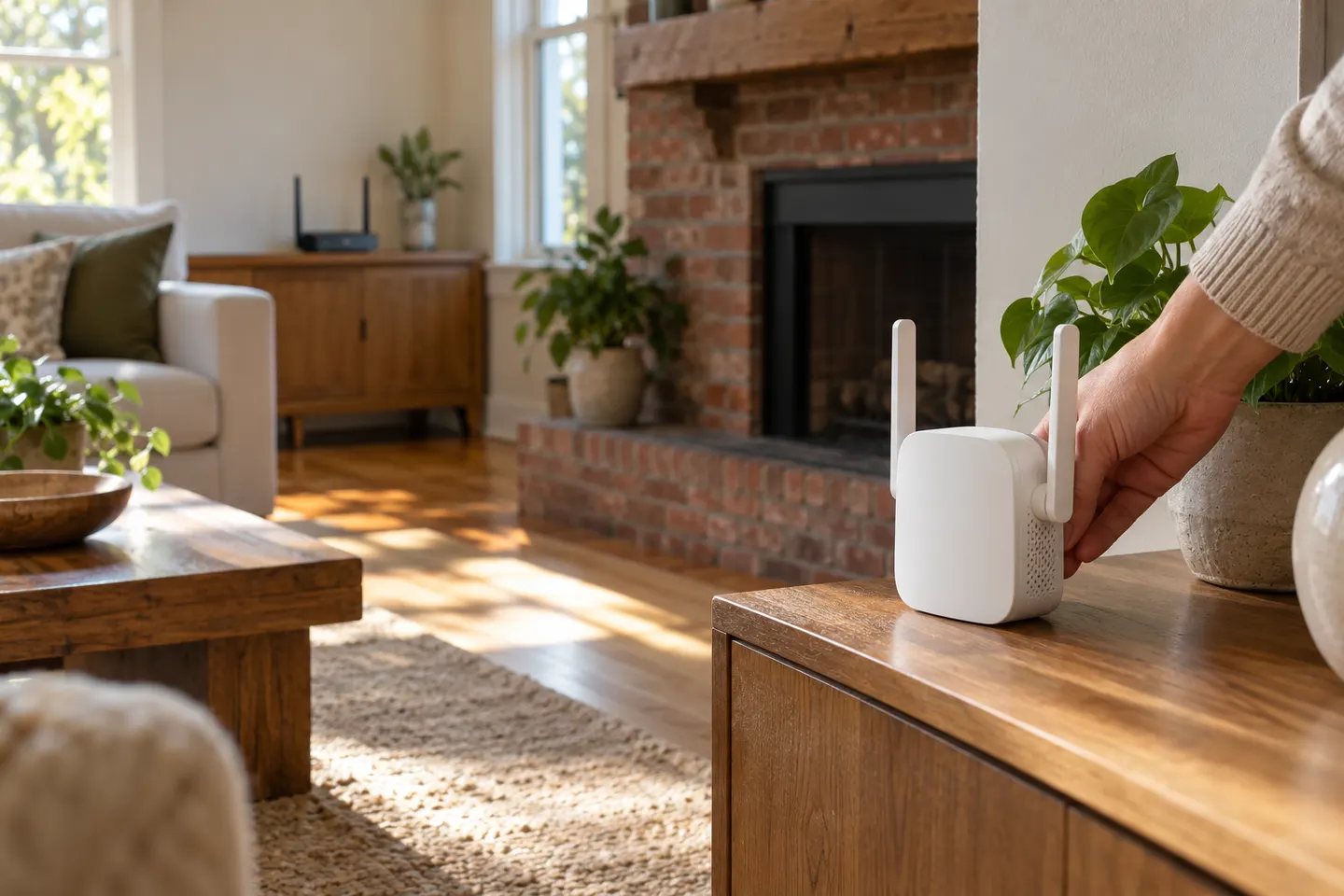
Our picks
Top picks
Official manufacturer image Official manufacturer image
NETGEAR EAX15
Check price on Amazon Official manufacturer image
TP-Link RE550
Check price on AmazonBy place and use
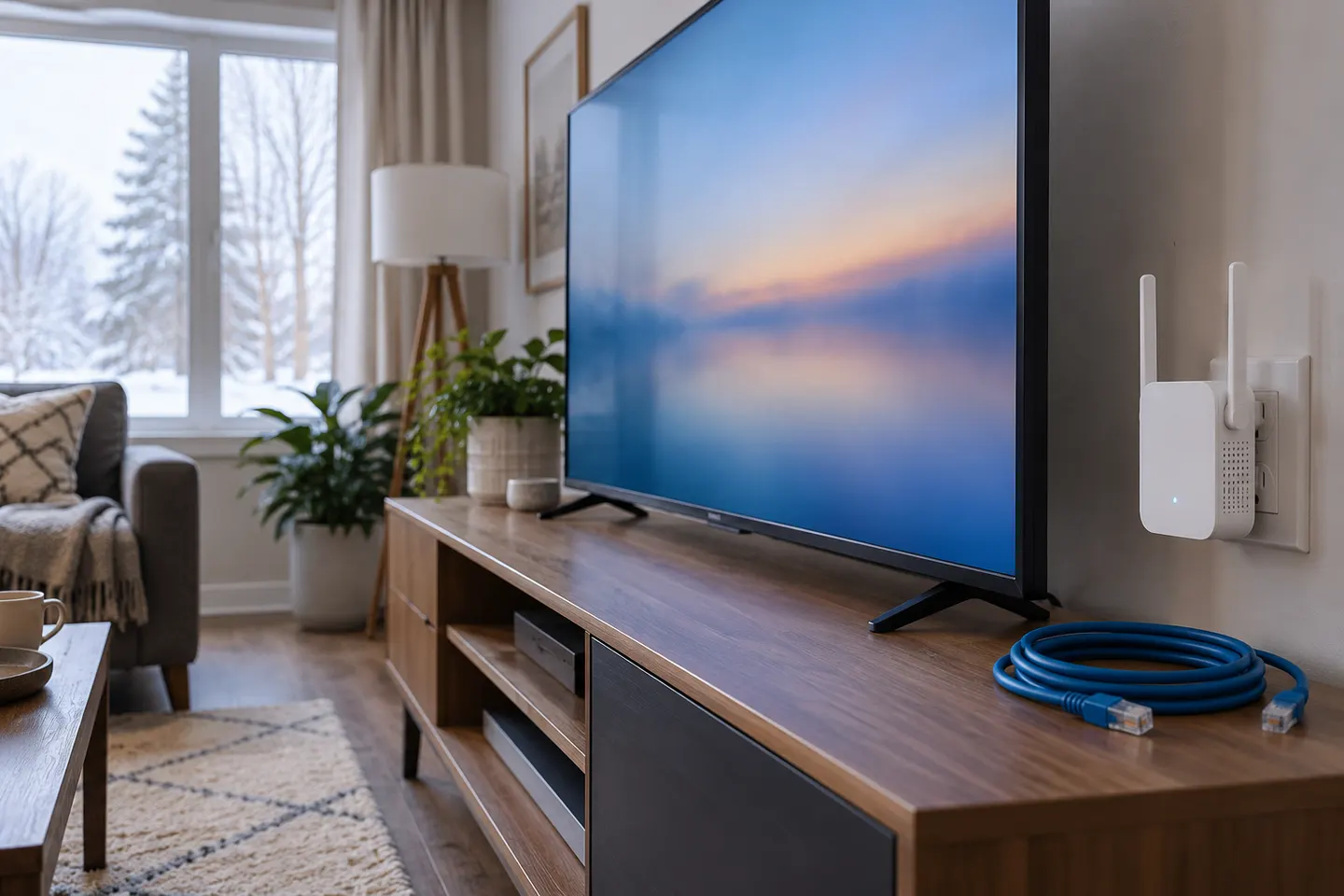 Smart tv
By type
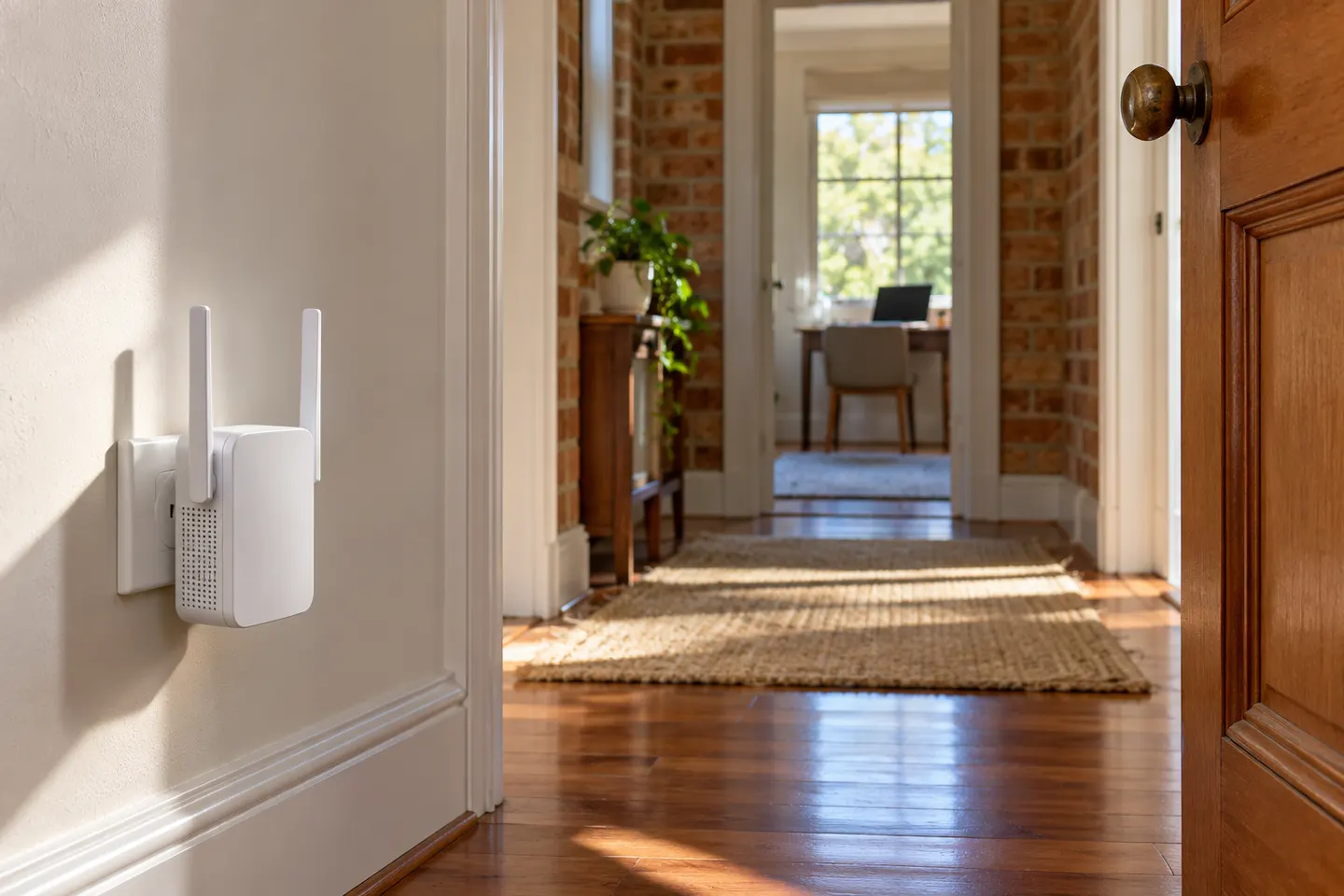 2 4ghz
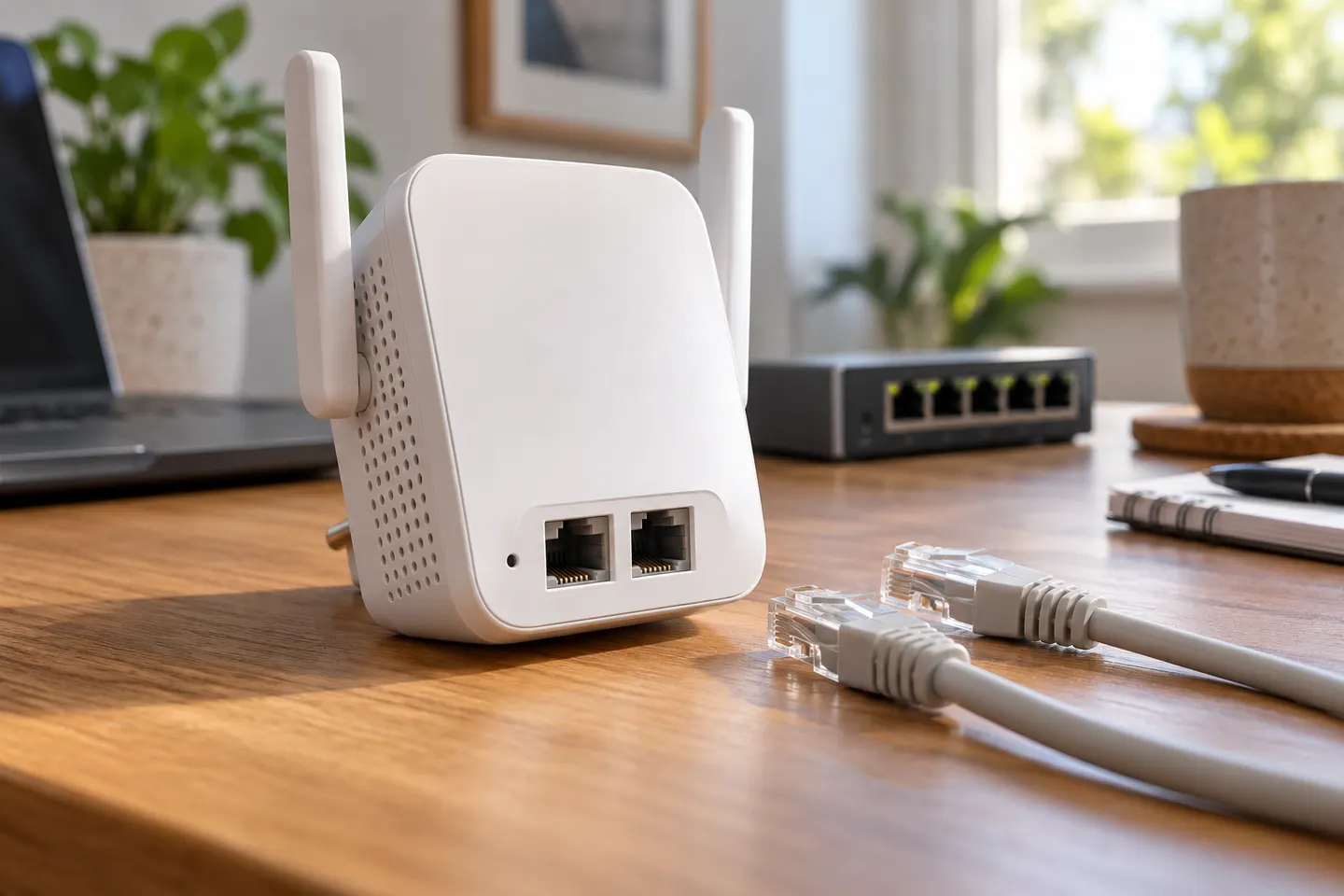 2 ethernet ports
More topics
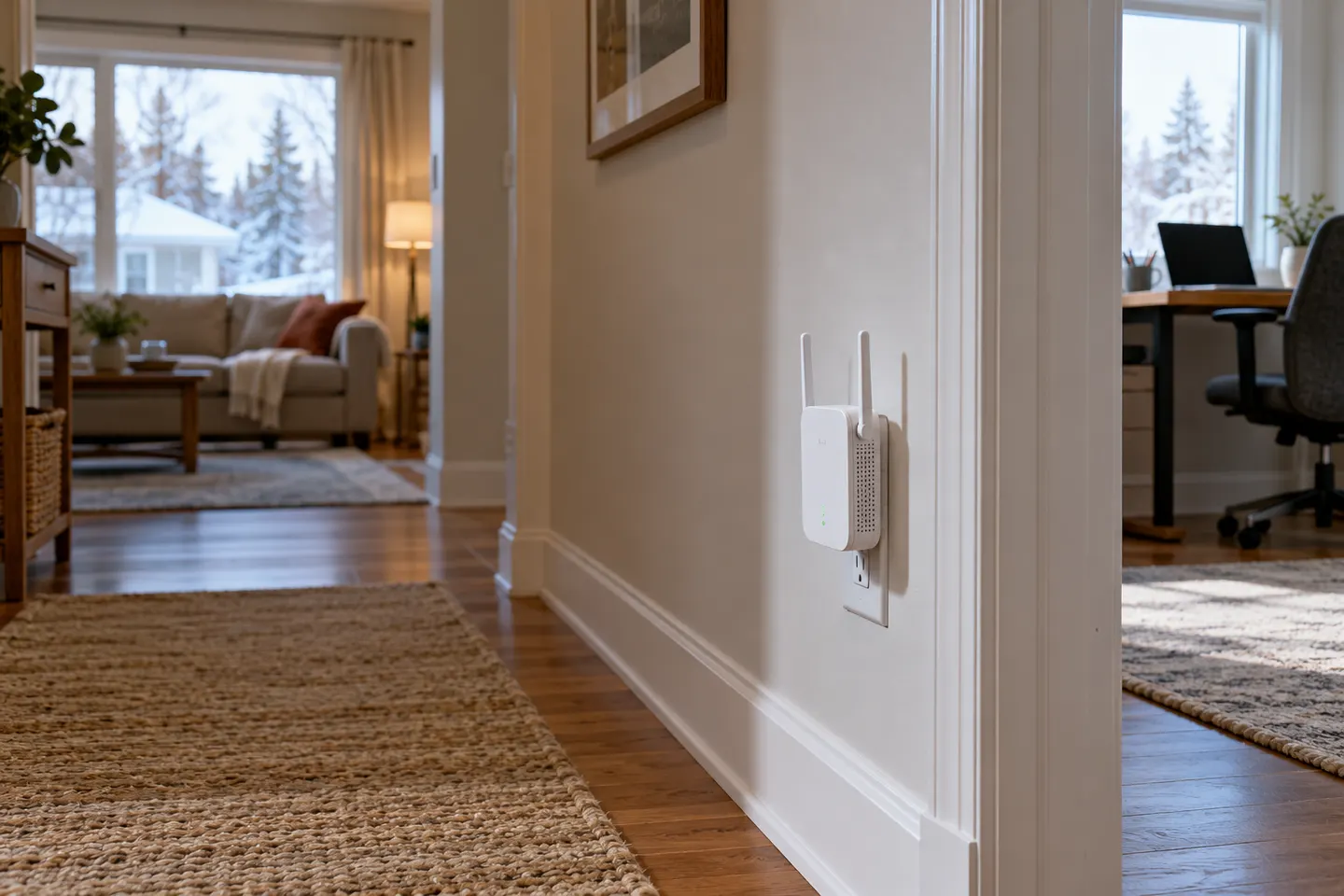 How to Choose a 2.4 GHz WiFi Extender
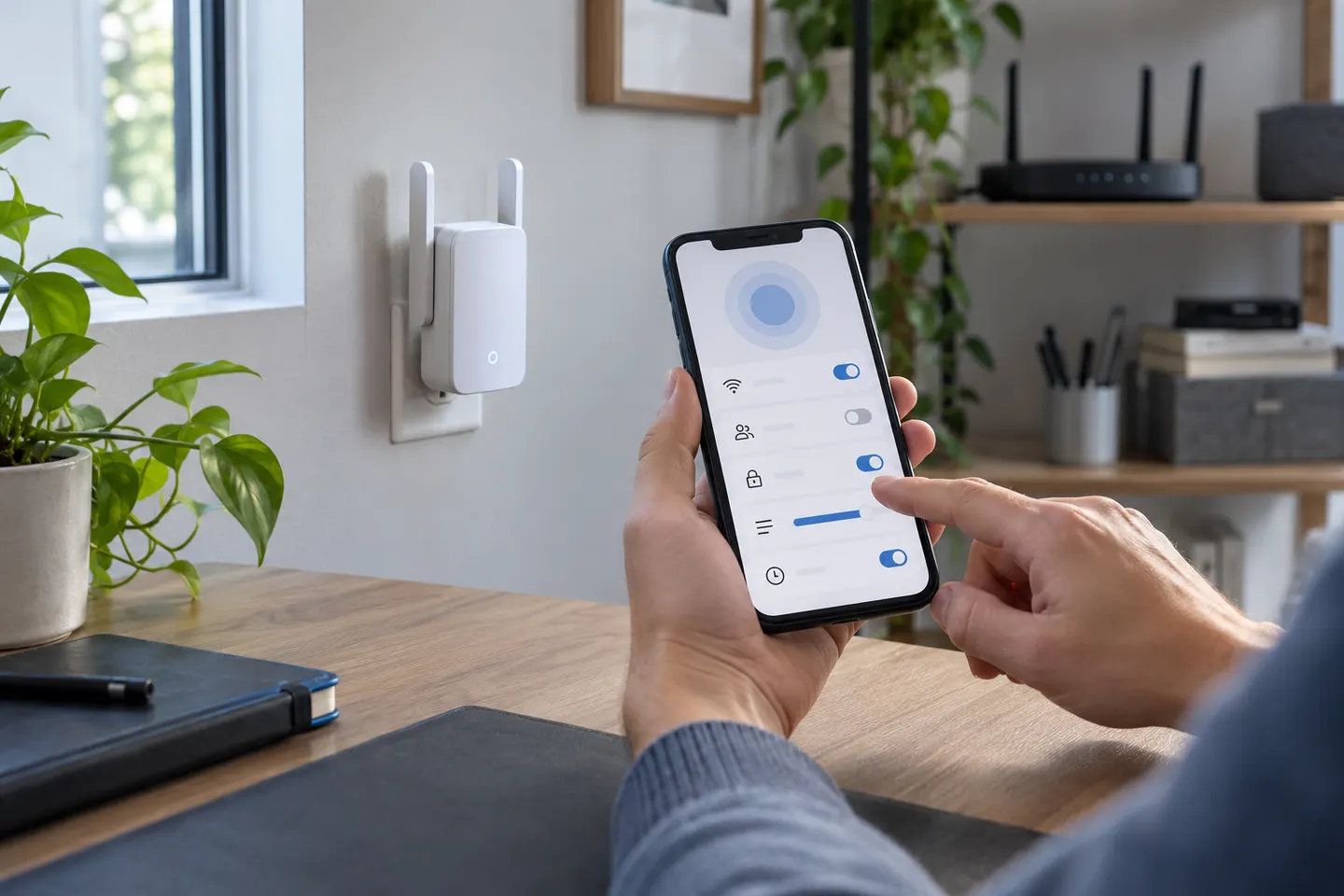 Smart WiFi Range Extenders with Useful Network…
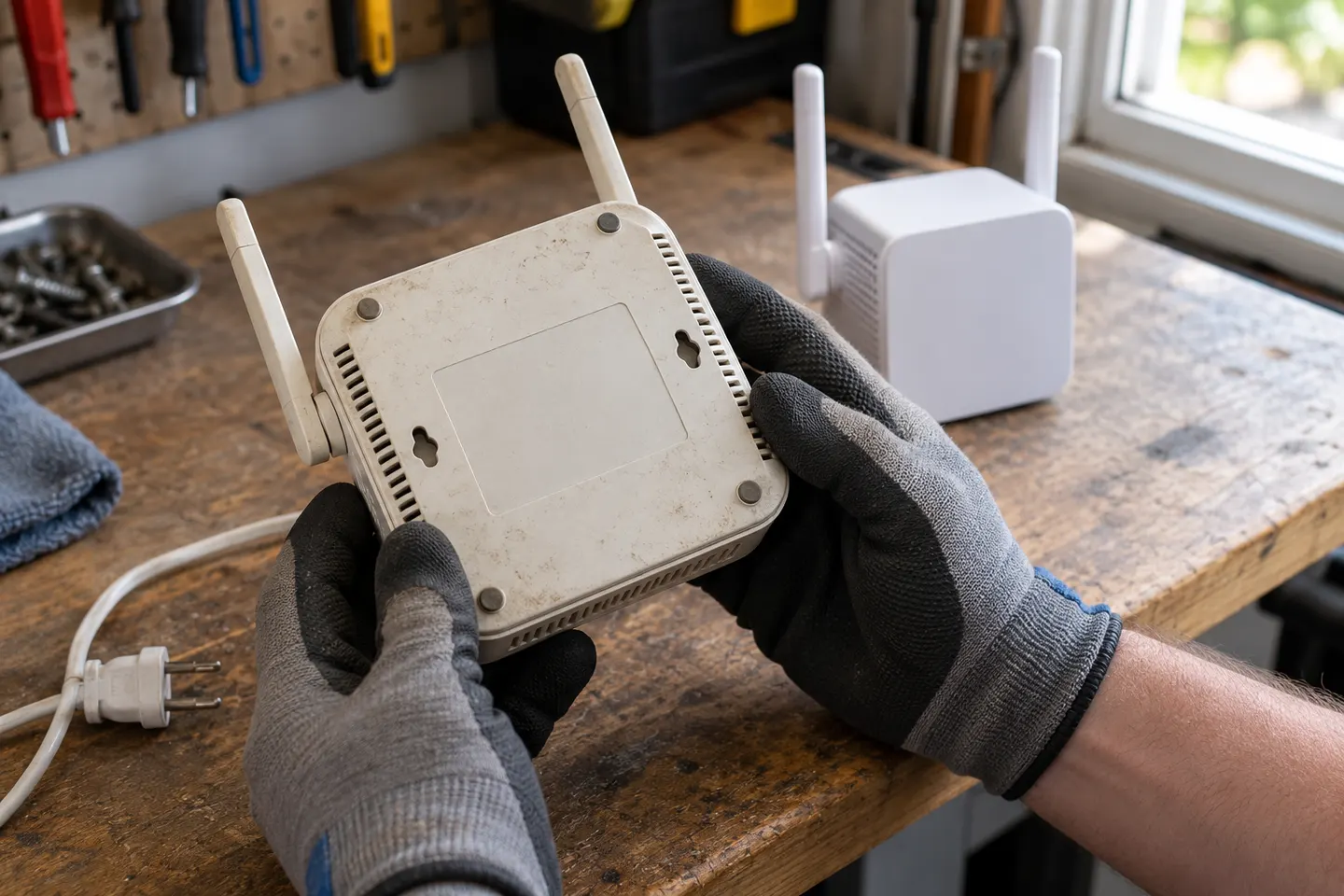 Telstra WiFi Booster Gen 1
Common questions
Questions before you buy
Will Telstra Smart WiFi Booster Gen 2 work with any router?
Check Telstra current compatibility information for the exact booster and gateway. Provider-supplied mesh or booster devices can have specific setup and service requirements.
How far can a WiFi range extender reach?
There is no dependable universal indoor distance. Walls, building materials, interference, device placement and the router link all affect usable coverage.
Where should I place a Telstra WiFi booster?
Follow the setup guidance for the model and place it where the gateway signal remains strong while extending toward the weak area. Avoid locating it inside cabinets or behind dense obstructions.
Can I use two WiFi boosters together?
Some systems support multiple nodes, but compatibility and recommended placement depend on the model. Check the manufacturer instructions before adding another device.