Independent buying guidance · US editionHow we work
Gearjury
All categories
All categories
Best picksGood Meat Thermometers for Every Kind of Cook
Best picksBest WiFi Extenders: Which Range Extender Should You Buy?
Best picksBest Dash Cams for Cars in 2026
Best picksBest Radar Detectors for Cars: Models Compared
Best picksGood Winter Gloves for Cold Weather: Five Useful Picks
Best picksBest Headlamps: Six Lights Compared for Different Uses
Best picksTop 10 Best Battery-Powered Weed Eaters for Different Yards
Best picksBest Portable Air Coolers for Patios, Workshops and Small Spaces (2026)
Best picksBest Air Purifier for Bedroom in the US: Quiet Models Compared
United StatesEnglish

Category hub

How to Choose a WiFi Booster for Xbox Series X

A well-placed extender with Ethernet can provide a wired last hop, but it cannot remove internet or router bottlenecks.

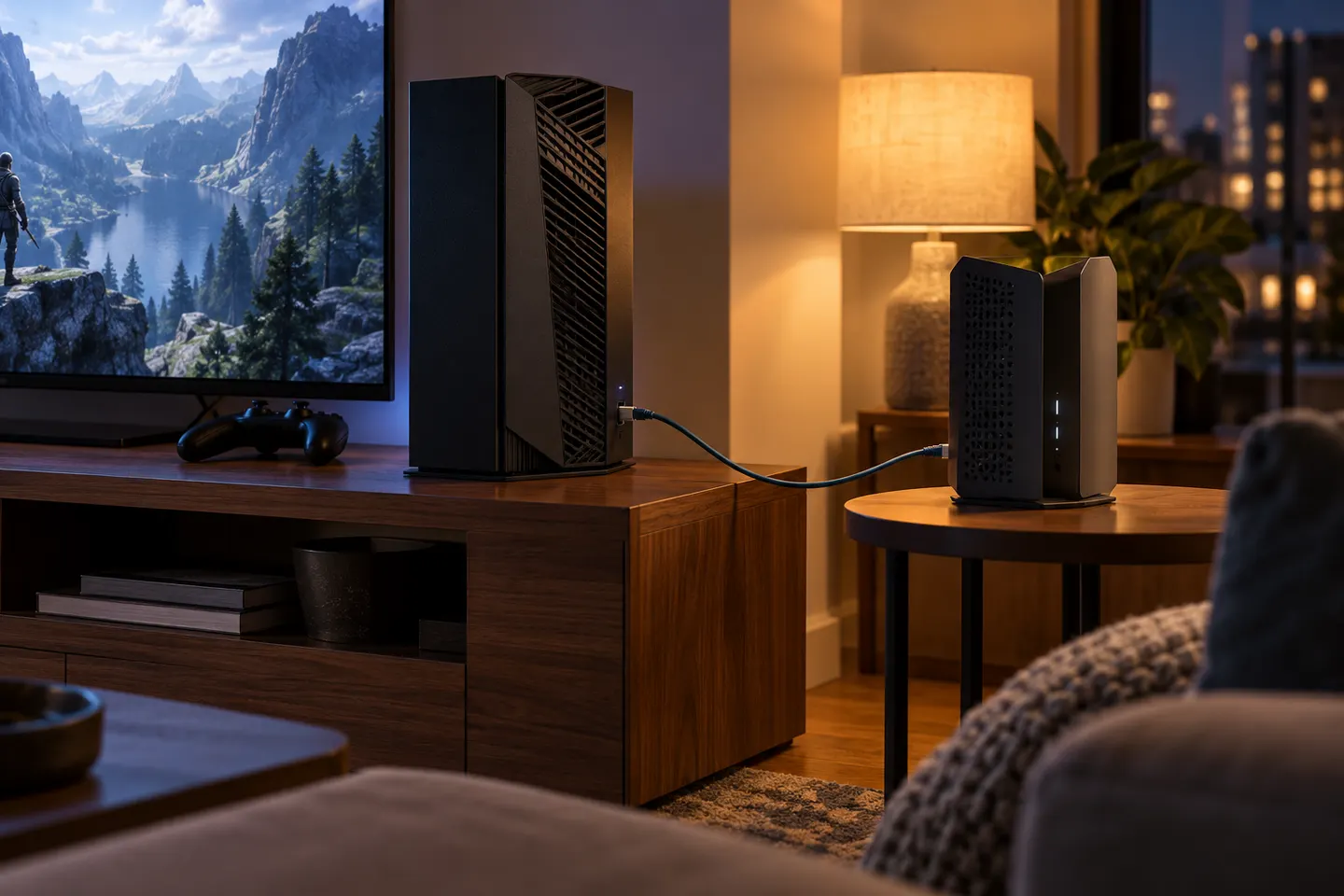
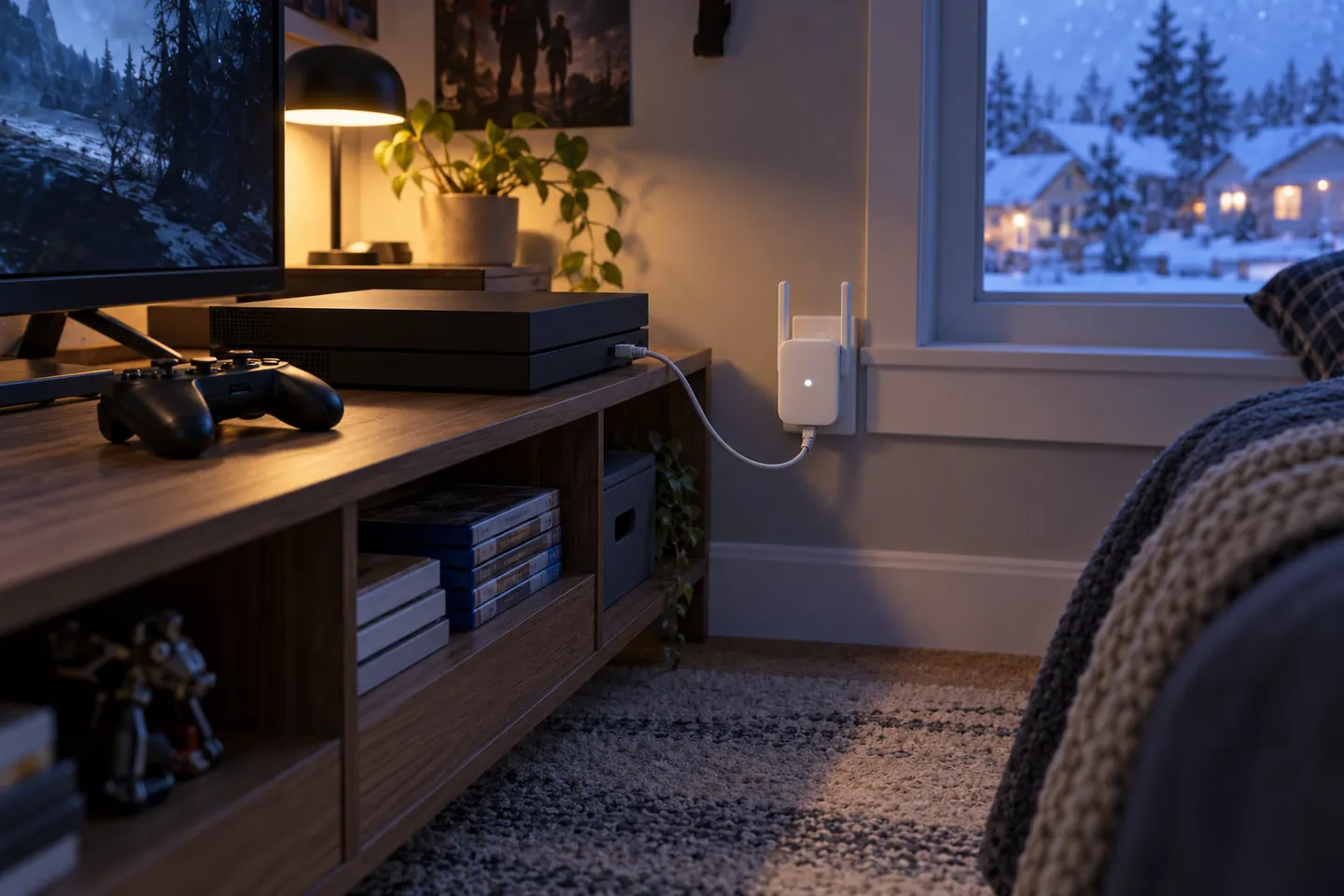
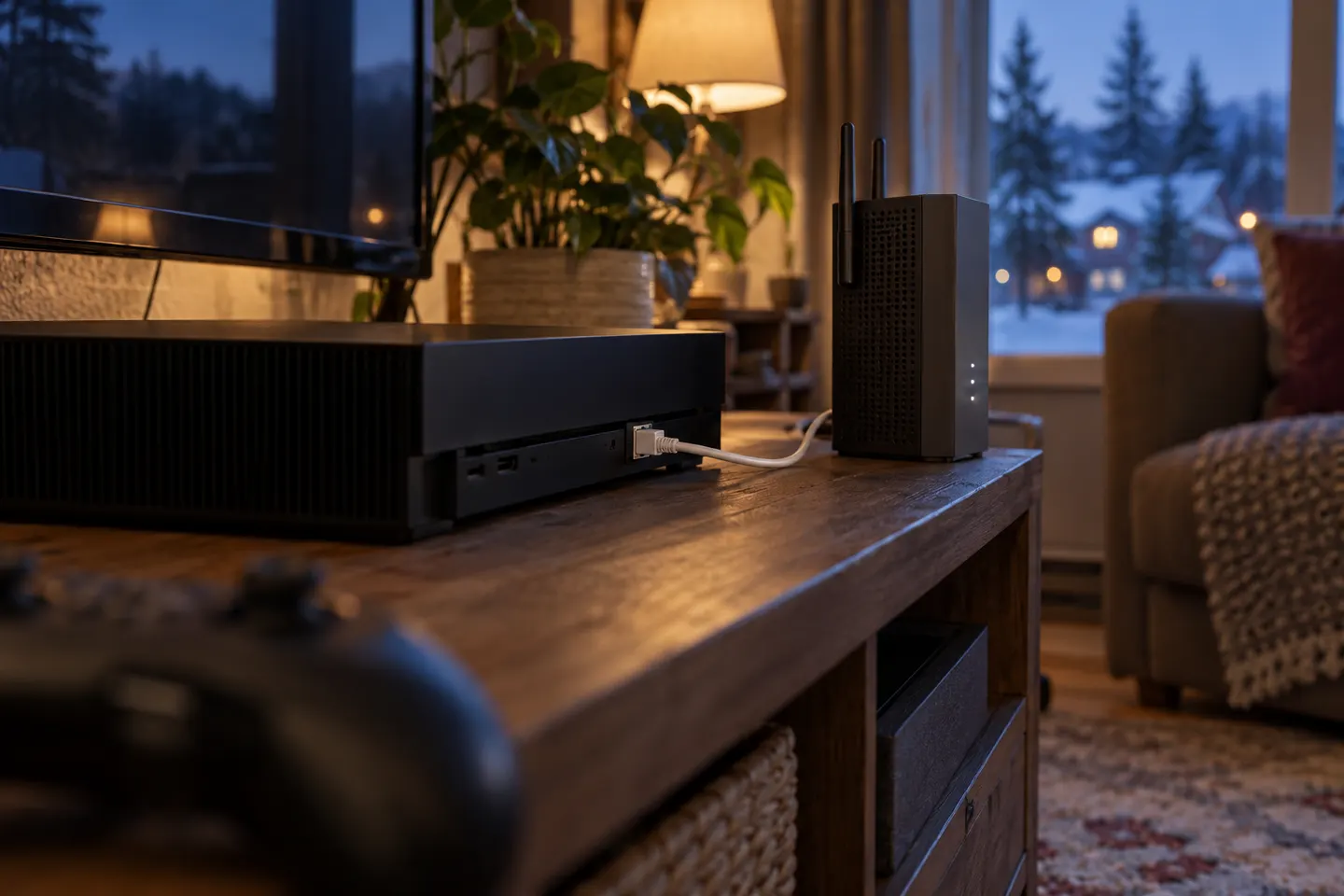
A WiFi booster for Xbox Series X helps only if the console?s connection is the weak part. An extender with Ethernet may let you wire the final hop, though its router connection remains wireless unless configured as a wired access point. Check port speed and backhaul; consider mesh if coverage fails along the route.

How to Choose a WiFi Booster for Xbox Series X

By place and use

2

Common questions

Questions before you buy

Can I connect an Xbox Series X to a WiFi extender?

Yes, over Wi-Fi or by Ethernet if the extender has a compatible port. The extender still needs a reliable router link.

Will a WiFi booster reduce Xbox lag?

It may improve a weak local signal, but cannot guarantee lower latency. Congestion, internet quality and server distance also matter.

Should I use Ethernet from the extender to the Xbox?

A cable avoids a weak console-to-extender Wi-Fi hop. Check the port speed and remember the router link remains in the path.

Where should I place an extender for Xbox gaming?

Place it between router and console where it still receives a strong signal, not in the dead zone beside the console.