









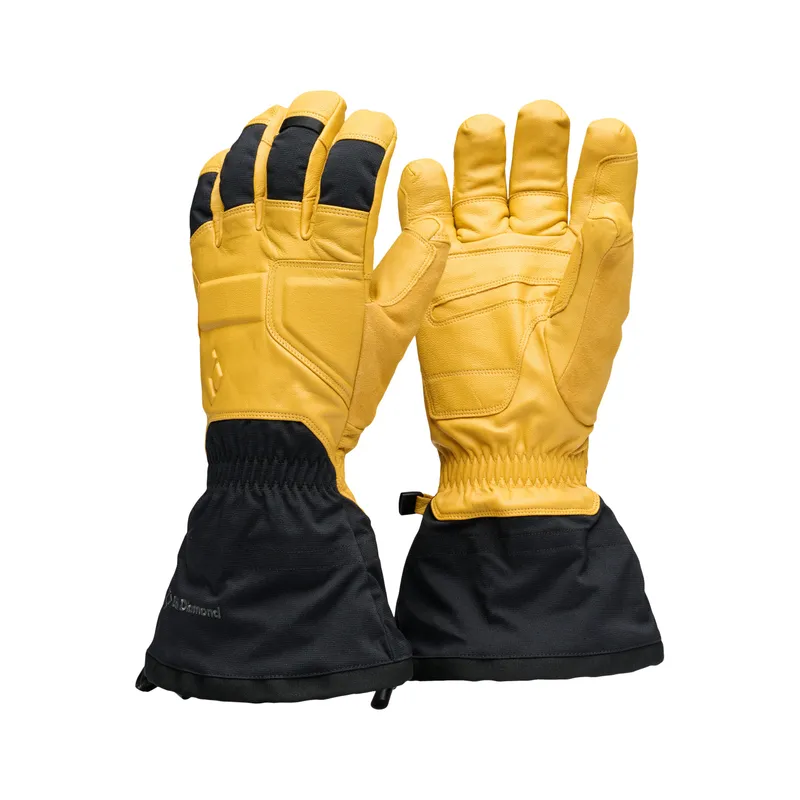
 Official manufacturer image
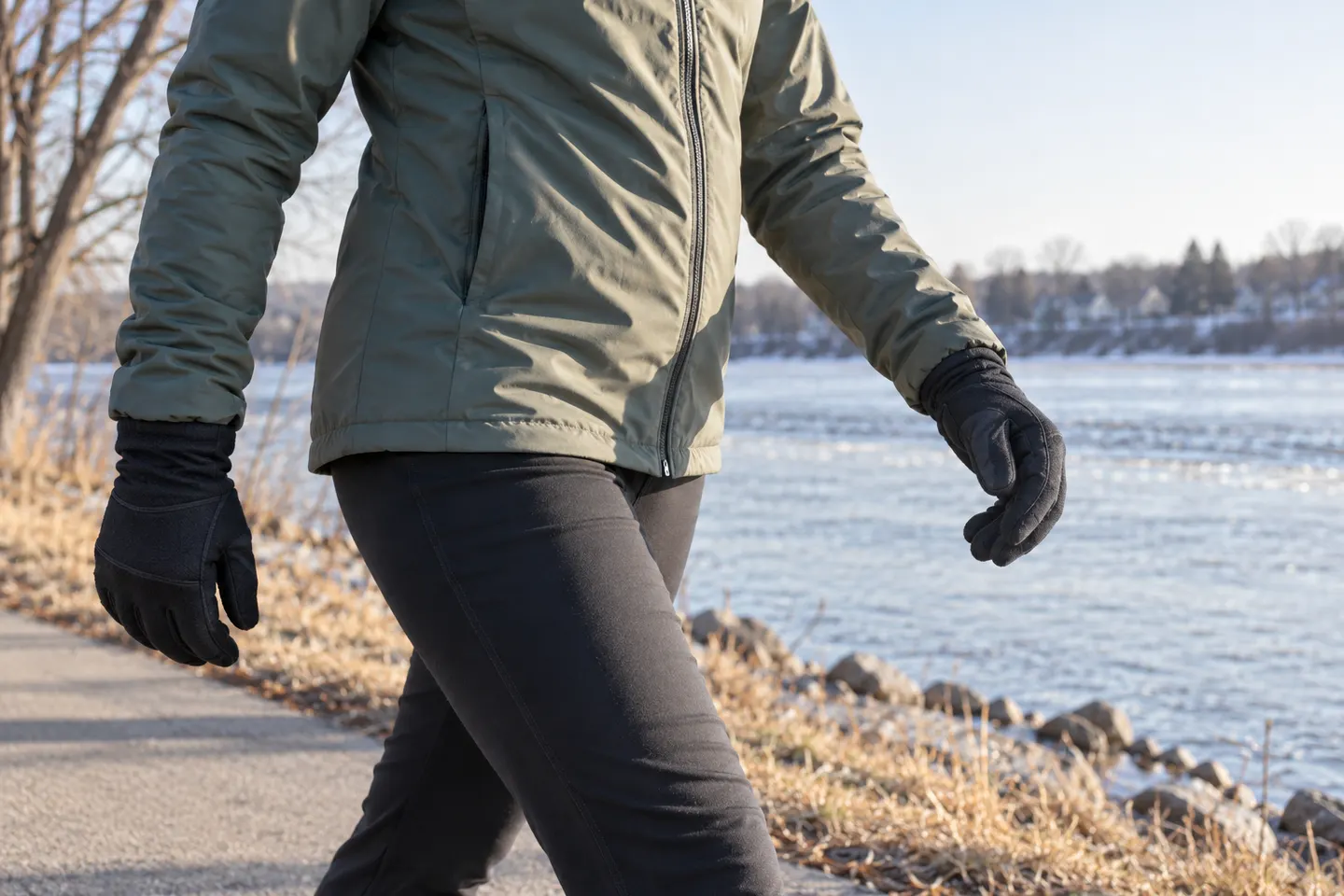
Our picks
Top picks
Official manufacturer image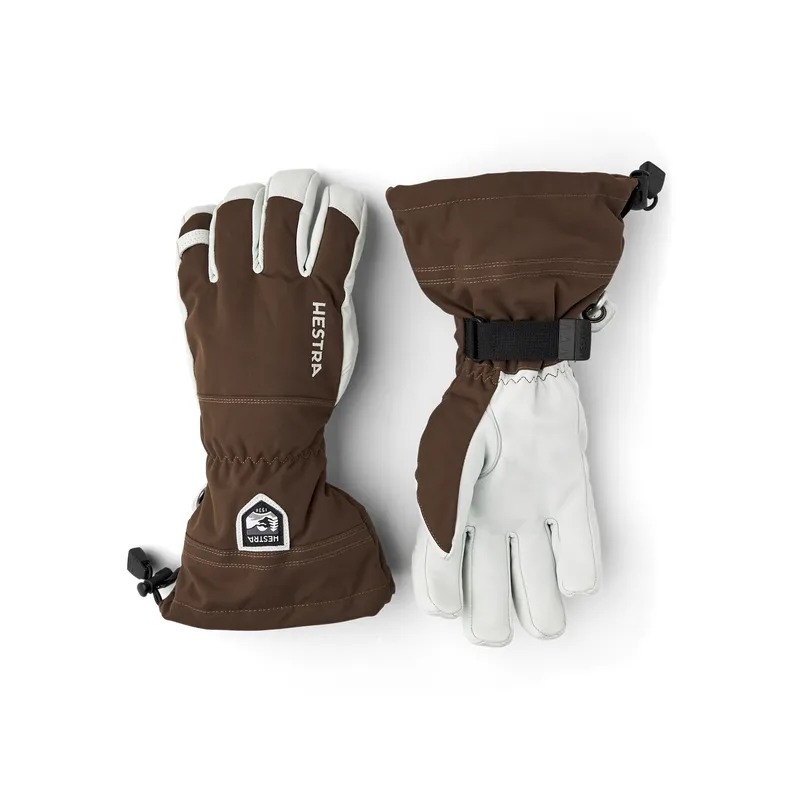 Official manufacturer image
Hestra Army Leather Heli Ski - 5 finger
Check price on Amazon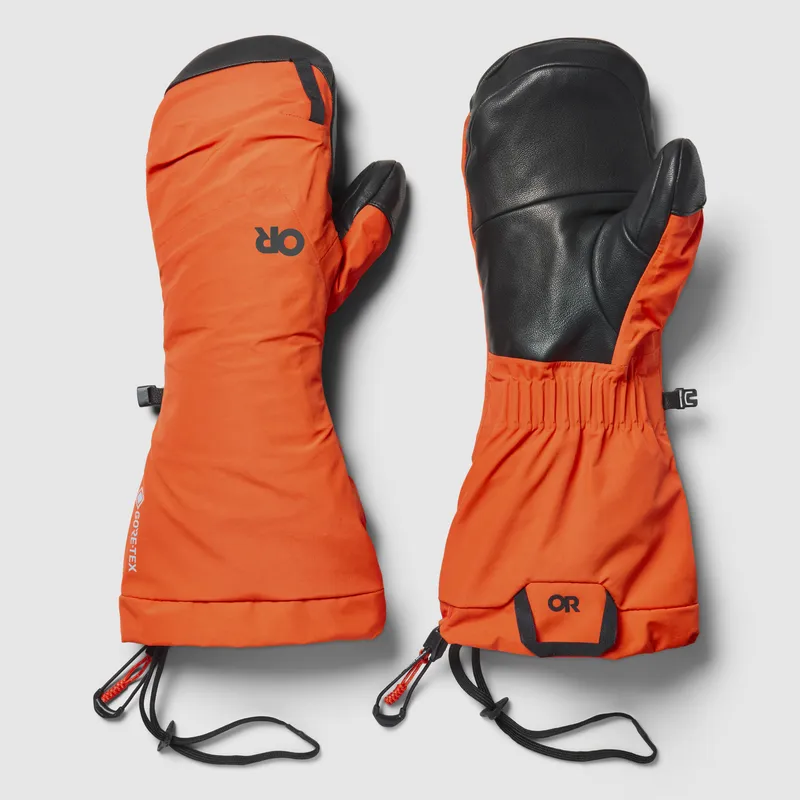 Official manufacturer image
Outdoor Research Alti II GORE-TEX Mitts
Check price on AmazonBy who wears them
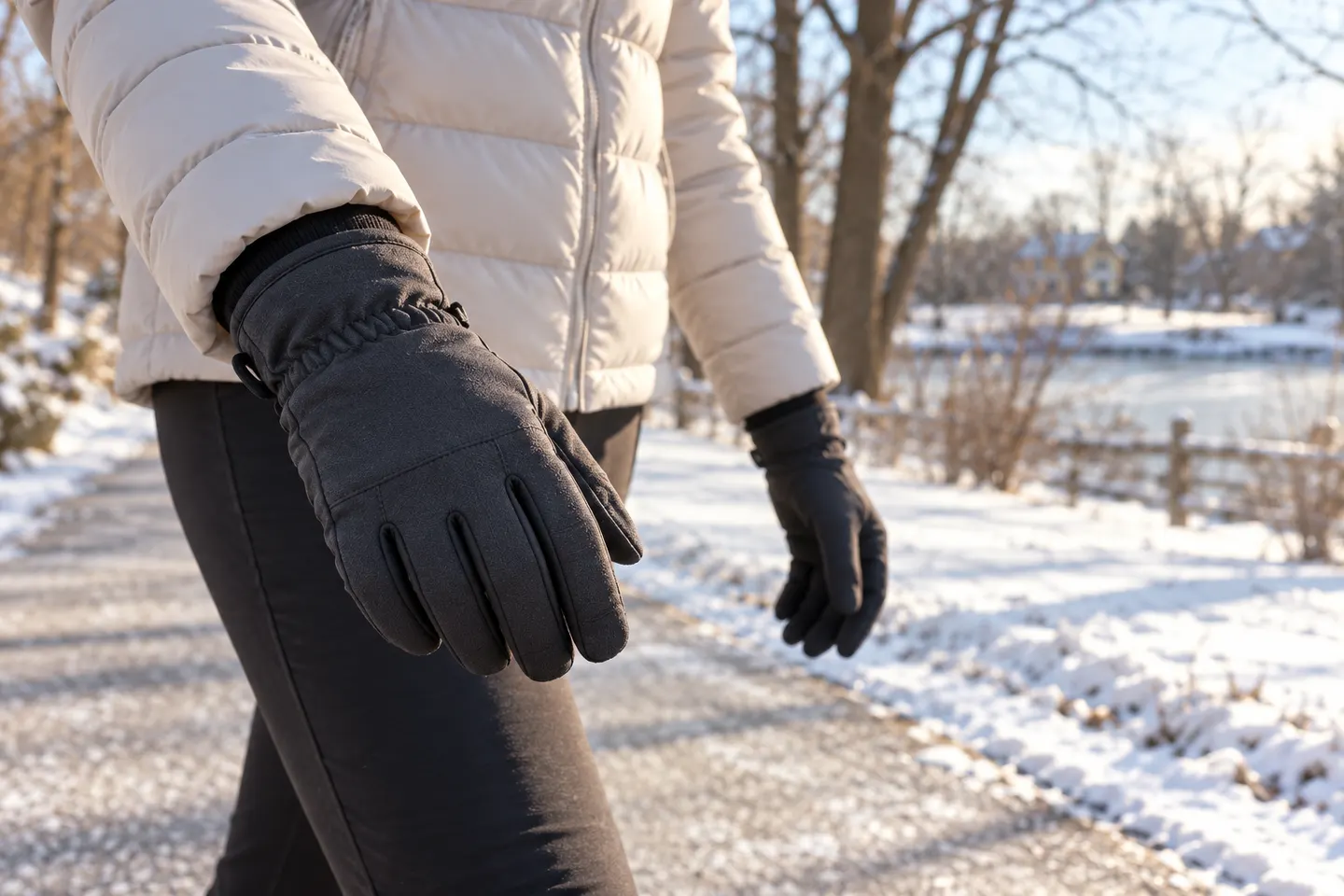 Women walking
By activity
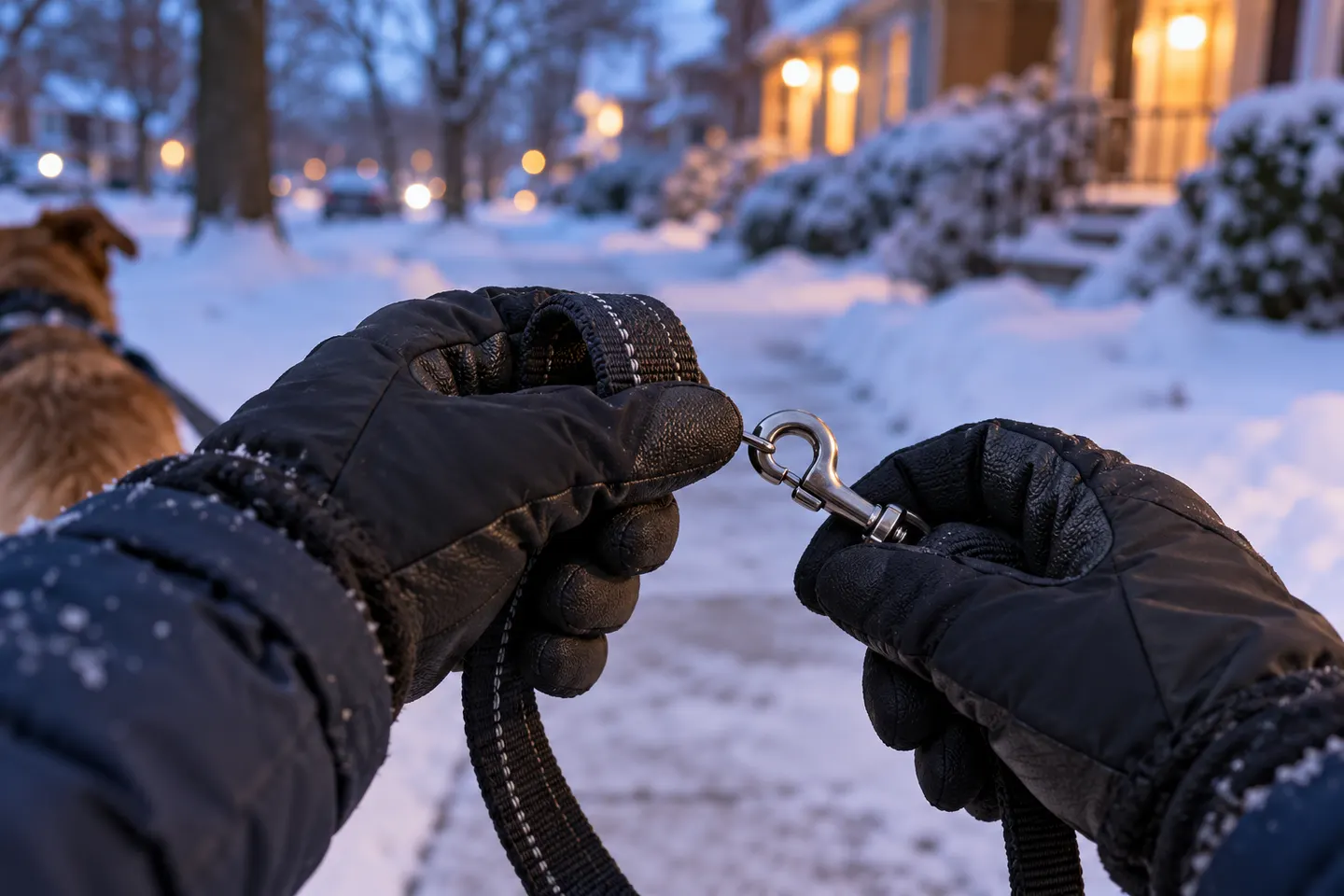 Dog walking
Common questions
Questions before you buy
Are thin gloves warm enough for walking?
They can be suitable for brisk walking in mild cold. In wind, damp or long stationary periods, add insulation or carry a warmer pair.
Should I choose waterproof gloves for walking?
Choose them when you expect sustained rain, wet snow or contact with slushy surfaces. For dry conditions, water-resistant fabric may be sufficient.
How should walking gloves fit?
Your fingers should move freely without excess fabric interfering with grip. Avoid a tight fit that compresses fingertips.
Can I use touchscreen gloves while walking?
Some gloves have conductive fingertips, but responsiveness varies by screen, fit and glove condition. Check whether the maker identifies the specific touchscreen zones.