




 Official manufacturer image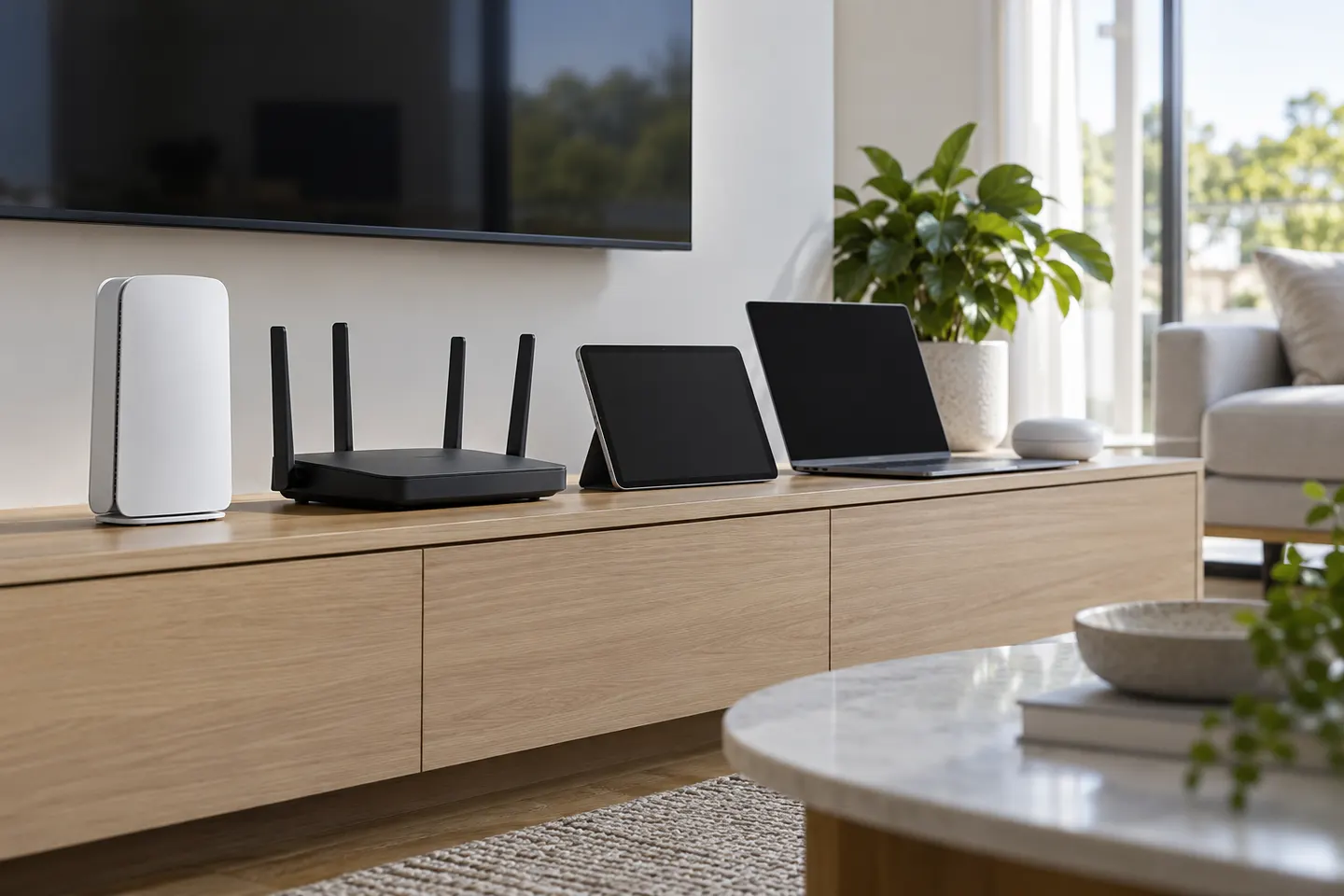
Our picks
Top picks
Official manufacturer image Official manufacturer image
TP-Link RE705X-Outdoor
Check price on Amazon AU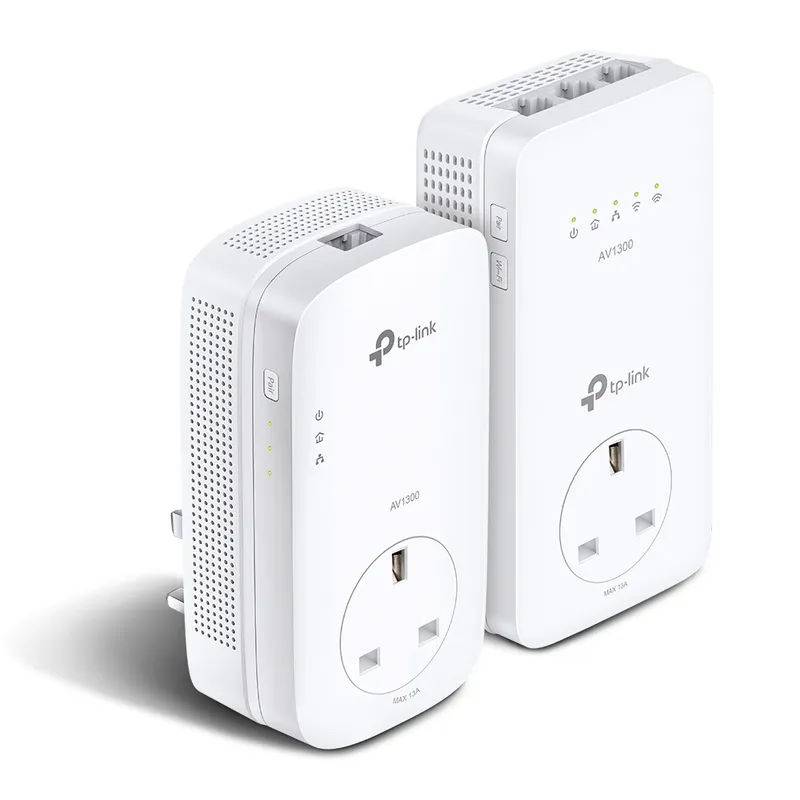 Official manufacturer image
TP-Link TL-WPA8631P KIT
Check price on Amazon AUCommon questions
Questions before you buy
What is a Wi-Fi 7 extender?
It is a range extender using the Wi-Fi 7 standard. Wi-Fi 7 features need compatible router and client devices; older devices use standards they support.
Does Wi-Fi 7 work with Wi-Fi 6 devices?
Wi-Fi 7 equipment is designed to support earlier generations, but a Wi-Fi 6 client will not gain Wi-Fi 7-only features. Performance depends on the full connection.
Is Wi-Fi 7 worth it for an extender?
It may suit a newer network when the router and clients can use its features. For older devices, a well-placed Wi-Fi 6 extender may be sufficient.
Does Wi-Fi 7 guarantee faster internet?
No. Advertised wireless link rates are not internet speeds. Router backhaul, broadband plan, interference and client capability all affect throughput.