


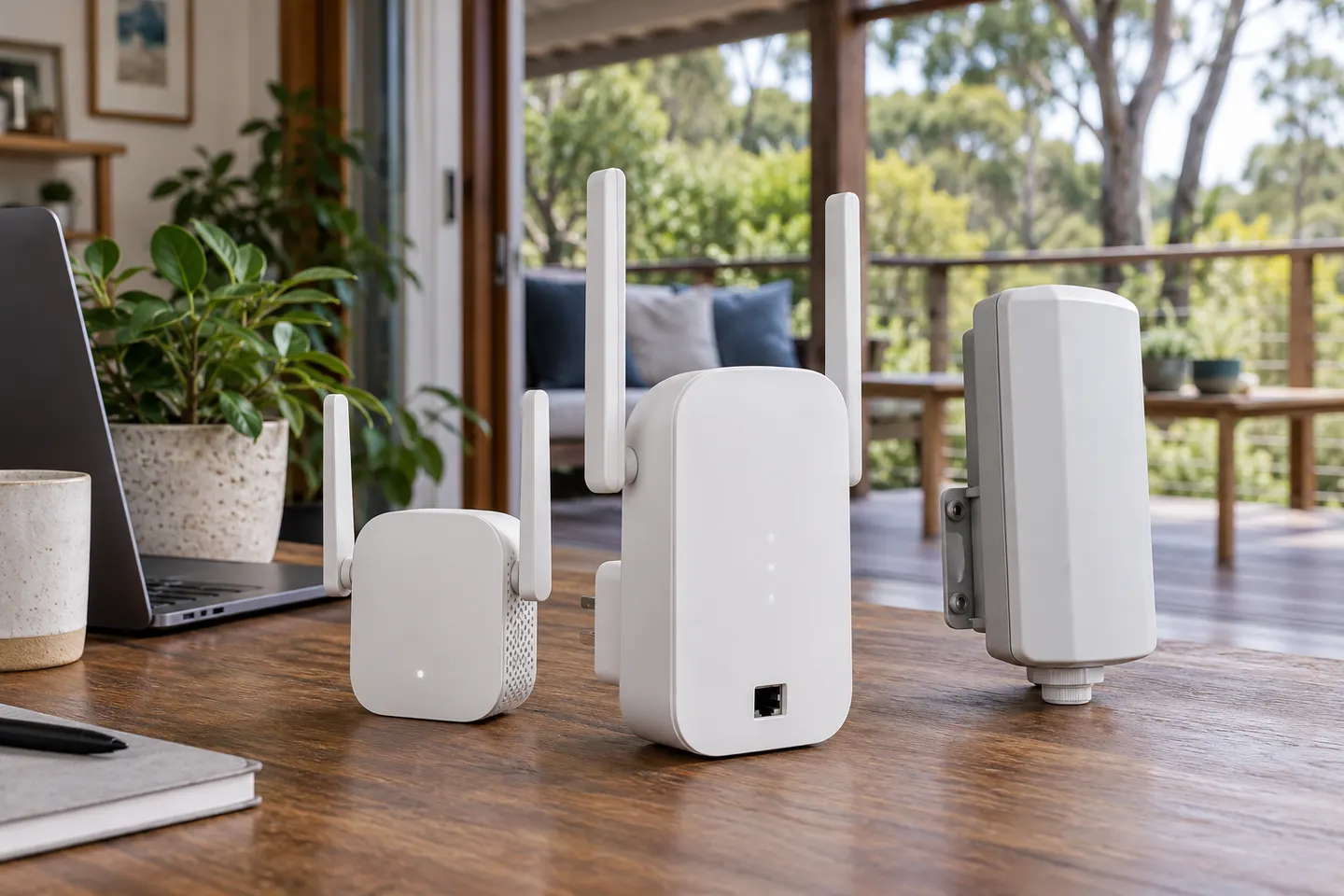

 Official manufacturer image
Our picks
Top picks
Official manufacturer image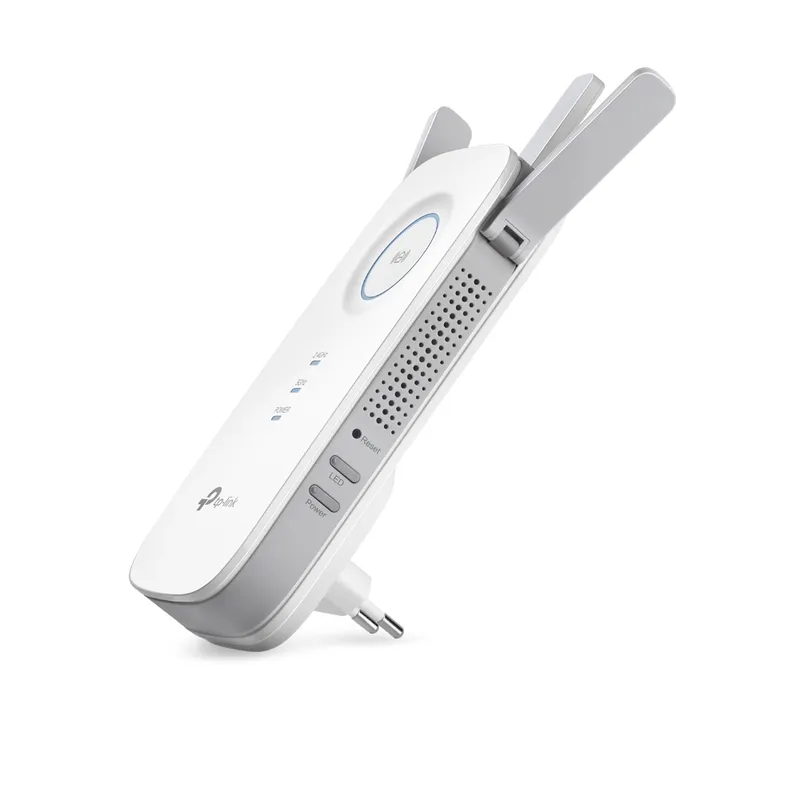 Official manufacturer image
TP-Link RE450
Check price on Amazon AU Official manufacturer image
TP-Link RE705X-Outdoor
Check price on Amazon AUMore topics
Common questions
Questions before you buy
How do I set up an Optus Ultra WiFi Booster?
Use the Optus setup instructions for the exact booster generation and modem. Follow its indicator guidance and placement advice rather than a generic pairing sequence.
Will an Optus Ultra WiFi Booster work with another provider?
Do not assume so. Check the device’s compatibility and service requirements with Optus for the exact model.
Where should I place an Optus WiFi booster?
Follow Optus’s placement guidance and position it where it can maintain a useful connection to the modem while serving the weak area.
What if my Optus booster will not pair?
Confirm the model generation and supported modem, then follow the official troubleshooting steps. Check status lights and retry the documented setup process.