


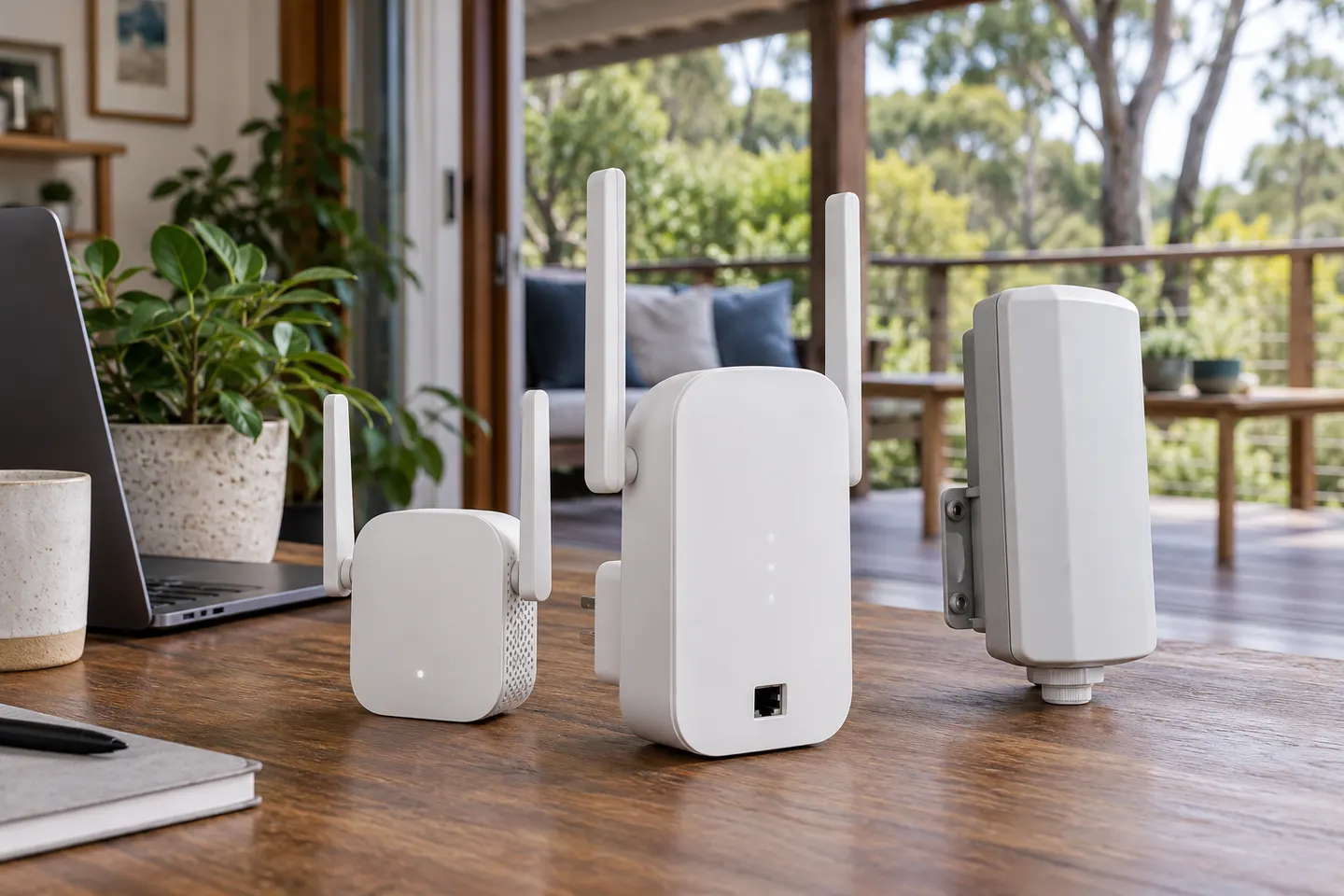

 Official manufacturer image
Our picks
Top picks
Official manufacturer image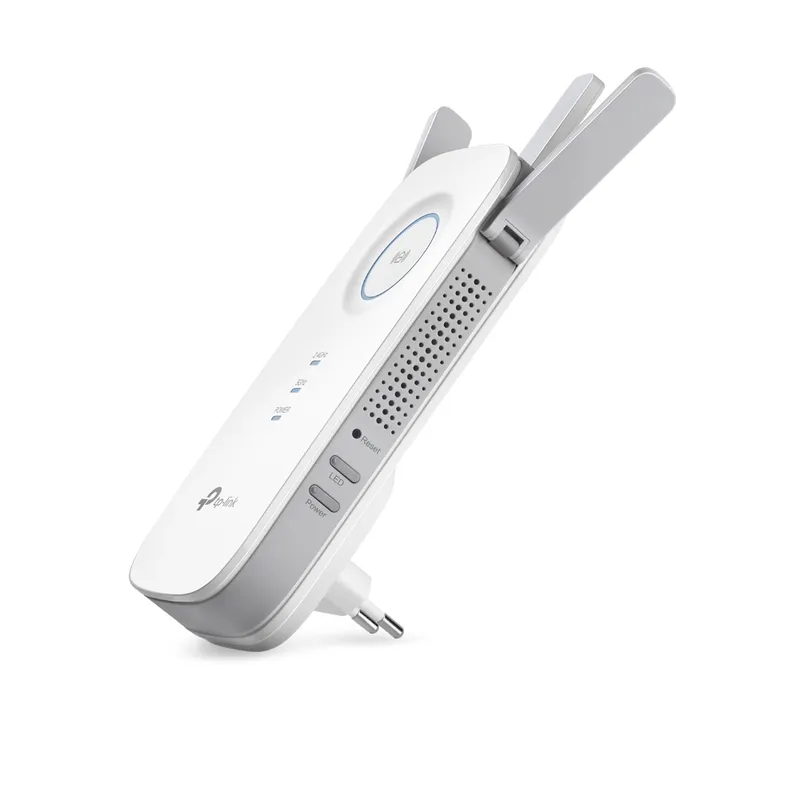 Official manufacturer image
TP-Link RE450
Check price on Amazon AU Official manufacturer image
TP-Link RE705X-Outdoor
Check price on Amazon AUMore topics
Common questions
Questions before you buy
Is Telstra Smart WiFi Booster 3 the same as Gen 3?
The current Telstra product is named Smart Wi-Fi Booster Gen 3. Search wording often omits 'Gen', so check that the listing itself identifies the intended generation.
Does Telstra Smart WiFi Booster 3 have Ethernet?
The Telstra overview cited here describes wireless mesh pairing but does not establish an Ethernet port for every unit. Check the exact hardware listing or manual before relying on a wired connection.
Can I use a Telstra Smart WiFi Booster twin pack?
Confirm the exact pack contents and eligibility on Telstra's current accessory page. Pairing requirements depend on a compatible Telstra modem and eligible service.
What should I do if Telstra Smart WiFi Booster 3 is not pairing?
Check eligibility and modem compatibility, power-cycle the devices, and follow the current Telstra app instructions. Avoid a factory reset until you have the model-specific steps and are ready to pair again.