


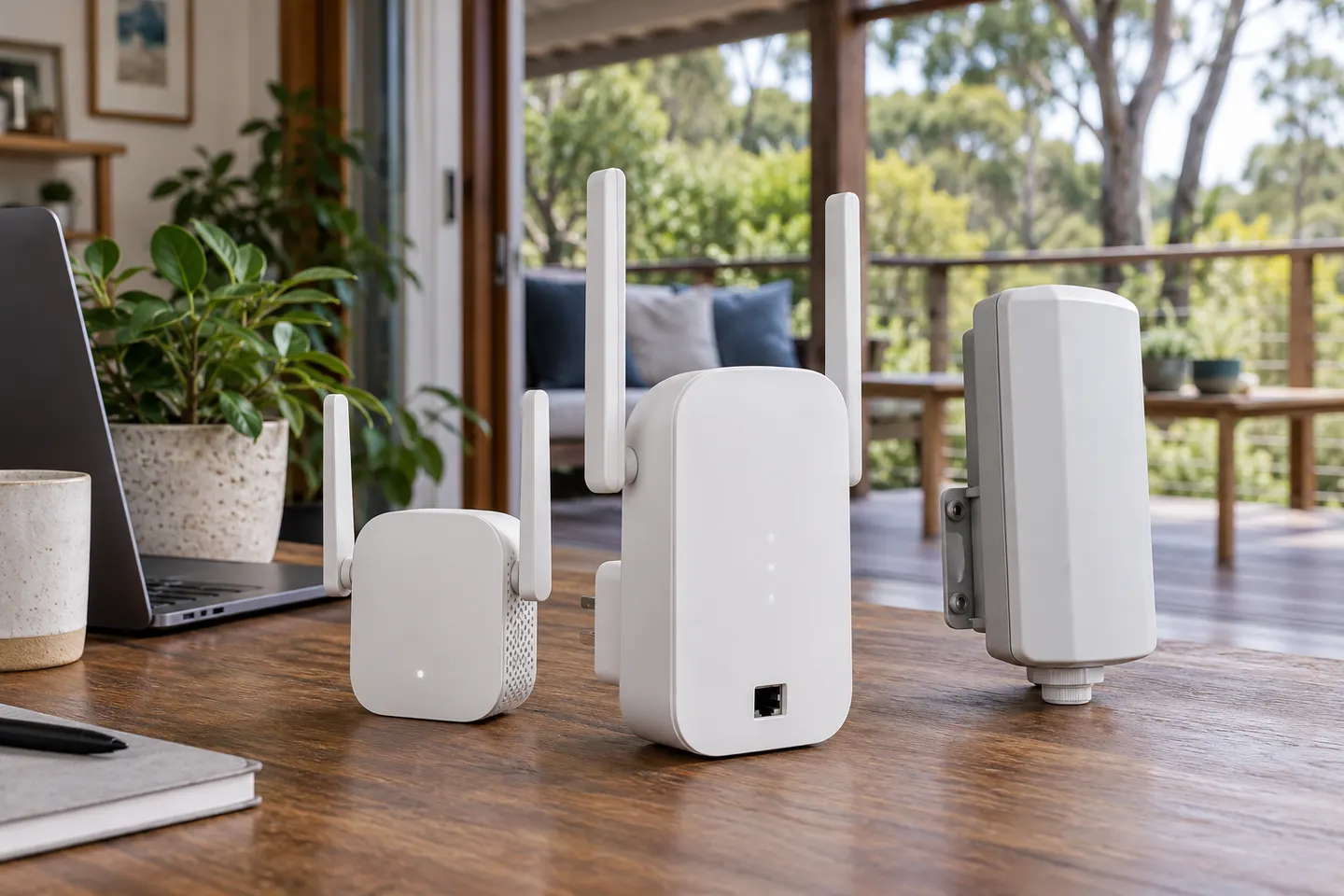

 Official manufacturer image
Our picks
Top picks
Official manufacturer image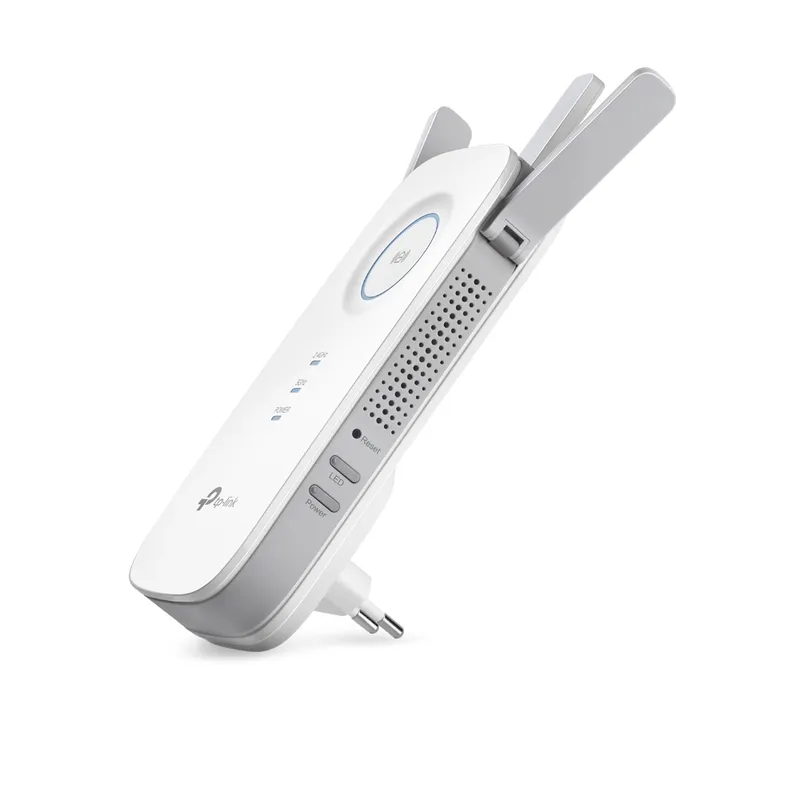 Official manufacturer image
TP-Link RE450
Check price on Amazon AU Official manufacturer image
TP-Link RE705X-Outdoor
Check price on Amazon AUMore topics
Common questions
Questions before you buy
How do I connect the Telstra WiFi Booster Gen 3?
Telstra says the booster pairs with a compatible modem on an eligible service. Follow the current My Telstra app or Telstra support setup flow, and keep the units close together during pairing.
How do I reset the Telstra Smart WiFi Booster Gen 3?
Use Telstra's current model-specific support instructions for a reset; the public product overview does not establish a universal button timing. Confirm the exact unit and understand that resetting may require pairing it again.
Why is my Telstra WiFi Booster Gen 3 not pairing?
Check service eligibility, modem compatibility, power and the distance between devices. Telstra describes the booster as pairing with its modem, so a third-party router may not meet its requirements.
Does Telstra Smart WiFi Booster Gen 3 work with any provider?
Telstra positions this booster for eligible Telstra plans and compatible Telstra modems. Check its current eligibility details rather than assuming it works as a generic WiFi extender.