Gearjury may earn a commission when you buy through a retailer link. Recommendations follow the cited criteria.
Guide
What Dash Cam Is Best for Your Driving Needs?
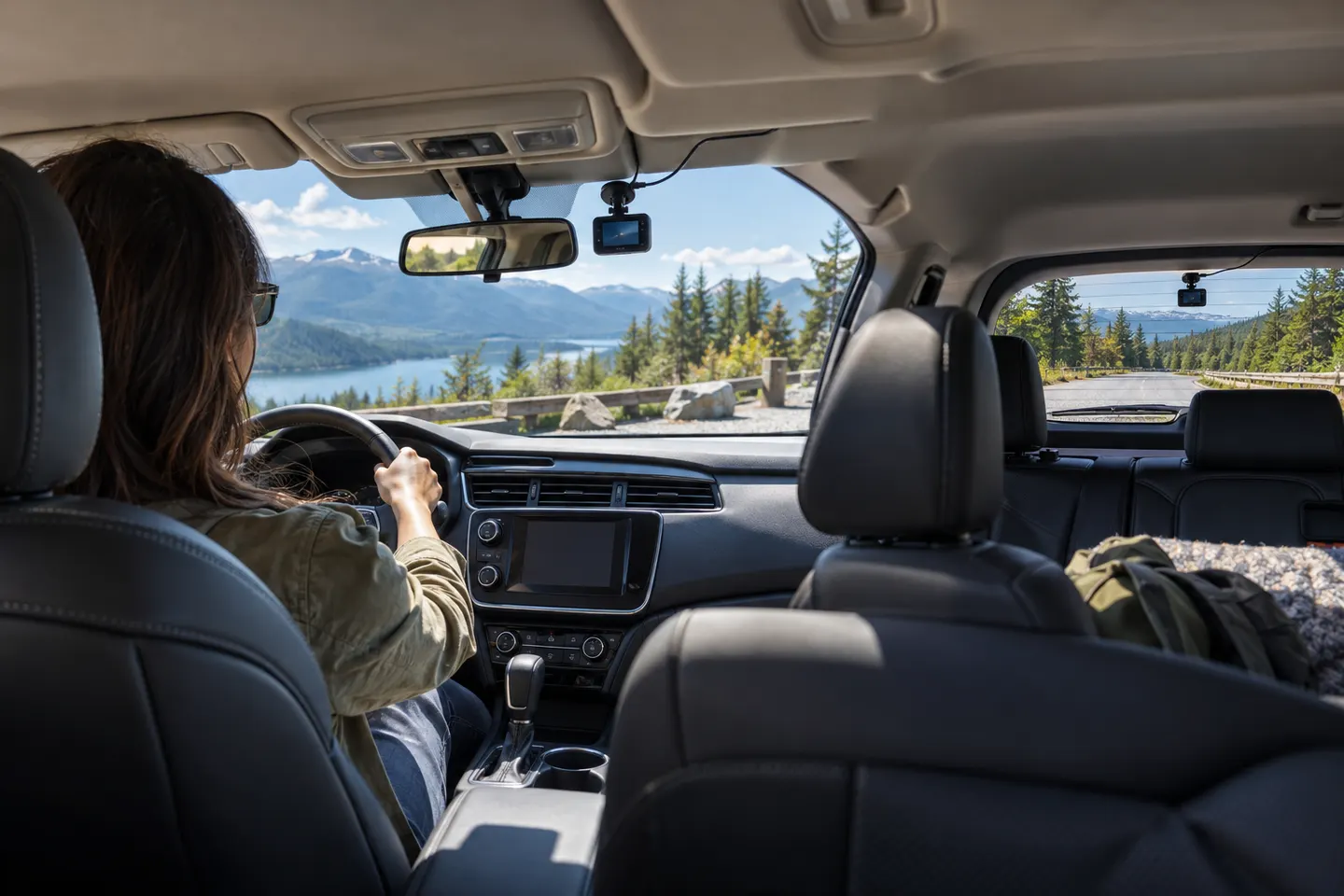
The best dash cam is the one that covers the views you need, records useful detail and can be powered safely. Start with front-only versus front-and-rear, then assess parking and connectivity.
GGearjury editorial team · Updated October 15, 2026· 6 min
01
What is a dashcam and what does it record?
A dashcam is a compact vehicle camera that records in a continuous loop while it has power. An impact sensor can protect an event clip, but you should still confirm the file and save a copy after an incident. A dash cam does not prevent collisions or guarantee that every plate will be readable.
02
Choose front-only, two-channel or cabin coverage
Front-only is compact and easy to install. A two-channel kit adds the road behind; a three-channel setup can also capture the cabin, which may suit rideshare work. Compare the recording resolution of every channel while they run together, not only the front camera's maximum.
03
Prioritize useful video quality
Resolution is only one part of clarity. Look for published frame rate, HDR, sensor, lens angle, bitrate options and original daytime and night clips. A polarizer can reduce reflections, while too wide a field of view can shrink distant details.
04
Decide whether parking mode is worth the wiring
Parking surveillance needs power after the ignition is off. Check whether the model offers buffered event capture, motion detection, time-lapse or radar assistance, then use its approved hardwire, OBD or battery accessory with low-voltage protection.
05
Check Canadian temperature and storage limits
Read the manufacturer's operating-temperature range rather than assuming every camera suits a cold-soaked cabin or summer windshield. Use a high-endurance memory card within the supported capacity and format it as the manual instructs.
06
Treat Wi-Fi, GPS and cloud as separate features
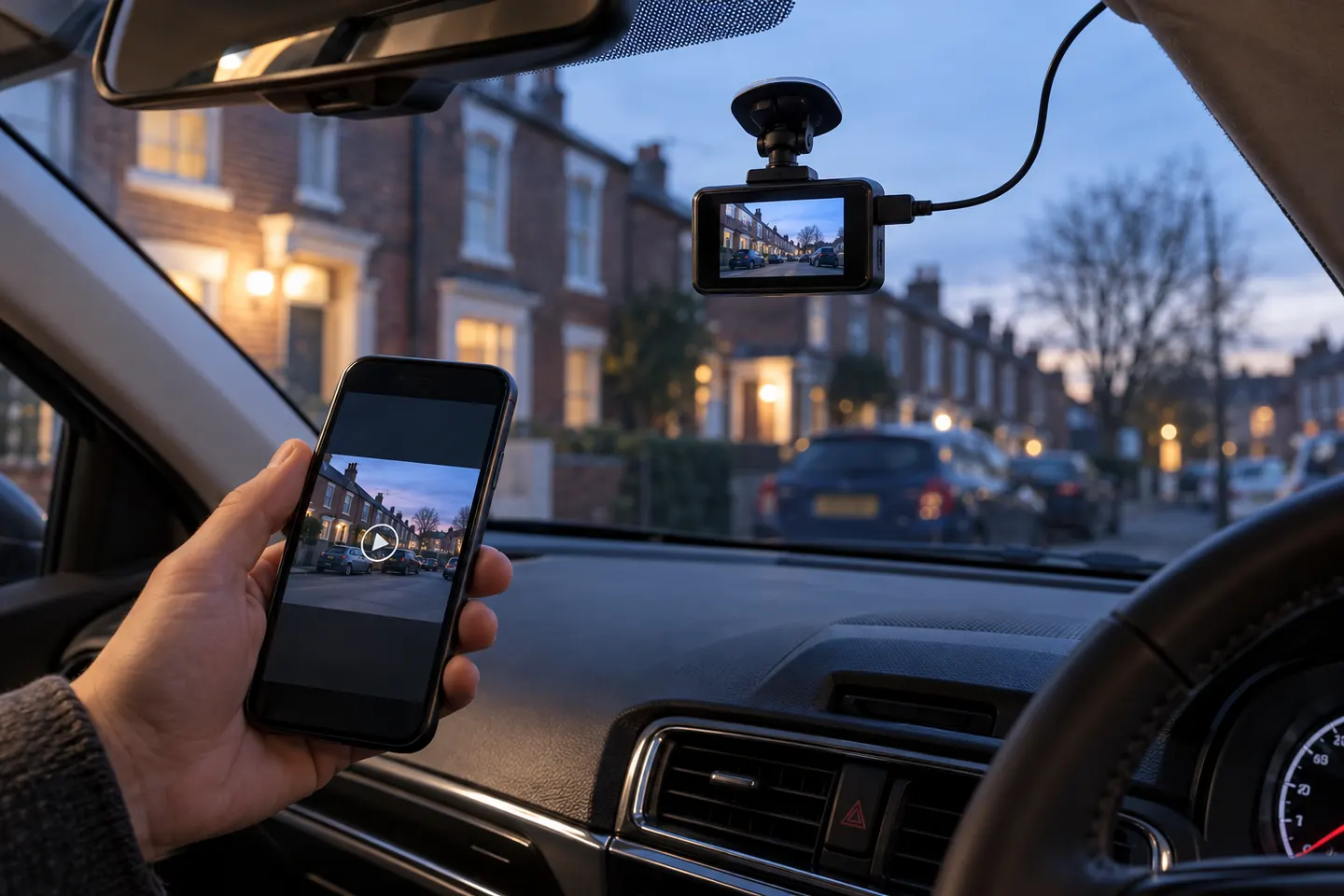
Wi-Fi usually transfers clips locally to a phone. GPS logs location and speed. Remote live view or alerts generally require internet connectivity, compatible coverage and possibly a subscription; none of these features makes the camera wire-free.
07
Match the mount and power to your vehicle
Keep the camera inside the cleaned windshield area without blocking sightlines or driver-assistance sensors. Route cables away from airbags and controls. Use a qualified installer when hardwiring, working around a powered hatch or dealing with an EV, hybrid or leased vehicle.
Common questions
Questions before you buy
What dash cam is best for most drivers?
A compact front-and-rear model with good daytime and night footage, reliable loop recording and safe power is the practical default. Front-only is enough when simplicity matters more than rear coverage.
What is a dashcam?
It is an onboard camera that continuously records the road or cabin in short looped files while powered, with event protection on supported models.
Do I need 4K in a dash cam?
Not always. 4K can preserve more detail, but a well-tuned lower-resolution camera may outperform poor 4K processing at night or in motion.
How much memory does a dash cam need?
Choose within the manufacturer's supported range and account for camera channels and recording bitrate. A high-endurance card is designed for repeated video writing.
Is a battery or capacitor dash cam better for Canada?
A capacitor design is often chosen for wider temperature tolerance, but the published operating range of the exact model is the deciding evidence.
The VIOFO A229 Pro 2CH is our broadest all-round choice for front-and-rear detail. Garmin Mini 3 suits a discreet setup, while Thinkware U3000 targets parking surveillance.
Start with the view you need: front-only for simple evidence, front-and-rear for broader coverage, or parking mode for protection while stopped.
Your privacy
We use cookies and similar technologies. Necessary ones keep the site working. With your permission we also use statistics cookies (Google Analytics and Microsoft Clarity) to understand which guides help readers. You can accept all, reject all or choose. You can change your choice at any time from "Cookie settings" at the bottom of every page. Cookie policy