Gearjury may earn a commission from retailer links. This guide prioritises fit and evidence quality over feature count.
Guide
What Dash Cam Is Best for Your Car?
The best dash cam is the simplest model that covers the views you need and reliably saves usable footage. Start with channels, then judge image capture, power and access.
GGearjury editorial team · Updated 15 October 2026· 6 min
01
What is a dashcam?
A dashcam is an in-vehicle video camera that normally records short files continuously and overwrites older unlocked footage when the memory card fills. Impact detection can protect an event file, but you should still copy important clips promptly.
02
Choose the views you actually need
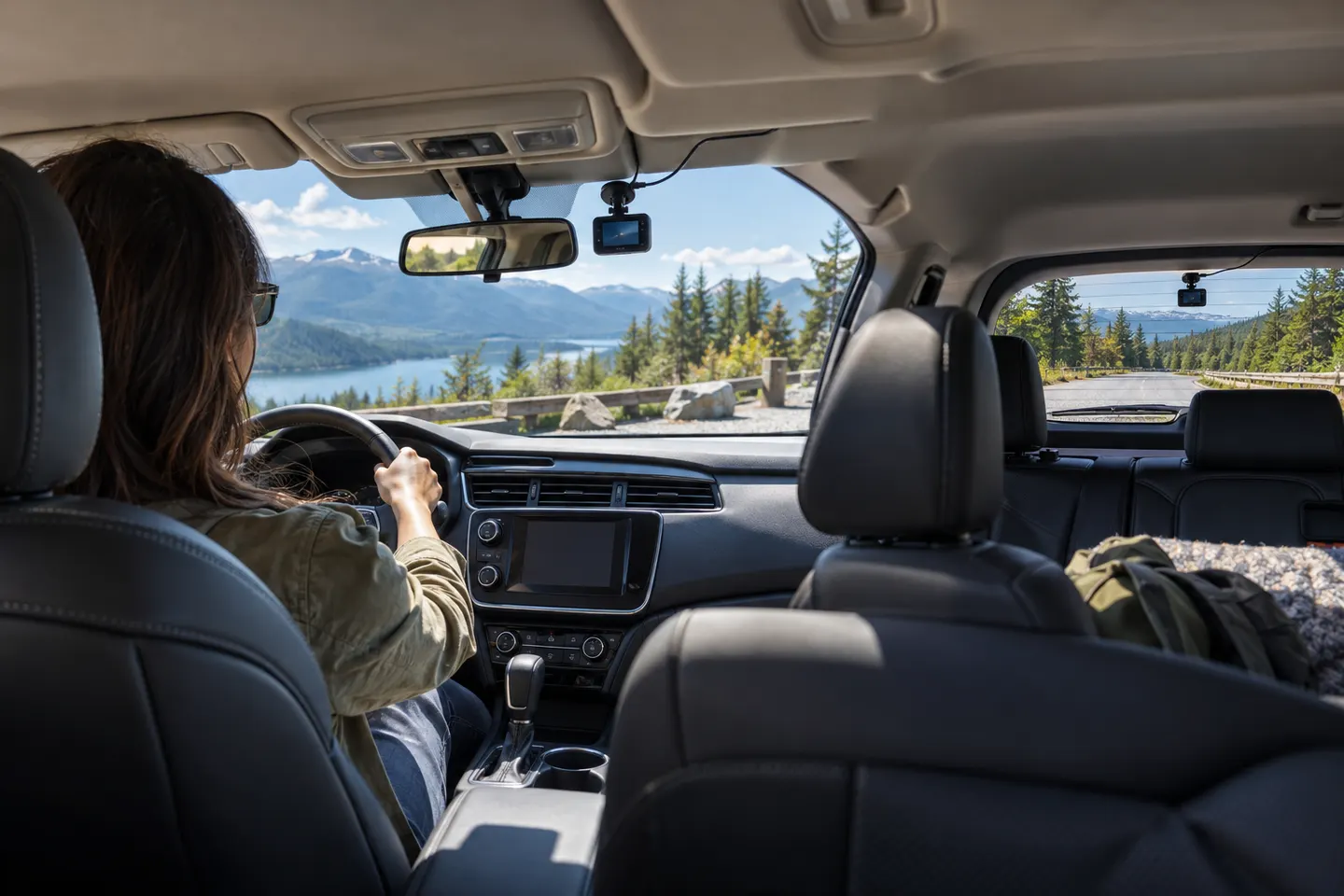
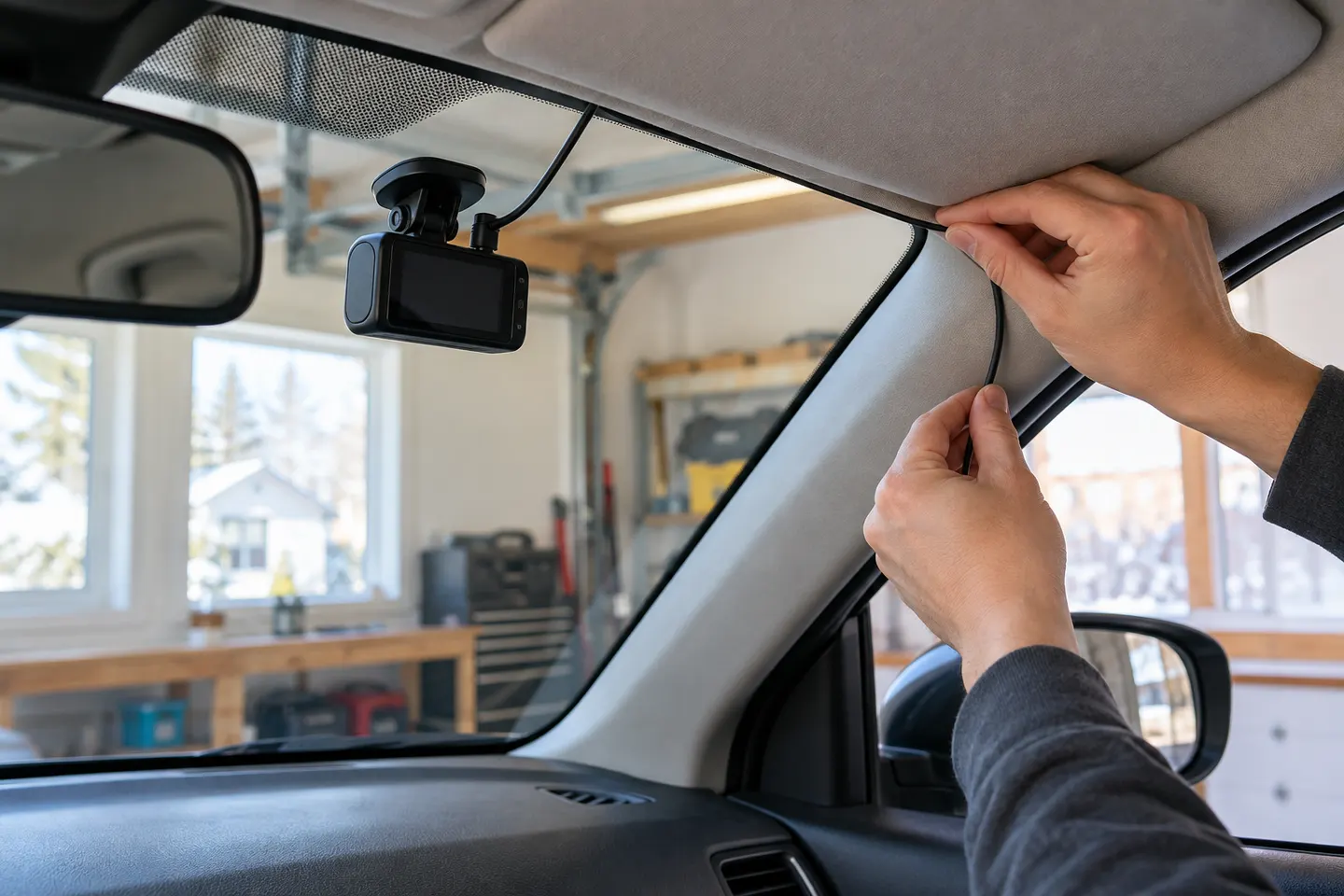
A front camera covers the road ahead with the least installation work. Front-and-rear adds context behind the car; a cabin channel is mainly useful for rideshare, fleet or interior evidence. Extra channels increase cable routing and storage use.
03
Judge video by more than 4K
Resolution describes pixel count, not guaranteed plate capture. Compare sensor, HDR, field of view, frame rate, bitrate and published day and night footage. A very wide angle can make distant objects smaller.
04
Match power to parking needs
Driving-only recording can use a vehicle socket or USB supply where compatible. Parking mode generally needs a supported hardwire kit or dash cam battery pack with voltage protection and correct installation.
05
Check Australian heat and storage design
Read the stated operating range and prefer a model designed for continuous in-car use. Follow the maker's memory-card requirements, format schedule and firmware guidance; high-resolution multi-channel video is demanding.
06
Make sure footage is easy to retrieve
Wi-Fi and an app can speed up clip transfer, while a screen helps with alignment. Cloud access may add subscriptions, mobile data and constant-power requirements, so decide whether local card recording is enough.
Common questions
Questions before you buy
What dash cam is best for everyday driving?
For many drivers, a reliable front-and-rear model with capacitor power design, GPS, Wi-Fi and an endurance-rated card is the balanced choice. Front-only is enough when simplicity matters more than rear evidence.
What is a dashcam used for?
It records journeys and can preserve video around an incident. Some models also offer parking recording, location data or remote access when correctly powered and connected.
Is 4K worth it on a dash cam?
It can provide more image detail, but does not guarantee readable plates. Sensor performance, exposure, movement, lens quality and bitrate remain important.
Do I need parking mode?
Only if you want recording while the vehicle is unattended. It adds power and installation considerations, so confirm battery protection and expected operating behaviour.
A two-channel system is the clearest choice when you want evidence from both directions. Prioritise rear-camera quality, cable length and an installation that keeps the driver's view clear.
A plug-in installation suits basic driving recording; professional hardwiring is the safer route for neat cabling and parking mode. Keep every camera and cable clear of vision and airbags.
Start with the coverage you need: front-only for simplicity, front-rear for broader evidence, or a dedicated motorcycle system. Then decide how you will power it.
Your privacy
We use cookies and similar technologies. Necessary ones keep the site working. With your permission we also use statistics cookies (Google Analytics and Microsoft Clarity) to understand which guides help readers. You can accept all, reject all or choose. You can change your choice at any time from "Cookie settings" at the bottom of every page. Cookie policy