









 Official manufacturer image
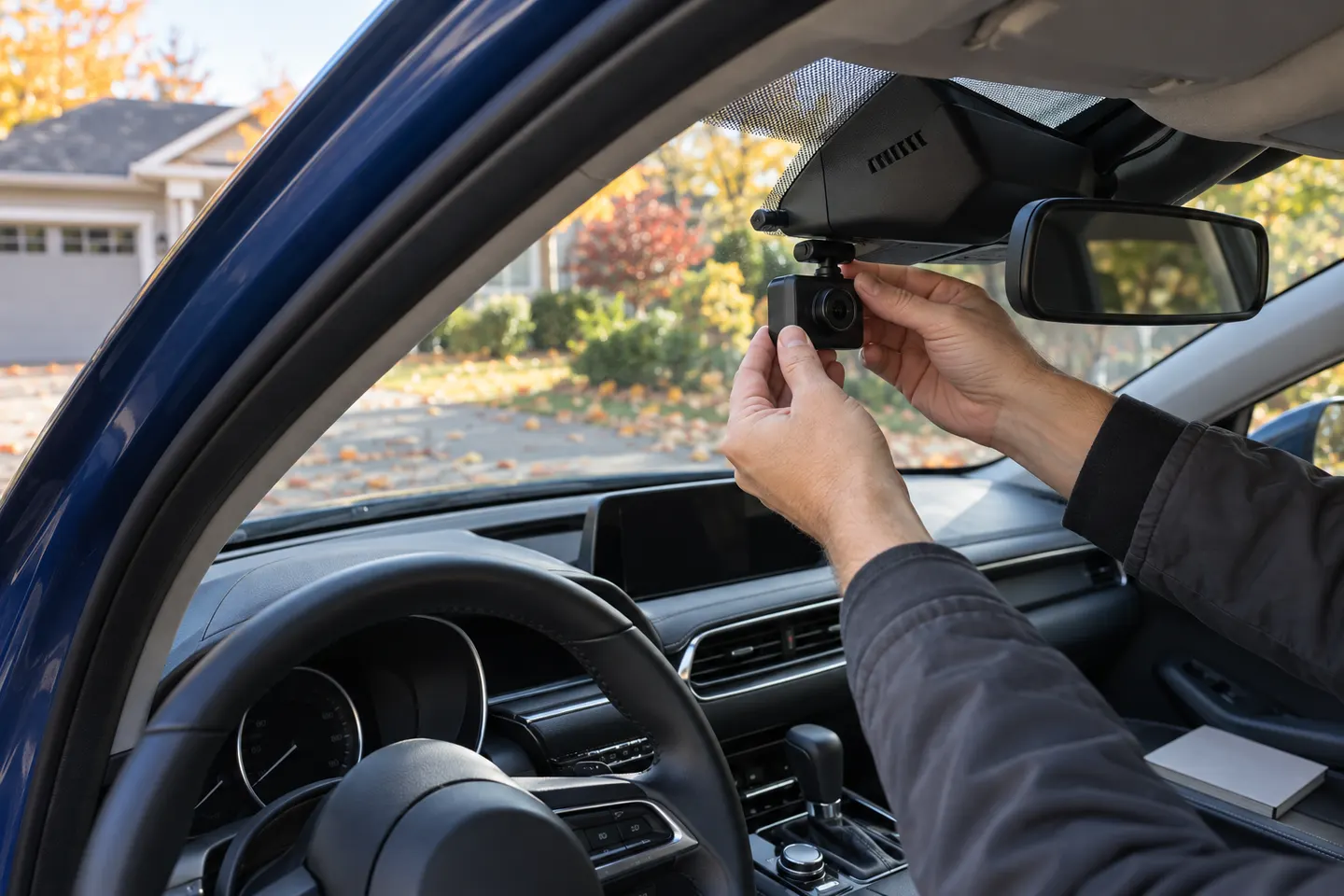
Our picks
Top picks
Official manufacturer image Official manufacturer image
Garmin Dash Cam Mini 3
Check price on Amazon.ca Official manufacturer image
Thinkware U3000
Check price on Amazon.caBy vehicle
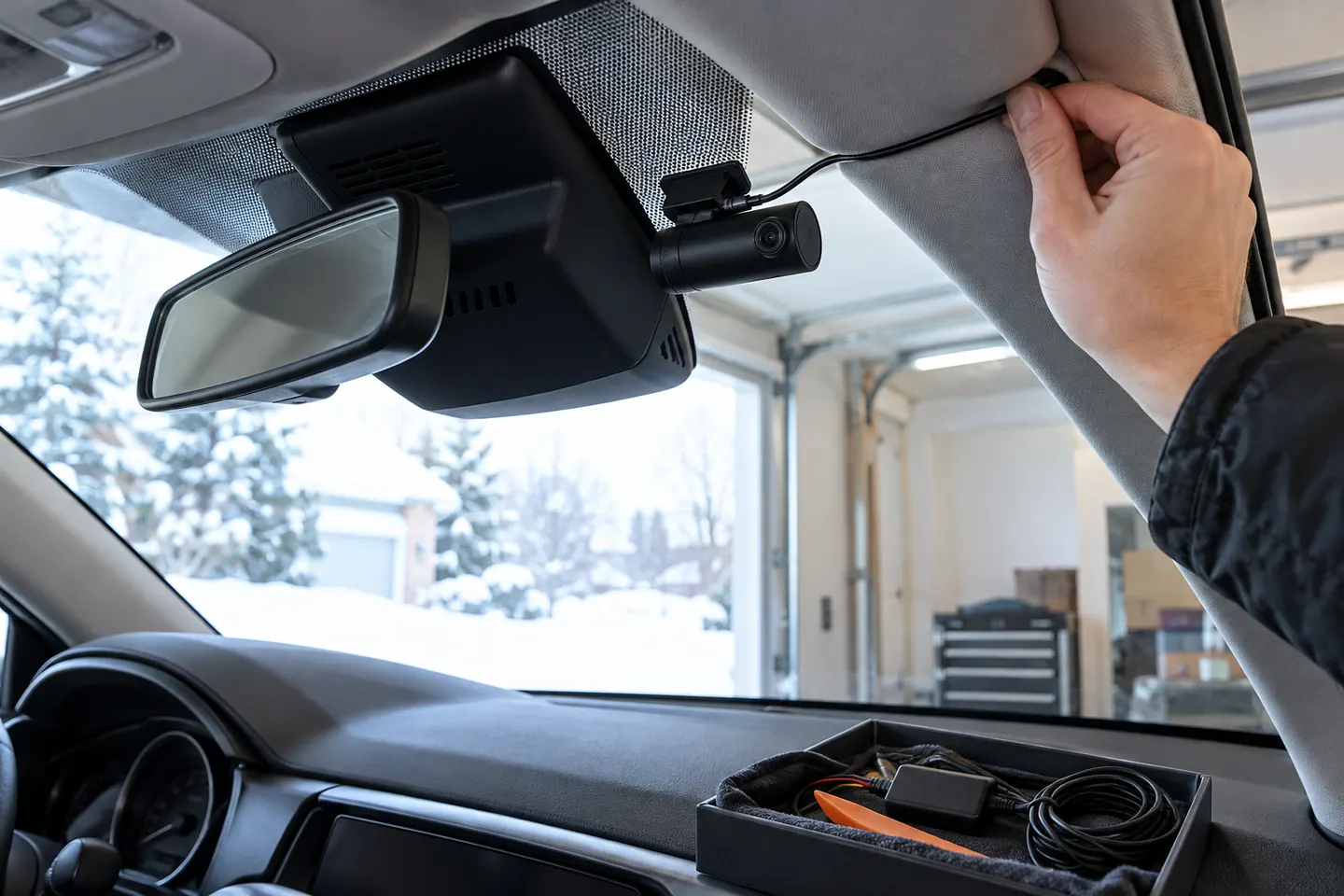 Mazda cx 5
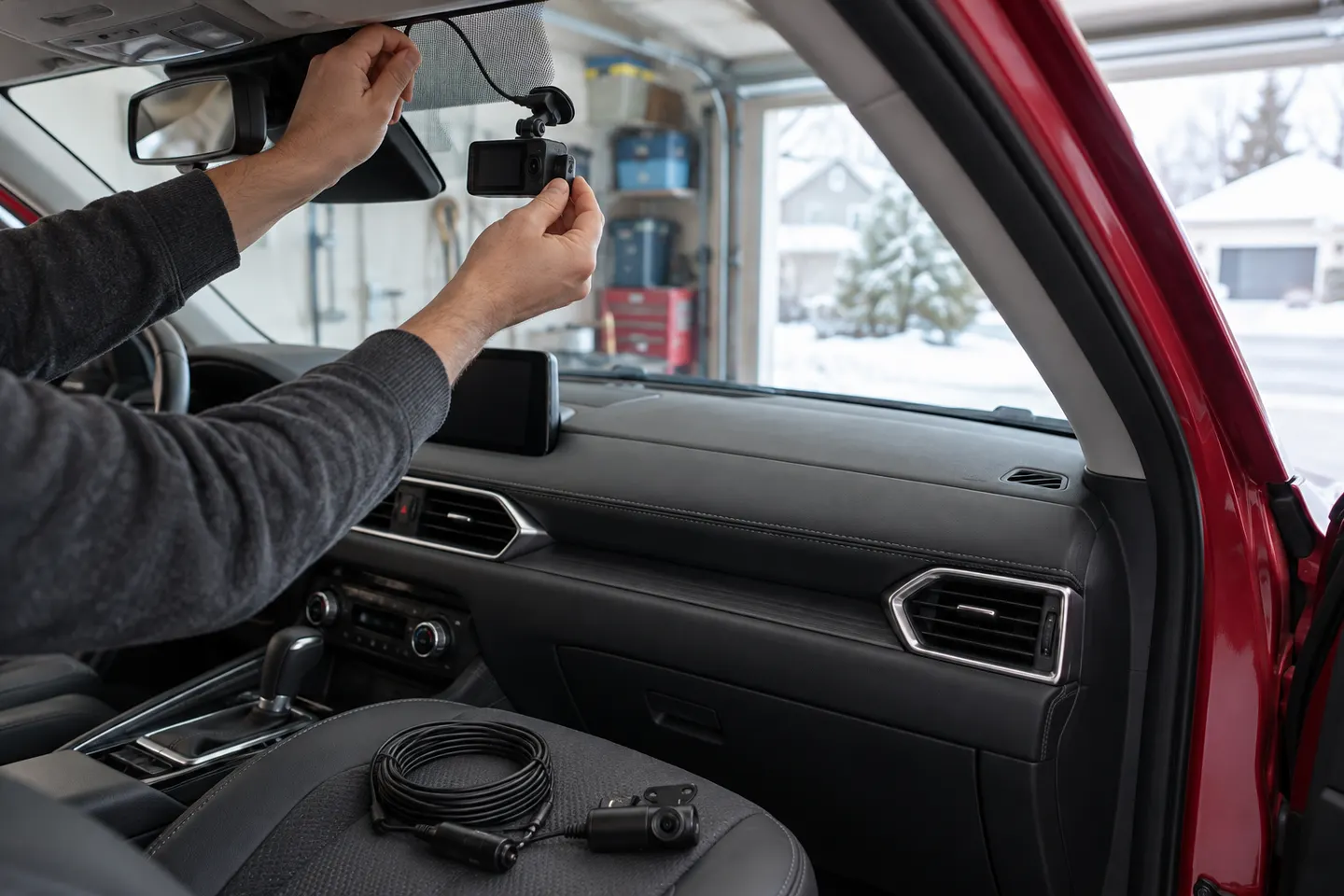 Mazda
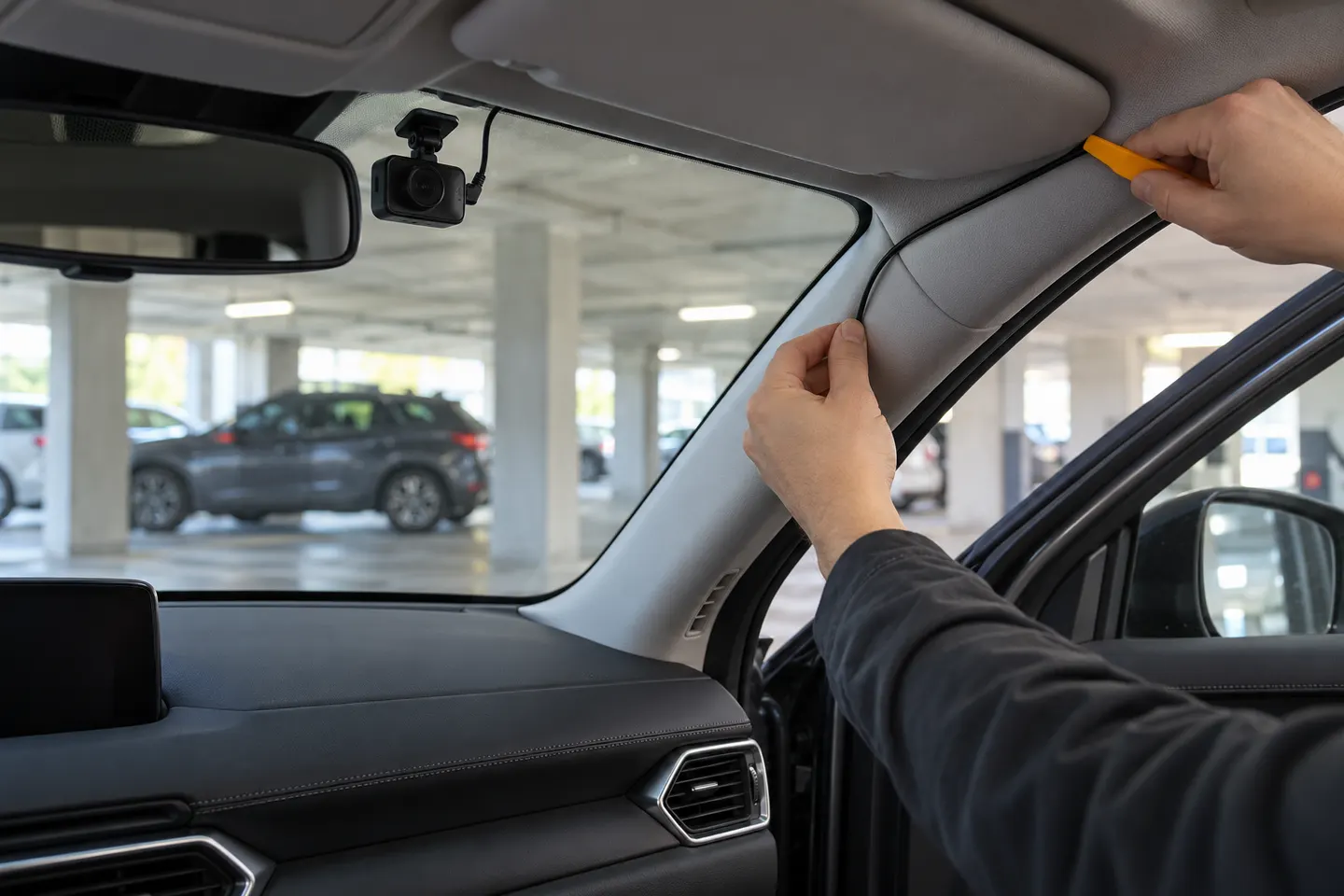 Mazda cx5
By feature
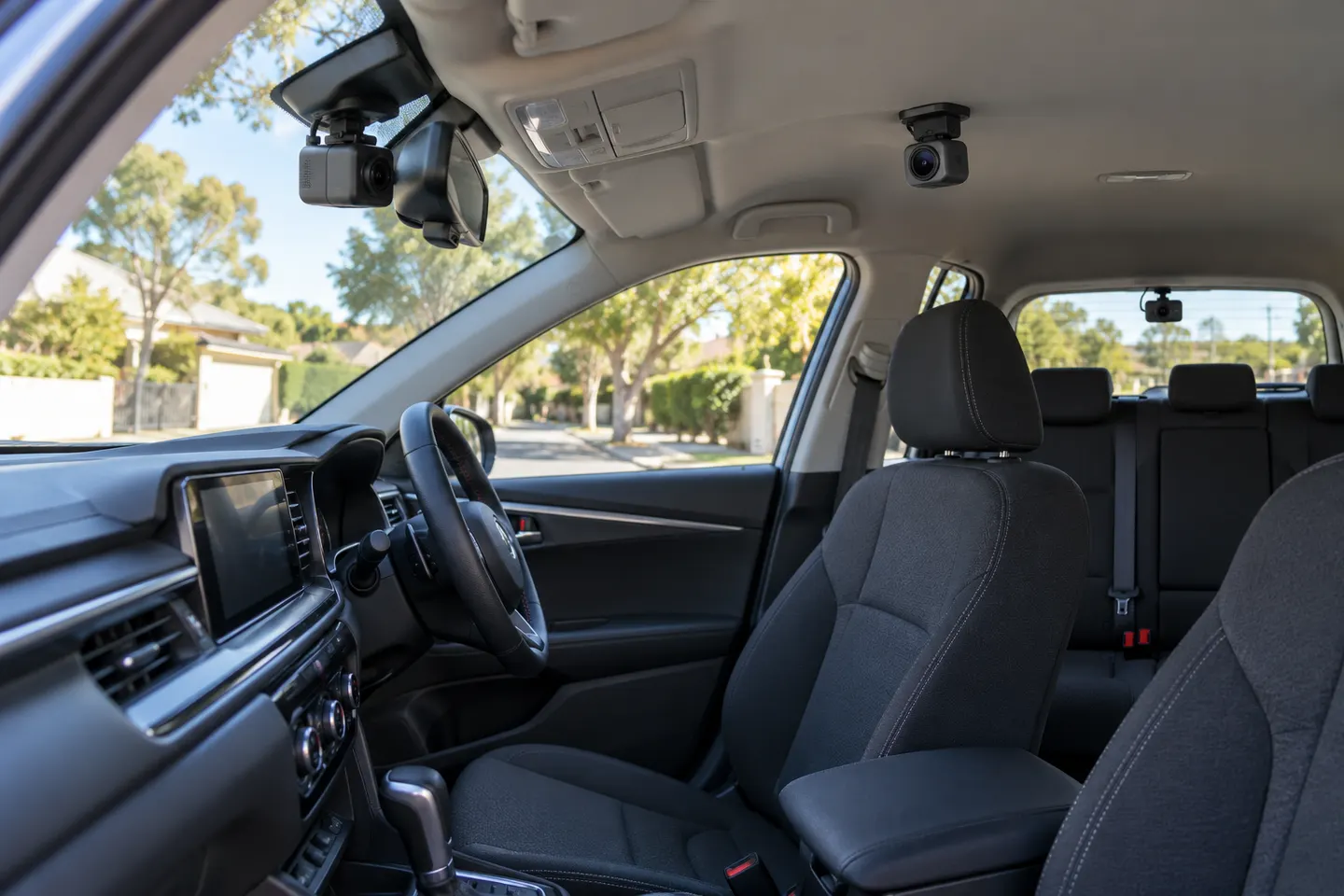 3 channel
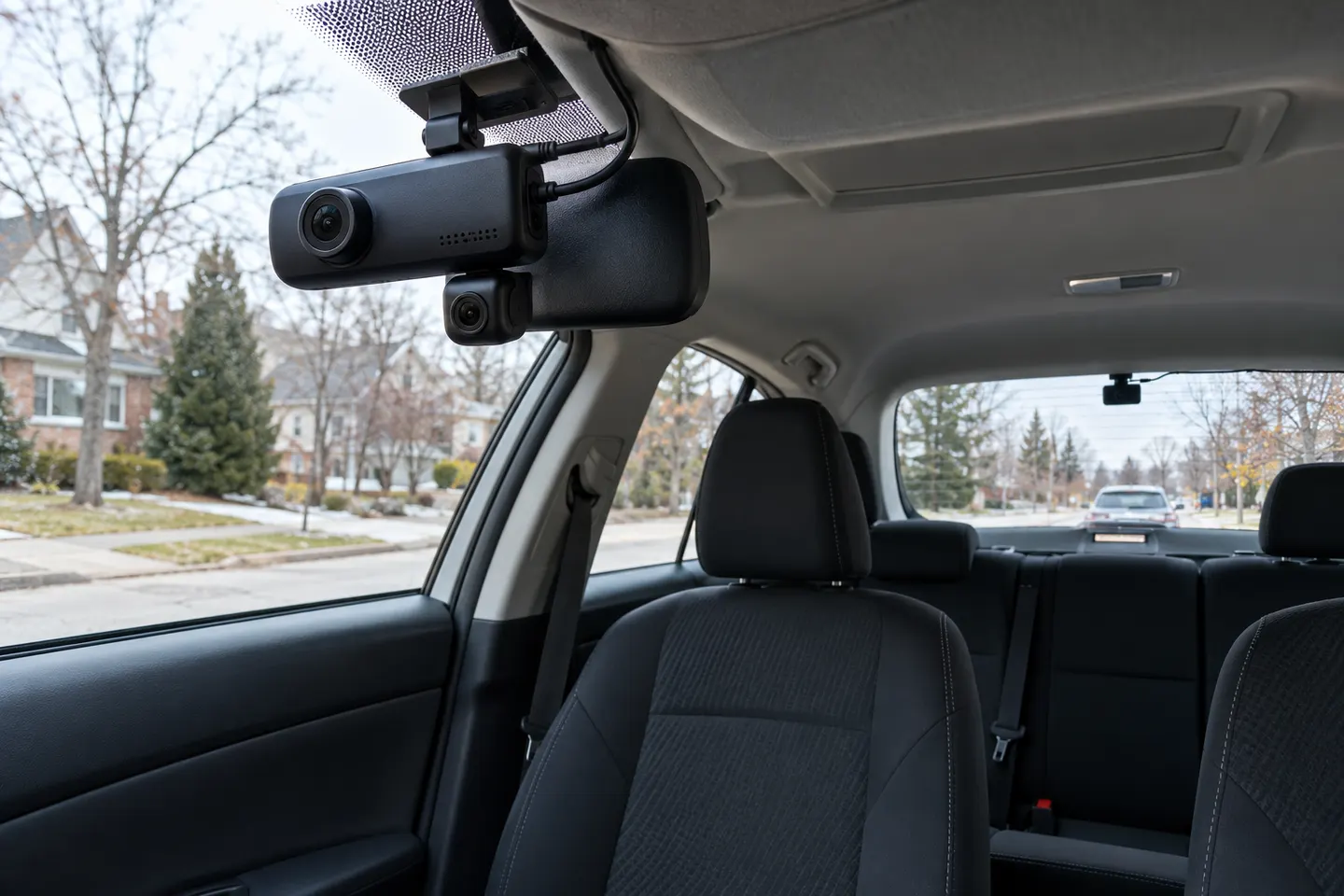 3 channel 4k
More topics
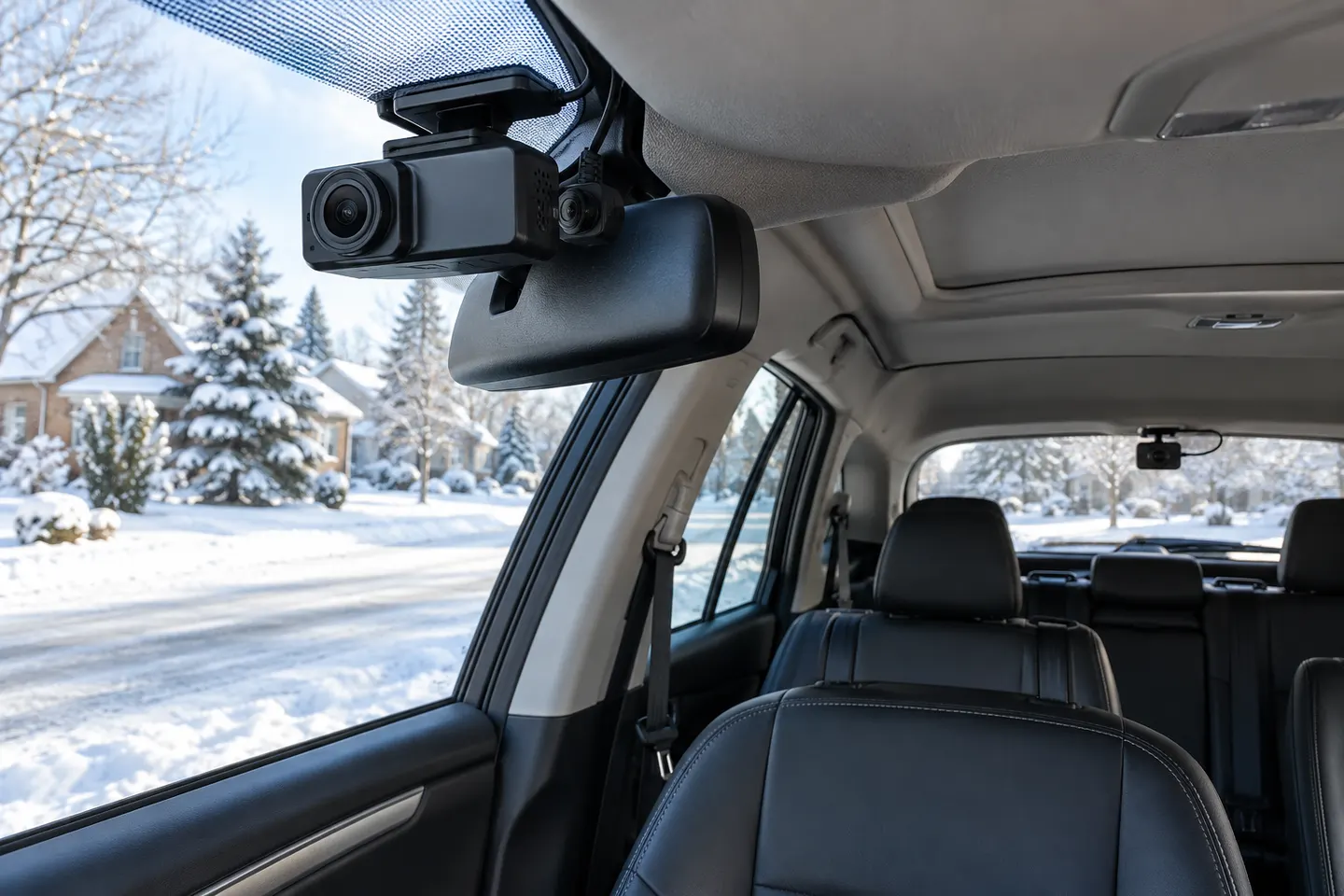 3-Way Dash Cams for Front, Cabin and Rear Coverage
Common questions
Questions before you buy
Where should a dash cam go in a Mazda 3?
Use a high position with clear road framing that stays outside the driver's critical sightline and away from sensors. Confirm against the manual and local rules.
Can a Mazda 3 dash cam use parking mode?
Only when the camera has an approved power solution designed to remain active safely after shutdown.
Is rear-camera installation different on the hatchback?
Yes. The route must allow the hatch to open fully without stretching or pinching the cable.
Will a dash cam affect Mazda driver-assistance cameras?
Poor placement can obstruct sensor areas. Do not attach equipment over marked housings or restricted windshield zones.