









 Official manufacturer image
Our picks
Top picks
Official manufacturer image Official manufacturer image
Garmin Dash Cam Mini 3
Check price on Amazon.ca Official manufacturer image
Thinkware U3000
Check price on Amazon.caBy vehicle
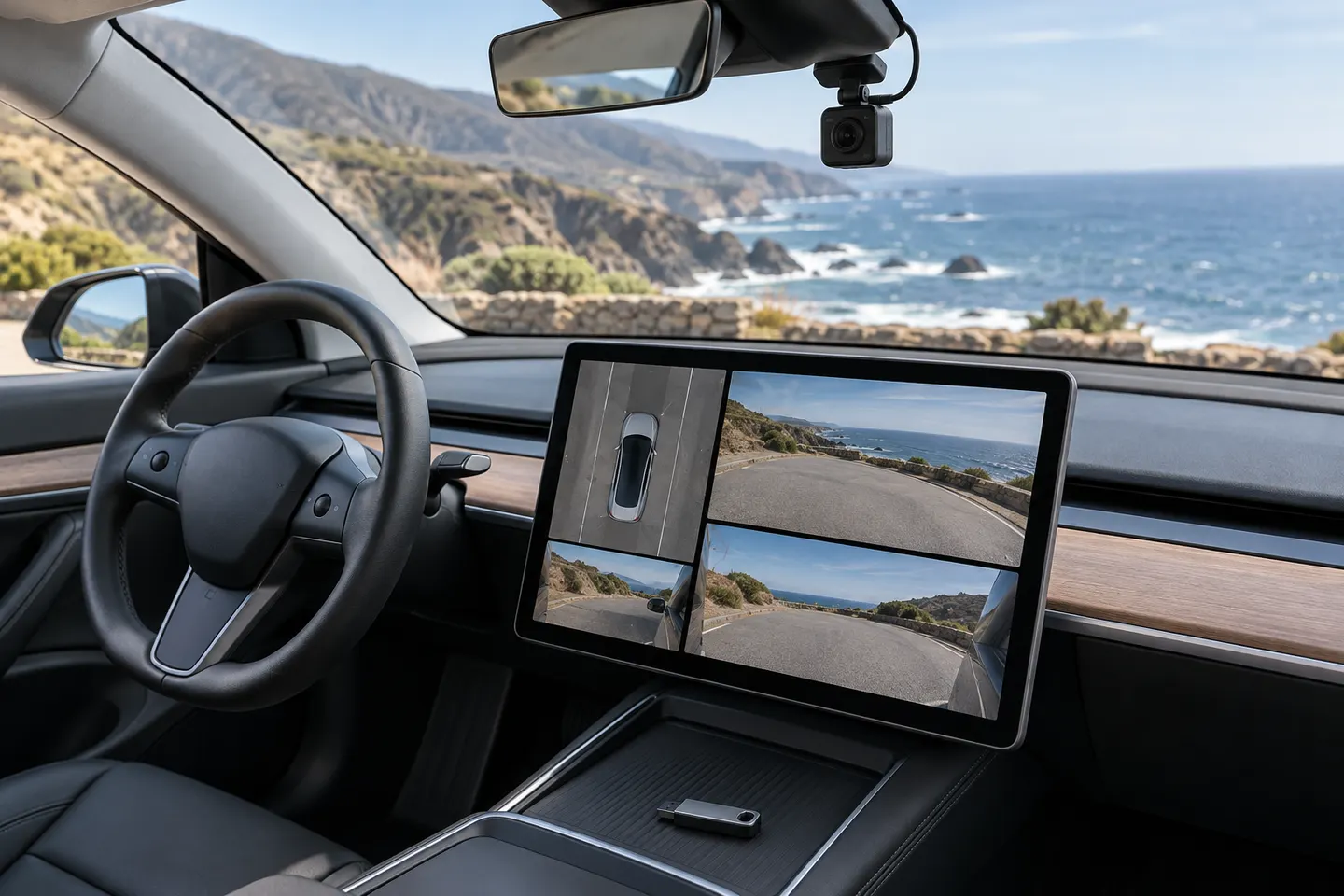 Tesla
Installation and accessories
More topics
Common questions
Questions before you buy
What are the Tesla dashcam USB requirements?
Tesla lists at least 64 GB, sustained write speed of at least 4 MB/s, USB 2.0 compatibility and proper formatting.
How do I format a USB drive for Tesla Dashcam on Mac?
Back up the drive, erase it using a Tesla-supported format such as exFAT, then create a top-level folder named TeslaCam. Formatting removes existing content.
What is the best USB drive for Tesla Dashcam?
Choose a durable drive that meets Tesla's sustained-write and compatibility requirements; the best form factor depends on available space and heat exposure.
Which Tesla USB port records Dashcam footage?
On current Model 3 documentation, use the supported USB-A data port in the glovebox; other ports may be charge-only depending on vehicle configuration.