









 Official manufacturer image
Our picks
Top picks
Official manufacturer image Official manufacturer image
Garmin Dash Cam X310
Check price on Amazon UK Official manufacturer image
VIOFO A329S 2CH
Check price on Amazon UKBy vehicle
 Tesla
Installation and accessories
More topics
Common questions
Questions before you buy
What format should a Tesla dashcam USB use?
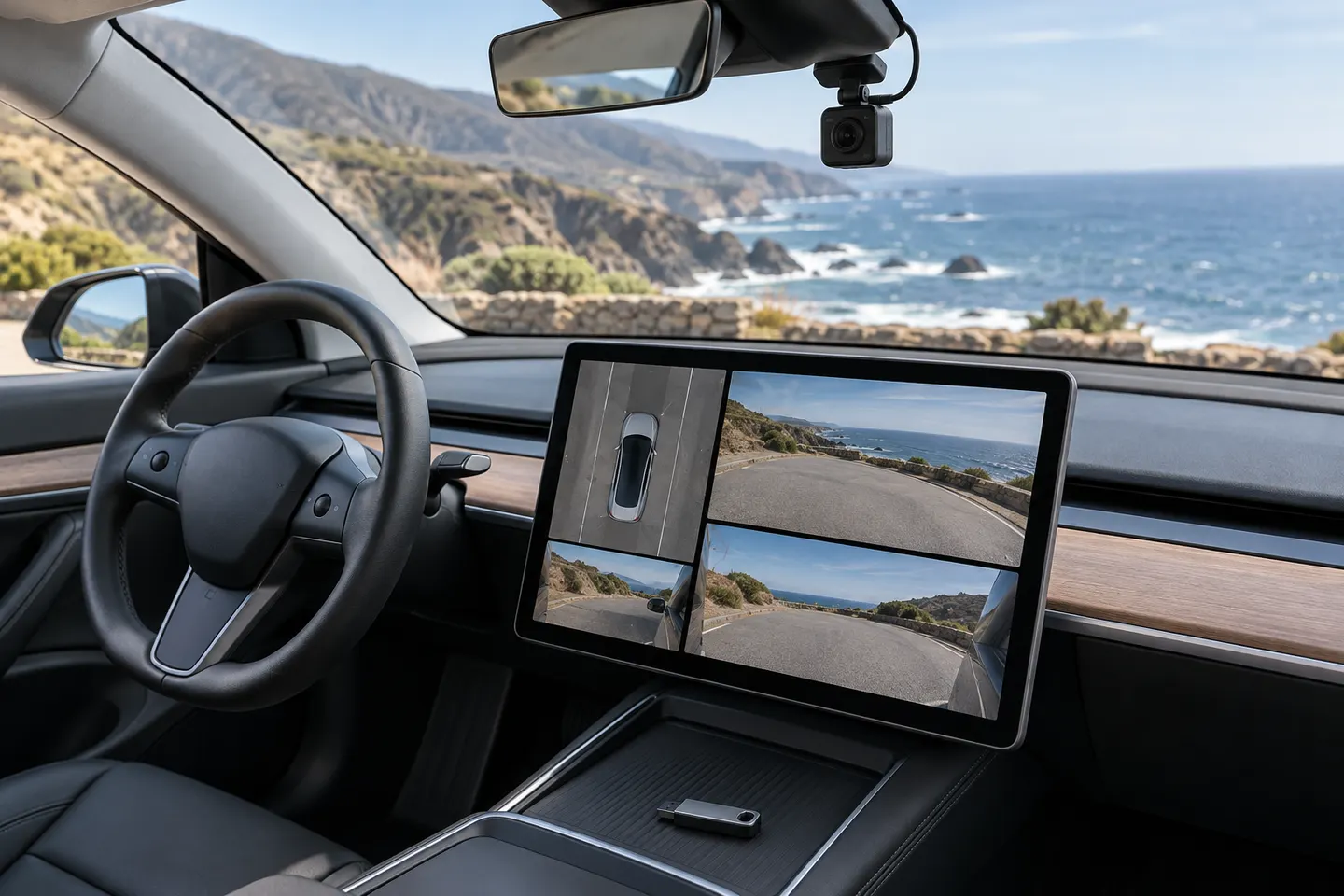
Tesla documents supported formats in the owner's manual and also provides an in-car formatting command. Use the guidance for your current vehicle software rather than an old third-party tutorial.
How do I format a USB for Tesla dashcam on a Mac?
Back up the drive, use Disk Utility to erase it with a supported format and partition scheme, then create a TeslaCam folder at the top level. Confirm the current requirements in Tesla's manual first.
Why is my Tesla dashcam USB not working?
Common causes include the wrong port, unsupported formatting, a missing TeslaCam folder, drive errors or insufficient write performance. The vehicle's status icon can indicate whether recording is available.
Can I use one USB drive for music and Tesla Dashcam?
Tesla documents partitioning for separate functions on compatible software. Keep each partition correctly formatted and named according to the current manual.
Where does the Tesla Model X dashcam USB connect?
The data-capable port depends on vehicle build and configuration. Check the selected Model X owner's manual and inspect whether your vehicle has a factory USB drive location.
Should I use a normal flash drive or high-endurance storage?
Continuous multi-camera writing is demanding. Choose storage that meets Tesla's stated capacity and sustained-write requirements, and replace it if errors recur.