









 Official manufacturer image
Our picks
Top picks
Official manufacturer image Official manufacturer image
Garmin Dash Cam Mini 3
Check price on Amazon.ca Official manufacturer image
Thinkware U3000
Check price on Amazon.caBy vehicle
 Tesla
Common questions
Questions before you buy
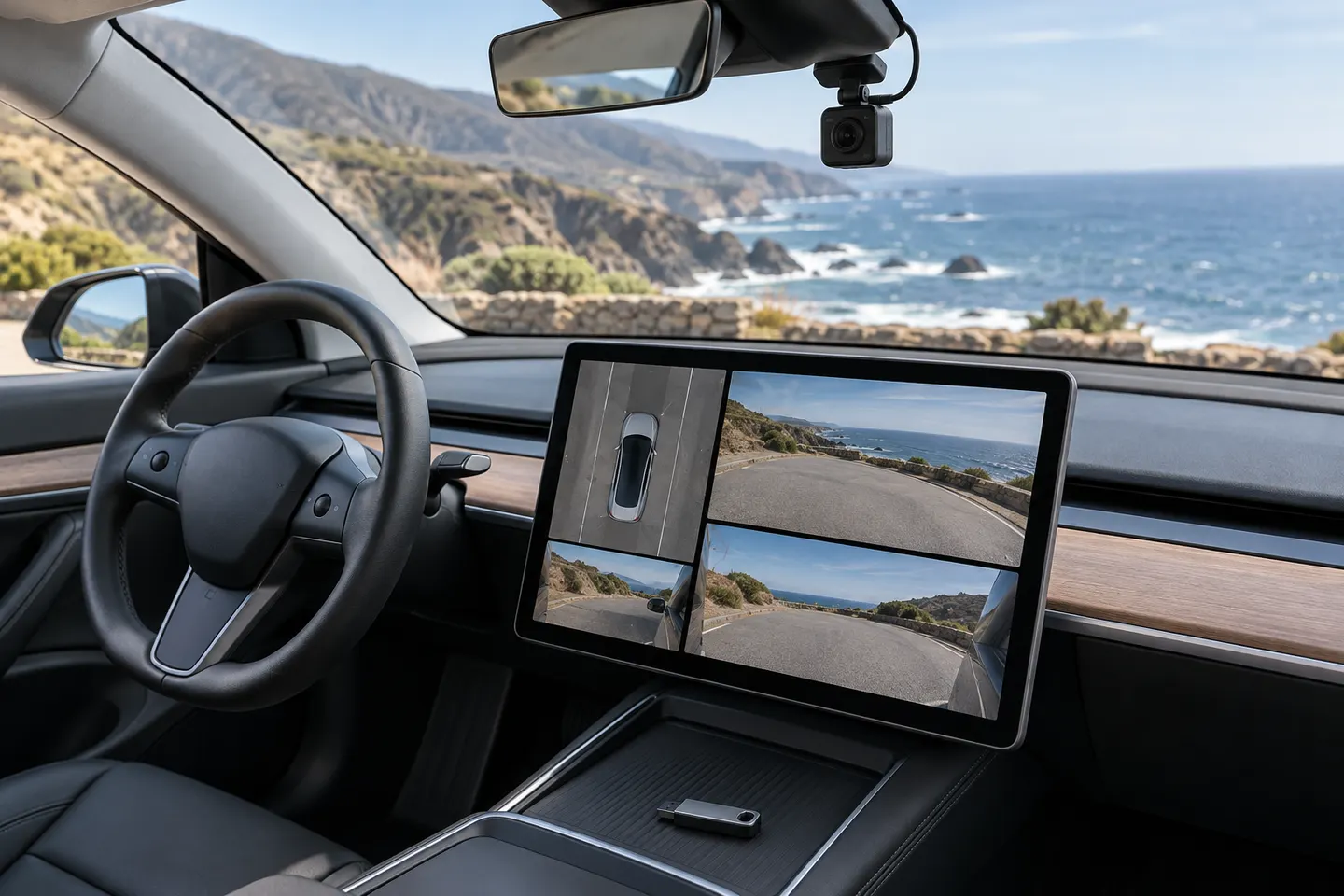
How do you use Tesla Dashcam Viewer?
Park the vehicle, open the app launcher and select the Dashcam app, then choose a saved clip and camera view. Follow the current on-screen controls for your software version.
Why is Tesla Dashcam Viewer unavailable?
The vehicle may not detect a correctly prepared USB drive, no compatible clips may be present, or the feature may be unavailable for that vehicle or software state. Check Tesla's current USB-drive instructions.
Can I view Tesla dashcam clips on a Mac?
Yes. Eject the drive through the vehicle controls first, connect it to the Mac and open the video files in the TeslaCam folders with compatible playback software.
Can I view Tesla dashcam clips on Windows?
Yes. Safely remove the USB drive from the vehicle, connect it to the computer and browse the saved TeslaCam folders.
Do Tesla viewer alternatives need a registration code?
That depends on the third-party software. Tesla's built-in viewer does not use a separate third-party registration code; assess any external app's privacy and compatibility before use.