









 Official manufacturer image
Our picks
Top picks
Official manufacturer image Official manufacturer image
NETGEAR EAX15
Check price on Amazon.ca Official manufacturer image
TP-Link RE605X
Check price on Amazon.caBy type
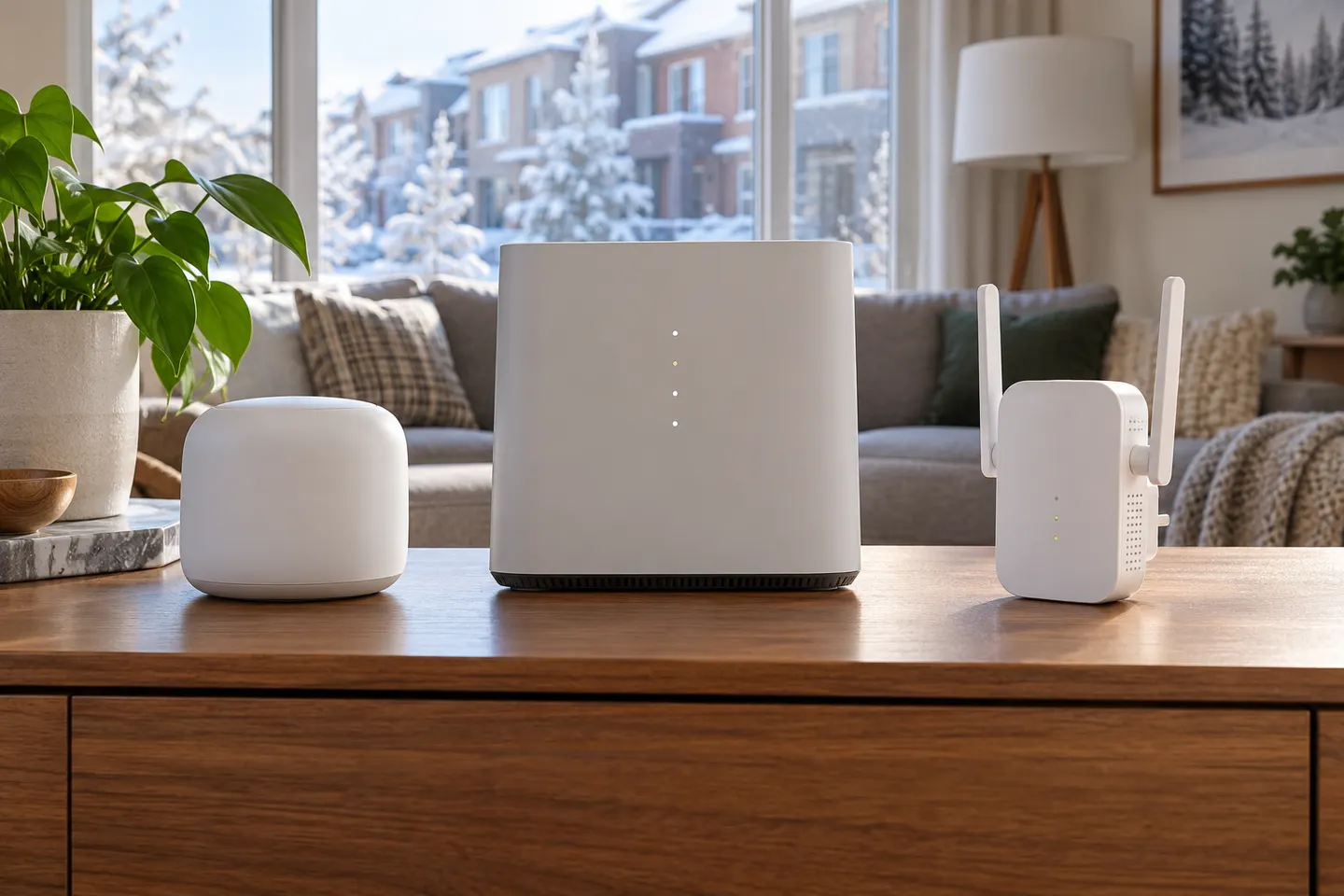 Telus 6
Setup and help
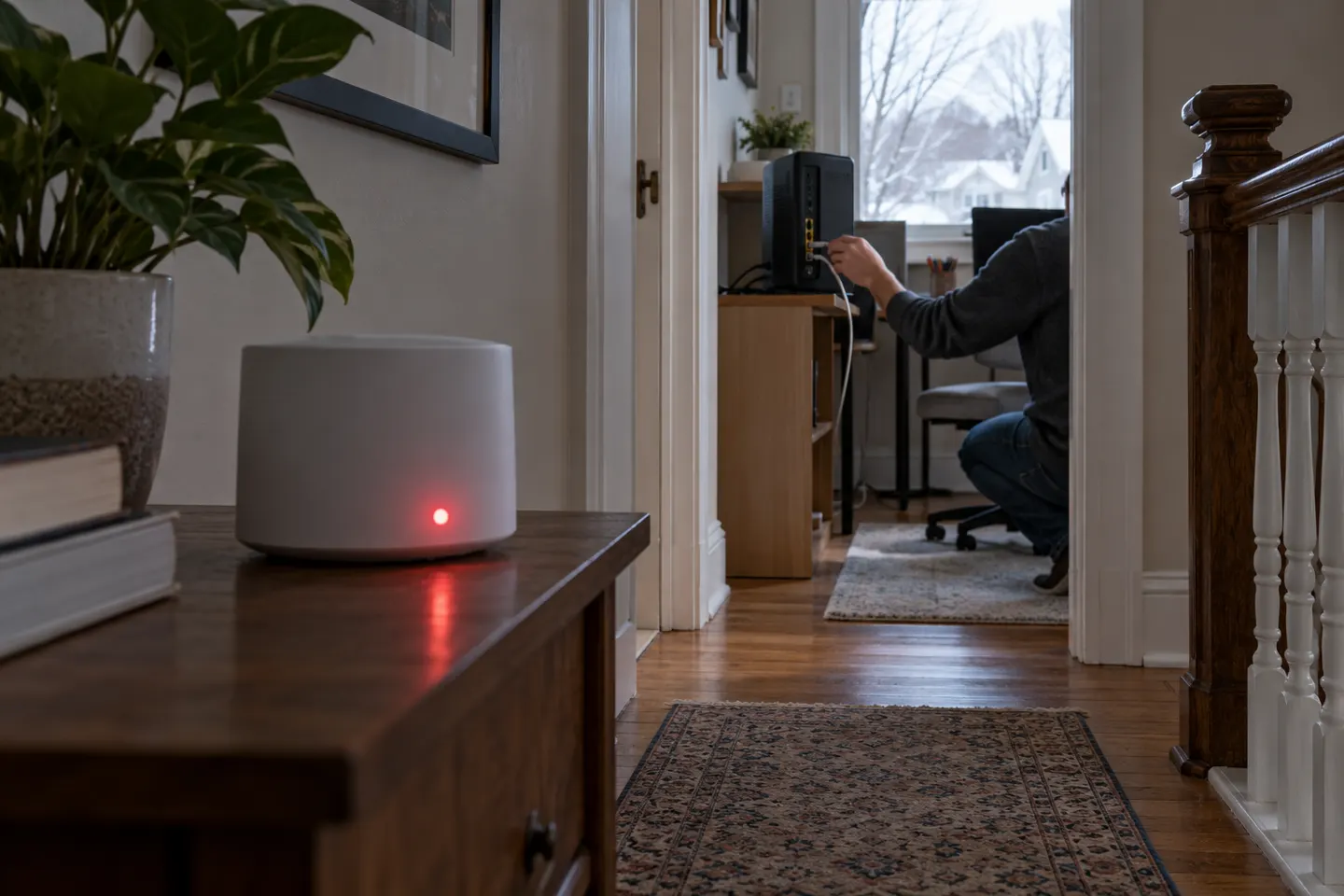 Telus red light
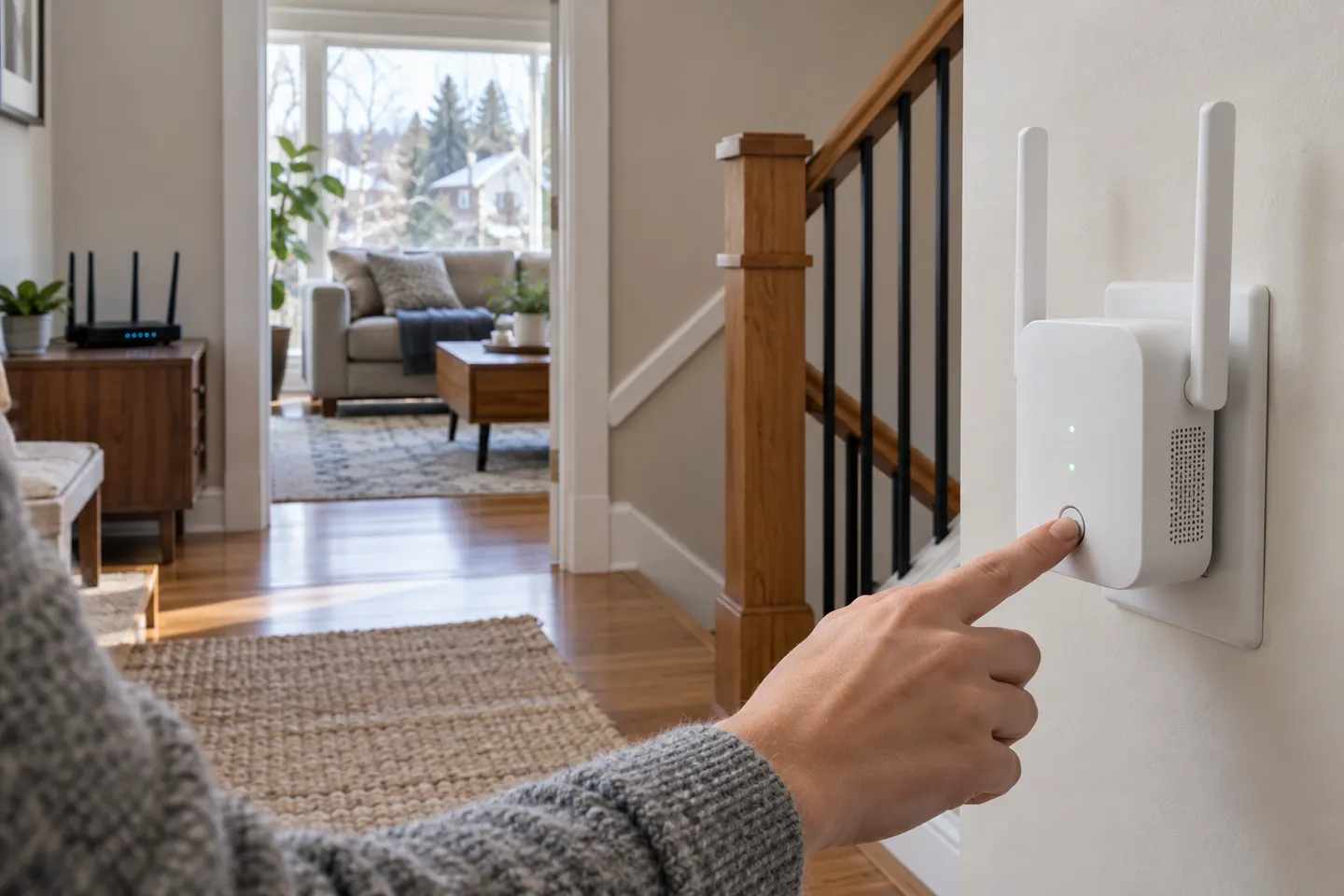 Telus setup
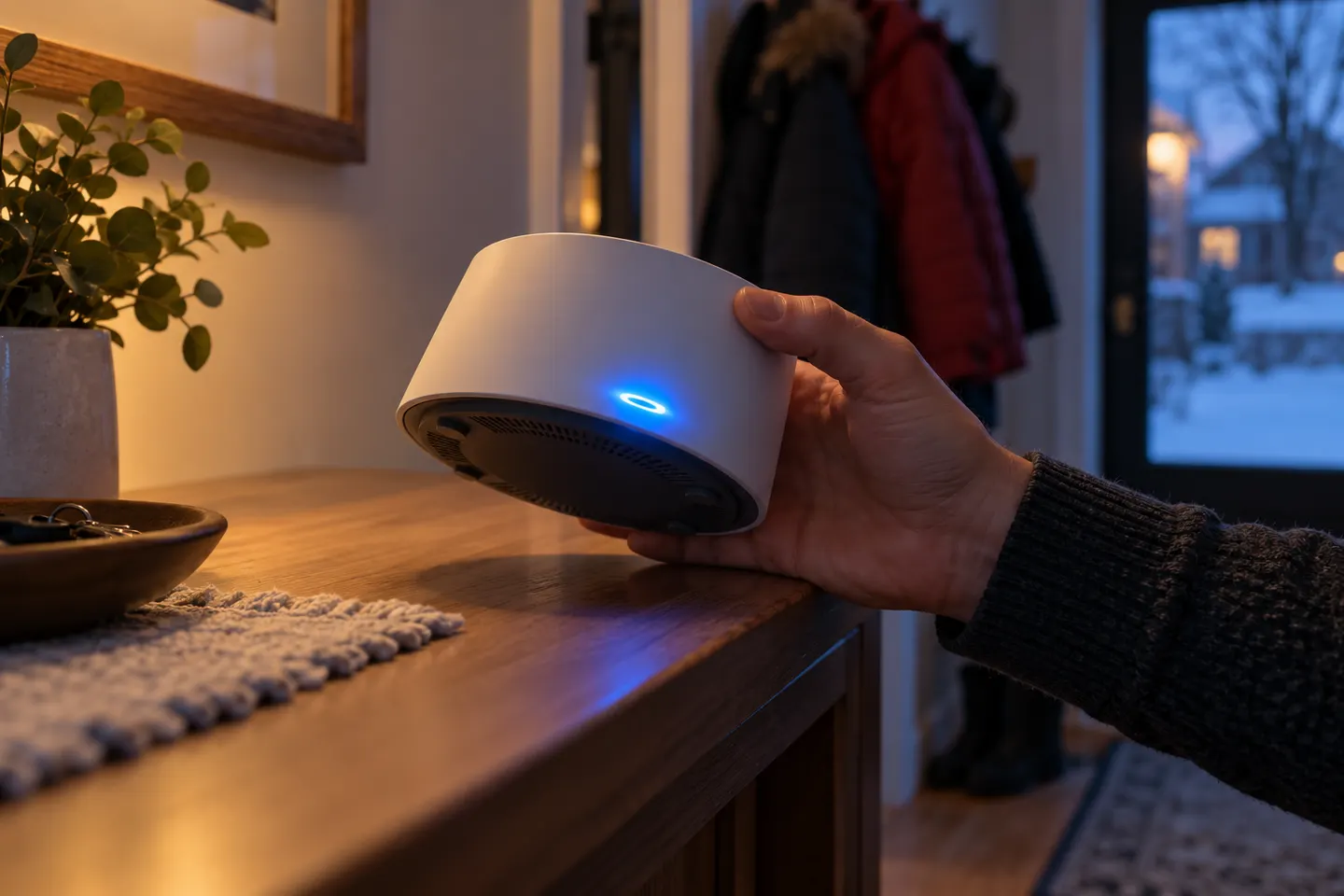 Telus flashing blue light
How-to guides
 How to Set Up a TELUS WiFi Booster in Your Home
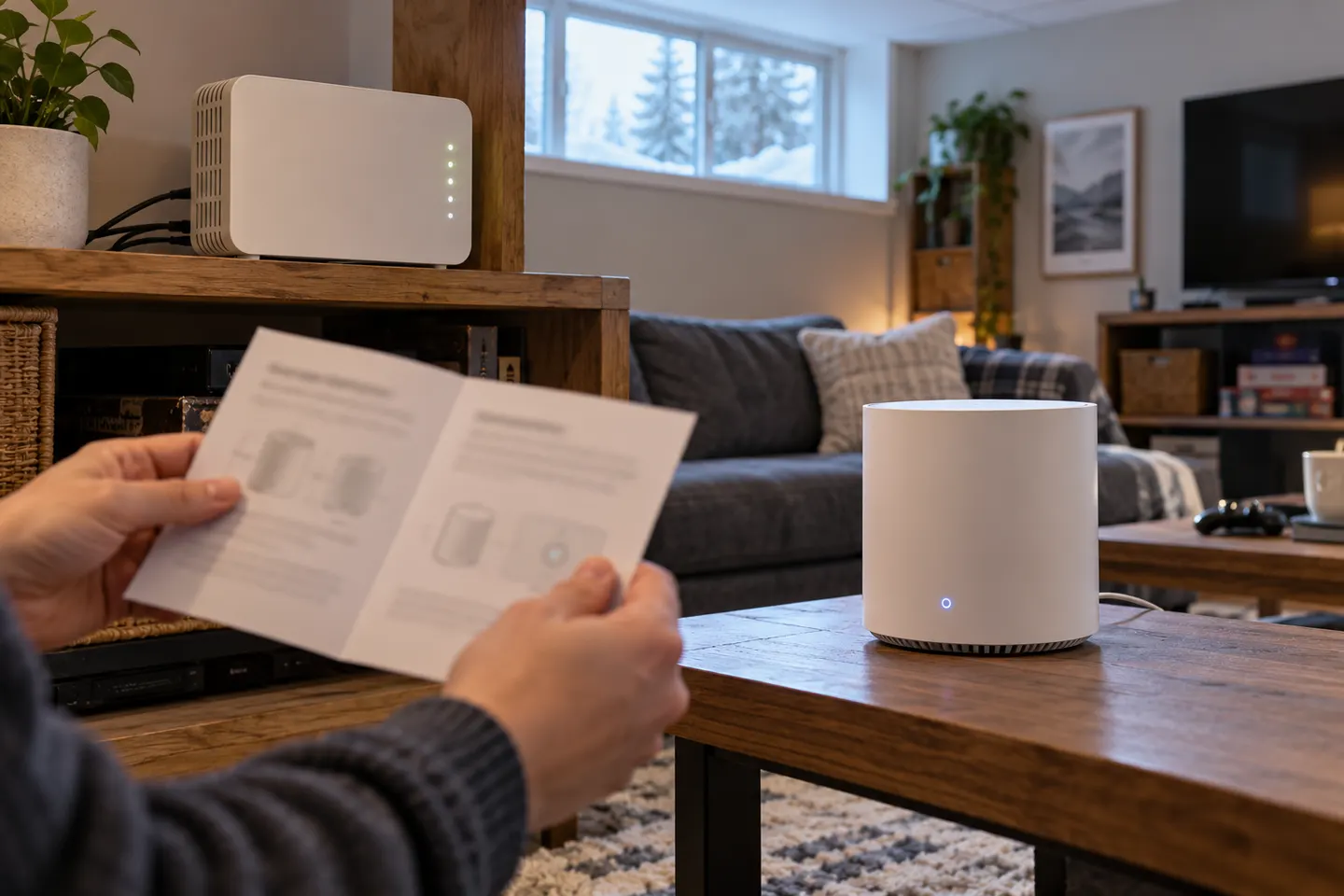 How to Connect a TELUS Wi-Fi Booster to Your Home…
More topics
 TELUS WiFi Boosters
 TELUS Wi-Fi Booster Free
Common questions
Questions before you buy
What does an orange or amber TELUS WiFi booster light mean?
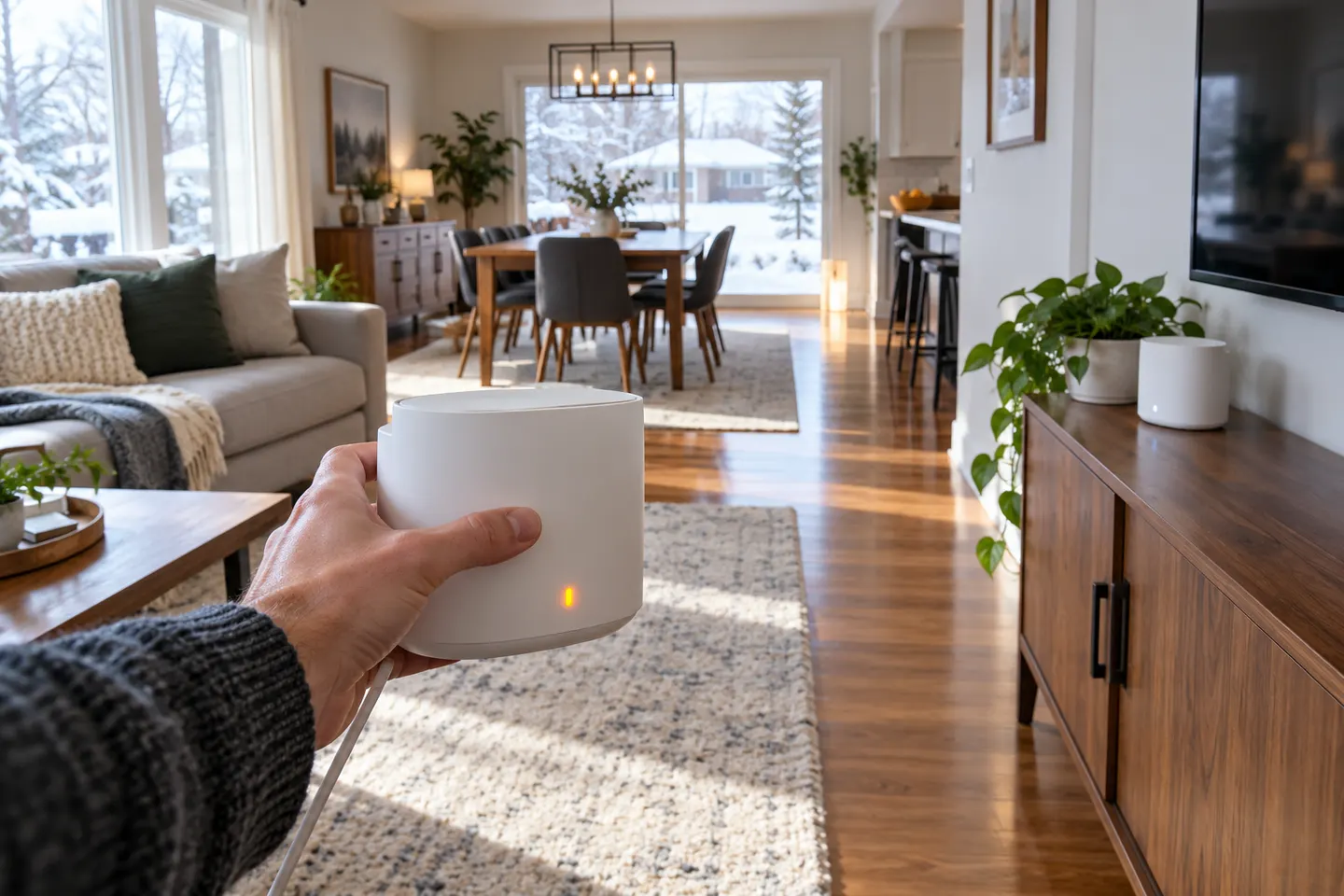
For the original TELUS Boost, amber means the extender is working but has a weak signal. TELUS advises moving it closer to the Boost connected to the modem.
Should I unplug a TELUS booster showing amber?
A steady amber status is not the same as a red disconnected status. Try improving placement first and check the indicator guide for your exact model.
How close should I move my TELUS Boost?
Move it closer to the main Boost until the connection is stronger, while keeping it positioned toward the area needing coverage. TELUS provides model-specific placement guidance.
Do all TELUS Boost models use the same light codes?
No. TELUS notes its troubleshooting article covers the original Boost and directs owners of newer models to their matching instructions.