








 Official manufacturer image
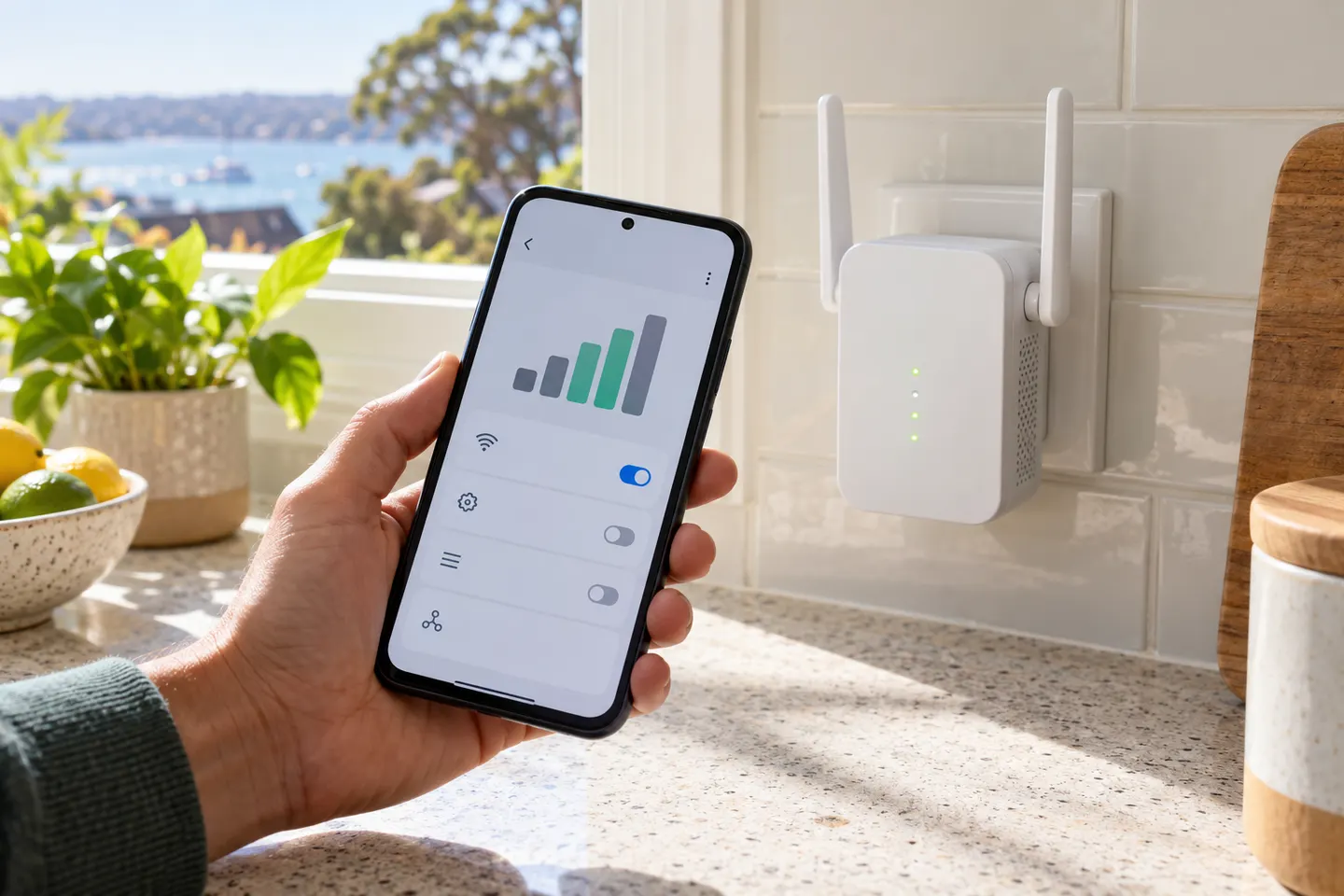
Our picks
Top picks
Official manufacturer image Official manufacturer image
TP-Link RE550
Check price on Amazon Official manufacturer image
TP-Link RE315
Check price on AmazonSetup and help
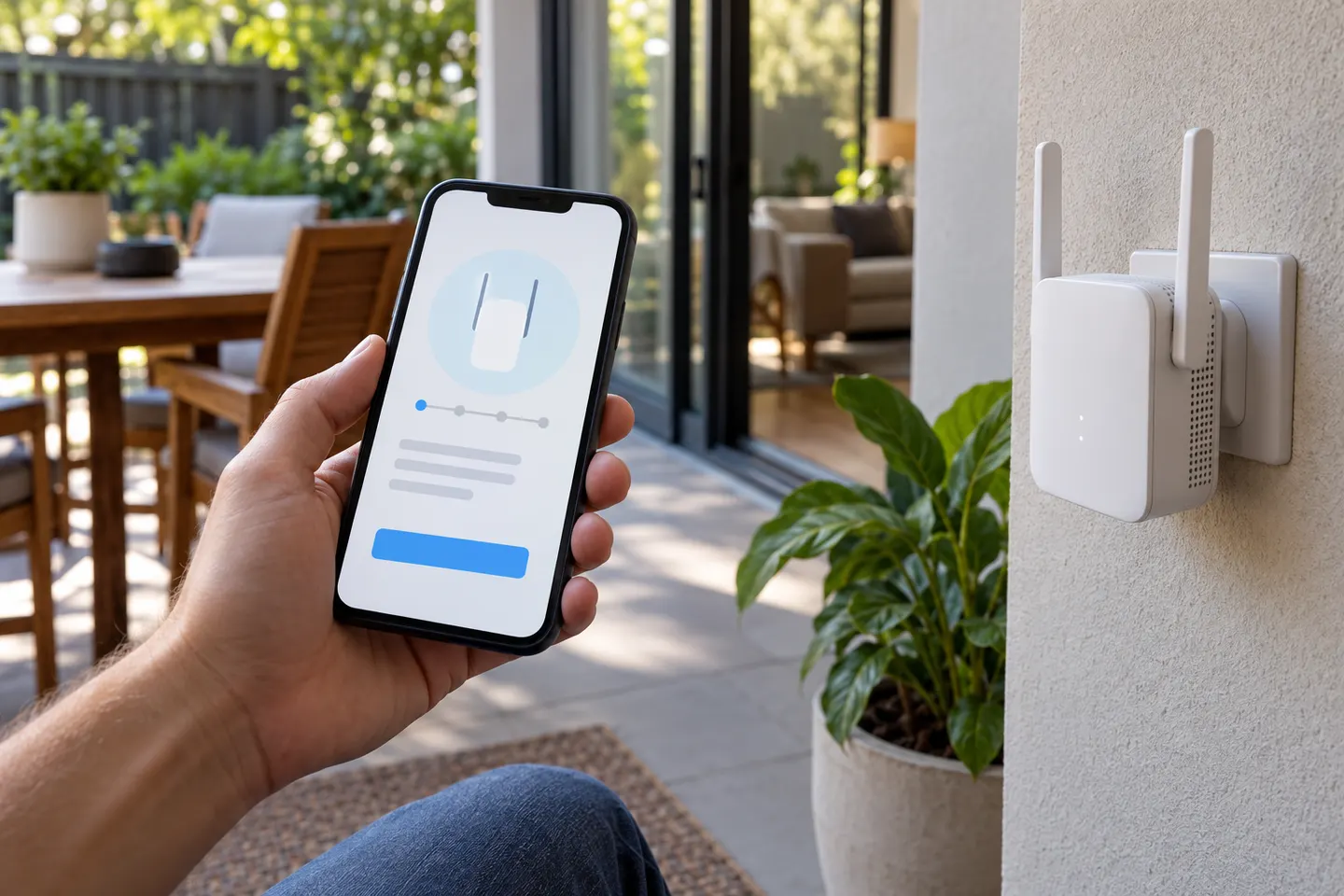 App
More topics
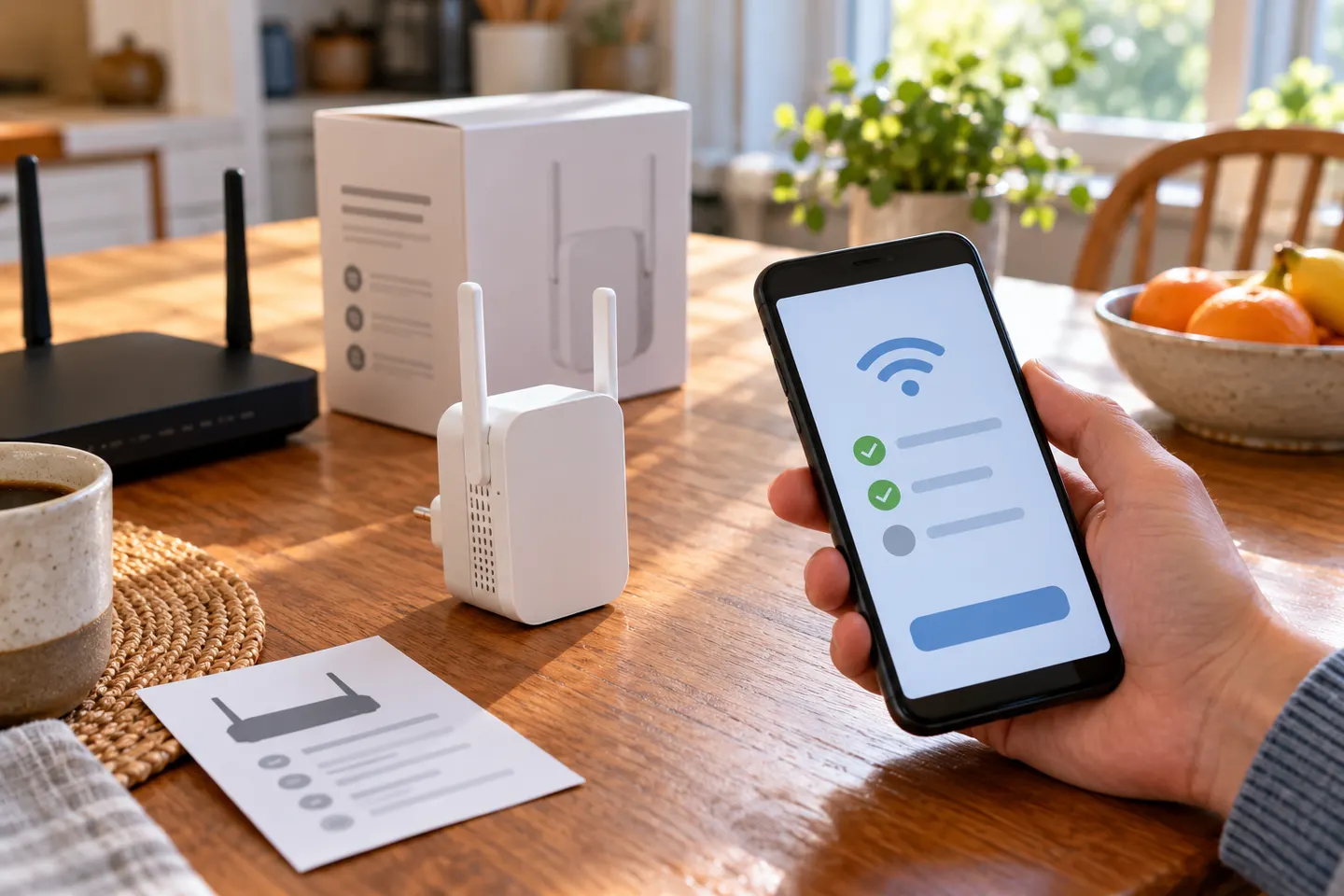 WiFi Boosters for Android Phones
Common questions
Questions before you buy
Is there a WiFi extender app for Android?
Some manufacturers provide Android apps to configure and manage their own extenders. Those apps work with compatible hardware; installing one does not create a physical range extender.
Do free WiFi booster apps actually work?
Apps can show network details, run diagnostics or manage supported equipment. They cannot increase router transmit power or relay Wi-Fi without compatible hardware.
Can an Android phone act as a Wi-Fi repeater?
Most Android hotspot features share a mobile data connection rather than repeating connected Wi-Fi. Behaviour depends on handset and software.
How do I improve Wi-Fi on Android?
Move closer to the router, reconnect to the correct network, and check whether other devices have the same issue. A properly placed access point or compatible extender may help a persistent weak area.