








 Official manufacturer image
Our picks
Top picks
Official manufacturer image Official manufacturer image
VIOFO A229 Pro 2CH
Check price on Amazon Official manufacturer image
Garmin Dash Cam Mini 3
Check price on AmazonCommon questions
Questions before you buy
How does Tesla Dashcam work?
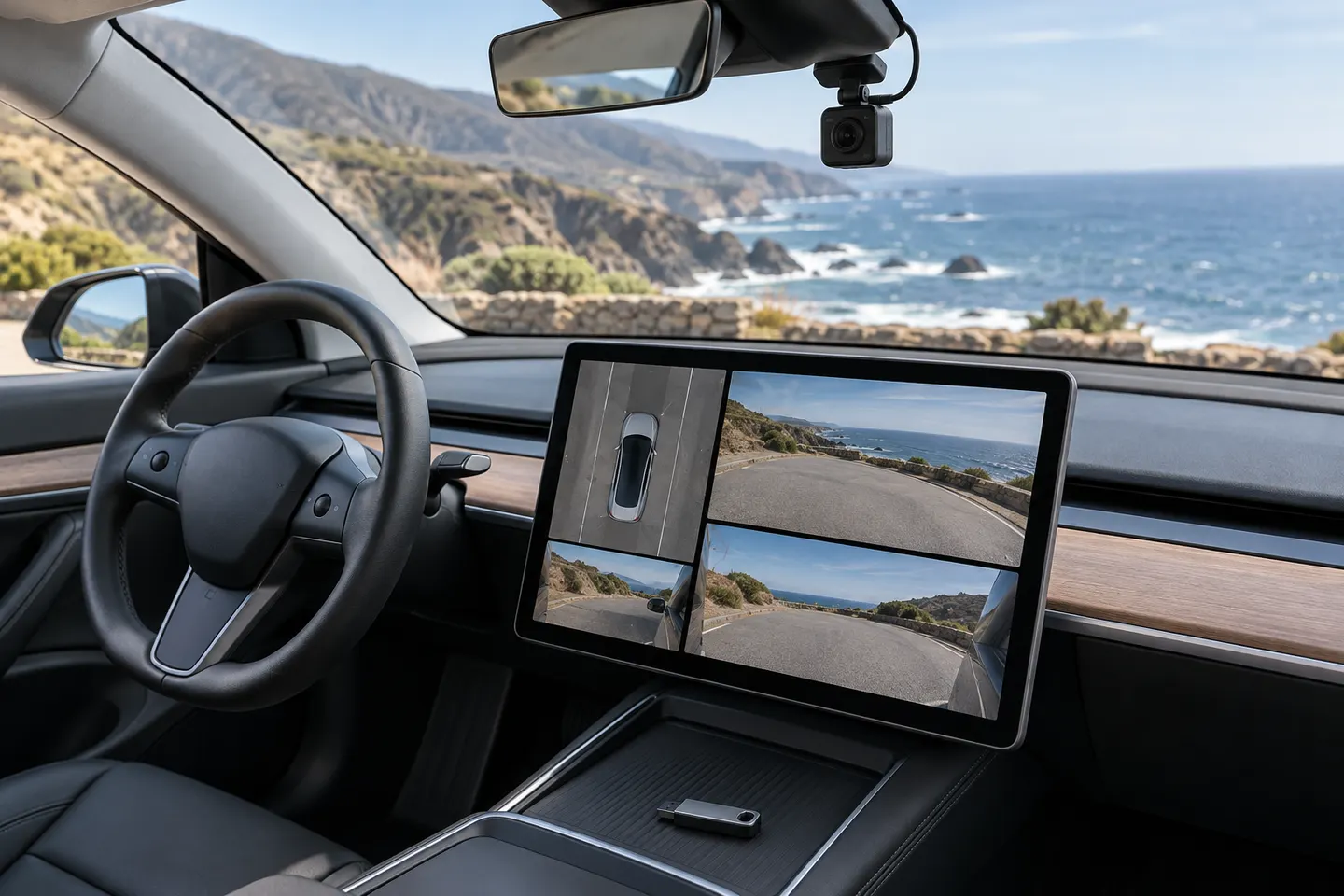
On supported vehicles it records video from selected built-in cameras to compatible USB storage. You can save recent footage using the on-screen control or configured action.
What does the Tesla dashcam icon mean?
Its appearance indicates whether recording is available, active or affected by a storage problem. Consult the current on-screen message and vehicle manual for the exact state.
Why is Tesla Dashcam not working?
Check that the vehicle supports the feature, USB storage is recognised and correctly formatted, sufficient space is available and the system reports no drive error. Preserve important files before reformatting.
Can I view Tesla Dashcam footage in the car?
Supported software includes a Dashcam Viewer for reviewing saved clips while parked. Clips can also be inspected from the storage device using a compatible computer.