








 Official manufacturer image
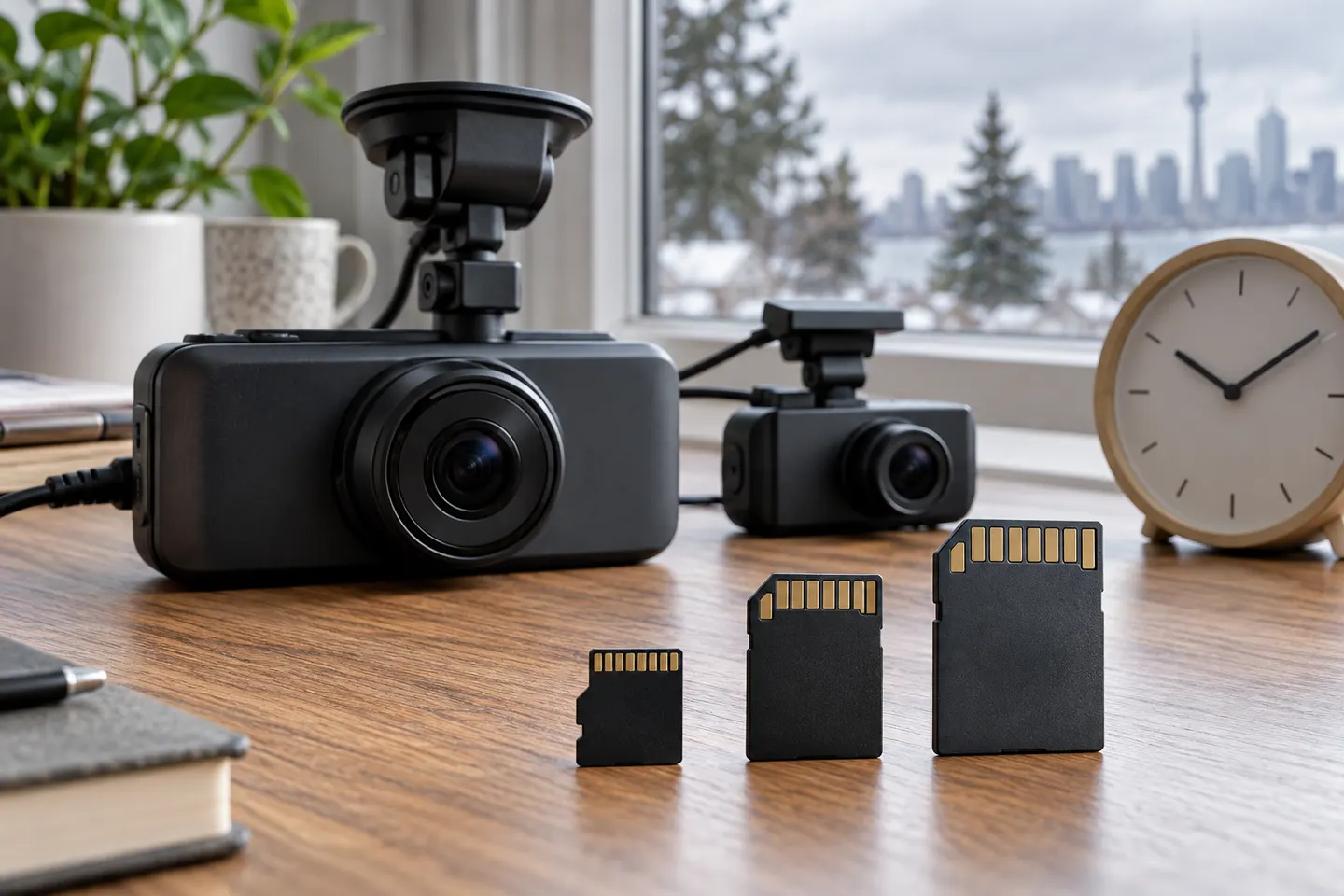
Our picks
Top picks
Official manufacturer image Official manufacturer image
VIOFO A229 Pro 2CH
Check price on Amazon Official manufacturer image
Garmin Dash Cam Mini 3
Check price on AmazonInstallation and accessories
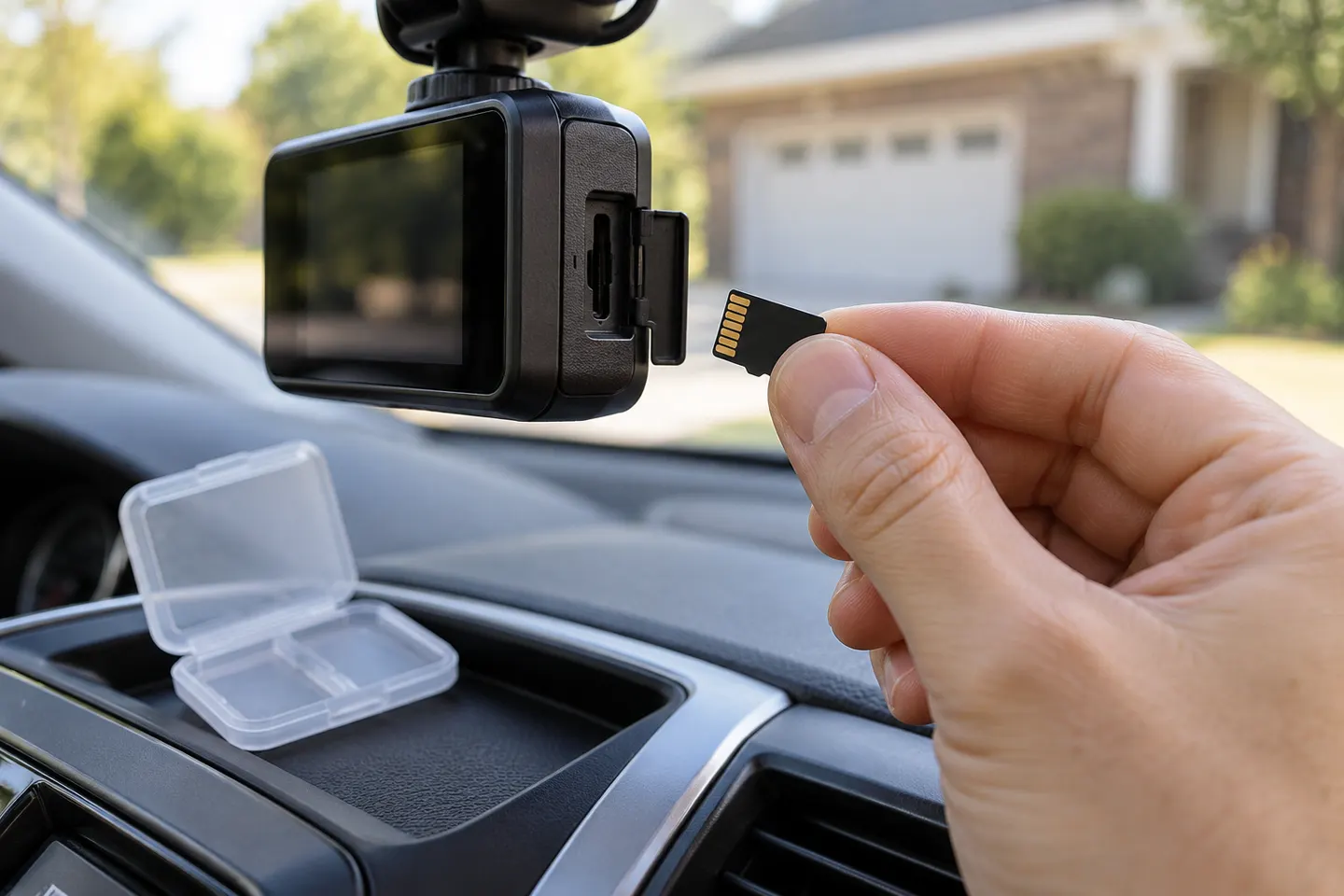 Sd card
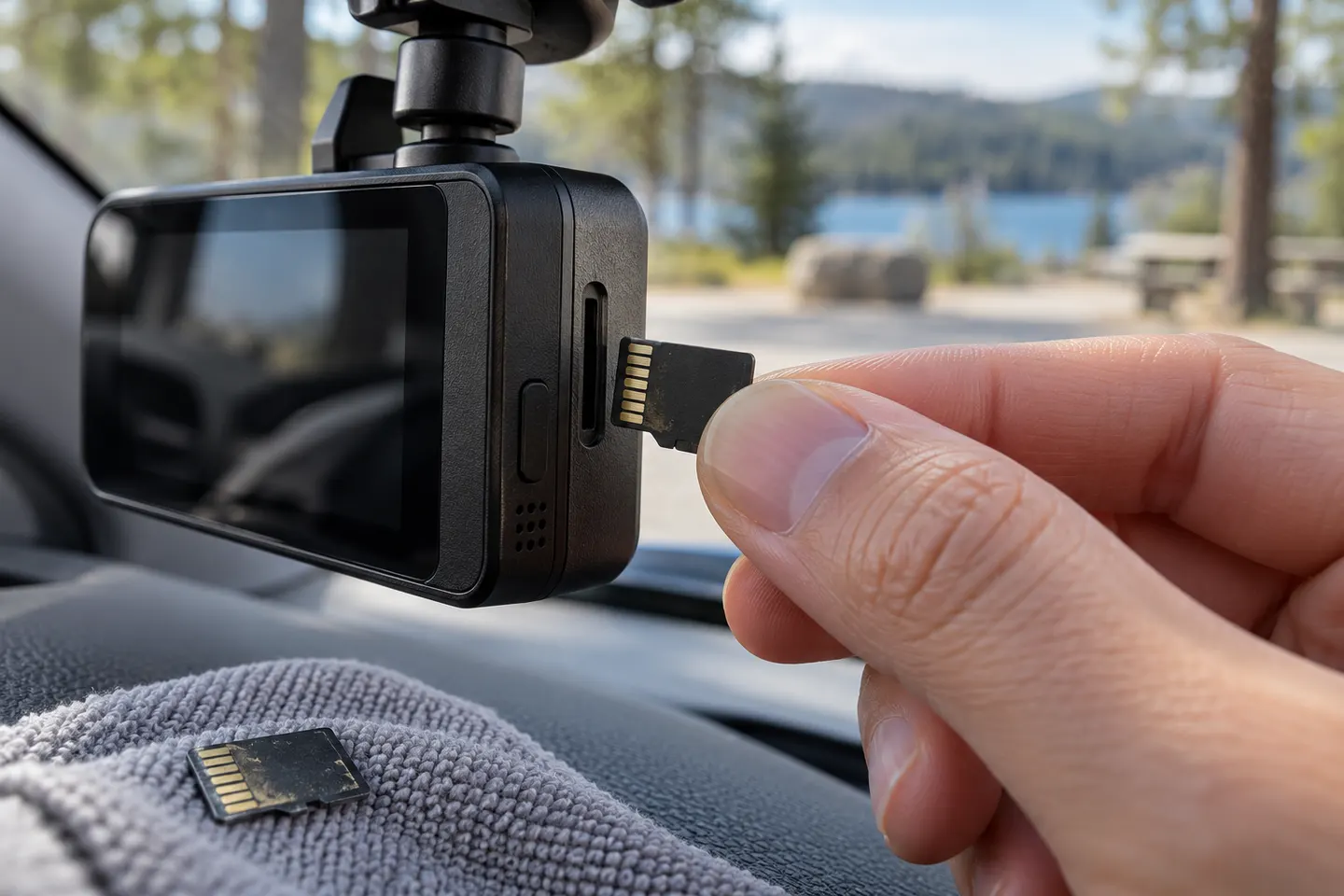 Micro sd card
Common questions
Questions before you buy
What memory card for dash cam?
Use a high-endurance microSD card within the exact camera's supported capacity and speed class. Check the manual before choosing the card.
What size memory card is best for a dash cam?
The best capacity is large enough for your channels and recording quality but still within the manufacturer's limit. Larger cards are not automatically supported.
What does TF memory card mean for a dash cam?
TF is the earlier name for the microSD format. Compatibility still depends on capacity, speed class and the camera's requirements.
How often should I format a dash cam memory card?
Follow the camera manufacturer's instructions or format reminders. Formatting does not repair a worn or failing card, so continue checking saved clips.
Why does my dash cam say memory card error?
Possible causes include an unsupported card, wrong file system, insufficient sustained write speed, corruption or wear. Back up needed footage, then follow the maker's troubleshooting steps.