








 Official manufacturer image

Our picks
Top picks
Official manufacturer image Official manufacturer image
TP-Link RE550
Check price on Amazon Official manufacturer image
TP-Link RE315
Check price on AmazonSetup and help
 Eir setup
How-to guides
 How to Set Up a TP-Link WiFi Range Extender
 How to Setup a NETGEAR WiFi Extender at Home
Common questions
Questions before you buy
How do I set up a WiFi range extender?
Use the exact model's setup guide: connect it to power, pair it with the router using the documented app or web interface, then move it to a suitable position while keeping a usable link to the router.
Should I set up the extender beside the router first?
Many manufacturers instruct users to complete initial pairing near the router, then relocate the extender. Follow the directions for your model and check its connection status after moving it.
Can I set up an extender with an Ethernet cable?
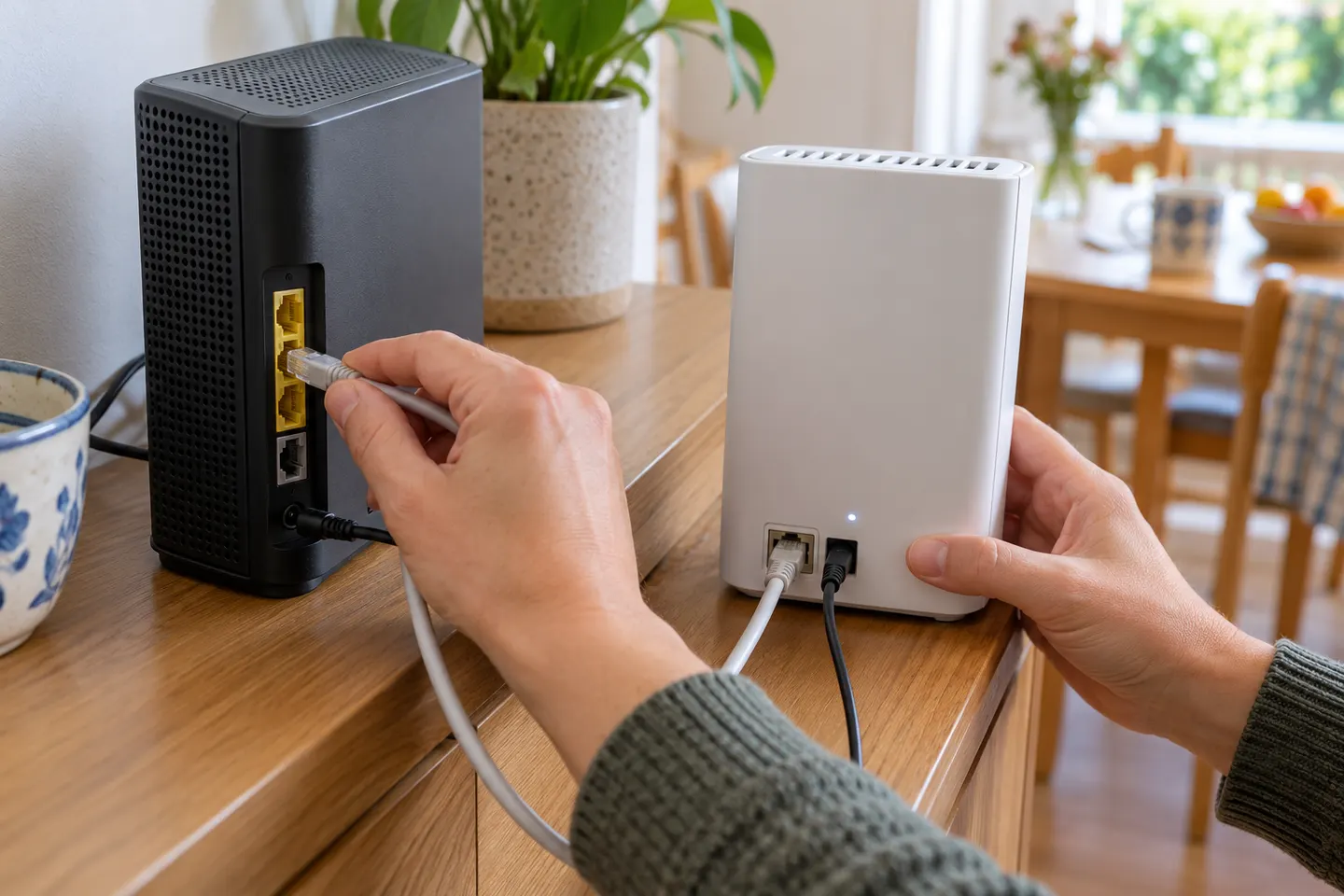
Some extenders support access point mode over Ethernet. The model must support that mode, and the setup steps differ from wireless repeater pairing.
Do I need an app to set up a WiFi booster?
Not always. Depending on the model, setup may use an app, browser-based management, WPS or another method. Check the setup documentation before selecting a device.