








 Official manufacturer image
Our picks
Top picks
Official manufacturer image Official manufacturer image
TP-Link RE550
Check price on Amazon Official manufacturer image
TP-Link RE315
Check price on AmazonBy type
 Eir 6
 Eir 7
Setup and help
 Setup
How-to guides
 How to Set Up a TP-Link WiFi Range Extender
 How to Setup a NETGEAR WiFi Extender at Home
More topics
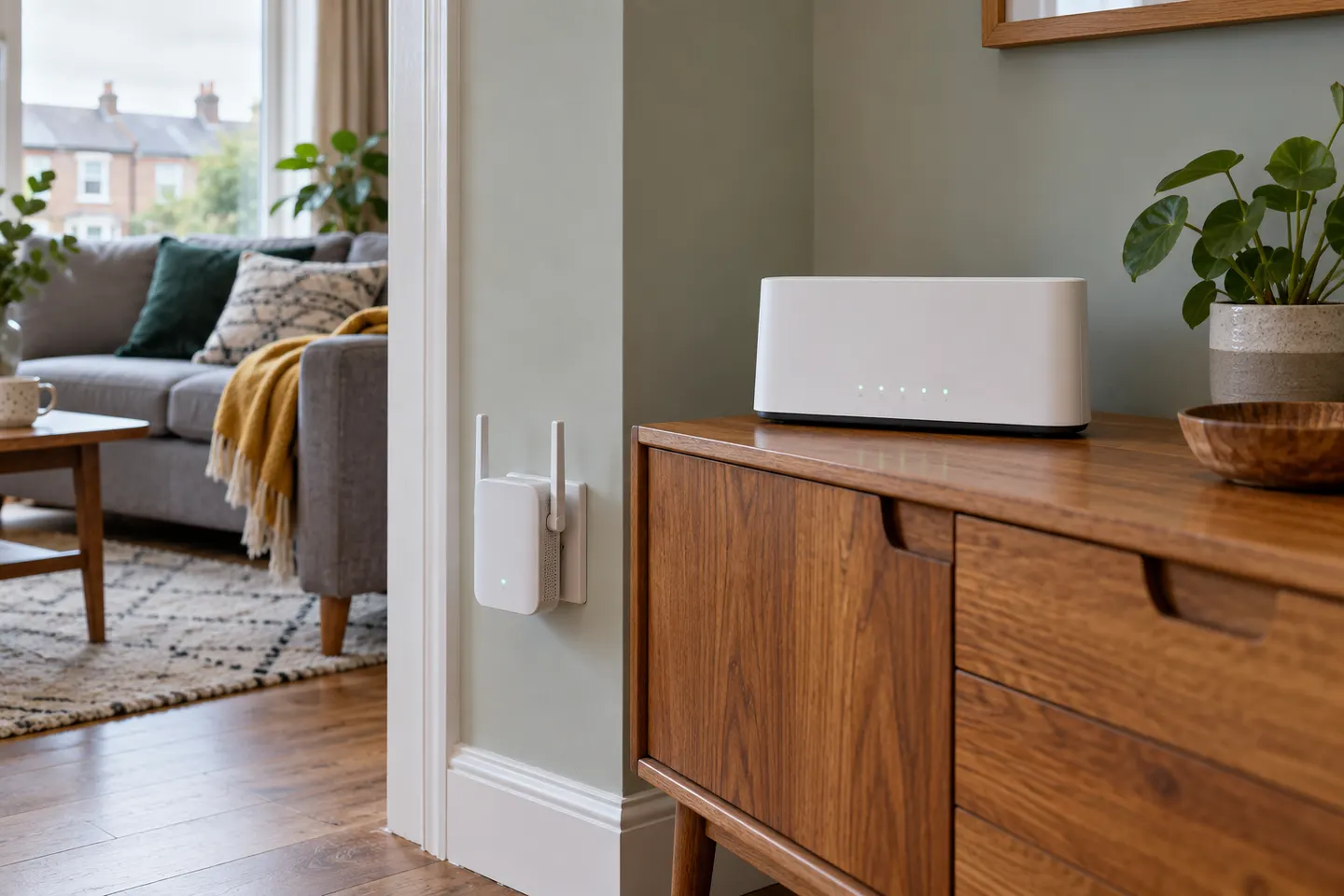 eir WiFi Boosters and Extenders for Irish Homes
Common questions
Questions before you buy
How do I set up an eir WiFi extender?
Identify whether you have eir Smart WiFi or an older powerline kit, then follow the matching eir guide. Smart WiFi pairs with the modem by WPS or Ethernet; the powerline kit uses its own adapter and clone sequence.
How do I pair eir Smart WiFi with an eir modem?
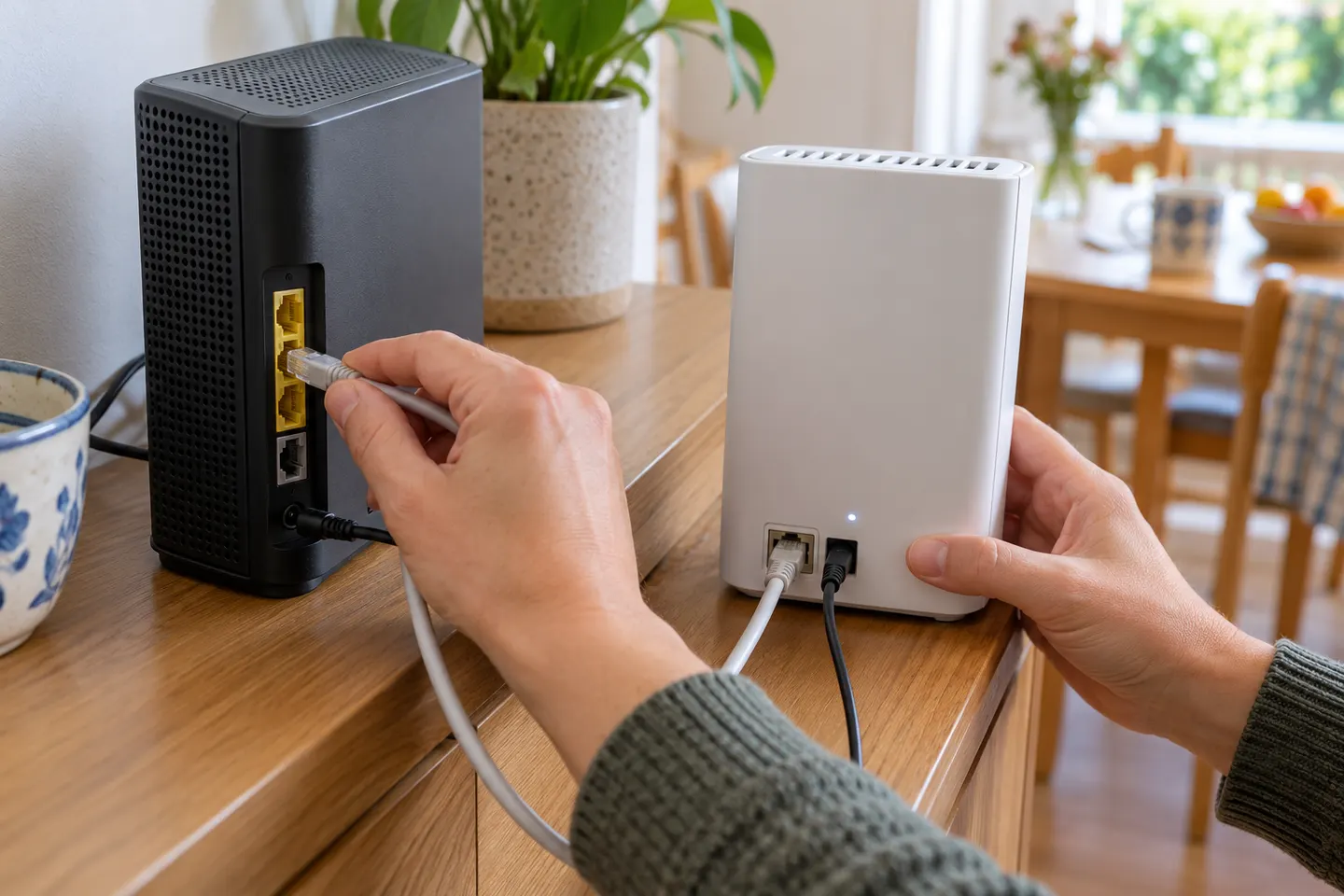
Connect and power the unit near the modem, then press the modem and Smart WiFi WPS buttons as described by eir. Check the link light before moving it; if it turns red or goes out, eir advises placing it closer.
Does eir Smart WiFi use the same network name as the modem?
Eir says its Smart WiFi hub projects the same WiFi ID as the modem, so devices can connect automatically after setup. Check the instructions for your exact Smart WiFi and modem models.
Can I connect an eir WiFi extender by Ethernet?
Eir’s Smart WiFi guide describes a wired connection as an option, and the older powerline kit also connects a router-side adapter by Ethernet. Use the port and wiring method shown for your specific kit.