








 Official manufacturer image
Our picks
Top picks
Official manufacturer image Official manufacturer image
TP-Link RE550
Check price on Amazon Official manufacturer image
TP-Link RE315
Check price on AmazonSetup and help
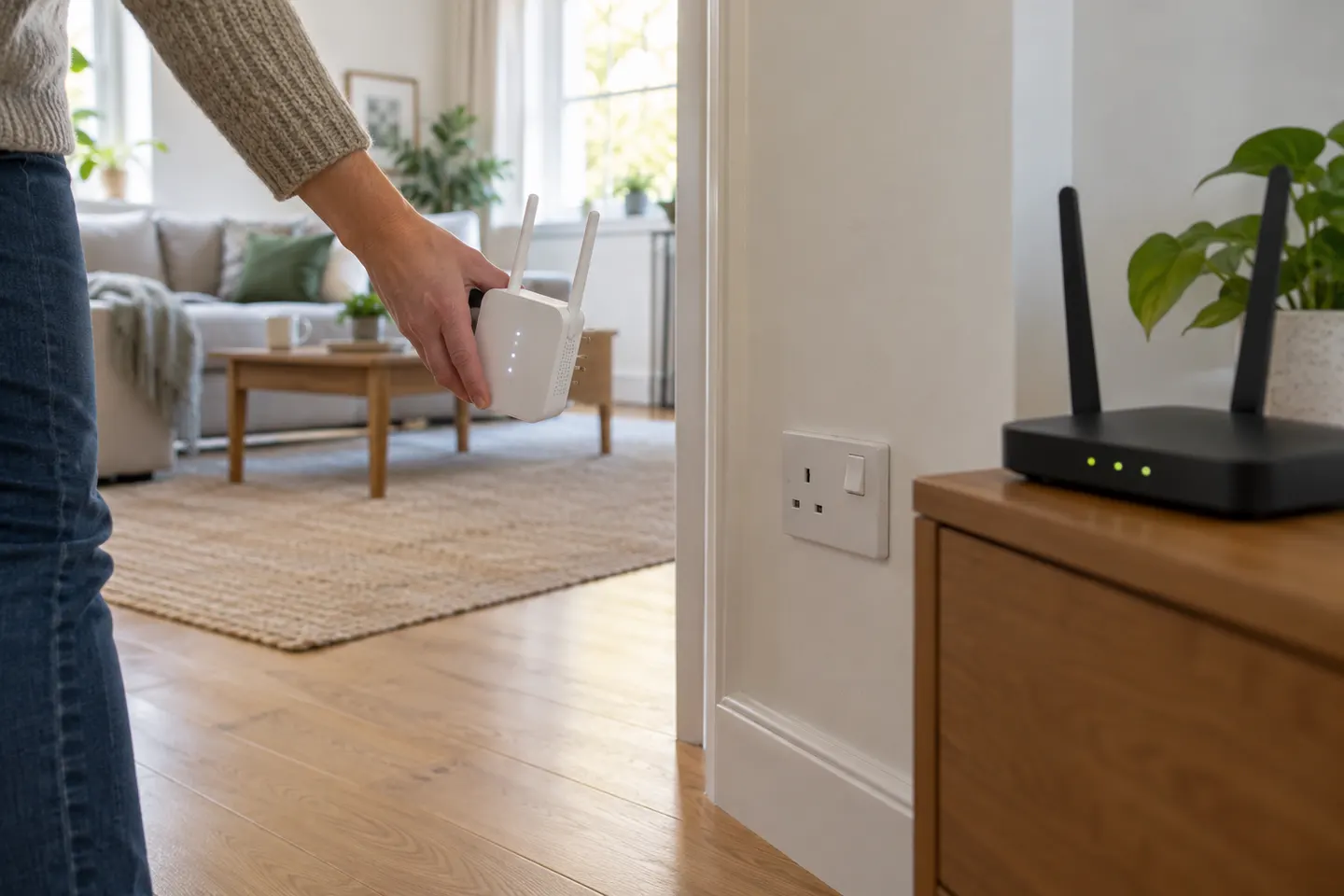 Not connecting
Common questions
Questions before you buy
Why is my WiFi extender not working?
Common causes include losing the router connection, being placed where the source signal is already weak, changed WiFi details or an incomplete setup. Check the extender's status and reconnect it using its model-specific instructions.
Why does my WiFi booster connect but provide no internet?
The extender may have joined a WiFi network that has no working internet connection, or its link to the router may be unstable. Confirm the router works nearby, then check which network the extender is repeating.
What should I check if my extender stopped working after a router change?
Check whether the router name, password or security settings changed. Reconfigure the extender with the current network details, following the manufacturer's instructions.
Why is the Ethernet connection on my WiFi extender not working?
The Ethernet port may only work in a supported operating mode, or the cable and connected device may need checking. Verify the mode and port behaviour in the extender's own manual.
Can a WiFi extender fail to work with a mesh router?
Compatibility depends on the extender and how it bridges the network. Google notes that some features can behave differently with third-party bridges, so check both manufacturers' guidance for your setup.