Independent buying guidance · US editionHow we work
Gearjury
All categories
All categories
Best picksGood Meat Thermometers for Every Kind of Cook
Best picksBest WiFi Extenders: Which Range Extender Should You Buy?
Best picksBest Dash Cams for Cars in 2026
Best picksBest Radar Detectors for Cars: Models Compared
Best picksGood Winter Gloves for Cold Weather: Five Useful Picks
Best picksBest Headlamps: Six Lights Compared for Different Uses
Best picksBest Portable Air Coolers for Patios, Workshops and Small Spaces (2026)
Best picksTop 10 Best Battery-Powered Weed Eaters for Different Yards
Best picksBest Air Purifier for Bedroom in the US: Quiet Models Compared
United StatesEnglish

Category hub

Choosing a WiFi Extender with Ethernet Input and Output

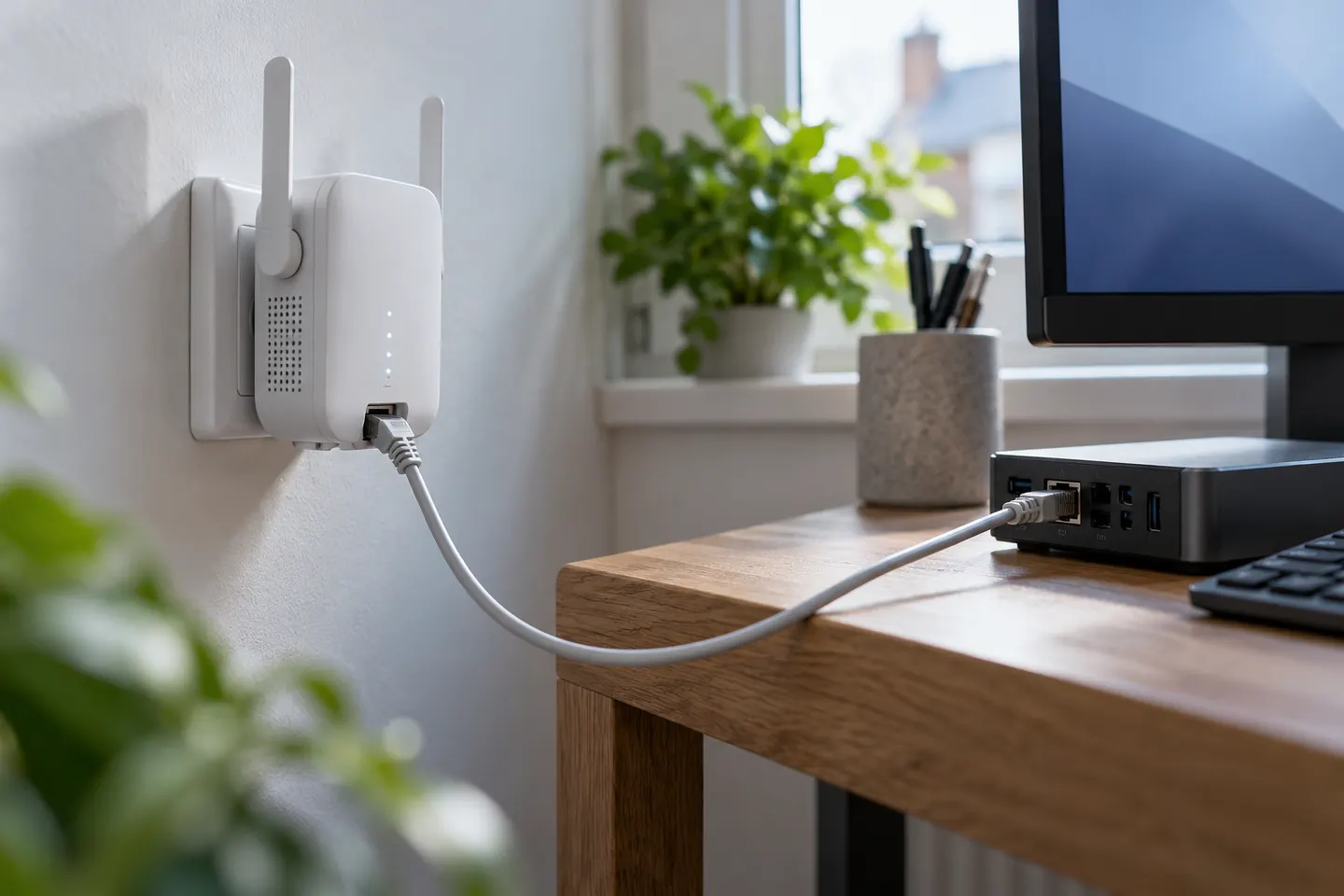
Check whether you need an Ethernet port for a wired device, wired backhaul, or both. Port roles and supported modes matter.

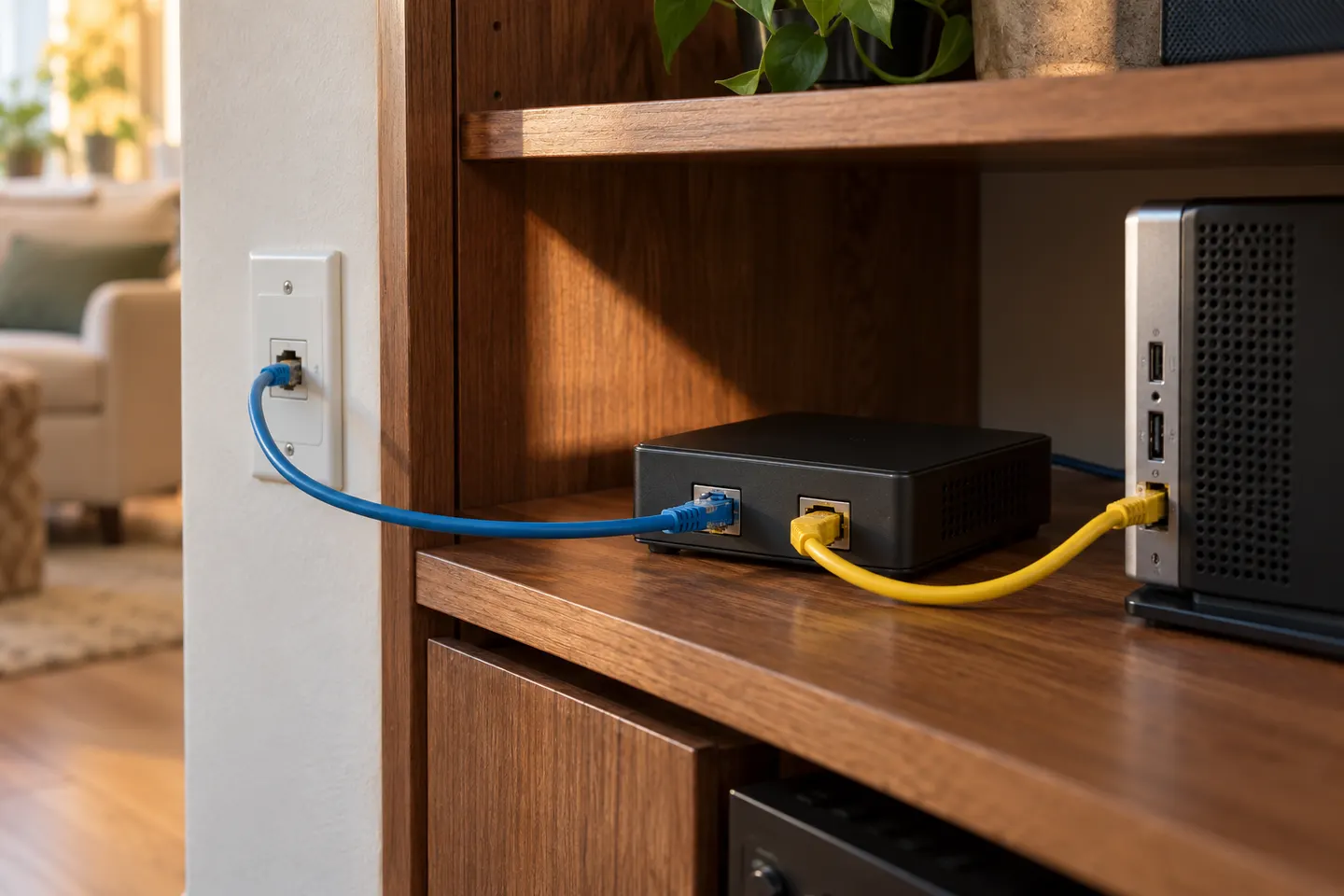
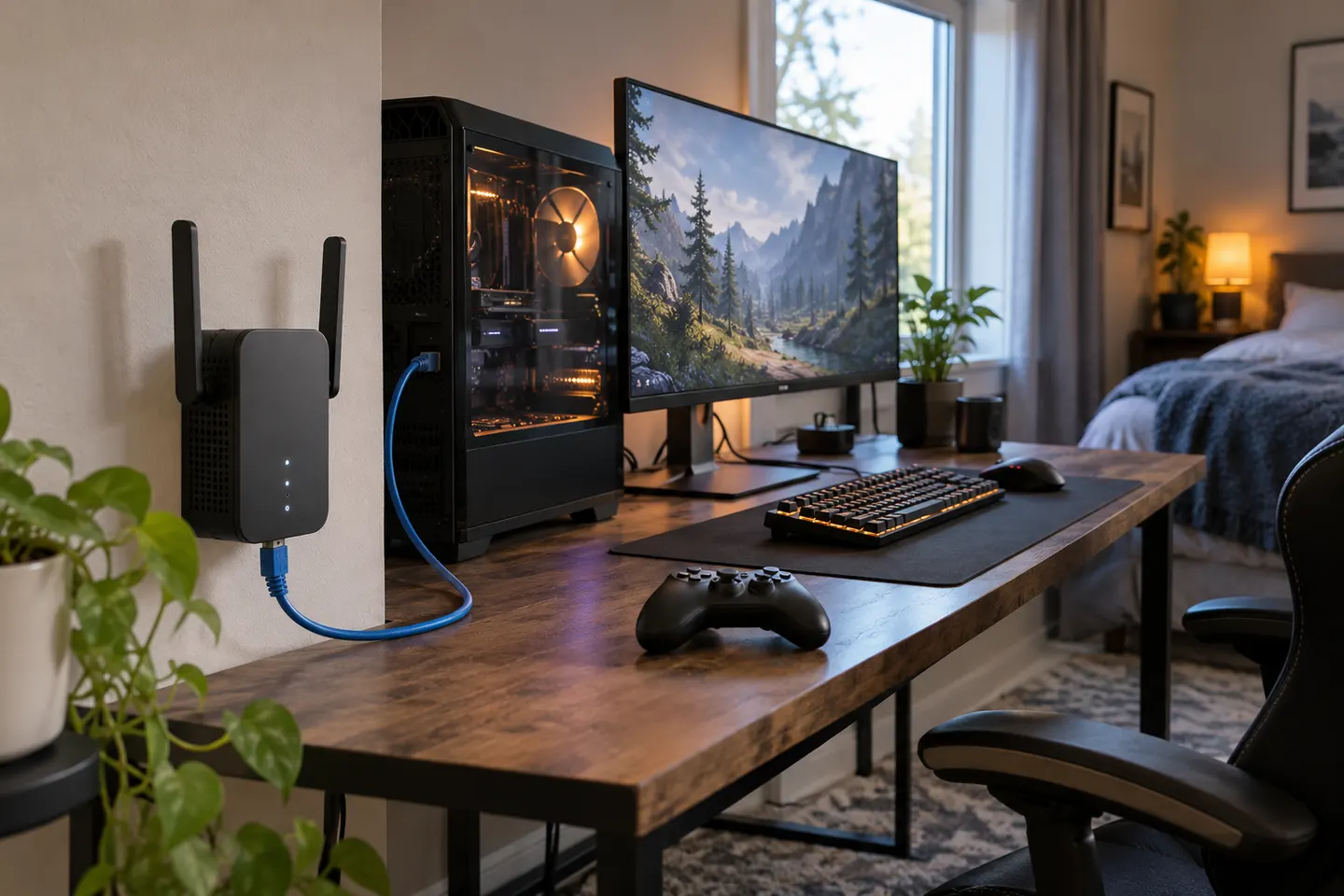
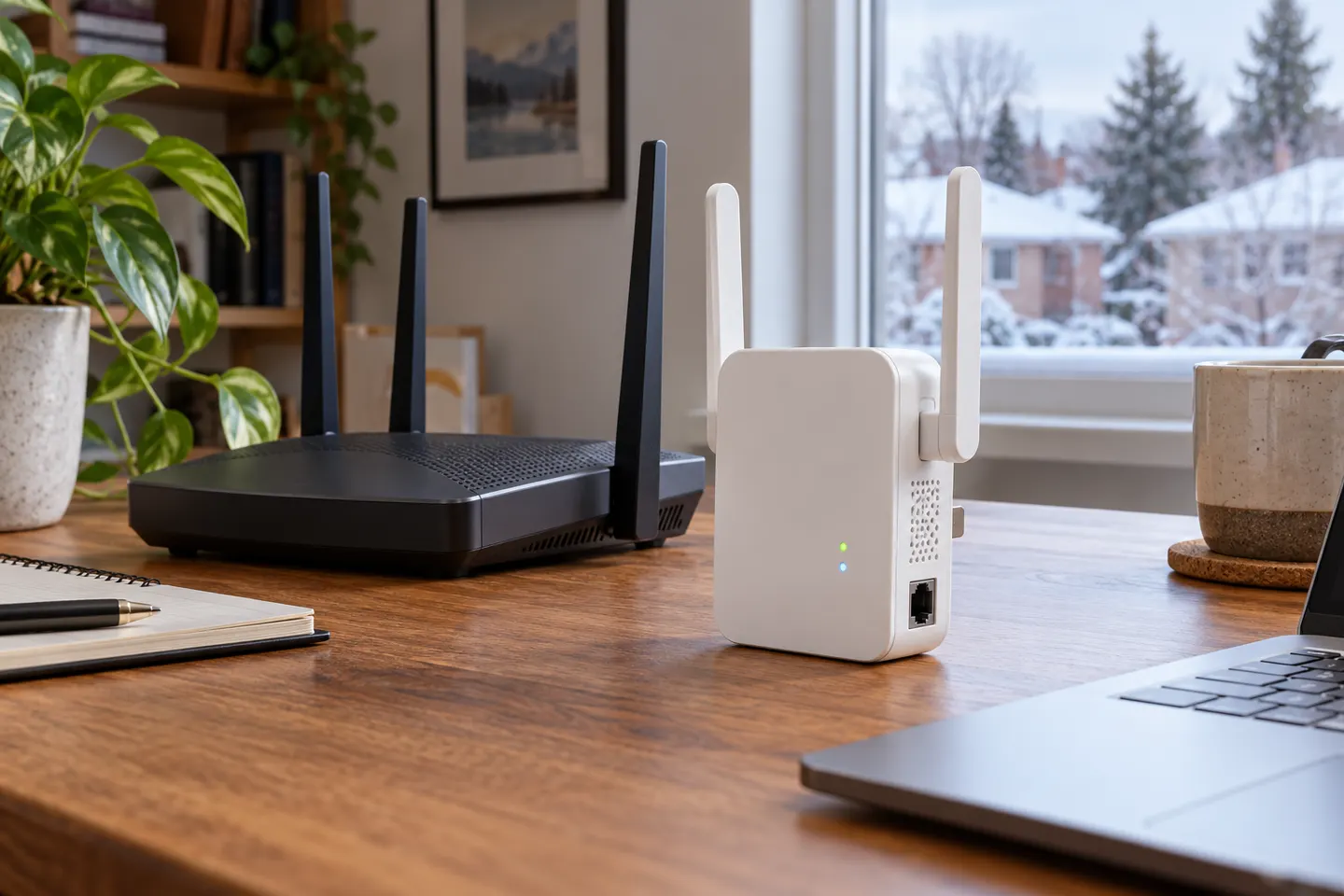
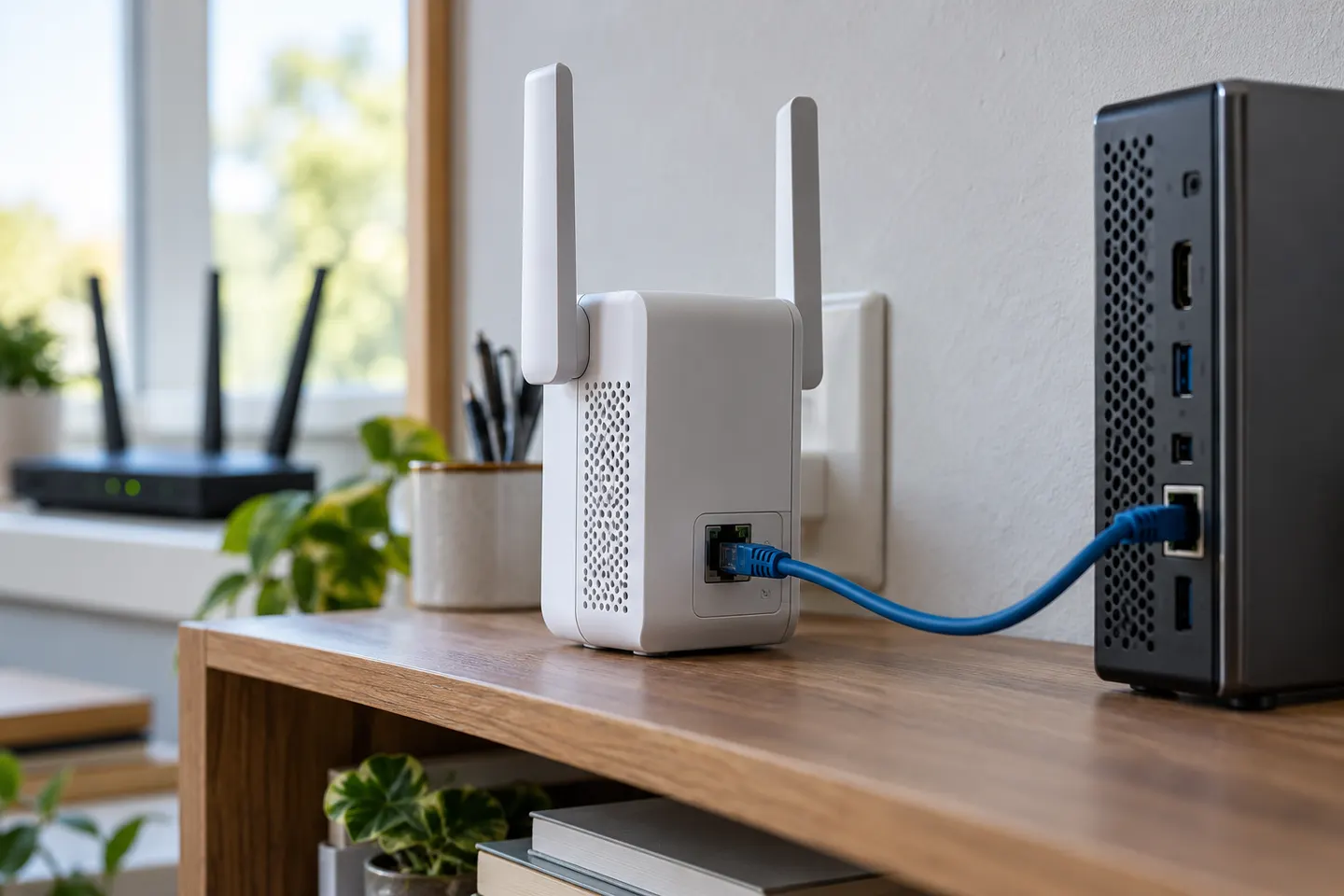
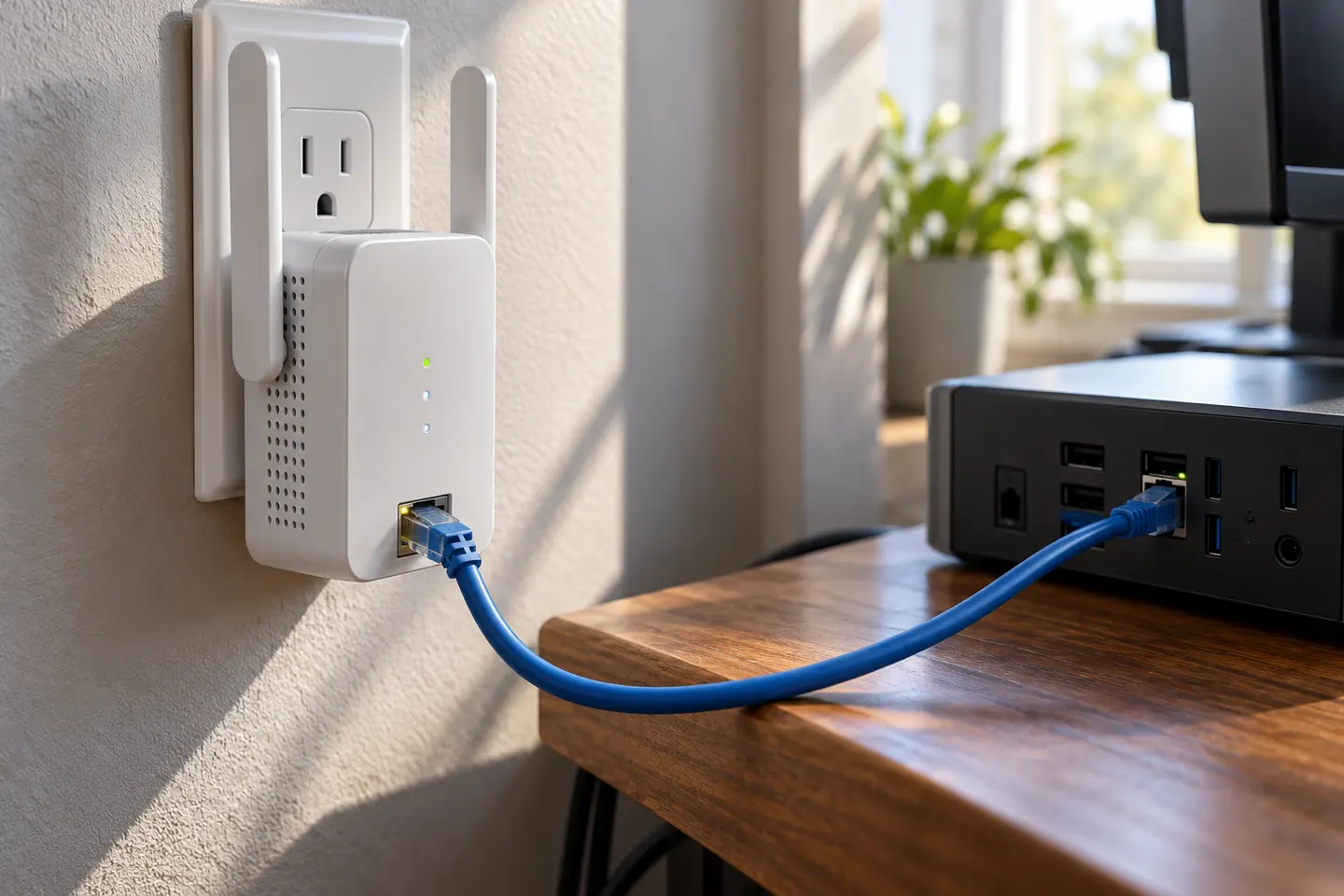
A WiFi extender with Ethernet input and output can bridge wireless coverage and wired equipment, but models differ. Some ports connect client devices; others support access-point mode with a cable from the router. Decide what needs wiring, then check the manual for port behavior in the mode you plan to use. For a television or console, prioritize a documented wired-client port. For a cable from the router, look for explicit access-point support. Similar sockets can have different roles.

Choosing a WiFi Extender with Ethernet Input and Output

By place and use

1

By type

7
Show all (7)

Common questions

Questions before you buy

Can I connect a smart TV to an extender with Ethernet?

Yes, when the model supports wired clients in extender mode. Confirm port behavior in its manual.

Does Ethernet make an extender faster?

It can connect a nearby device or provide a wired access-point link. It cannot raise broadband speed or remove wireless backhaul limits.

What is Ethernet backhaul?

A cable carries the network from router to access point or extender. The device must support access-point operation.

How many Ethernet ports do I need?

Count wired devices at that location and check port support in the operating mode you will use.