









 Official manufacturer image
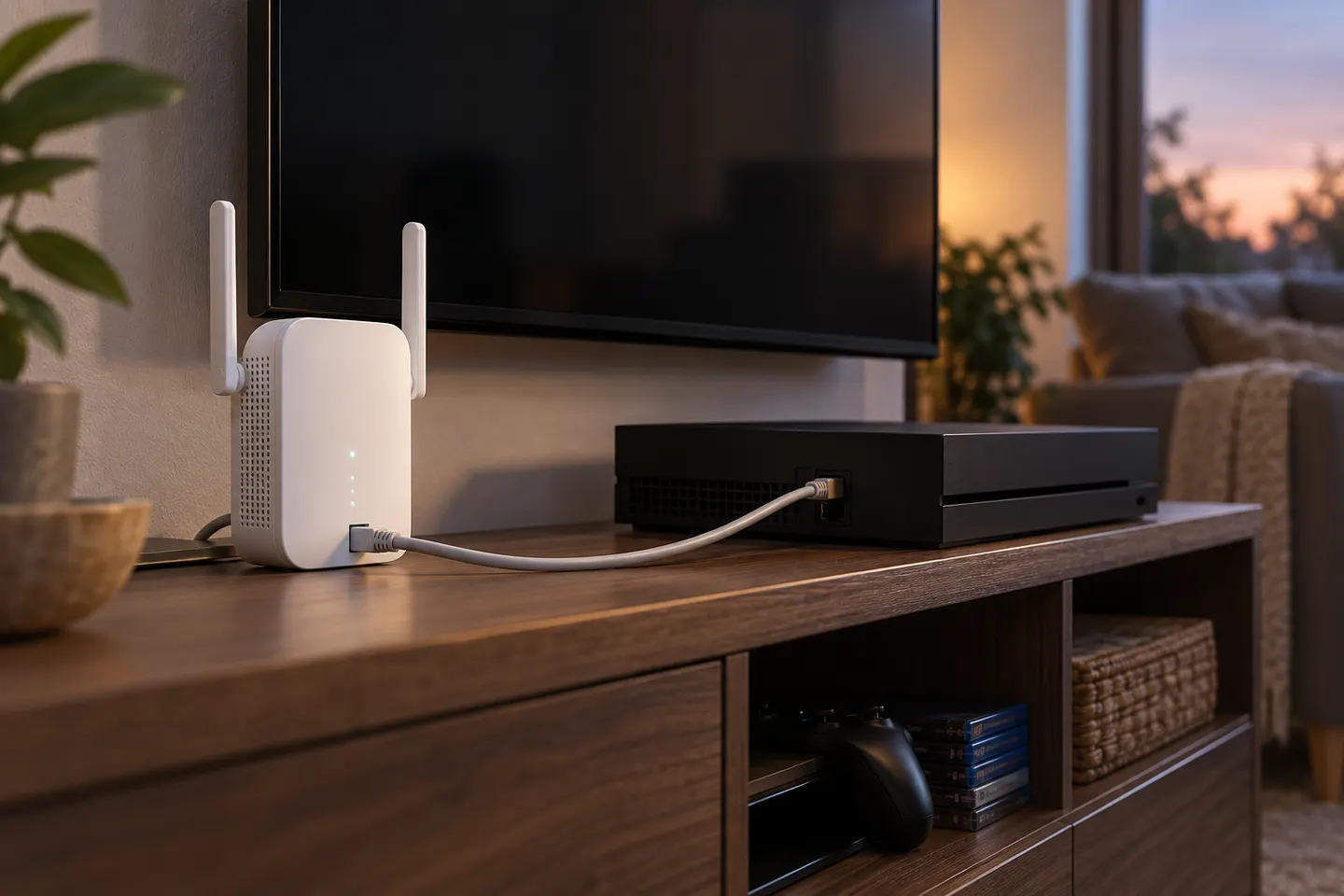
Our picks
Top picks
Official manufacturer image Official manufacturer image
NETGEAR EAX15
Check price on Amazon Official manufacturer image
TP-Link RE550
Check price on AmazonBy place and use
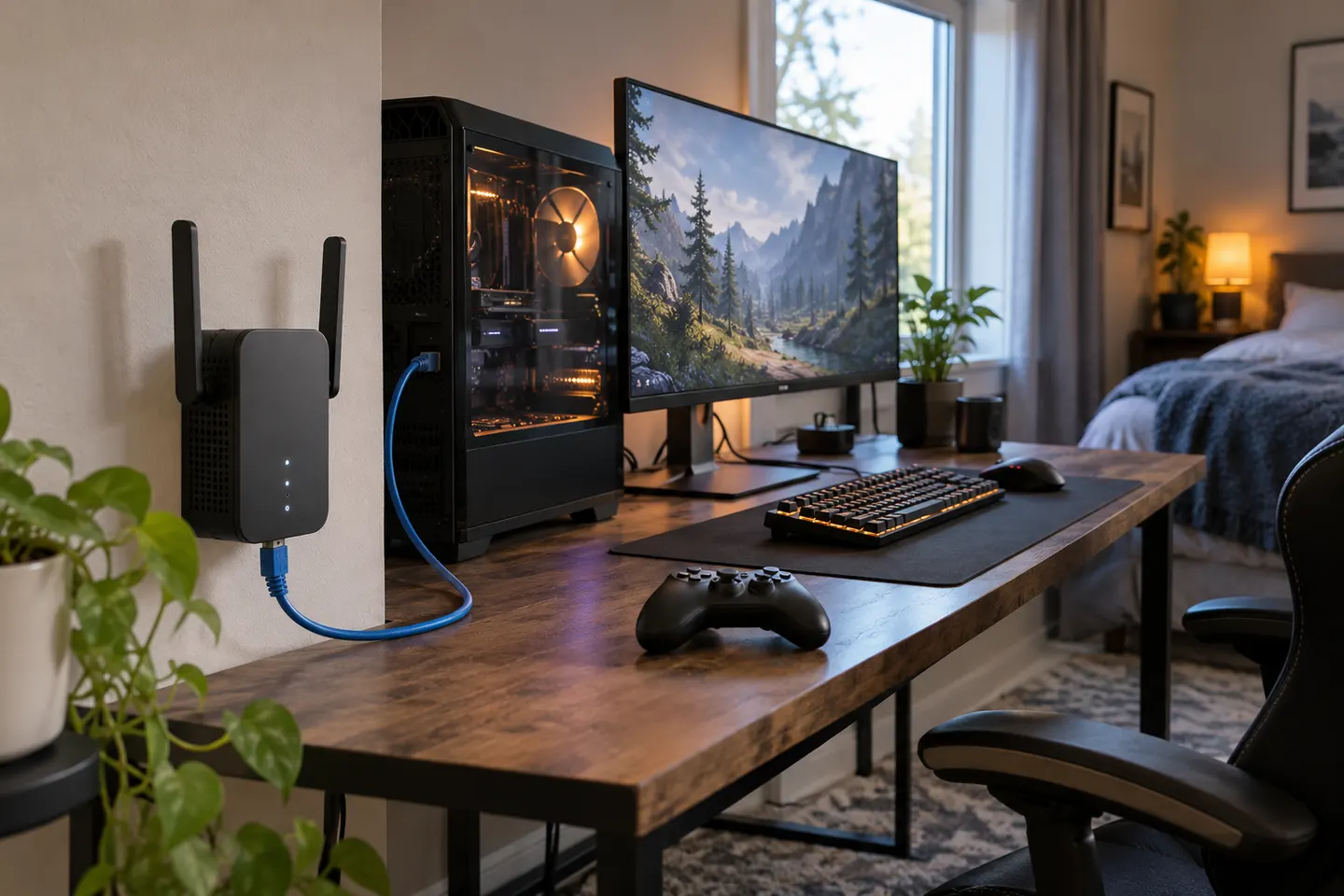 Ethernet port gaming
By type
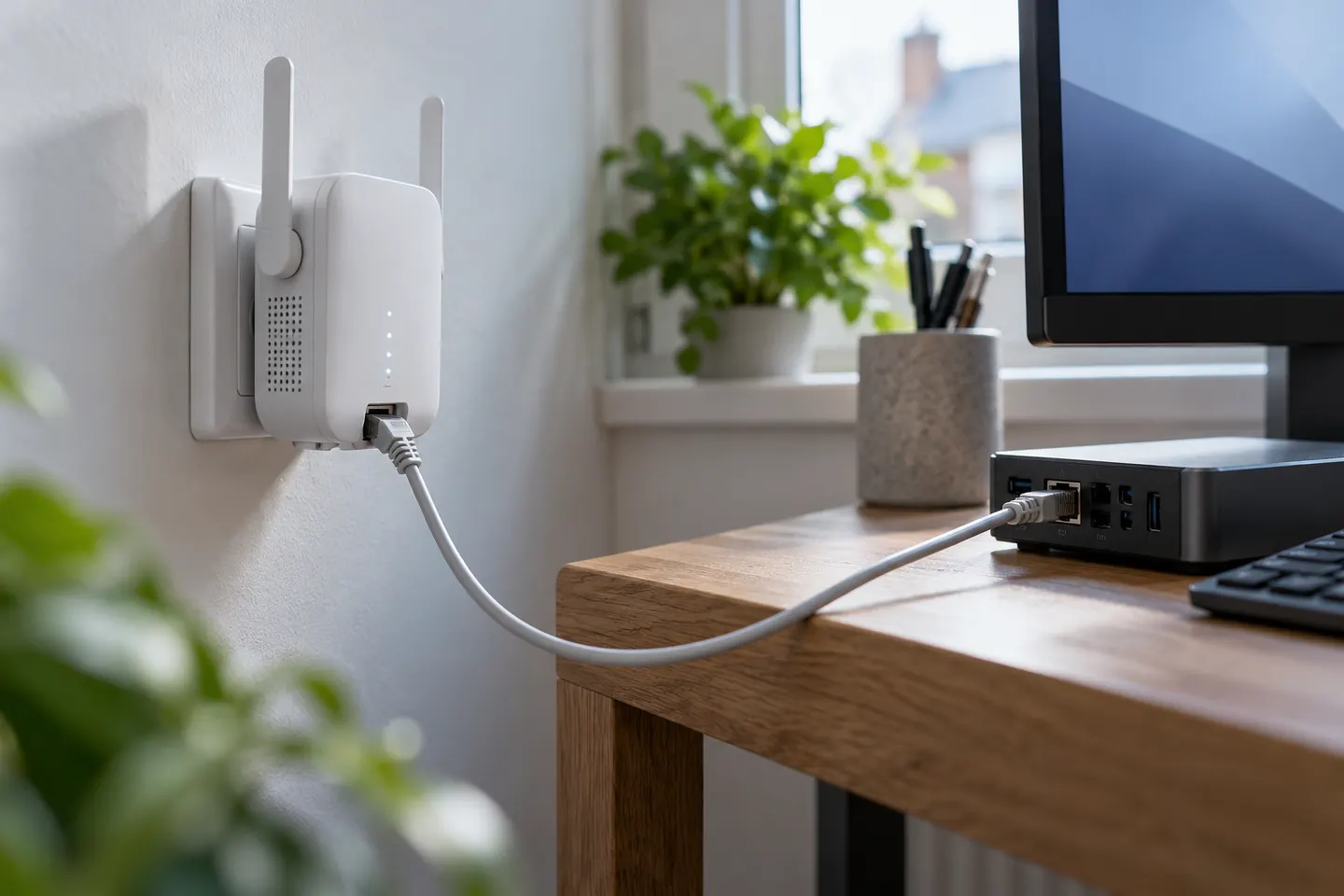 Ethernet port
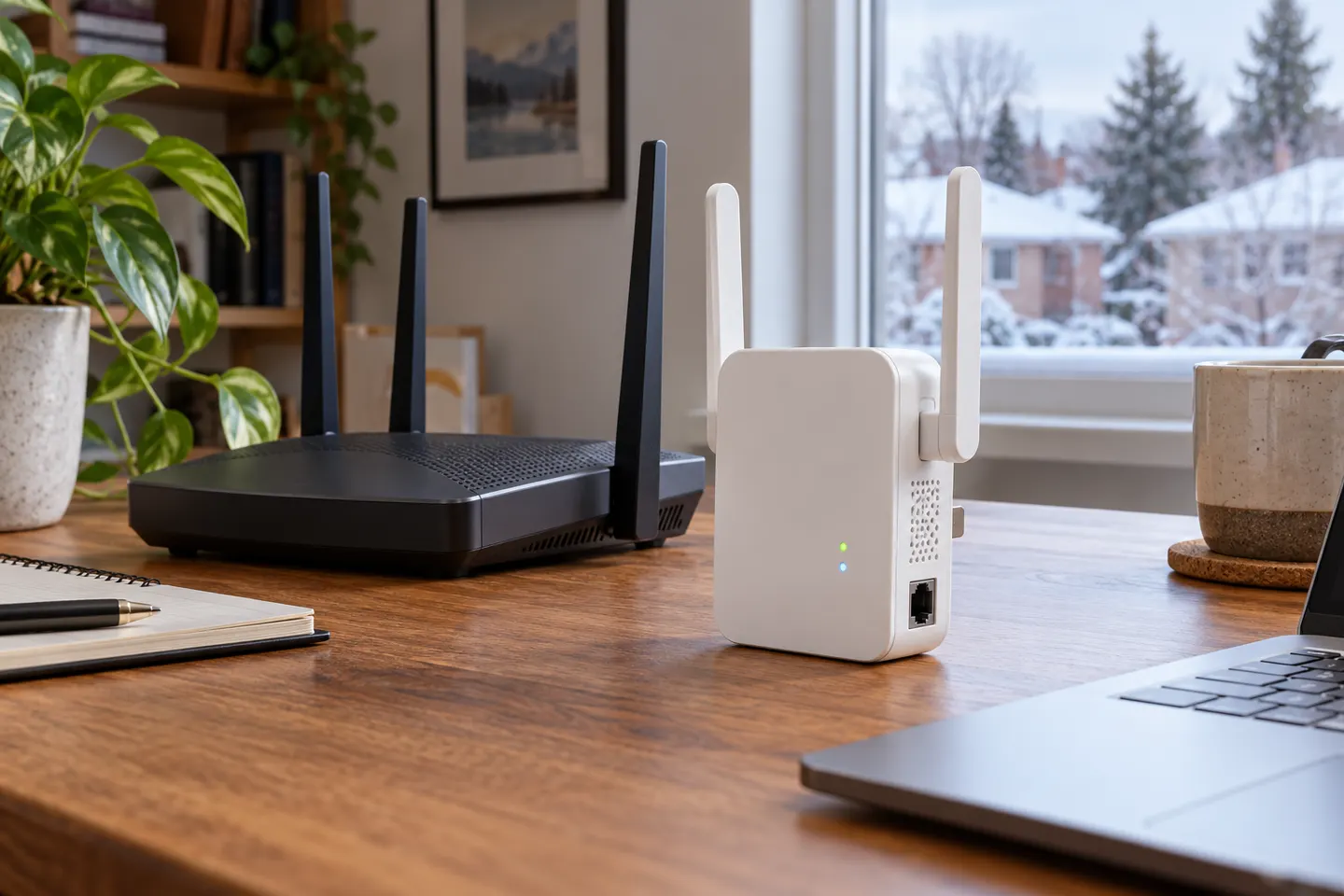 Ethernet
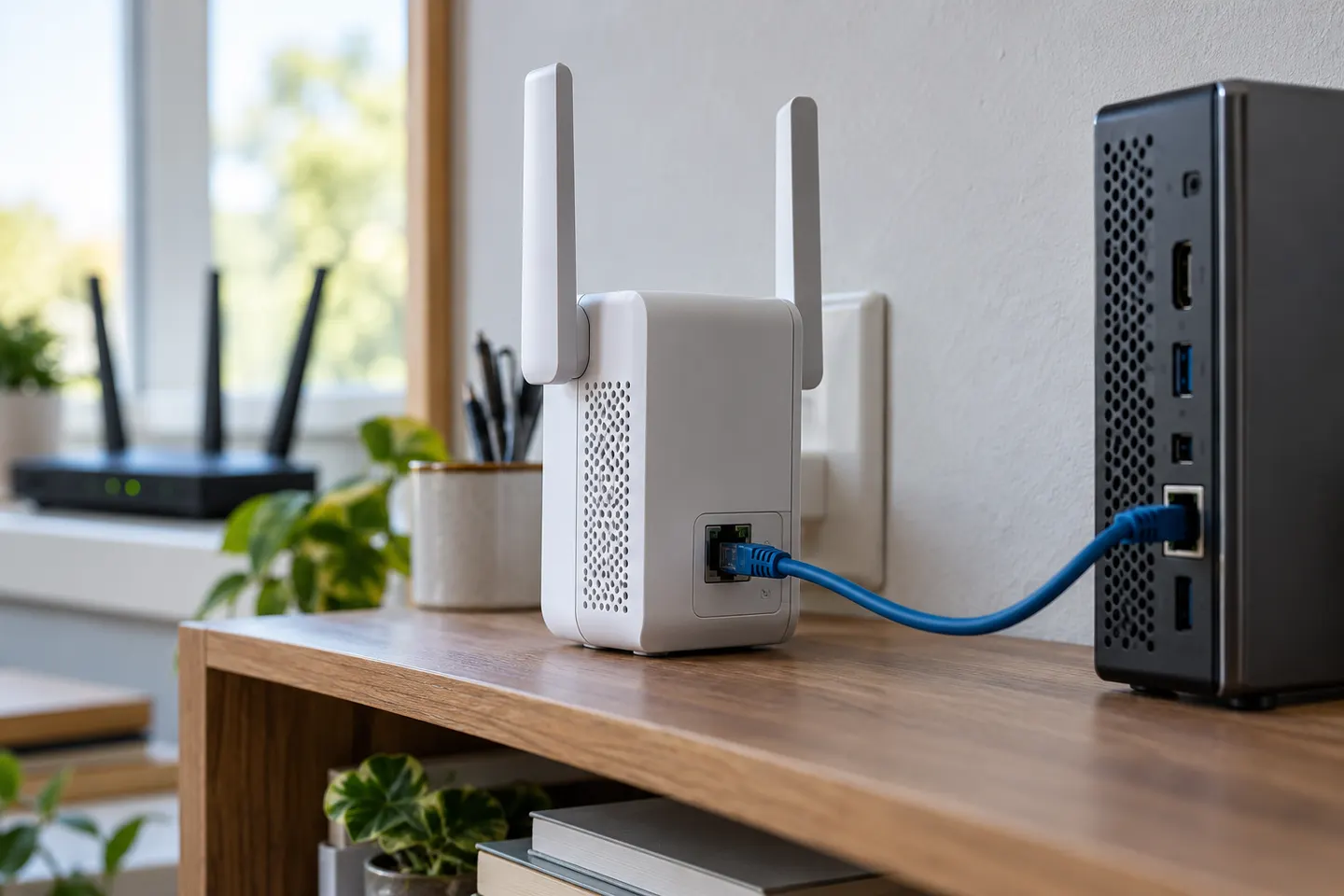 Ethernet connection
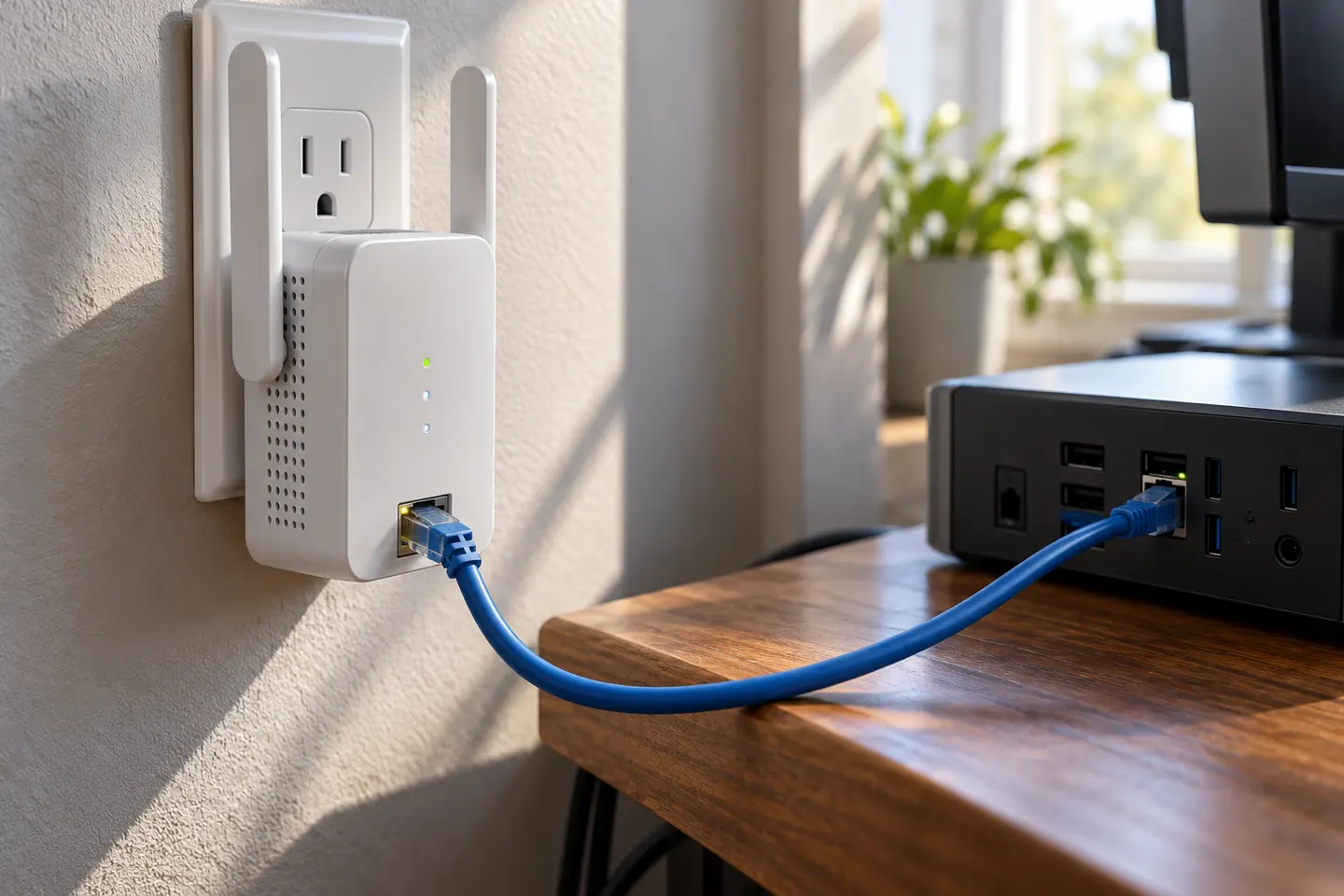 Ethernet plug
Show all (7)
Common questions
Questions before you buy
What does an Ethernet port on an extender do?
It connects a wired device to the extended network. Some models can instead receive Ethernet in Access Point mode and broadcast Wi-Fi.
Does Gigabit Ethernet guarantee Gigabit internet speed?
No. Gigabit describes the port link rate; throughput depends on the extender router link, service, cable and network conditions.
Can a range extender work as an access point?
Some can. TP-Link specifies Access Point mode on RE605X and RE550; check the exact model documentation.
Can I connect a smart TV to an extender by cable?
Yes, if the extender has an Ethernet port and is configured for that network use. Follow the manufacturer setup guidance.