









 Official manufacturer image
Our picks
Top picks
Official manufacturer image Official manufacturer image
NETGEAR EAX15
Check price on Amazon Official manufacturer image
TP-Link RE550
Check price on AmazonSetup and help
 Free app
More topics
 Can You Get an Xfinity WiFi Extender Free?
 WiFi Extender Apps for Setup, Placement, and Control
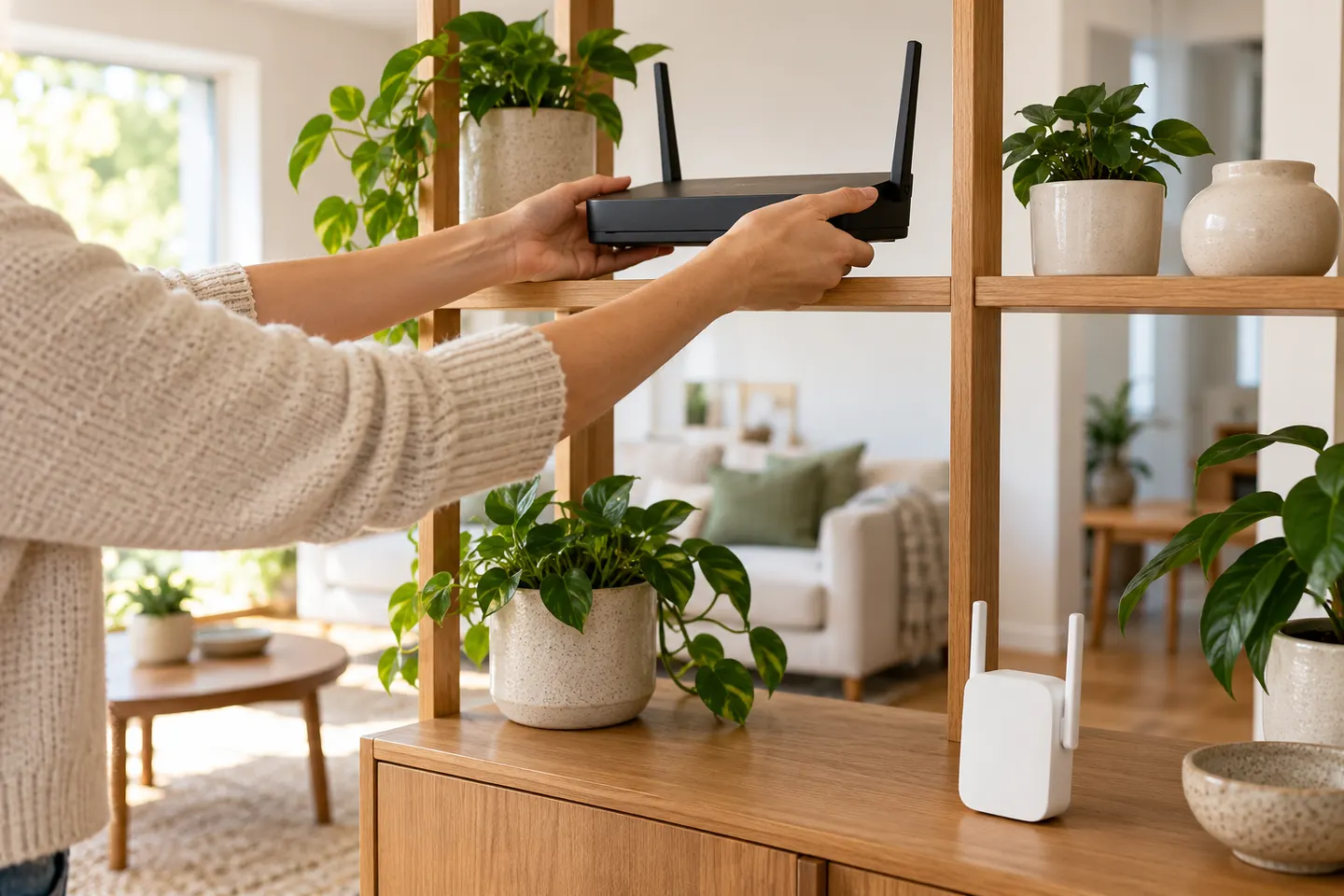 free Wi-Fi booster
Common questions
Questions before you buy
Do free WiFi booster apps really work?
They can help diagnose signal conditions or manage supported router hardware, but an app alone cannot increase the radio capability of your phone or router. Any improvement usually comes from a configuration change or different equipment.
Can an app boost my WiFi signal on an iPhone or Android phone?
Apps can display network information or control compatible equipment, subject to operating-system permissions. They cannot physically strengthen the phone's antenna or create coverage where no usable signal exists.
What can a WiFi analyzer app do?
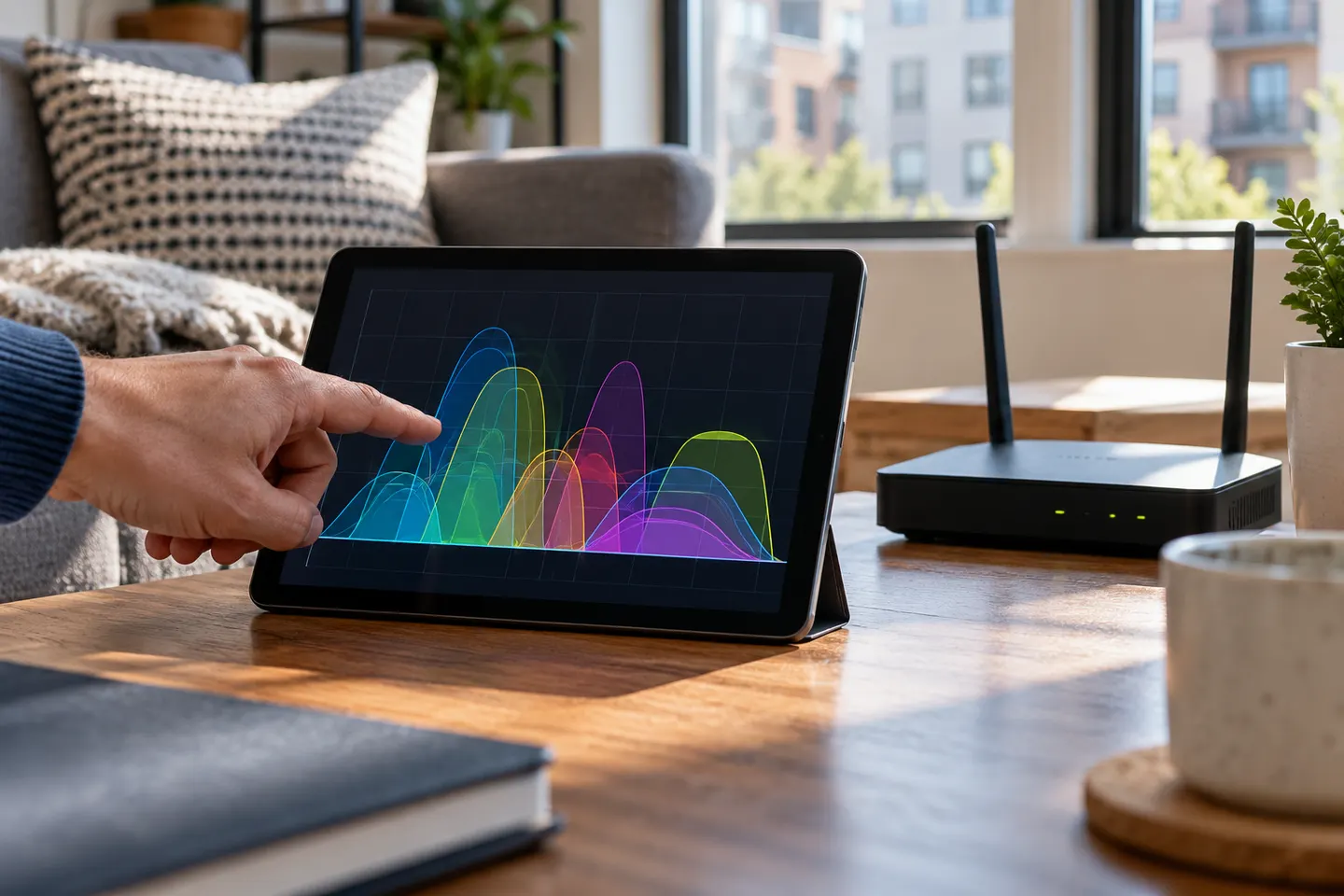
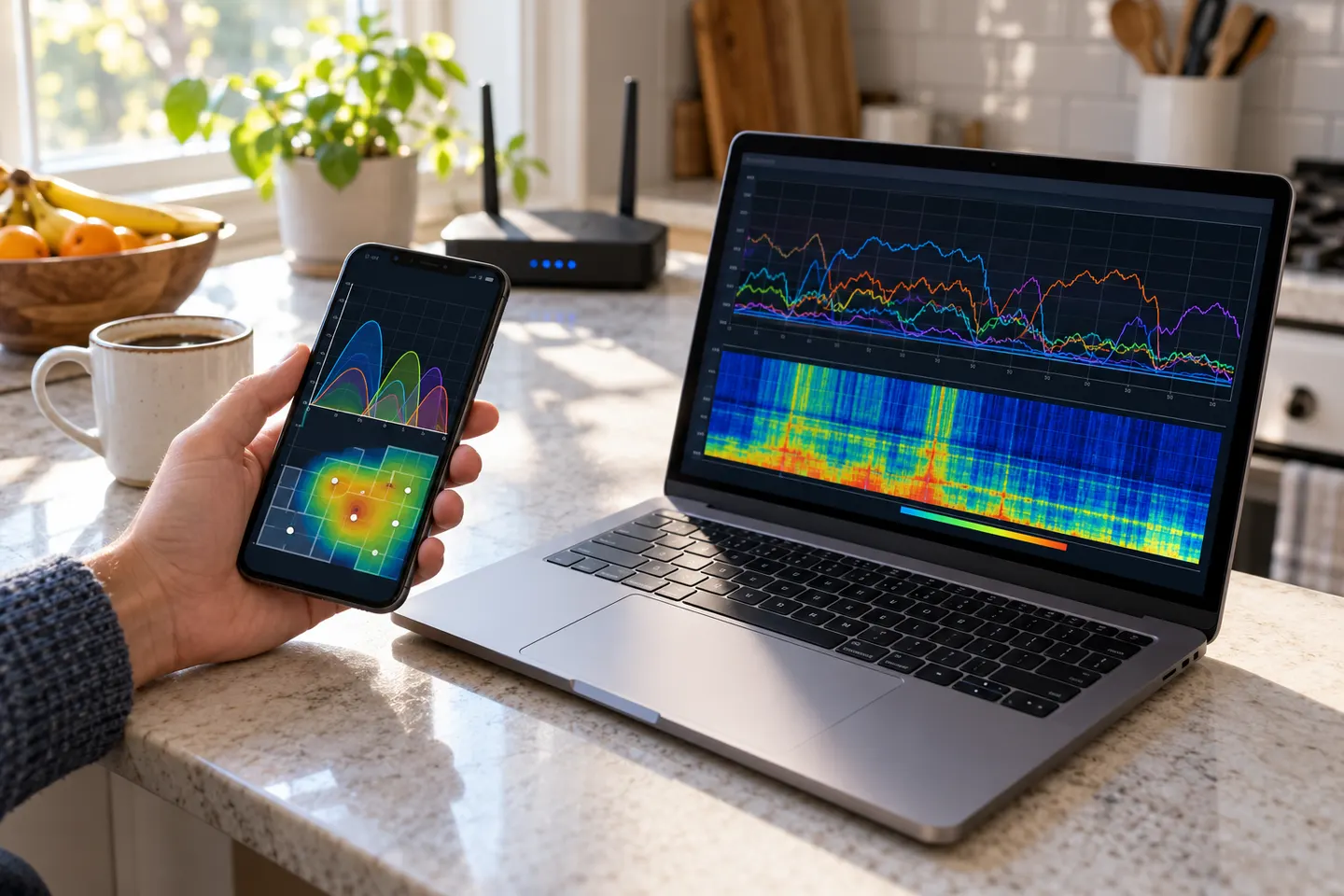
Depending on the app and device, it may show nearby access points, signal levels or channel use. Treat readings as diagnostic indicators; results can vary by device and operating-system restrictions.
Is the TP-Link Tether app a WiFi booster?
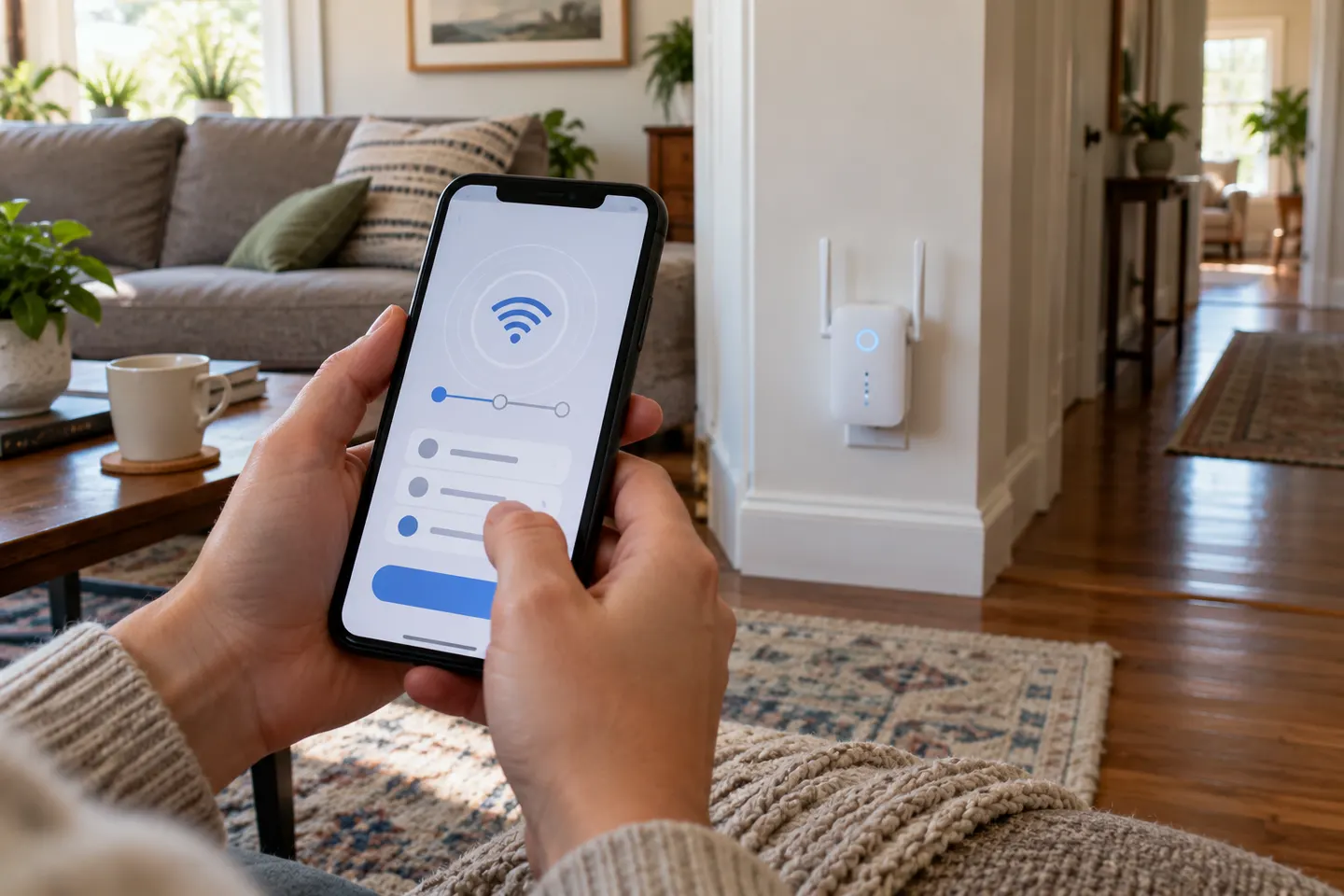
Tether is a management and setup app for compatible TP-Link network products. It can help configure supported extenders, but the physical device performs the network repeating.
Are free WiFi booster downloads safe?
Use a verified app-store listing or the manufacturer's official site, check the publisher and permissions, and avoid unknown APK or configuration downloads. A tool should not need unrelated access to diagnose a Wi-Fi connection.