Identify the device before setup
Check the label for the full model number and hardware version, then open that manufacturer’s installation guide. The AC750 class does not guarantee identical menus or button functions.

 Best picksGood Meat Thermometers for Every Kind of Cook
 Best picksBest WiFi Extenders: Which Range Extender Should You Buy?
 Best picksBest Dash Cams for Cars in 2026
 Best picksBest Radar Detectors for Cars: Models Compared
 Best picksGood Winter Gloves for Cold Weather: Five Useful Picks
 Best picksBest Headlamps: Six Lights Compared for Different Uses
 Best picksBest Portable Air Coolers for Patios, Workshops and Small Spaces (2026)
 Best picksTop 10 Best Battery-Powered Weed Eaters for Different Yards
 Best picksBest Air Purifier for Bedroom in the US: Quiet Models Compared
Gearjury may earn a commission from qualifying retailer links. Our editorial content is based on cited sources.
Guide
Use the model label to find matching instructions, pair it close to the router and relocate it only after confirming a working connection.
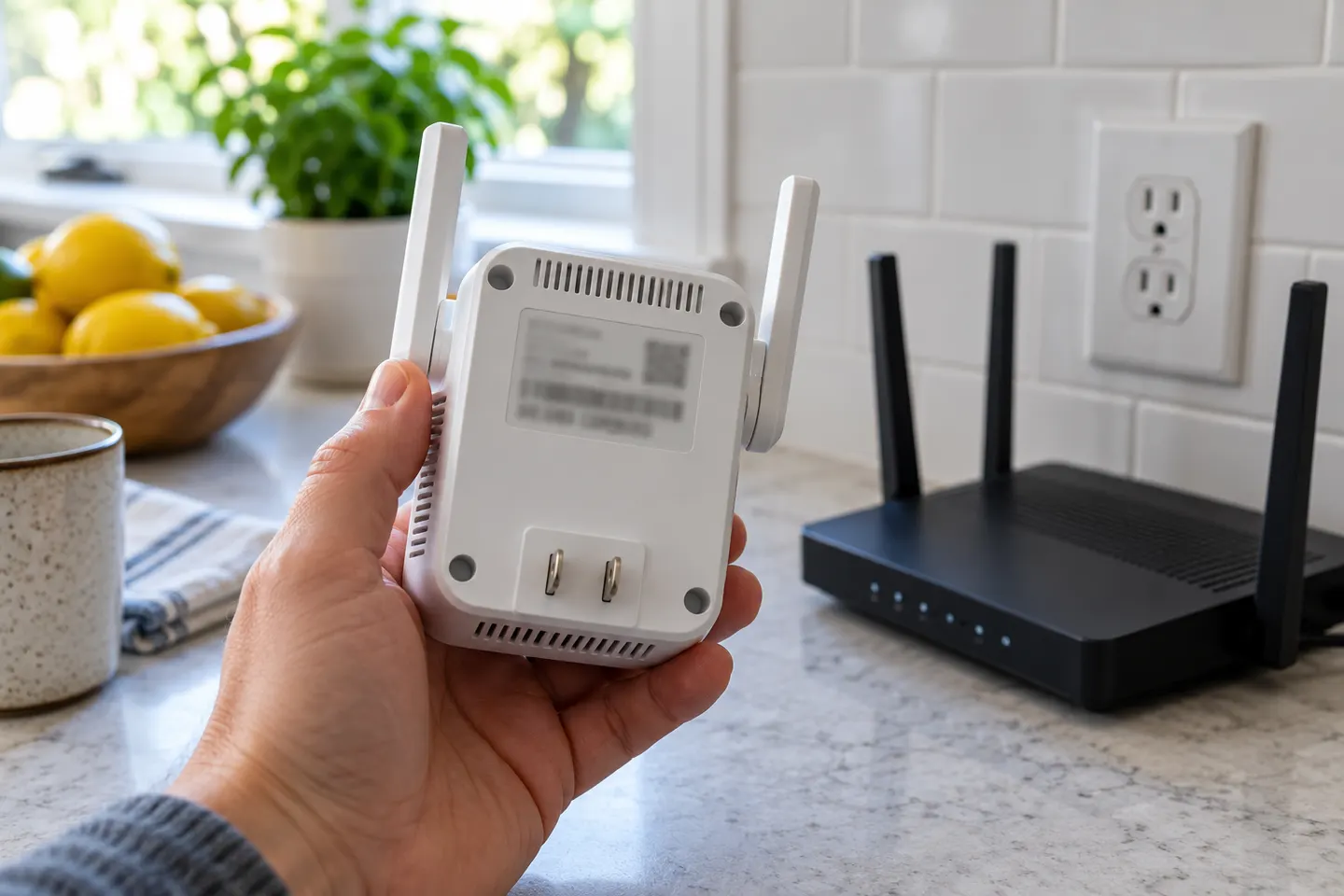
Check the label for the full model number and hardware version, then open that manufacturer’s installation guide. The AC750 class does not guarantee identical menus or button functions.
Use a nearby outlet for initial pairing. This reduces the chance that a weak router signal interrupts the first configuration.
Follow one documented method from the exact manual. If using WPS, press the router and extender buttons in the specified sequence and wait for the connection indicator.
Confirm which extended network your model creates and whether it copies the router name. Connect using the credentials shown in the setup process or device documentation.
Move the extender toward the problem room while keeping it within the router’s usable range. Signal lights or the companion app can help narrow the location.
Try a phone or laptop in the weak area. If access fails, move closer to the router, recheck the password, reboot the network devices and consult the model’s reset instructions.
Common questions
They describe the same task: configuring the extender to join your router and rebroadcast its network. The exact steps depend on the model.
Yes, initial pairing is usually easier near the router, where the extender can receive a stronger signal. Move it after configuration.
Usually the extender uses the host network credentials, though some models allow a different extended-network name or settings. Check the interface and manual.
Use its status light or app, then connect a device through the extender and confirm internet access in the target area.
Keep exploring

A WiFi extender can carry a router's signal into a nearby weak-signal area. Start by checking compatibility, placement and whether a wireless repeater or wired access point fits your home.
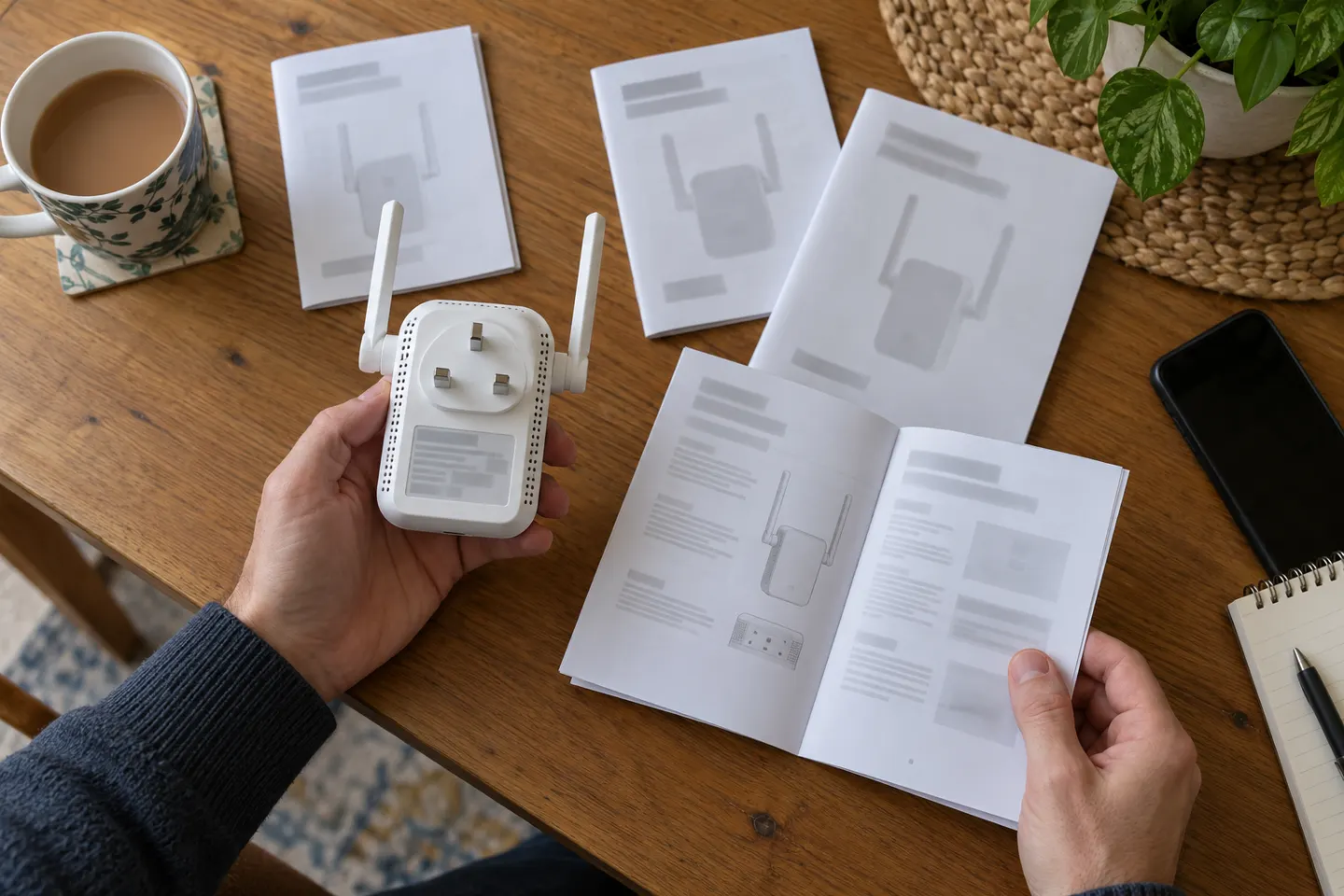
AC750 describes a speed class used by multiple products, not a unique model. Find the brand and model number on the label before downloading instructions.
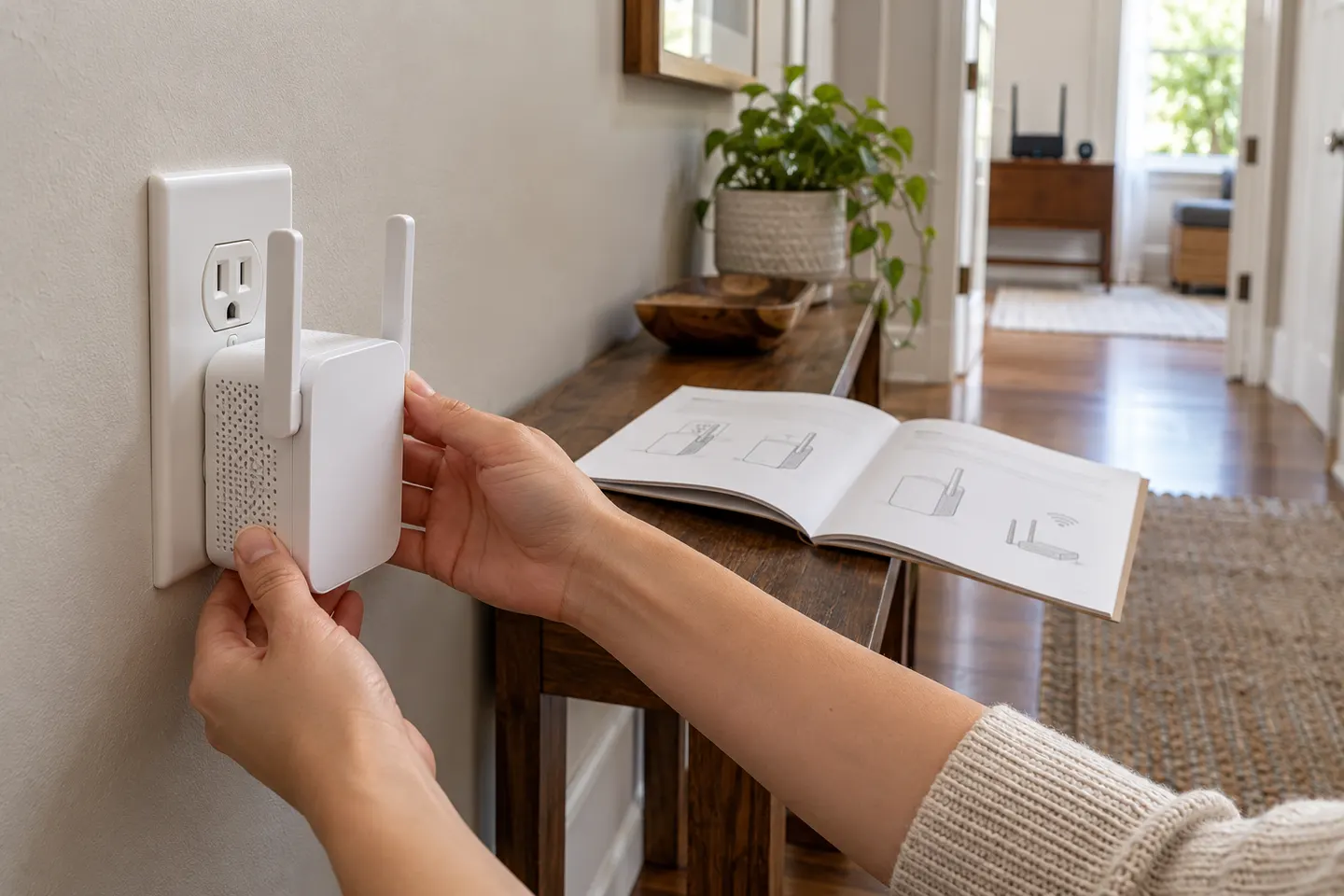
AC750 covers multiple products, so use these general steps alongside the manual for your exact model and hardware version.
For a versatile WiFi 6 choice, consider TP-Link RE705X, which pairs dual-band WiFi 6 with a Gigabit Ethernet port. NETGEAR EAX15 suits an existing NETGEAR mesh setup, while TP-Link RE550 and NETGEAR EX6120 offer different WiFi 5 feature sets.