









 Official manufacturer image
Our picks
Top picks
Official manufacturer image Official manufacturer image
NETGEAR EAX15
Check price on Amazon Official manufacturer image
TP-Link RE550
Check price on AmazonHow-to guides
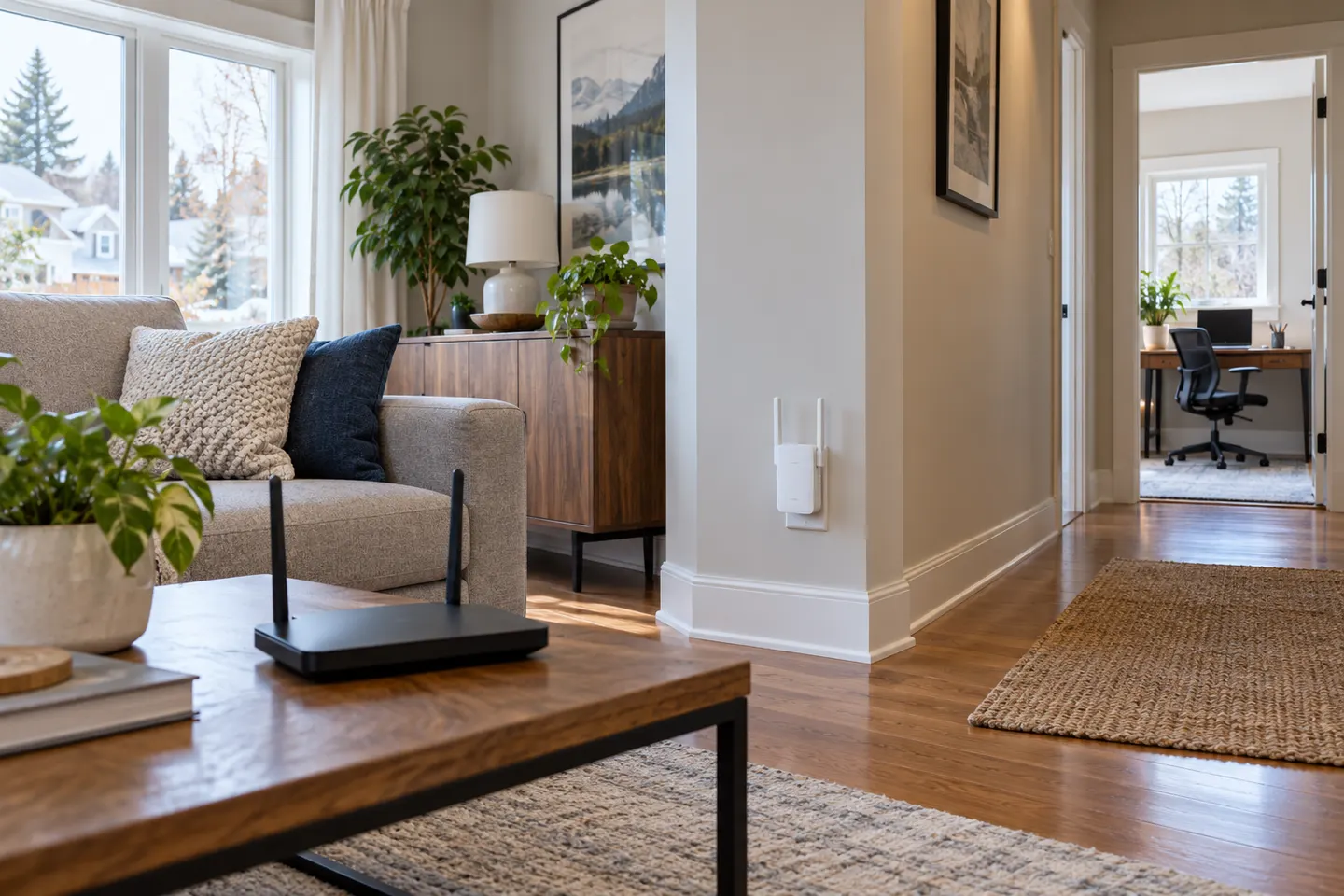 How WiFi Extenders Work in Your Home
Common questions
Questions before you buy
How does a WiFi range extender work?
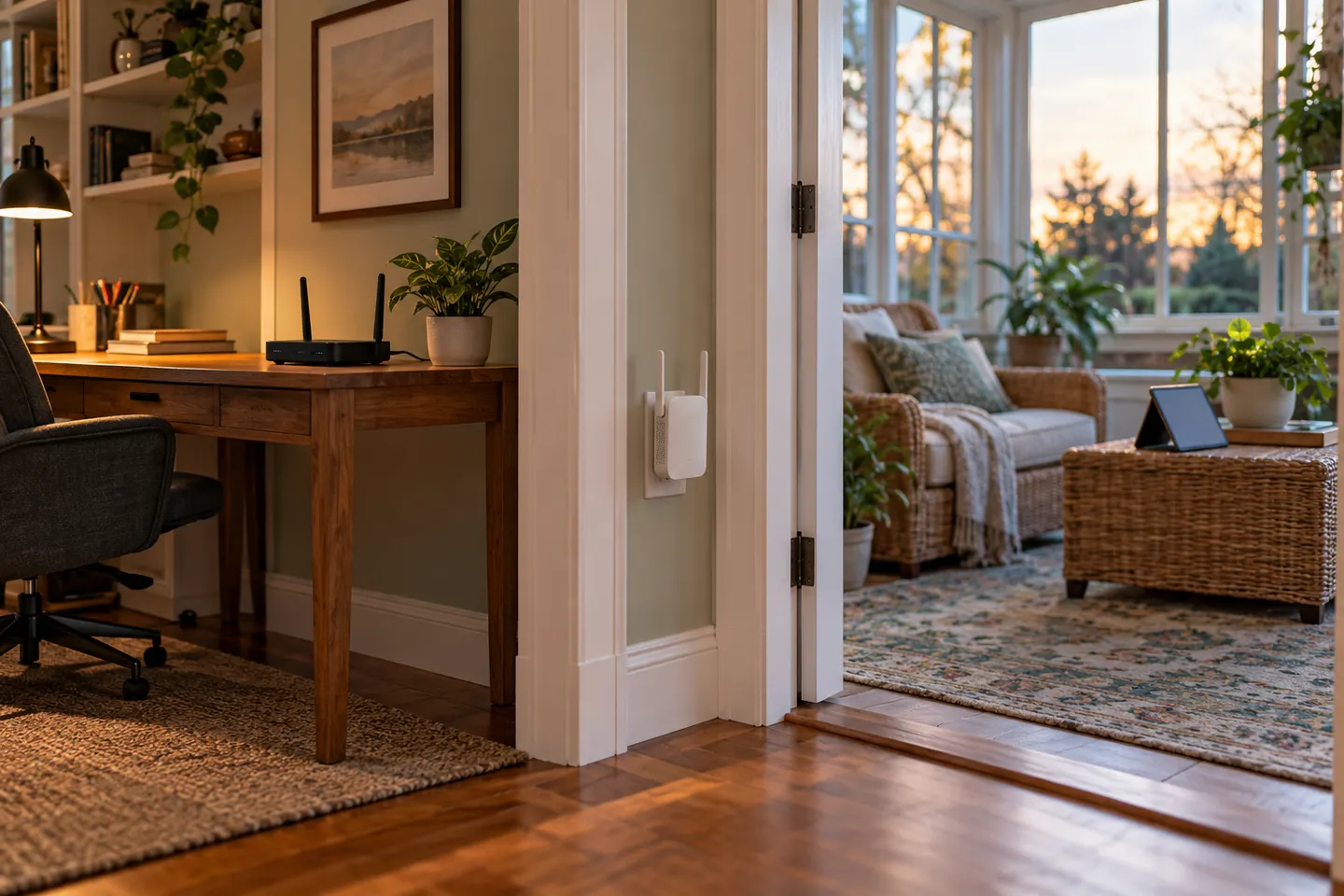
It connects to an existing router over WiFi and rebroadcasts the network from another point. Its position needs a usable connection back to the router as well as proximity to the area needing coverage.
How does a WiFi booster work?
The term usually describes a repeater-style device that receives and retransmits the router’s wireless signal. Product labels are not fully standardized, so check the exact operating mode.
Does an extender create a separate WiFi network?
Some configurations use a distinct network name, while compatible mesh or roaming features may share the router’s WiFi settings. The behavior depends on the extender, router and setup mode.
Does a WiFi extender slow down the connection?
It can affect throughput because the extender relies on its link back to the router, and performance varies with band, signal quality and device design. A wired access-point connection avoids wireless backhaul for that link when available.
How far from the router should an extender be?
There is no universal distance because walls and interference change signal strength. Start between the router and the weak area, then use the extender’s indicator or setup app to find a location with a stable link.