Independent buying guidance · US editionHow we work
Gearjury
All categories
All categories
Best picksGood Meat Thermometers for Every Kind of Cook
Best picksBest WiFi Extenders: Which Range Extender Should You Buy?
Best picksBest Dash Cams for Cars in 2026
Best picksBest Radar Detectors for Cars: Models Compared
Best picksGood Winter Gloves for Cold Weather: Five Useful Picks
Best picksBest Headlamps: Six Lights Compared for Different Uses
Best picksBest Portable Air Coolers for Patios, Workshops and Small Spaces (2026)
Best picksTop 10 Best Battery-Powered Weed Eaters for Different Yards
Best picksBest Air Purifier for Bedroom in the US: Quiet Models Compared
United StatesEnglish

Category hub

Wi-Fi Range Extender Security: How to Choose Safer Settings

Check the exact model’s security options and update support, then keep its firmware and administrator credentials current.

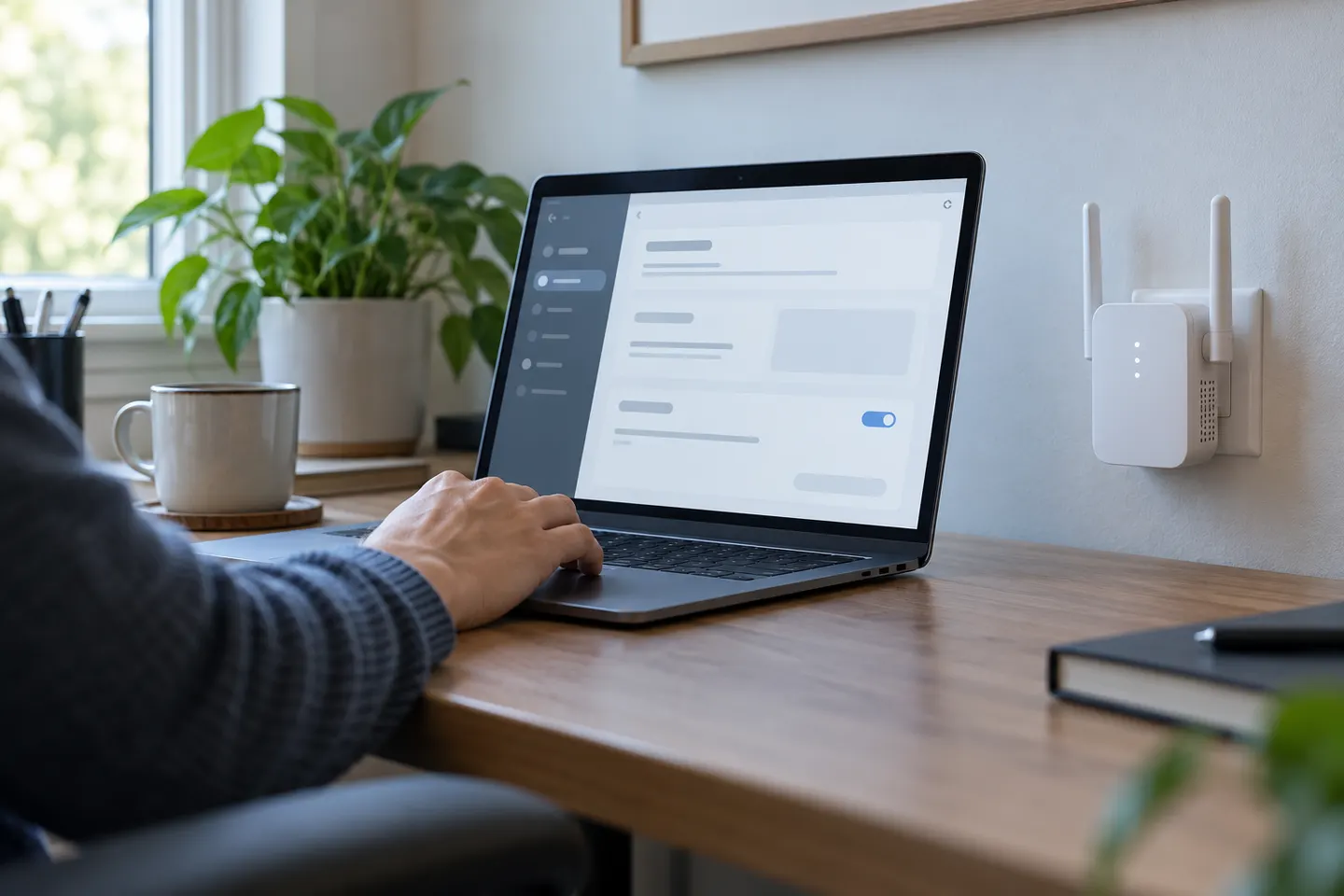
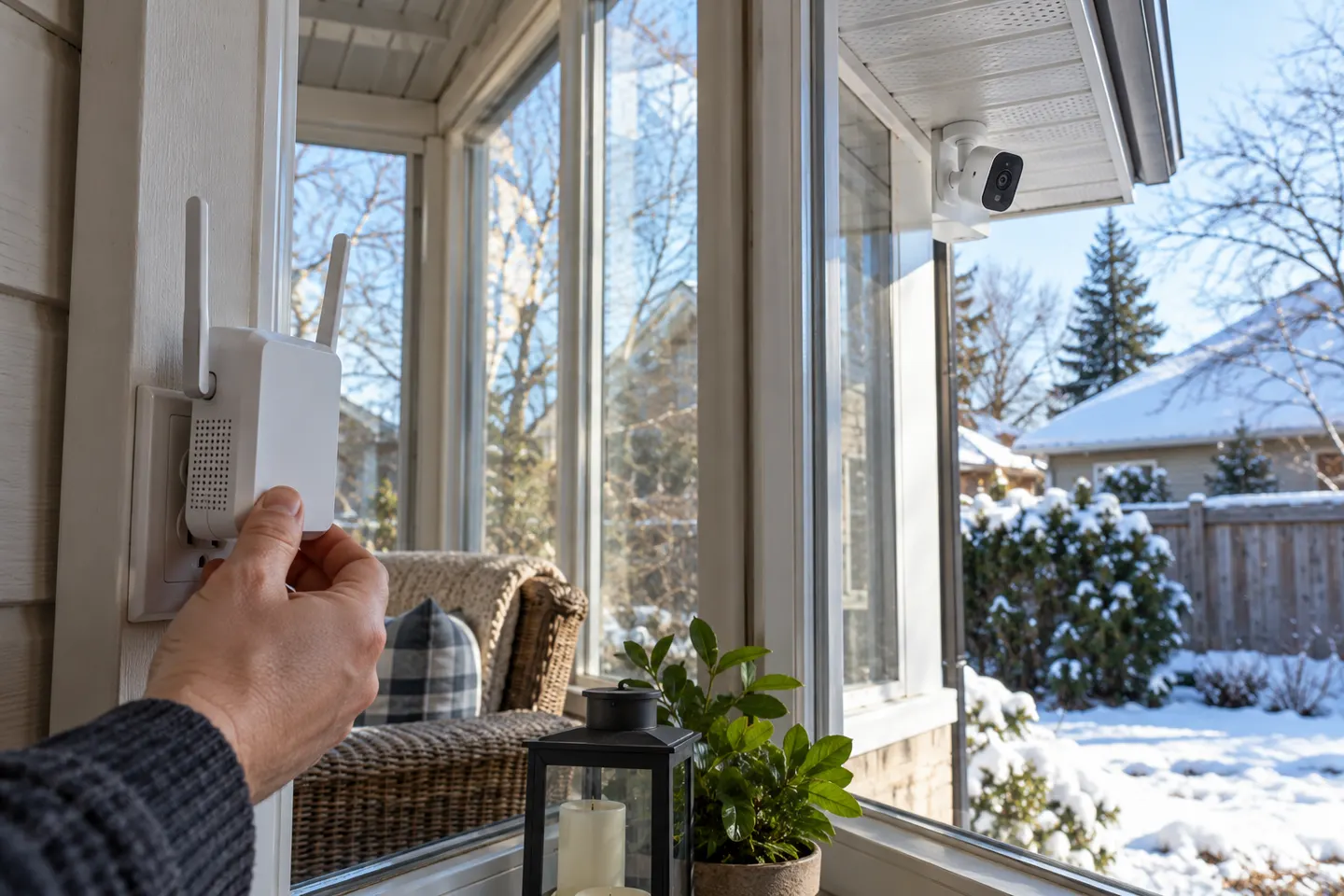
Wi-Fi range extender security depends on how the device joins your router and which settings its model supports. Before buying, check the manufacturer’s security documentation, firmware history and administrator controls; after installation, use a strong unique admin password and update official firmware. TP-Link notes that options for changing an extender’s security type vary by model and firmware, so do not assume that every unit supports WPA3 or independent credentials. Keep the router and extender settings aligned with devices that need to connect.

Wi-Fi Range Extender Security: How to Choose Safer Settings

More topics

1

Common questions

Questions before you buy

Are Wi-Fi range extenders secure?

They can be configured securely when the model supports suitable encryption, receives updates and uses strong administrator credentials. Security features vary by model.

Does a range extender use the router’s Wi-Fi password?

Many extenders copy the host network’s credentials by default, though some allow separate settings. Check the exact model and configuration.

Should I use WPA2 or WPA3 on an extender?

Use the strongest mode supported by both the router, extender and client devices. The available choices depend on model and firmware.

How do I keep a Wi-Fi extender secure?

Install official firmware updates, change default administrator credentials, use supported modern encryption and disable features you do not need.