


 Official manufacturer image
No Ethernet cable to the coverage area
TP-Link RE705X
Check price on Amazon AUSponsored link · no live price shown

Gearjury may earn a commission from qualifying retailer links. Editorial conclusions follow cited evidence.
Head to head
Choose an access point when you can run Ethernet to the coverage area; choose a range extender when a reliable wireless link is available there.
Official manufacturer image
No Ethernet cable to the coverage area
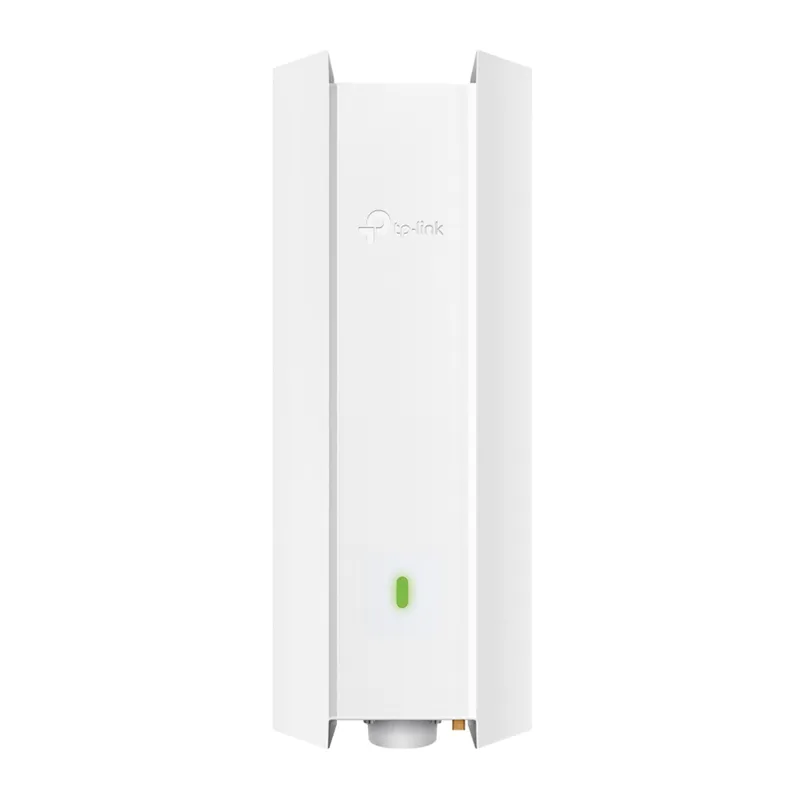 Official manufacturer image
Wired uplink or outdoor mounting
The verdict
TP-Link lists range extender mode, which uses a wireless connection back to the router.
TP-Link lists a Gigabit Ethernet port with PoE and an IP67 enclosure for the EAP610-Outdoor.
The RE705X supports both range extender and access point modes.
| Official manufacturer imageTP-Link RE705X | Official manufacturer imageTP-Link EAP610-Outdoor | |
|---|---|---|
| Connection to router | Wireless in range extender mode; wired in AP mode | Ethernet uplink, with Omada mesh options |
| Primary role | Range extender or access point | Indoor/outdoor access point |
| Wi-Fi standard | Wi-Fi 6 | Wi-Fi 6 |
| Ethernet | 1 Gigabit port | 1 Gigabit PoE port |
| Weather rating | — | IP67 |
| Setup ecosystem | Tether app or WPS | Omada app and management platform |
| Check price on Amazon AU | Check price on Amazon AU |
Common questions
An access point with Ethernet backhaul can provide a direct wired link to the router. An extender can be easier where cabling is not available, provided it receives a good wireless signal.
Some extenders support access point mode through Ethernet. TP-Link lists this mode for RE705X; setup steps depend on the specific model.
Some systems support wireless mesh or bridging, but a conventional access point uses a wired uplink. Check the product mode and system requirements.
Initial pairing generally requires access to the source network or its setup credentials. A range extender cannot join a network you are not authorised to use.
Keep exploring
RE705X and RE715X are Wi-Fi 6 options; RE315 is an AC1200 alternative. Choose by router compatibility and the connection you need.

Start with the network standard and location of the dead spot. NETGEAR?s EX6120 is a dual-band AC model, while EAX15 adds WiFi 6; check exact router and firmware compatibility before buying.

The right Wi-Fi extender depends on the router signal at its location, your home layout and whether you need Ethernet, outdoor placement or powerline networking.

A Wi-Fi extender can help reach a weak-signal room when positioned within range of your router. Compare plug-in repeaters, mesh-compatible models, outdoor units and powerline kits by how they connect.