




 Official manufacturer image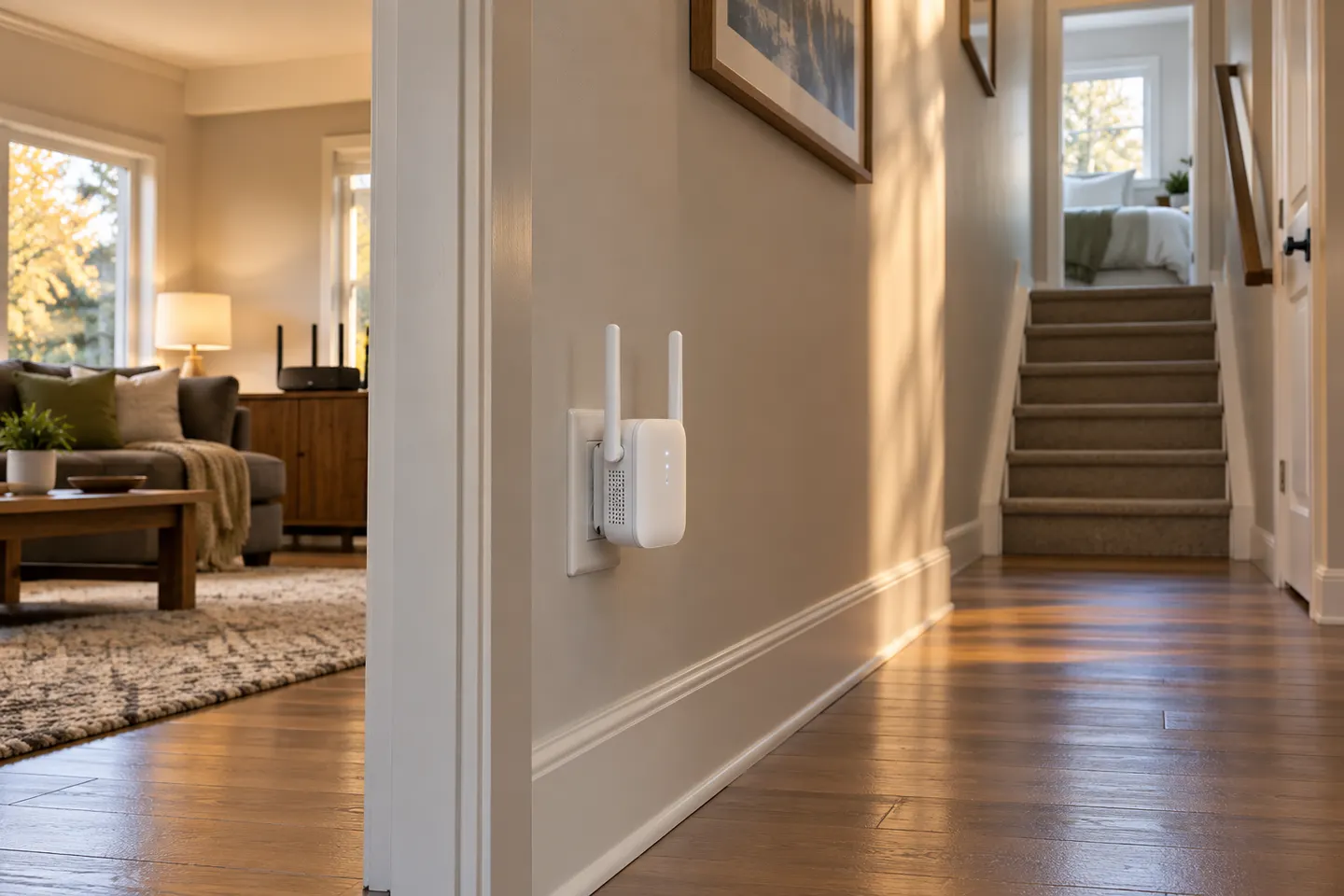
Our picks
Top picks
Official manufacturer image Official manufacturer image
TP-Link RE705X-Outdoor
Check price on Amazon AU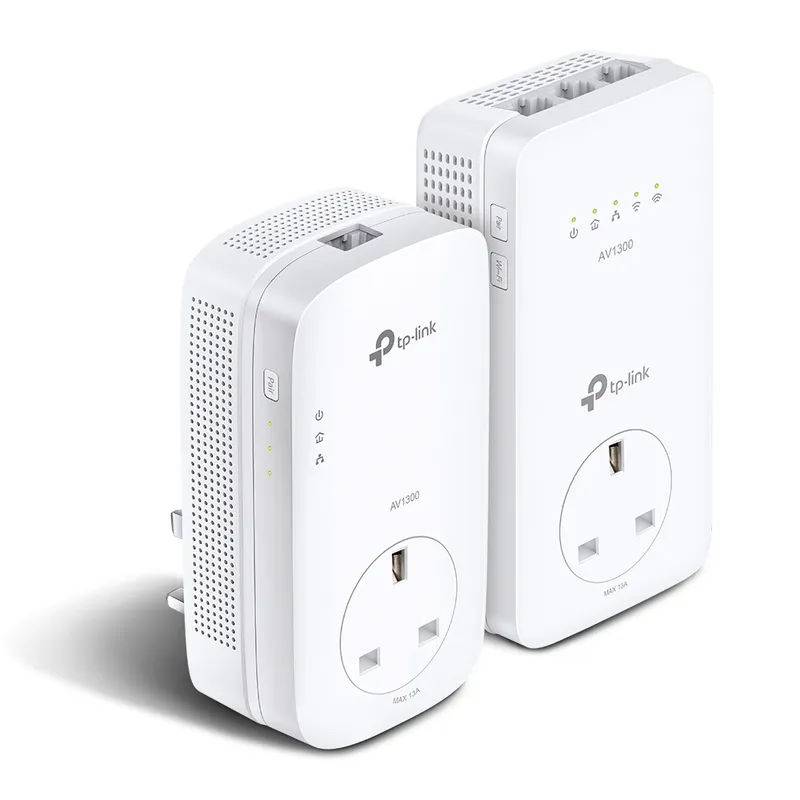 Official manufacturer image
TP-Link TL-WPA8631P KIT
Check price on Amazon AUCommon questions
Questions before you buy
Where should I plug in a Wi-Fi booster?
Choose a power point roughly between router and weak area, where the booster still receives a good router signal. Avoid the dead zone itself.
Can I plug a range extender into a power board?
Follow manufacturer instructions and leave the unit ventilated. A wall outlet can make status lights and placement easier to check.
Do plug-in extenders need a separate network name?
It depends on the model. Some mirror the router name; others use a distinct one, while compatible mesh systems may support roaming under one name.
Is a plug-and-play Wi-Fi extender automatic?
Usually an initial pairing step is required through WPS, an app or a browser. After setup, it can remain plugged in at the chosen location.