




 Official manufacturer image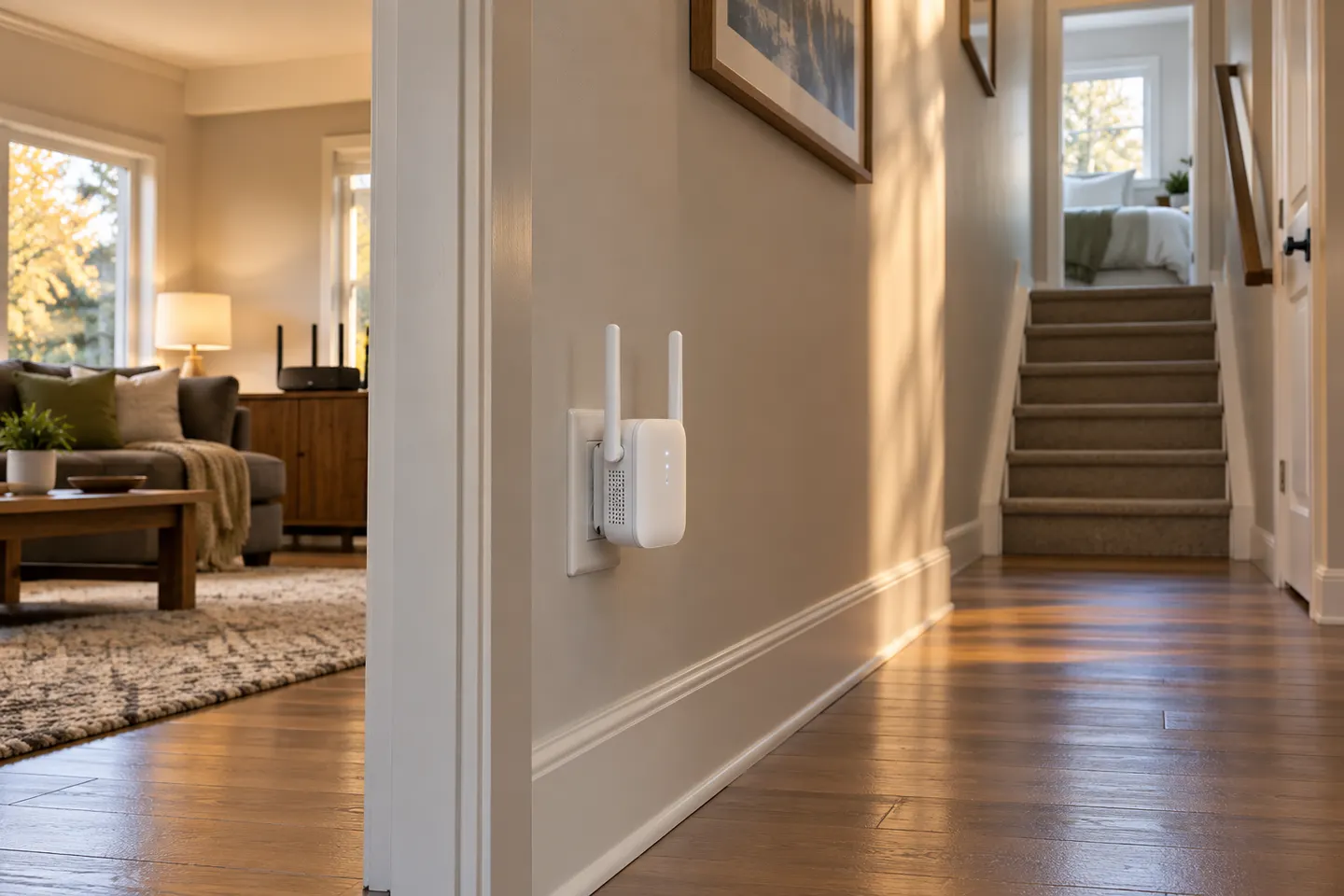
Our picks
Top picks
Official manufacturer image Official manufacturer image
NETGEAR EX6120
Check price on Amazon UK Official manufacturer image
TP-Link RE705X-Outdoor
Check price on Amazon UKBy type
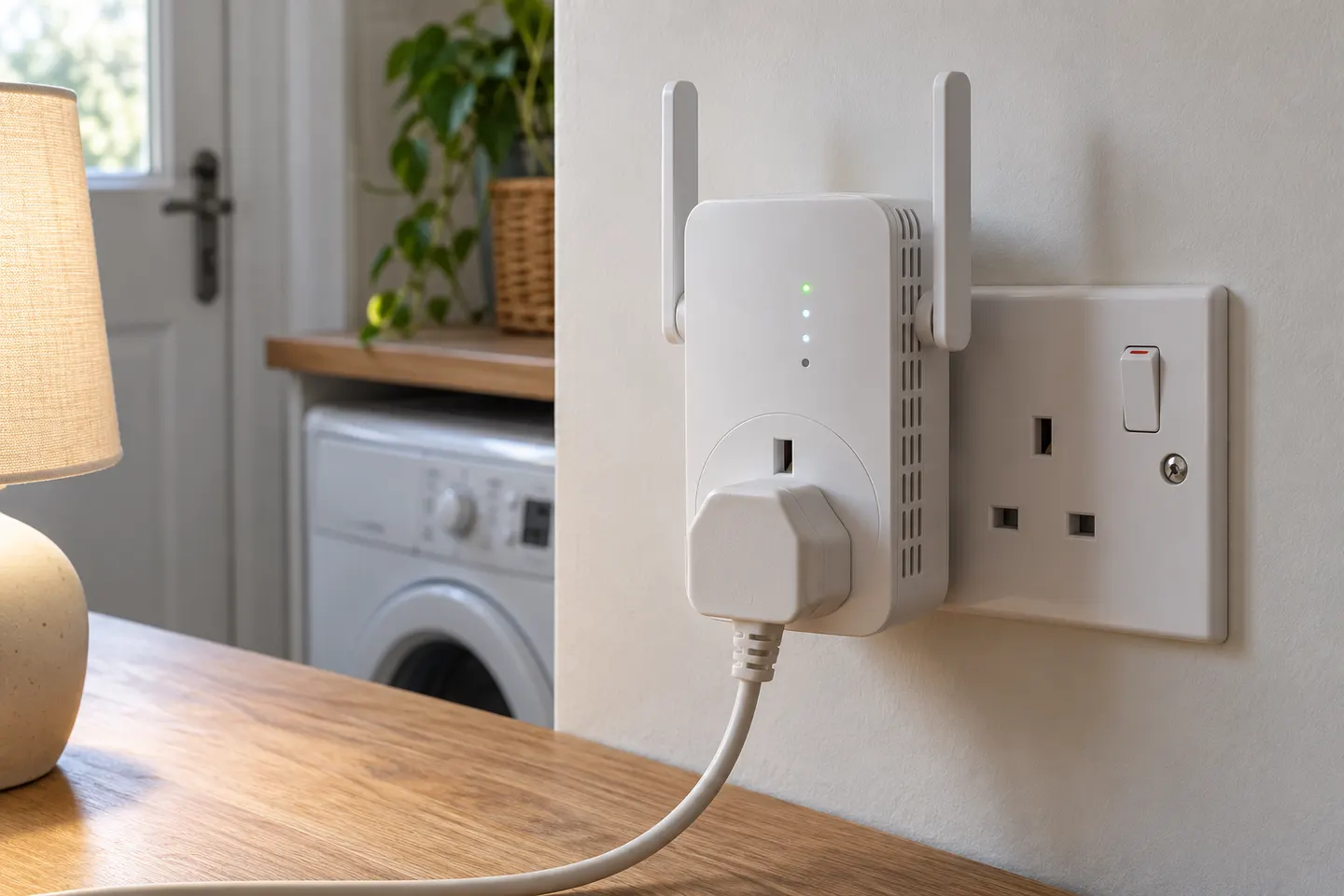 Plug socket
Common questions
Questions before you buy
Where does a WiFi booster plug in?
Plug it directly into a mains wall socket, ideally between the router and the weak coverage area. Avoid hiding it behind furniture and follow the manufacturer’s placement advice.
Can I plug a WiFi extender into an extension lead?
Manufacturers commonly recommend a direct wall socket for best signal and safe operation. Follow the instructions for your exact model and avoid covering ventilation openings.
Do plug-in WiFi extenders need to be near the router?
They need to be close enough to receive a usable router signal, but should also sit near the area that needs coverage. Use the signal indicator or app to find a suitable midway location.
Are plug-in WiFi boosters compatible with any router?
Many are designed to work with standard WiFi routers, but standards, security settings and mesh features vary. Check the product’s compatibility notes for the specific router.