




How to Set Up a TP-Link WiFi Extender with Your Router
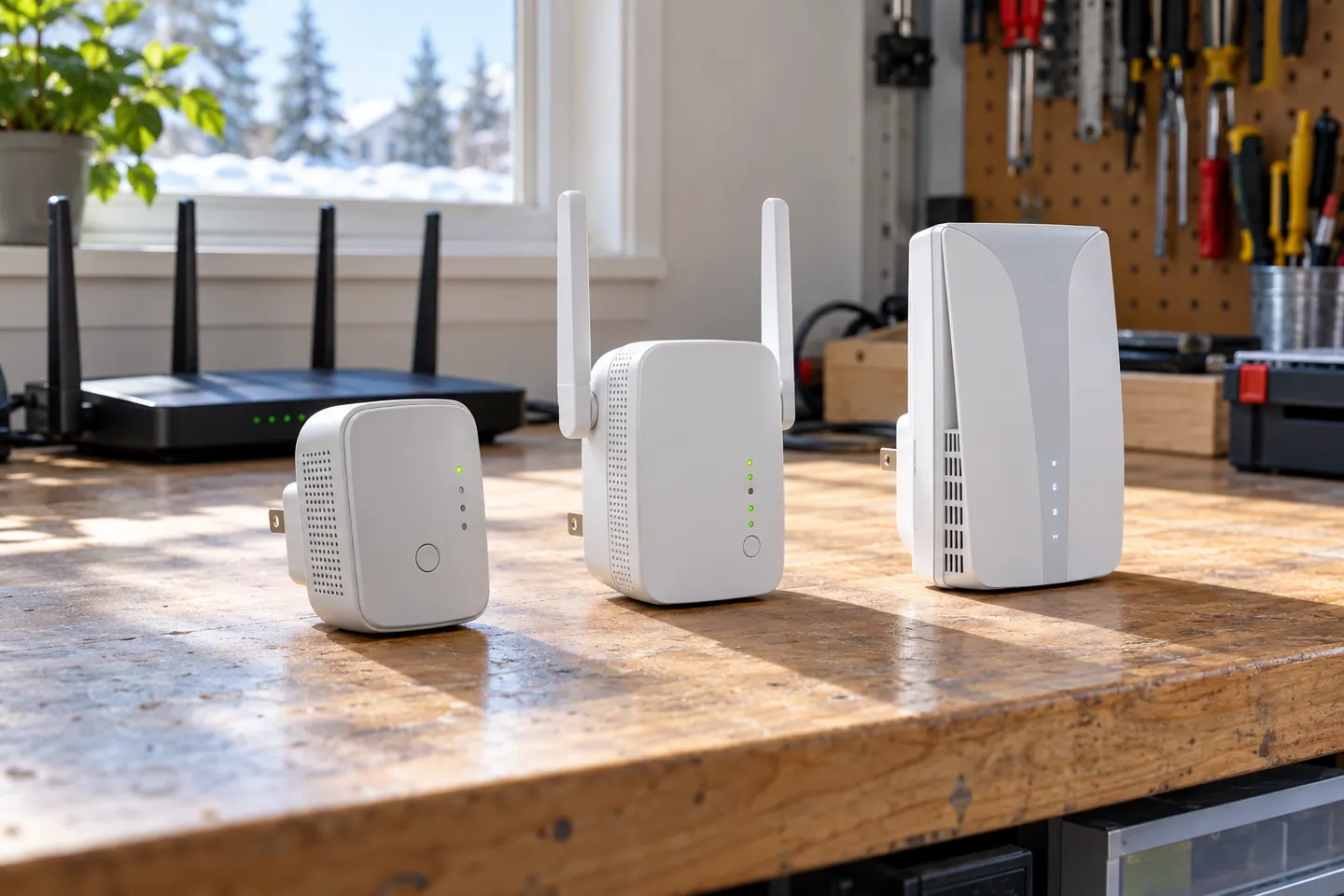
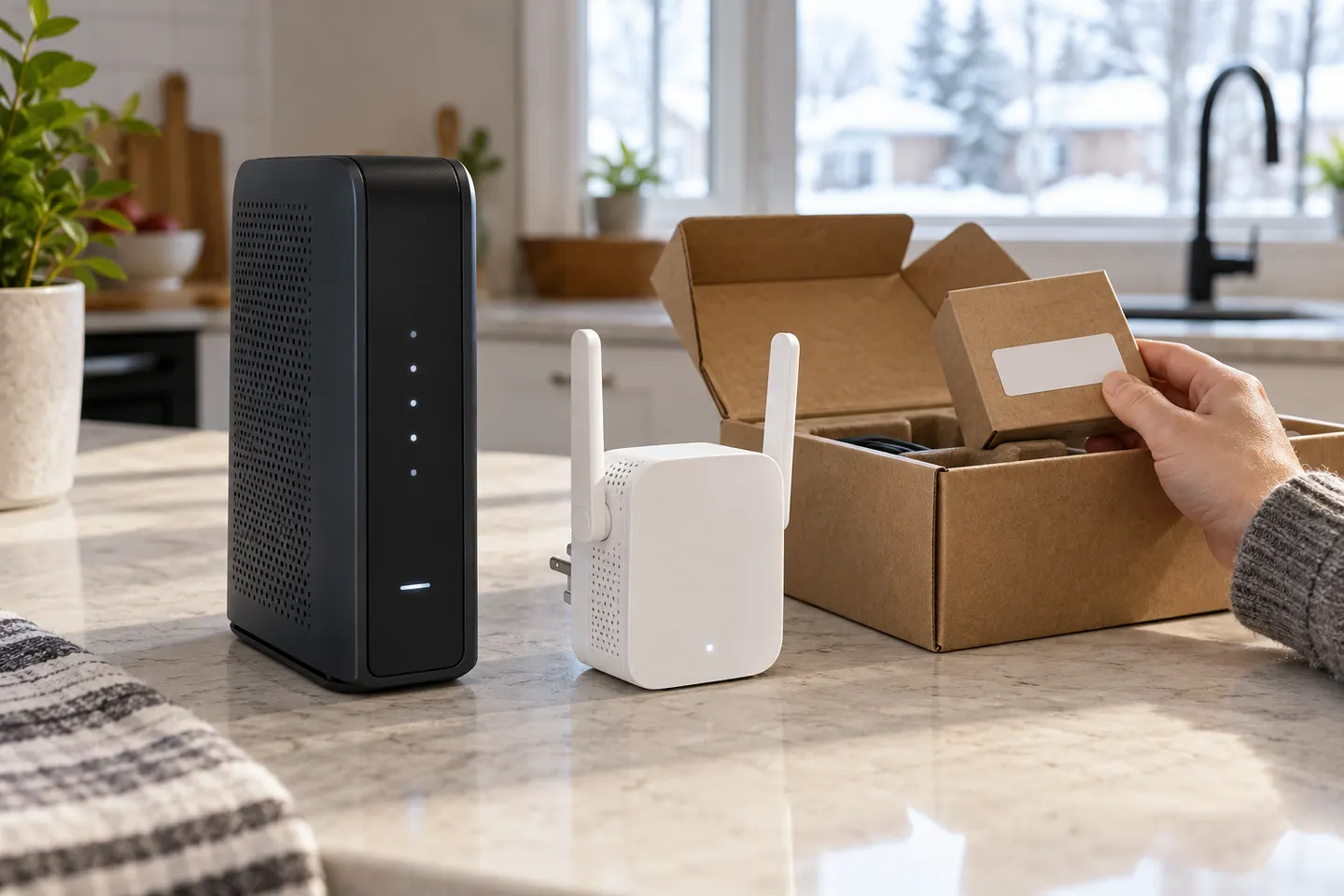
Start beside your router, pair the extender with WPS or the Tether app, then move it to a halfway point where it still receives a strong signal.

Start here
Start beside your router, pair the extender with WPS or the Tether app, then move it to a halfway point where it still receives a strong signal.

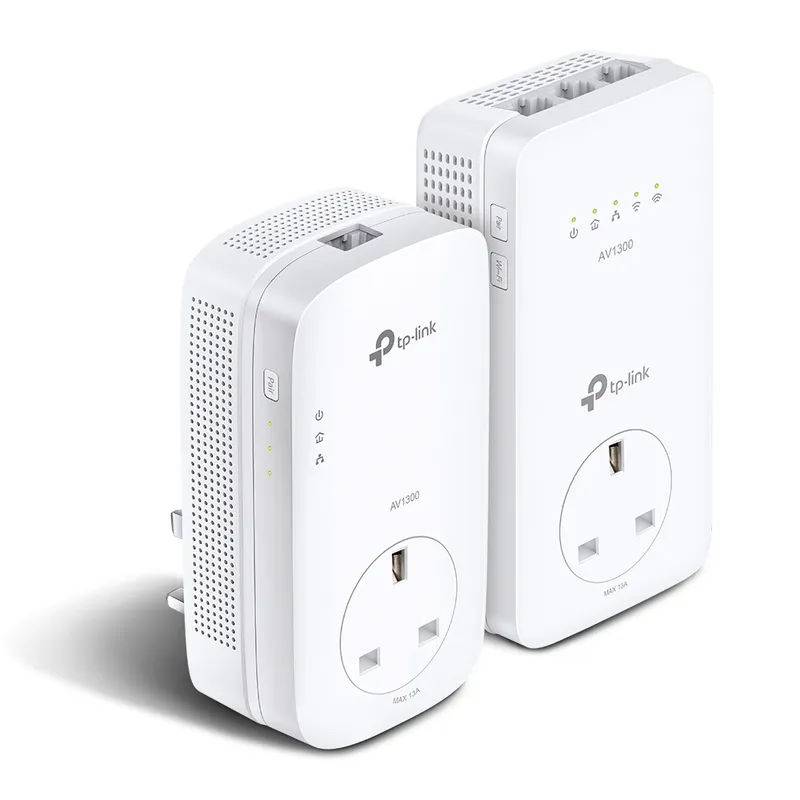
RE705X and RE715X are Wi-Fi 6 options; RE315 is an AC1200 alternative. Choose by router compatibility and the connection you need.
Our picks
Official manufacturer image Official manufacturer image
 Official manufacturer image
Common questions
A TP-Link extender may offer convenient setup and mesh features with compatible TP-Link equipment. Check whether your exact router and extender support the same mesh standard.
Start with where the router signal becomes weak, then compare dual-band support, Ethernet and compatible mesh features. The extender needs a usable signal from the router.
No. TP-Link lists both Wi-Fi 6 models such as RE705X and older AC-class products such as RE315. Check the model specification rather than the brand alone.
Some extenders support mesh standards with compatible routers. Confirm the exact model pairing; a shared brand does not guarantee mesh compatibility.
 How to Set Up a TP-Link WiFi Extender Step by Step
 D-Link WiFi Extenders for Extending Home Coverage