









 Official manufacturer image
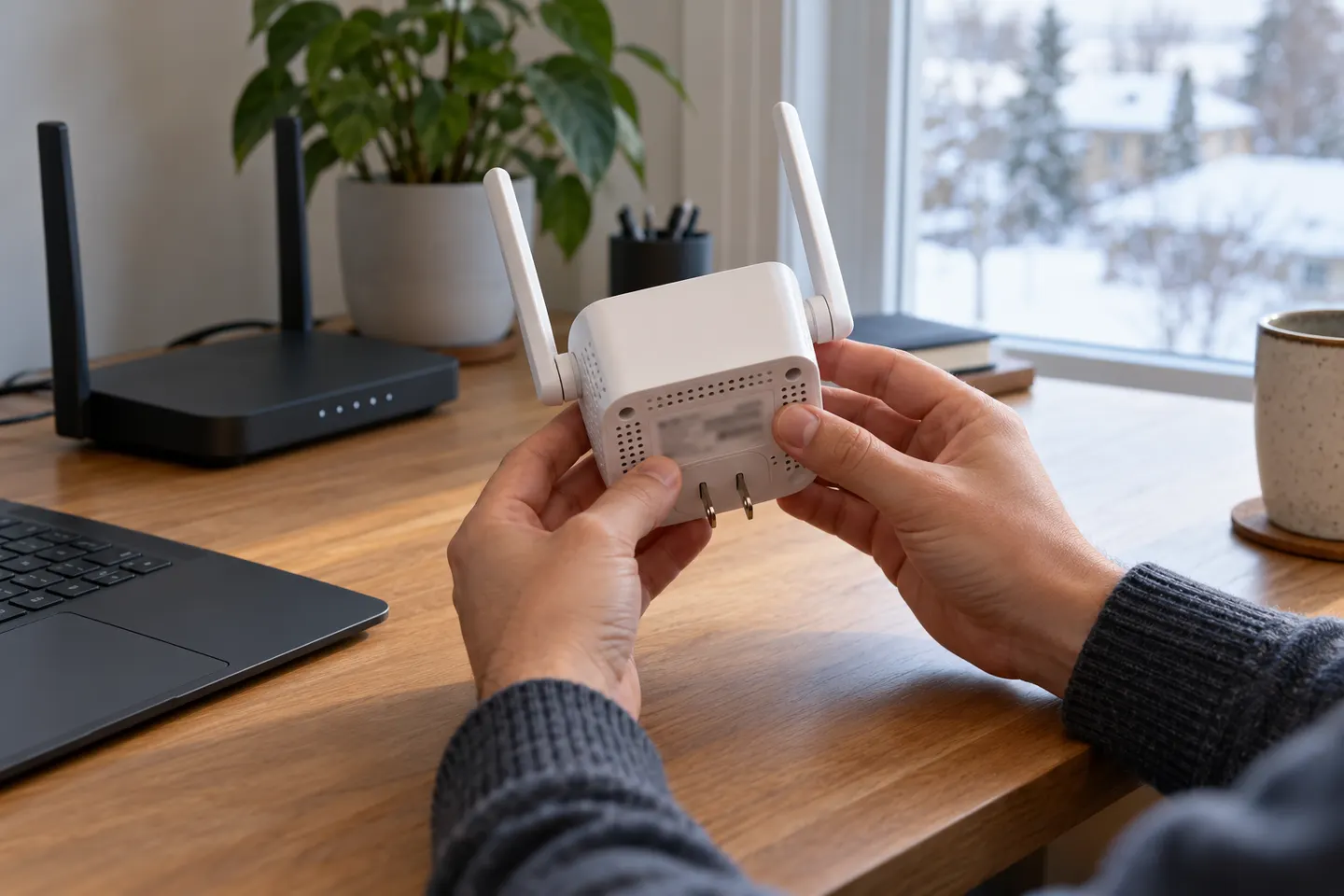
Our picks
Top picks
Official manufacturer image Official manufacturer image
NETGEAR EX6120
Check price on Amazon UK Official manufacturer image
TP-Link RE705X-Outdoor
Check price on Amazon UKSetup and help
 Setup
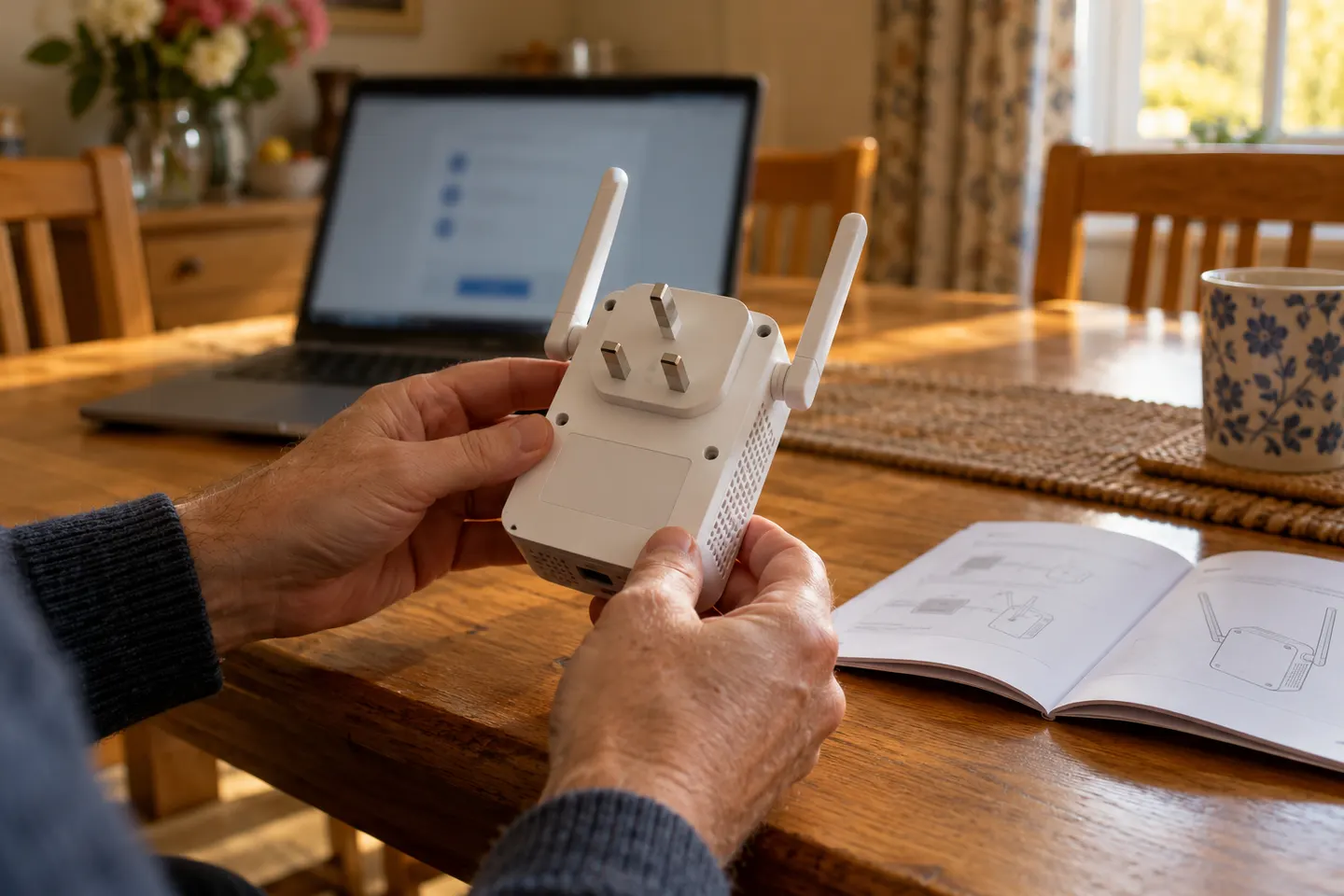 Qlocom setup
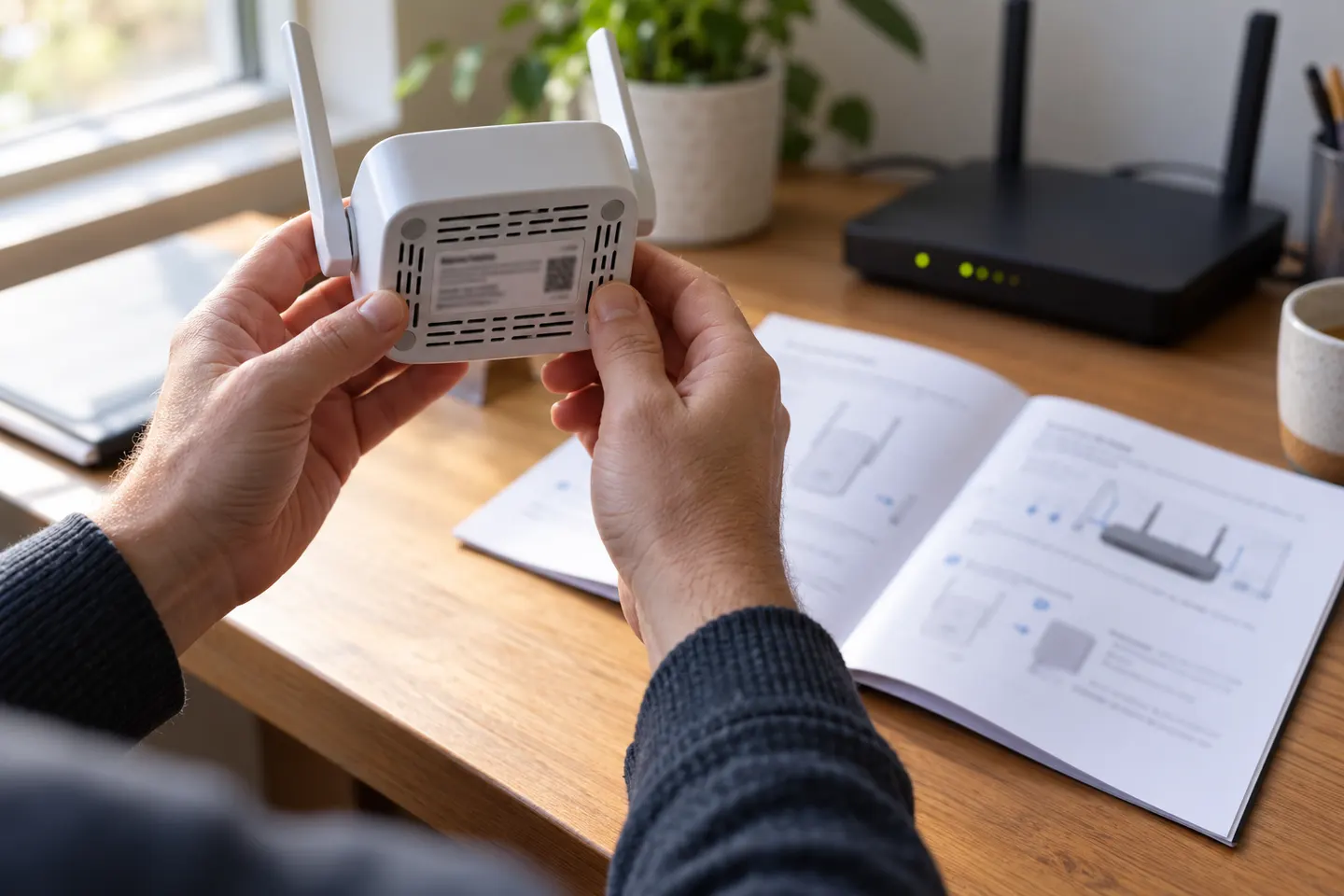 Brostrend setup
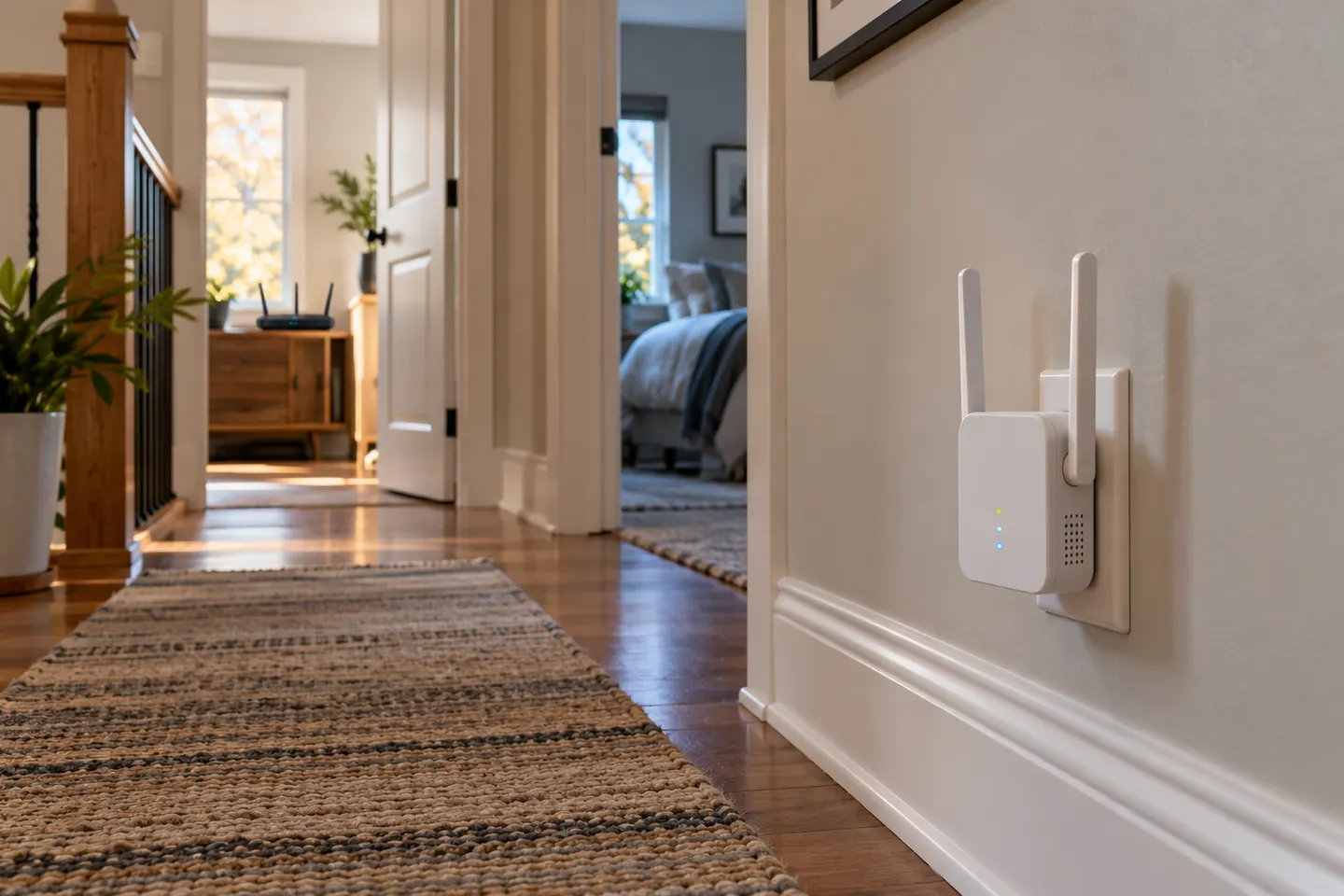 Ac750 setup
How-to guides
 How to Set Up a TP-Link WiFi Extender
 How to Set Up a NETGEAR WiFi Extender at Home
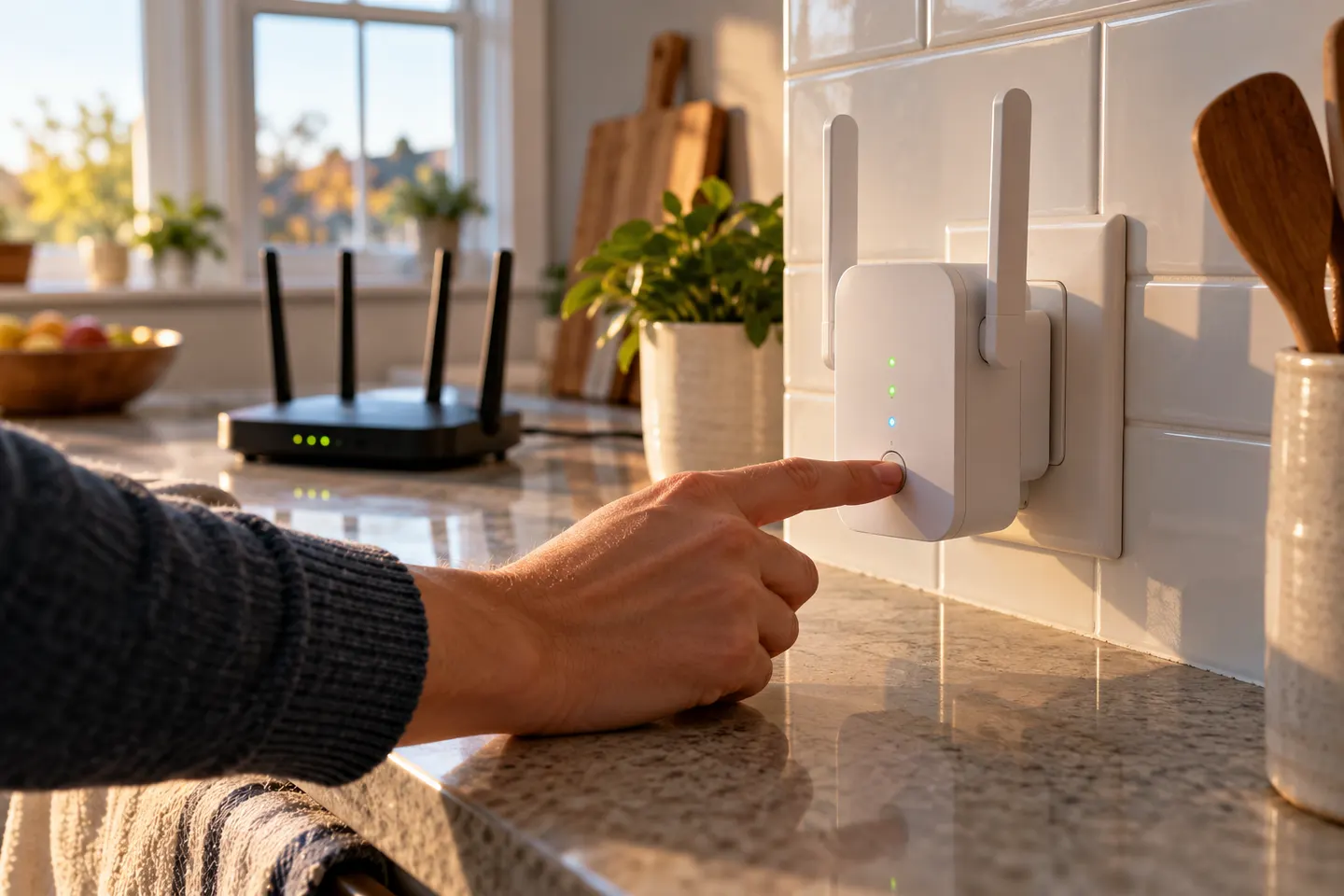 How to Set Up a WiFi Extender in Your Home
More topics
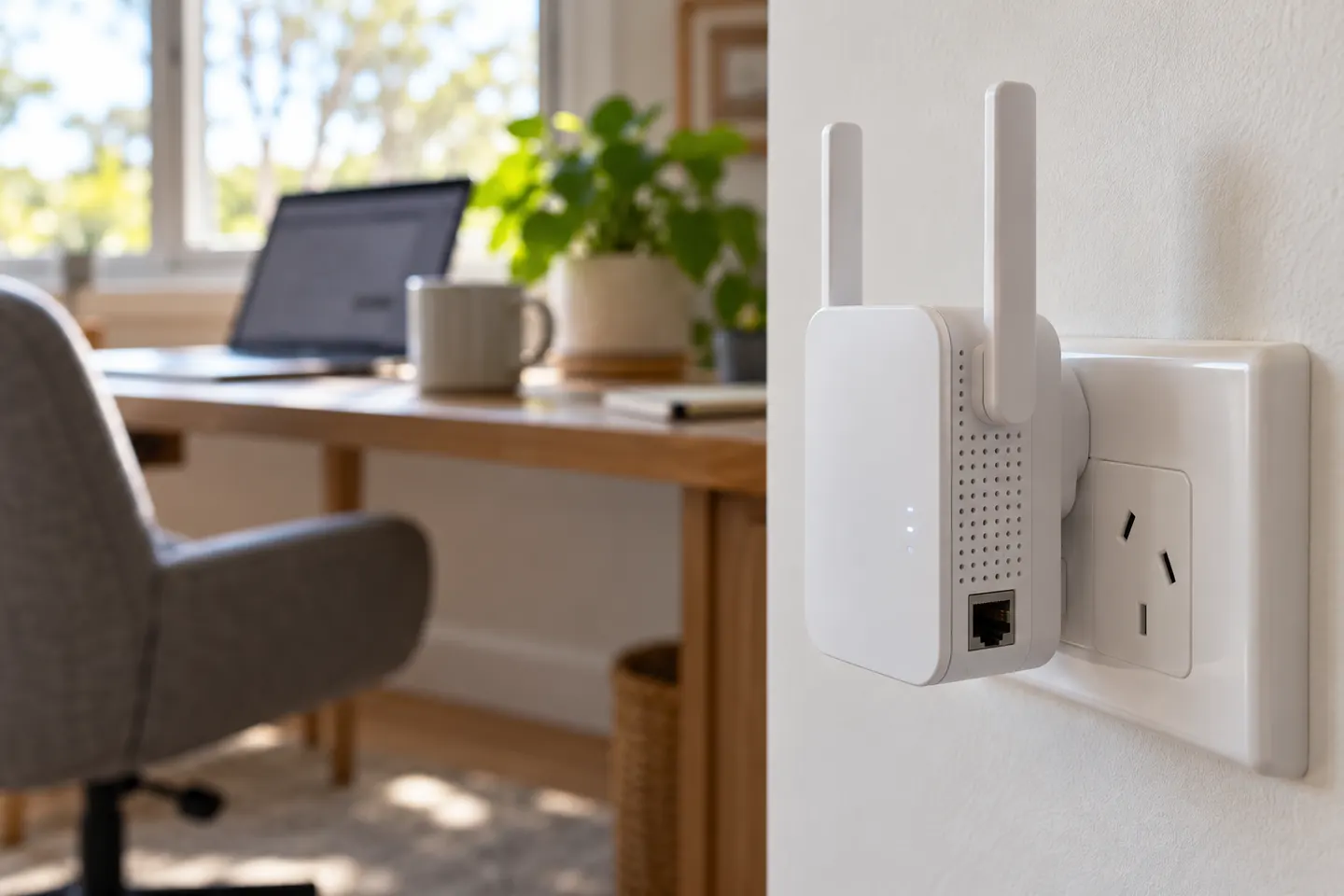 AC1200 WiFi Range Extenders
Common questions
Questions before you buy
How do I set up an AC1200 WiFi range extender?
Follow the model's quick-start guide and pair it with your router using WPS or its app/browser method. After confirming the connection, move it to a socket that still has a usable signal from the router.
Can I set up a D-Link AC1200 WiFi range extender with WPS?
D-Link's DAP-1620 quick installation guide describes WPS setup. Button timing and indicator behaviour can depend on the hardware revision, so check the guide matching your unit.
How do I set up a WAVLINK AC1200 extender?
Use the setup instructions supplied for the specific WAVLINK model. Its WPS, web setup and reset details can differ between models; do not enter credentials on an unrelated setup page.
Can I use the Xiaomi WiFi Range Extender AC1200 with any router?
Xiaomi says this model works with any WiFi router and can be configured with the Mi Home app. Follow the regional product guide for the app and pairing steps available where you bought it.