Gearjury may earn a commission when you buy through a retailer link. Safety and setup guidance is based on cited manufacturer information.
Guide
How a Dash Cam That Records When the Car Is Off Works
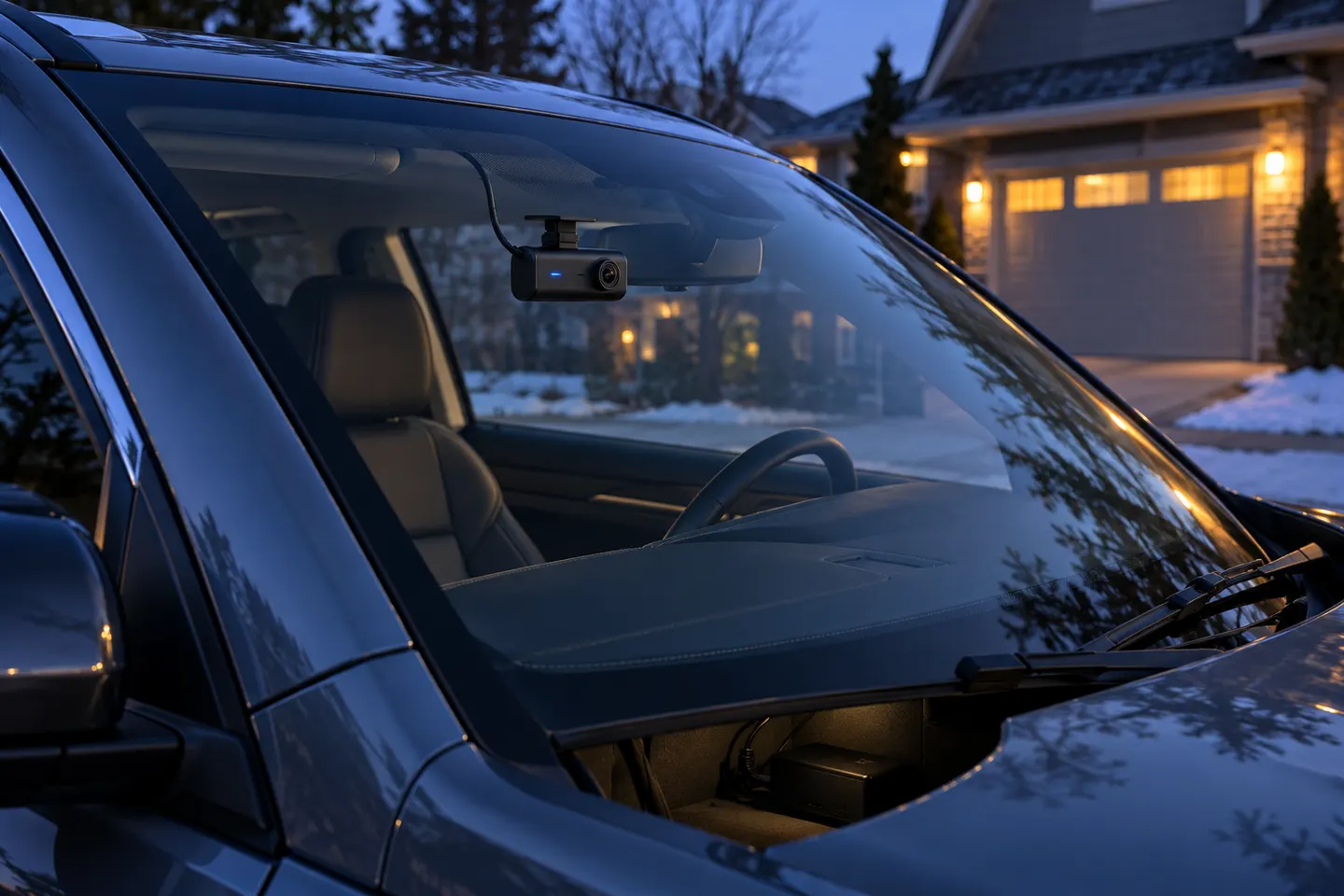
A dash cam can record while parked only if it has a suitable power source and parking mode. A correctly configured hardwire kit or dedicated battery pack is the usual solution.
GGearjury editorial team · Updated 15 October 2026· 6 min
01
Does a dash cam work when the car is off?
It can, but the normal accessory socket often loses power with the ignition. Parking recording needs a permanent, protected supply such as a compatible hardwire kit, an approved OBD power cable or a dedicated dash cam battery.
02
What dash cam records when the car is off?
Look for a model with a documented parking mode and a compatible power accessory. Motion-and-impact recording saves event clips, time-lapse samples continuously at a low frame rate, and low-bitrate mode records continuously with smaller files.
03
Choose battery protection before parking mode
A hardwire kit should include low-voltage cut-off and ideally a timer. Set the threshold according to the vehicle and installer guidance; parking coverage is not useful if it leaves the car unable to start.
04
Test dash cam recording when parked
Switch off the car, wait for the camera’s transition period and confirm that it enters the selected parking mode. Trigger a controlled event, then inspect the saved file and timestamp before relying on it.
05
If the dashcam keeps turning off
Check whether the socket is ignition-switched, whether the hardwire fuse taps are correctly assigned and whether low-voltage protection has activated. Also inspect the cable and memory card; do not bypass battery protection.
06
If the dashcam keeps falling off
Clean and dry the glass, use the mount specified by the manufacturer and allow adhesive to bond as directed. Mount only where it does not obstruct the driver or interfere with sensors and airbags.
07
When does Tesla Dashcam record?
Tesla’s built-in Dashcam and Sentry Mode follow vehicle-specific software and storage rules. Consult the owner’s manual for your model and software version rather than applying aftermarket dash cam instructions.
Common questions
Questions before you buy
Does dash cam work when car is off?
Only when the camera has parking mode and continues receiving suitable power after the ignition is off.
What dash cam records when car is off?
Models with a documented parking mode can record events, time-lapse or low-bitrate footage when connected to a compatible permanent power source.
Can dash cam work when car is off without hardwiring?
Some cameras can use a dedicated battery pack or compatible OBD power accessory. A small internal battery is generally intended for safe shutdown, not long parking sessions.
Does a dashcam record when parked all the time?
That depends on the selected mode. Time-lapse and low-bitrate modes may run continuously, while motion or impact modes save only triggered events.
When was the dashcam invented?
In-car video systems developed over decades, so there is no single universally accepted consumer-dashcam invention date. Modern consumer models became widespread as compact digital storage and cameras improved.
When does Tesla Dashcam record?
Tesla Dashcam can save driving footage when correctly set up, while Sentry Mode monitors certain events while parked. Behaviour varies by vehicle and software, so use the current Tesla manual.
A dual-channel kit records ahead and behind from one system. Prioritise rear-camera quality, cable length and supported memory capacity rather than judging the front unit alone.
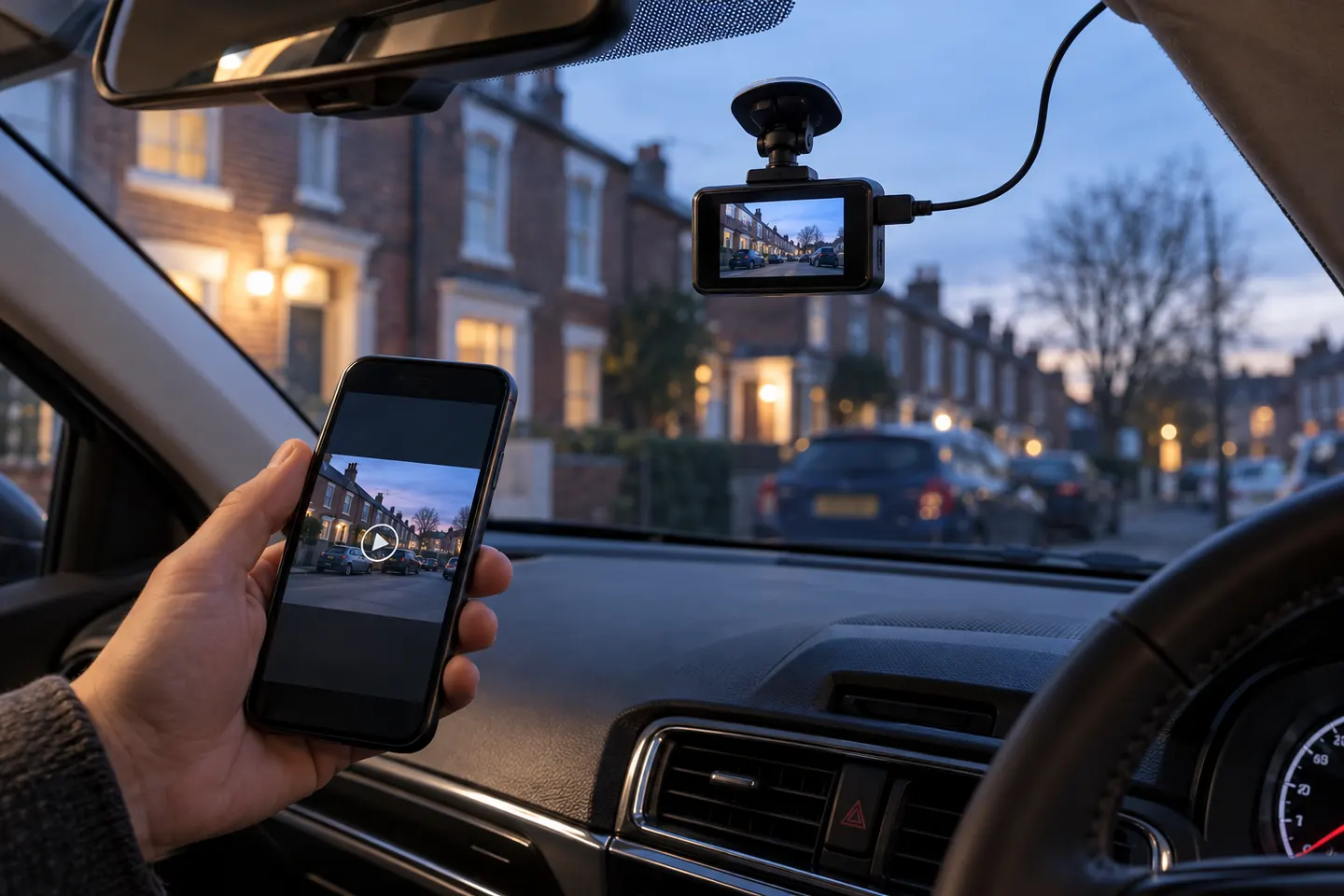
Most ‘wireless’ dash cams still need a power cable. The term usually means Wi-Fi transfer to a phone, so check the power and rear-camera connections before buying.
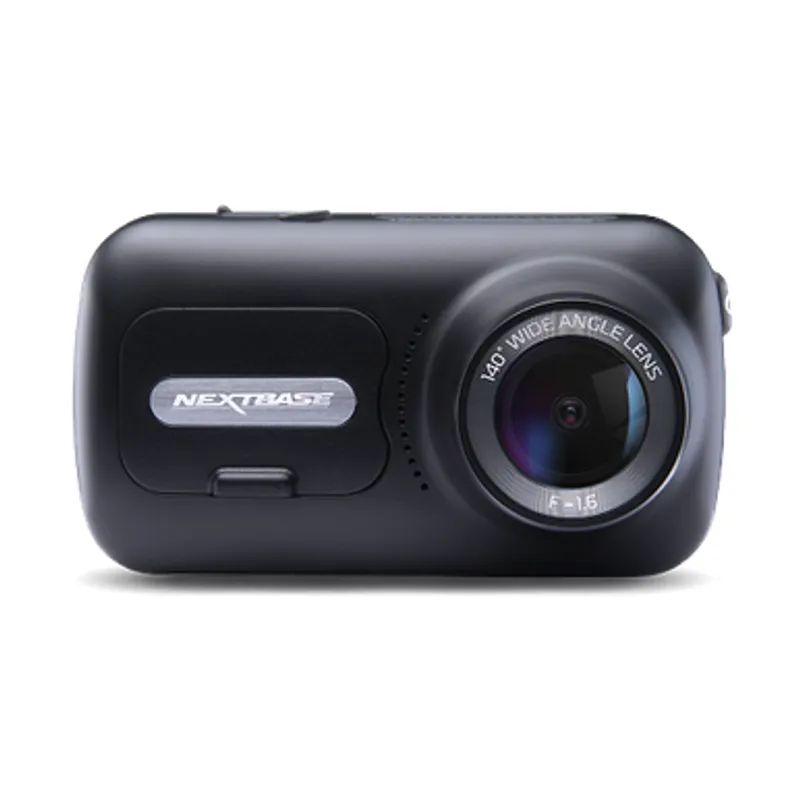
The 322GW covers core recording needs, the 522GW adds a larger touch display and the 622GW raises capture resolution. Choose by footage needs, not model number alone.
Start with the coverage you need: front-only is simplest, while front-and-rear systems record more of an incident. Then check power, storage and mounting.
Your privacy
We use cookies and similar technologies. Necessary ones keep the site working. With your permission we also use statistics cookies (Google Analytics and Microsoft Clarity) to understand which guides help readers. You can accept all, reject all or choose. You can change your choice at any time from "Cookie settings" at the bottom of every page. Cookie policy