Gearjury may earn a commission if you buy through a retailer link. This does not change our editorial criteria.
Guide
What Is a WiFi Extender and When Do You Need One?
A WiFi extender connects to your router and rebroadcasts its signal into a nearby area. It can help with a local dead zone, but placement and the original WiFi link determine what reaches your devices.
GGearjury editorial team · Updated 15 October 2026· 5 min
01
What is a WiFi range extender?
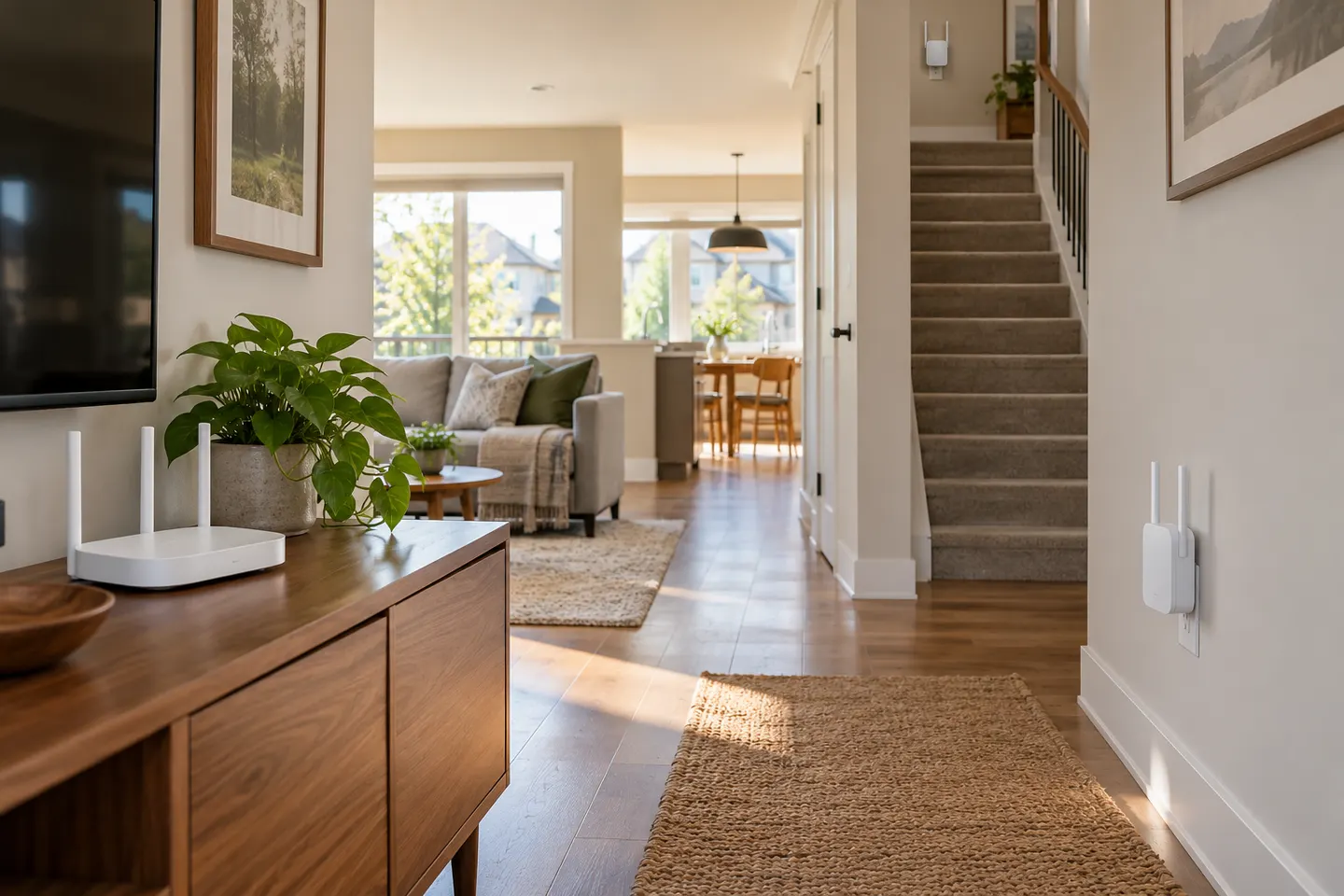
A WiFi range extender is a device that joins a wireless router’s network and rebroadcasts it to improve coverage in another area. It may use a plug-in design or sit on a shelf. It repeats an existing connection rather than increasing the broadband service coming into the home.
02
What is a WiFi booster?
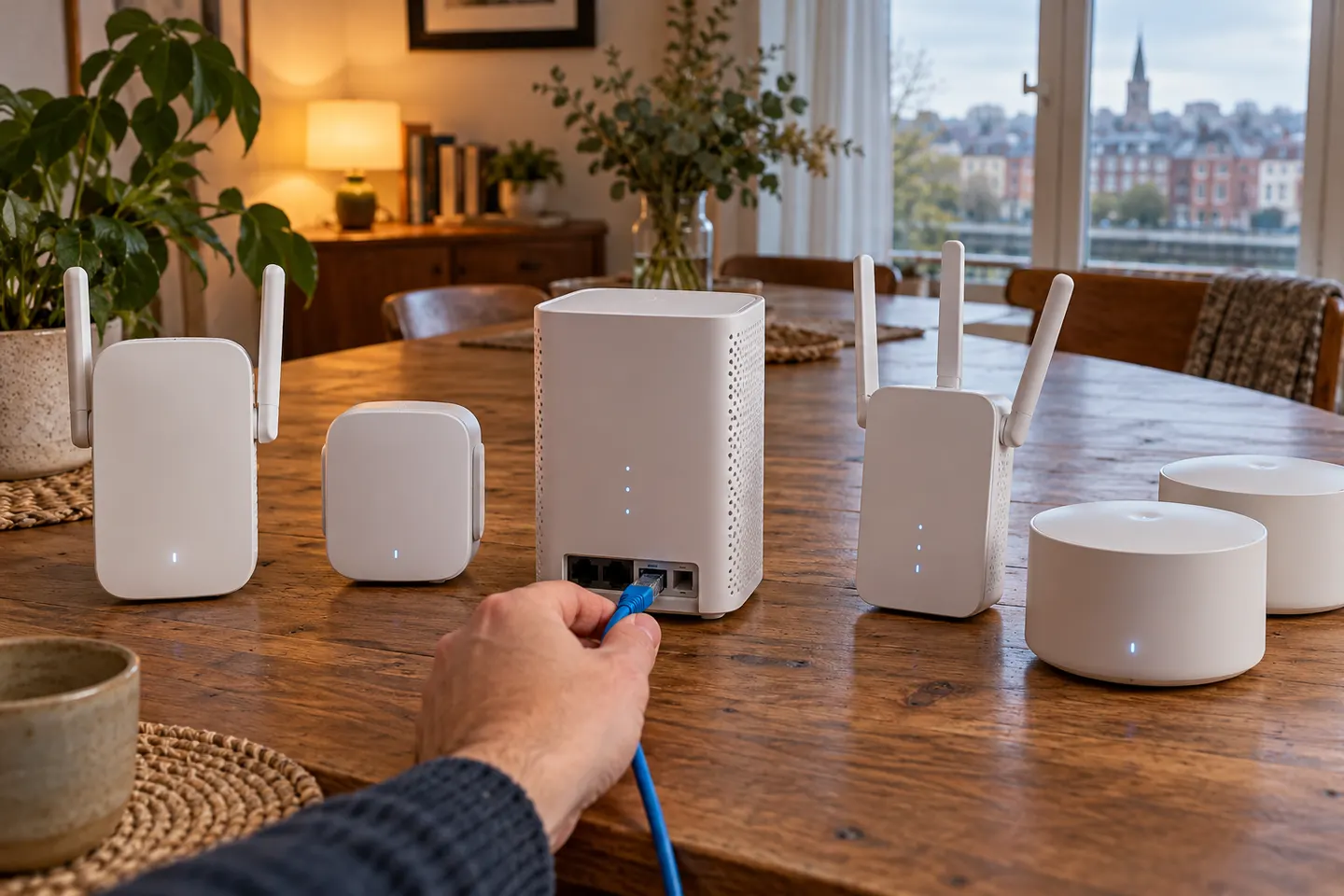
‘WiFi booster’ is a broad everyday term, often used for a range extender. It can also describe a mesh node or a provider’s managed pod, so check how the device connects to the router and whether it creates a separate network or joins a mesh system.
03
What is a WiFi extender socket?
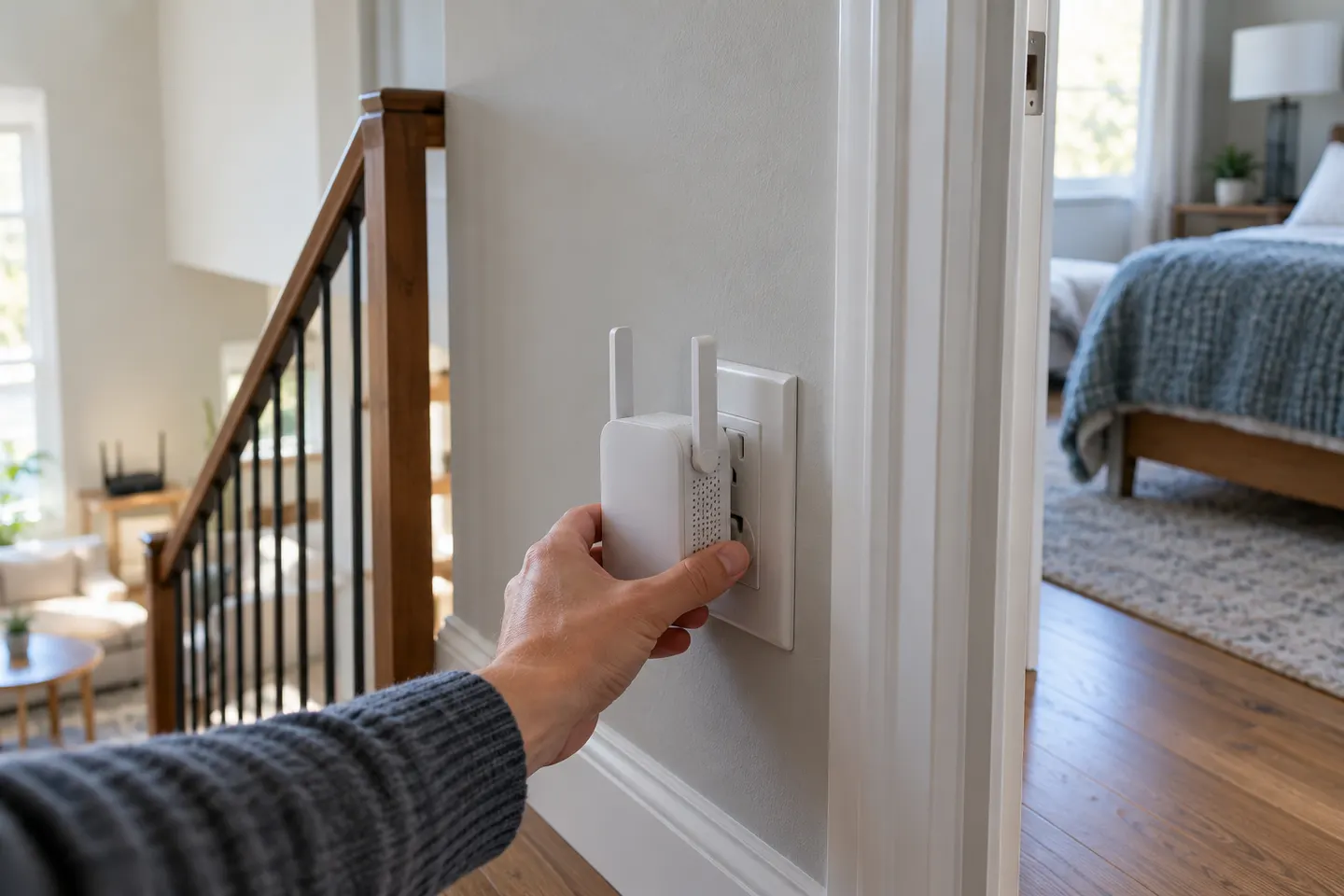
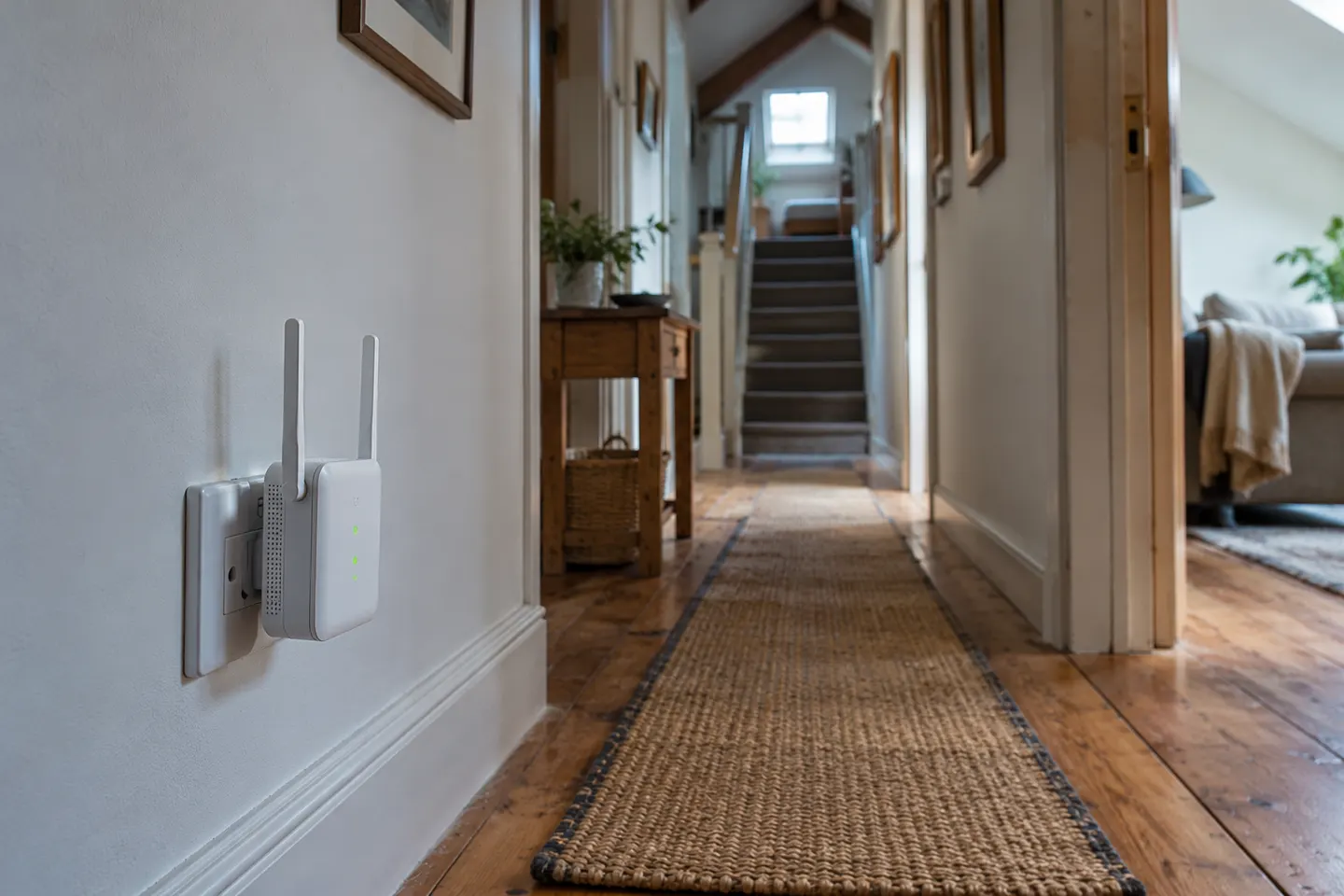
A WiFi extender socket is a compact repeater that plugs into a wall outlet. It receives the router signal and retransmits it; some models also include an Ethernet port. For best results, place it where it still has a good connection to the router.
04
What is the maximum range of a WiFi extender?
There is no single maximum that applies to every home. Distance, walls, floors, interference, router output and extender position all affect the result. Product coverage figures are measured under specified conditions and should not be treated as a guarantee for a particular building.
05
What WiFi booster do I need?
For one weak room, consider a compatible plug-in extender and check the router link at its intended position. For several rooms or floors, compare mesh systems. For a distant room with Ethernet access, an access point may provide a more direct connection.
06
What WiFi booster should I buy?
Choose by your router’s WiFi generation, the number of bands, whether you need Ethernet and the coverage pattern. Verify the exact model and hardware version, then use its setup guidance to place and configure it.
Common questions
Questions before you buy
What is a WiFi extender and what does it do?
It connects to the router’s WiFi and retransmits the network to extend coverage into a nearby weak area. Its own connection to the router must remain usable.
What is the maximum range of a WiFi extender?
There is no fixed maximum for all homes. Building materials, interference, router and extender placement change the result, so treat advertised coverage as a manufacturer estimate under stated conditions.
What WiFi booster do I need for my home?
A plug-in repeater can suit one local dead zone. A mesh system is more appropriate when coverage is weak across several areas, while a wired access point can suit a room with Ethernet.
What WiFi booster should I buy?
First identify the router and where the signal fails. Compare compatible bands, mesh support, Ethernet and setup features, then select a model that matches that layout.
Is a WiFi booster the same as a router?
No. A booster usually extends an existing network; a router manages a local network and routes traffic between that network and the internet. Some devices combine functions, so check their operating mode.
Does a WiFi extender need to be plugged into the router?
A standard wireless extender only needs power and connects to the router over WiFi. Some models can instead run as access points when connected to the router by Ethernet.
TP-Link RE505X is the most balanced pick here for WiFi 6 and a Gigabit Ethernet port. Choose RE315 for lower-tier mesh features, RE550 for three external antennas, or Deco X50 when you need a coordinated mesh system.
A mesh system replaces or works alongside a router to create one coordinated network; a range extender relays an existing signal. Choose by coverage pattern, compatibility and how you move around the home.
A WiFi extender socket is a plug-in repeater that receives the router’s wireless signal and rebroadcasts it. Its position matters more than the socket being beside the device you want to connect.
A WiFi extender can carry an existing router signal into a weak-coverage area. Choose a plug-in repeater for a simple dead zone, or consider powerline when walls make a wireless link unreliable.
Your privacy
We use cookies and similar technologies. Necessary ones keep the site working. With your permission we also use statistics cookies (Google Analytics and Microsoft Clarity) to understand which guides help readers. You can accept all, reject all or choose. You can change your choice at any time from "Cookie settings" at the bottom of every page. Cookie policy