Independent buying guidance · Ireland editionHow we work
Gearjury
All categories
All categories
Best picksBest WiFi Extenders for Different Homes in Ireland
Best picksThe Best Dashcams for Cars in 2026
Best picksBest Headlamp Torches for Hiking, Work and Everyday Use
Best picksBest Meat Thermometers for Cooking, Roasting and BBQ
Best picksBest cordless strimmers for Irish gardens: compared
Best picksBest Winter Gloves for Cold, Wet Days in Ireland (2026)
By type and sizeRoomMiniSmall
By place and useBedroomCarHome
BrandsDyson
Best picksBest Portable Air Coolers for Irish Homes in 2026
Best picksBest air purifier for bedroom in Ireland: five models compared
IrelandEnglish

Category hub

Fibre WiFi Booster: What to Check Before You Buy

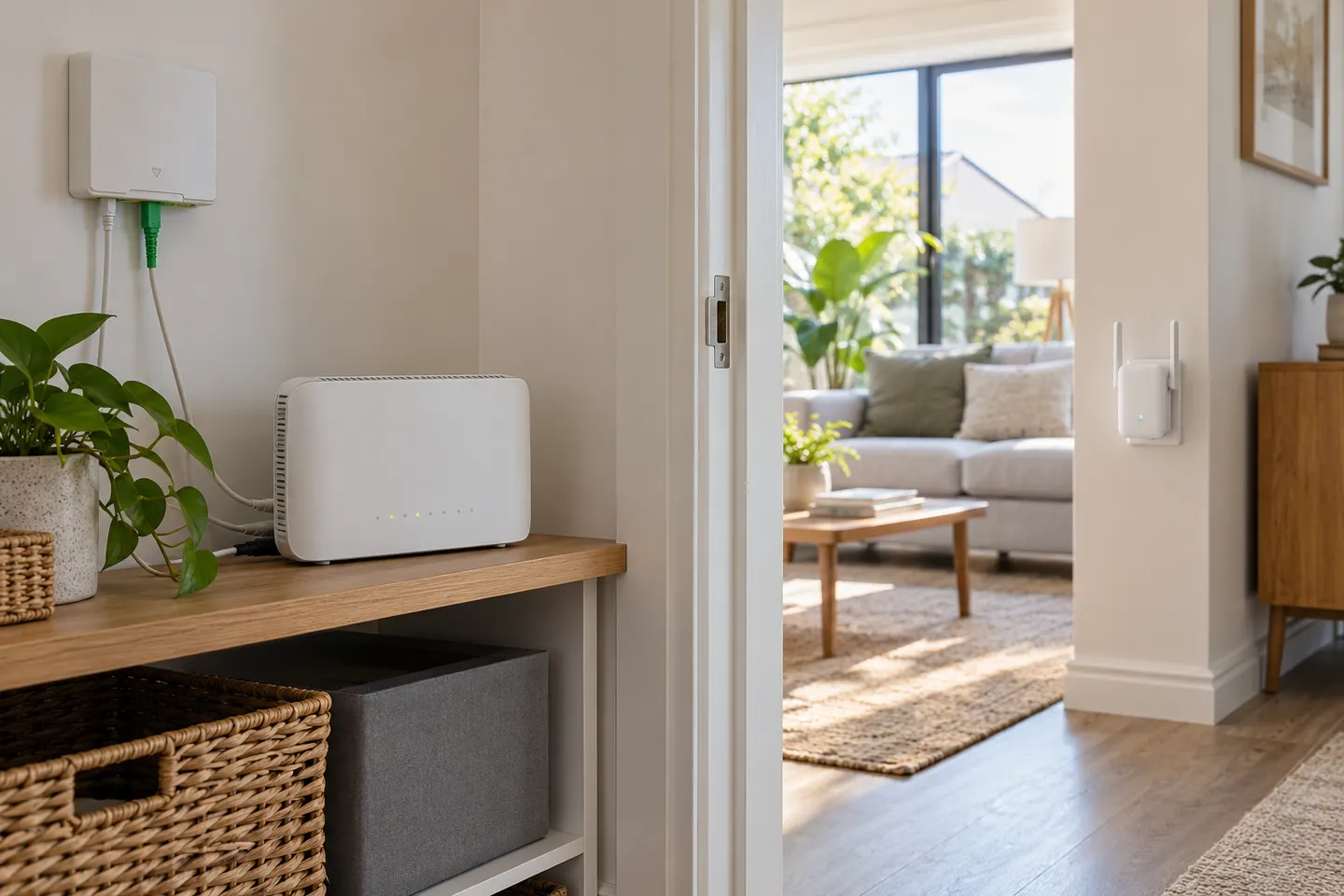
Fibre broadband describes the internet connection to your home; your router and extender determine how that connection reaches rooms over Wi-Fi.

A fibre wifi booster does not connect to the fibre line itself: it works with the Wi-Fi network broadcast by your fibre broadband router. Check compatibility, the router Wi-Fi standard, the layout between rooms and whether a wired access point is practical. Community Fibre customers should also confirm their supplied router settings.

Fibre WiFi Booster: What to Check Before You Buy

Common questions

Questions before you buy

Will a WiFi booster work with fibre broadband?

Most standard Wi-Fi extenders are designed to connect to a compatible Wi-Fi router, including a fibre provider router. Confirm supported bands and setup requirements.

Do I need a special fibre optic WiFi extender?

Usually no. The extender links wirelessly to the router; it does not connect to the fibre optic cable. A wired access point may be an option if Ethernet is available.

Can a booster make fibre broadband faster?

It cannot raise the broadband service speed. It may improve reach in a weak-signal room, while actual device speed depends on the router and local conditions.

Will an extender work with Community Fibre?

It should work if it supports the Wi-Fi settings and bands used by the supplied router. Check the router documentation before buying.