Gearjury may earn a commission from qualifying retailer links. This does not affect our editorial conclusions.
Guide
What Is a WiFi Extender and How Does It Work?
A WiFi extender receives a router’s wireless signal and rebroadcasts it to improve coverage in another area. It can help fill a dead zone, but it cannot create more broadband capacity than the router connection supplies.
GGearjury editorial team · Updated 15 October 2026· 5 min
01
What is a WiFi range extender?
A WiFi range extender is a separate device that connects to an existing router network and retransmits WiFi. It is also sold as a repeater or booster, although product labels are not perfectly consistent. The point is to bring a usable signal closer to an area the router struggles to reach.
02
What is a WiFi booster doing to the signal?
In ordinary consumer use, a booster receives the router’s wireless signal and sends it onward. It does not strengthen the broadband service entering your home. Distance, walls, interference and the quality of the link between router and extender affect what reaches your devices.
03
How is an extender different from mesh WiFi?
A basic extender can create a second wireless access point and may use a separate network name. Mesh equipment coordinates compatible nodes, often enabling a shared network and managed roaming. A mesh-capable extender needs compatible router equipment to use those features.
04
What WiFi booster do I need?
For one dead zone, a dual-band range extender may be sufficient; choose a model compatible with your router and devices. For several rooms or movement between floors, consider a mesh system. If you can connect Ethernet, an access point can avoid relying on a wireless backhaul.
05
Which WiFi extender has the longest range?
There is no dependable universal maximum: manufacturers’ coverage claims use particular test conditions, and walls and interference change results. Compare placement aids, bands, antennas and published test basis, then position the device where it still has a stable router link.
06
What is the maximum range of a WiFi extender?
A single distance figure is rarely useful because radio coverage changes with building materials, layout, interference and device capabilities. Treat coverage figures as manufacturer estimates rather than a guaranteed radius, and test the actual rooms where you need service.
Common questions
Questions before you buy
Does a WiFi extender increase internet speed?
It does not increase the broadband speed coming into the home. It can improve access in a weak-signal area, but speed there depends on the wireless link between the router, extender and client device.
Can I use a WiFi extender with any router?
Many models support standard WiFi routers, but compatibility and mesh features vary. Verify the exact model’s standards and the router’s requirements before purchase.
Is a WiFi booster the same as a repeater?
The terms are often used interchangeably in retail listings. Check the device’s actual operating modes rather than assuming that the word “booster” specifies a particular technology.
Where should a WiFi extender go?
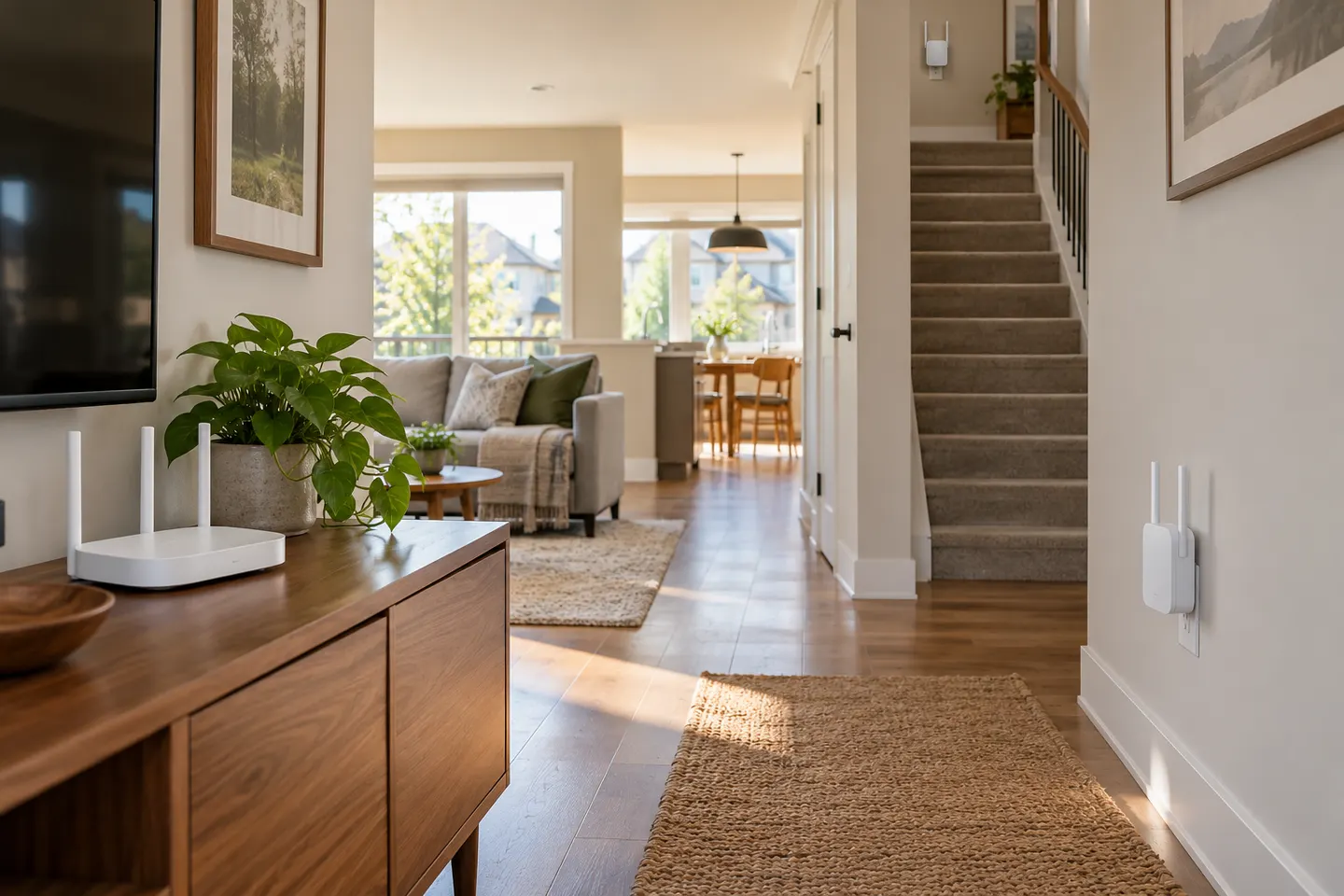
Place it between the router and the area with poor coverage, in a position where it can still receive a reliable signal. A very distant socket may leave the extender with little usable connection to relay.
TP-Link RE315 is a practical starting point for a standard indoor dead zone. Consider a Wi-Fi 6 device for newer kit, outdoor-rated hardware for a garden, or powerline where a wireless hop struggles.
A mesh WiFi extender can join a compatible router’s mesh system and help extend one coordinated network. Compatibility matters: a mesh label does not mean that every extender works with every router.
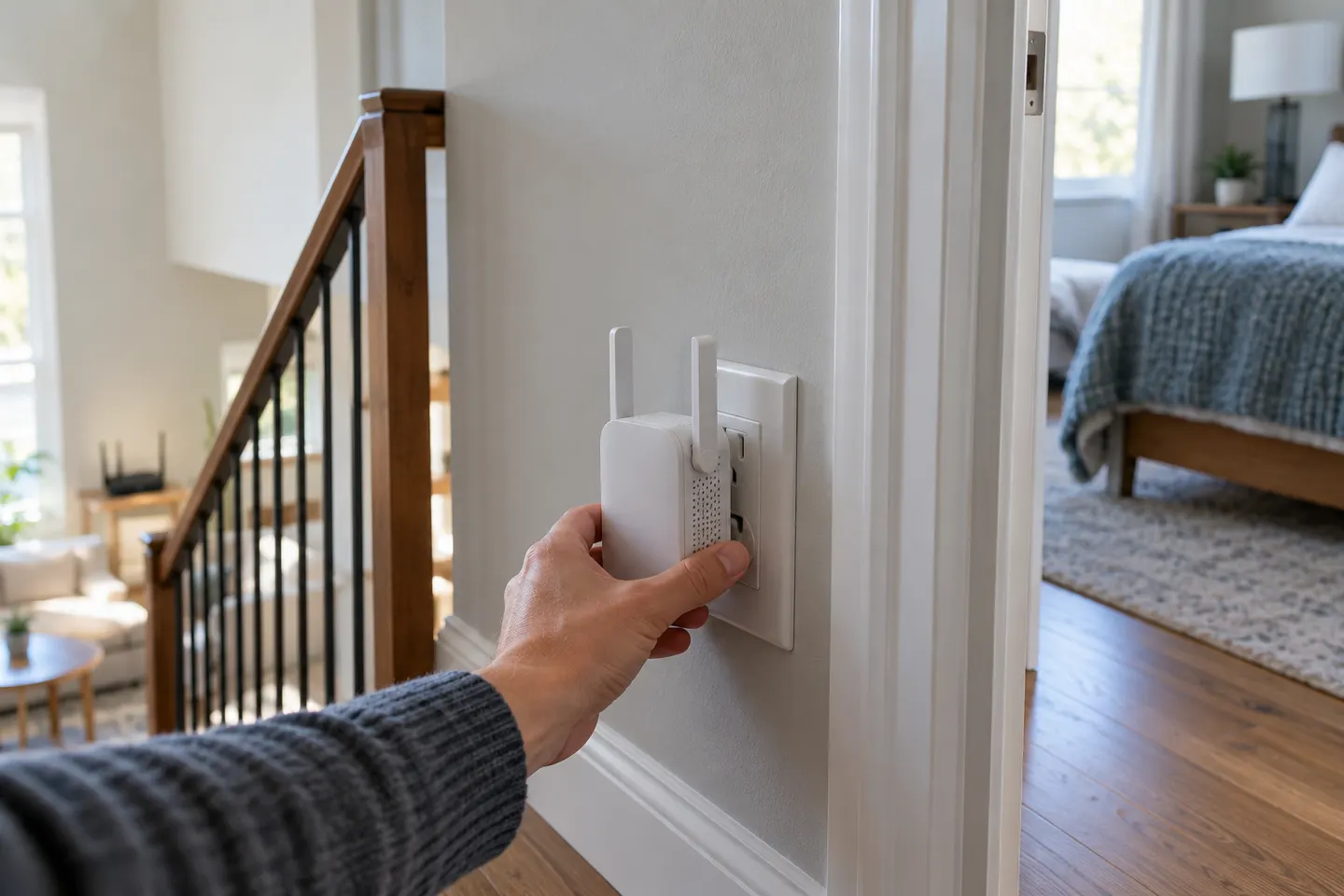
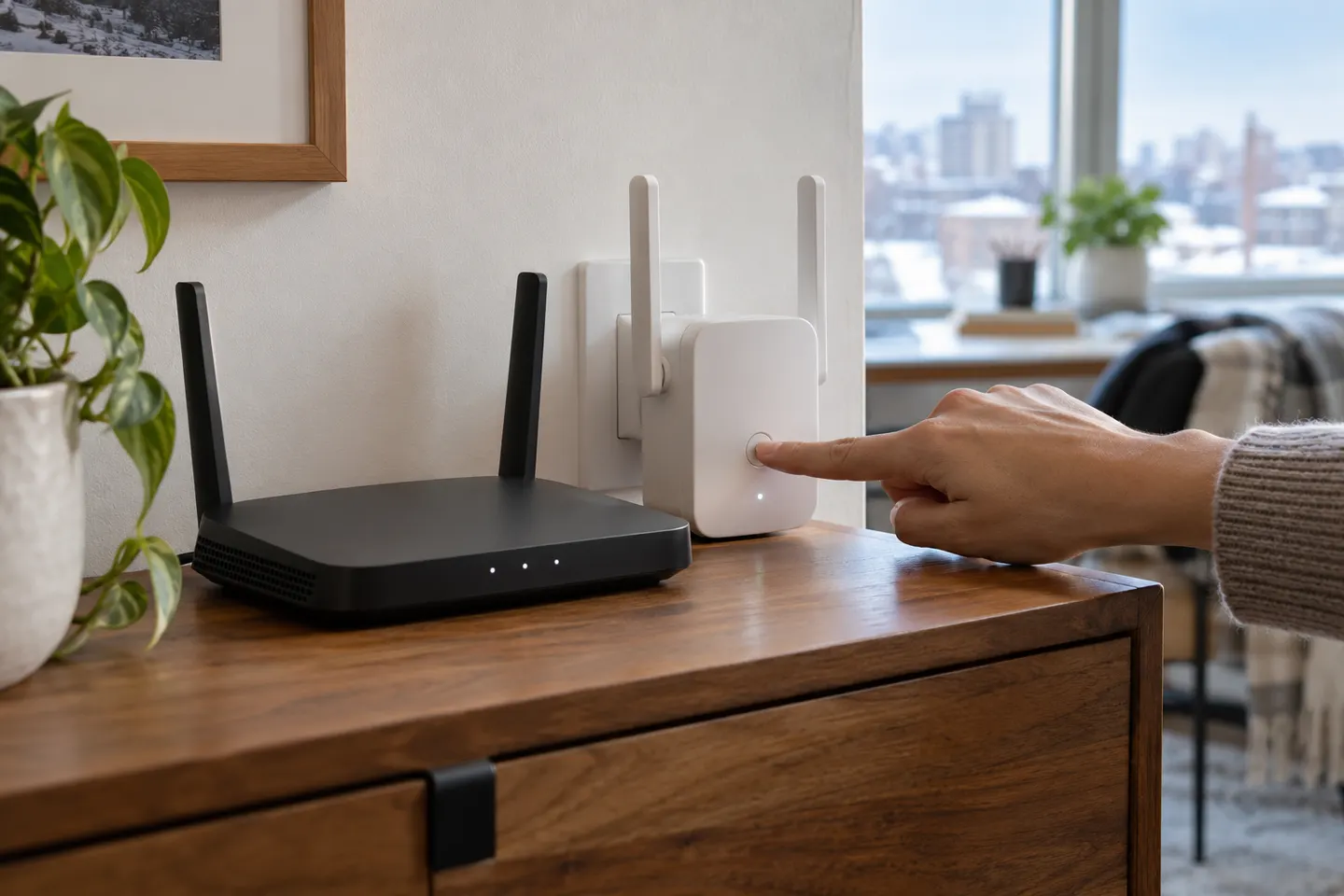
Most setups follow the same pattern: pair near the router, then relocate the extender to a midway point with a reliable signal. Use the manual for your exact model because button sequences and apps differ.
A WiFi extender can carry your router signal further, but placement and backhaul matter. Choose a plug-in repeater for a nearby dead zone, powerline WiFi for difficult layouts, or an outdoor-rated unit for a garden.
Your privacy
We use cookies and similar technologies. Necessary ones keep the site working. With your permission we also use statistics cookies (Google Analytics and Microsoft Clarity) to understand which guides help readers. You can accept all, reject all or choose. You can change your choice at any time from "Cookie settings" at the bottom of every page. Cookie policy