




 Official manufacturer image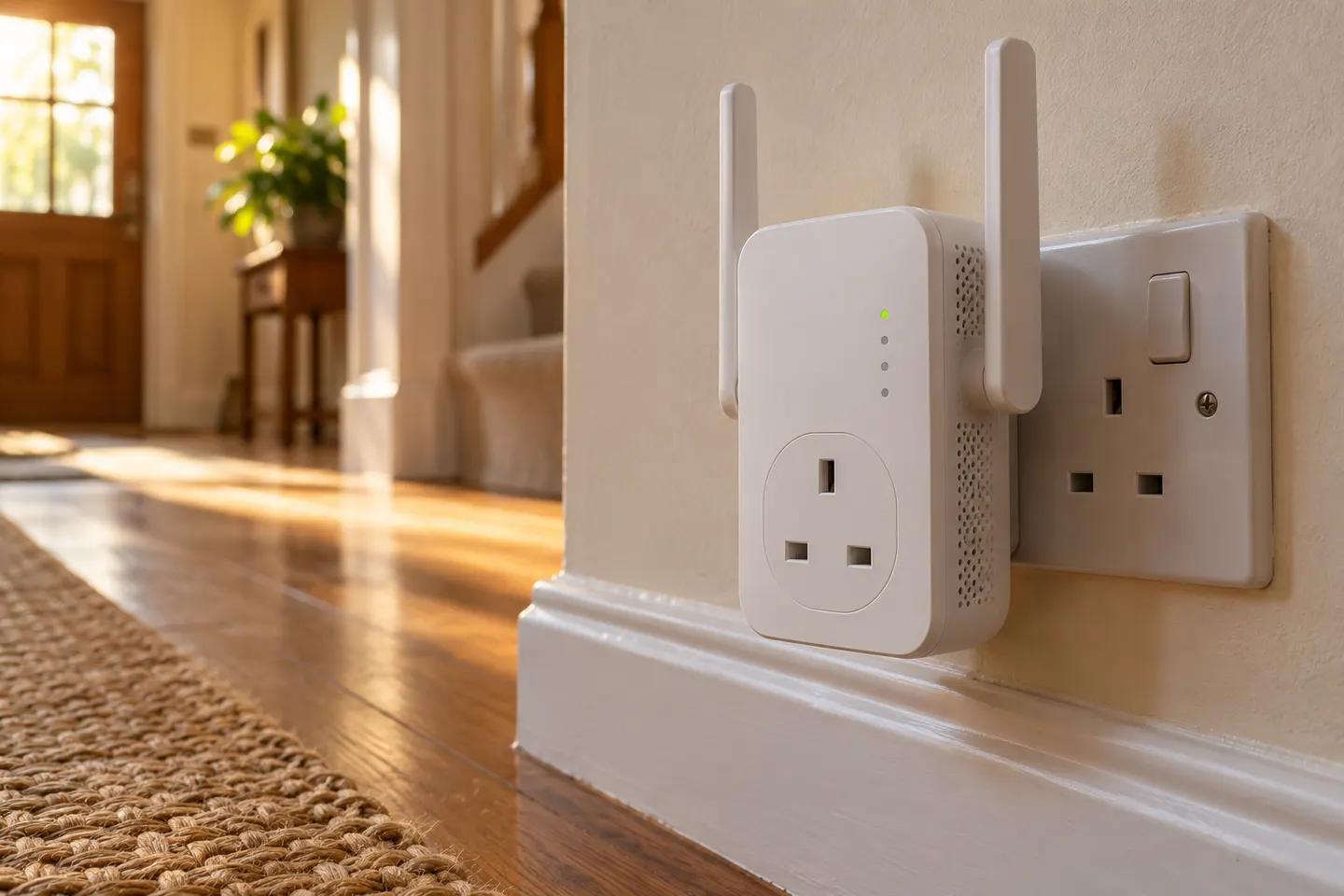
Our picks
Top picks
Official manufacturer image Official manufacturer image
NETGEAR EX6120
Check price on Amazon UK Official manufacturer image
TP-Link RE705X-Outdoor
Check price on Amazon UKBy type
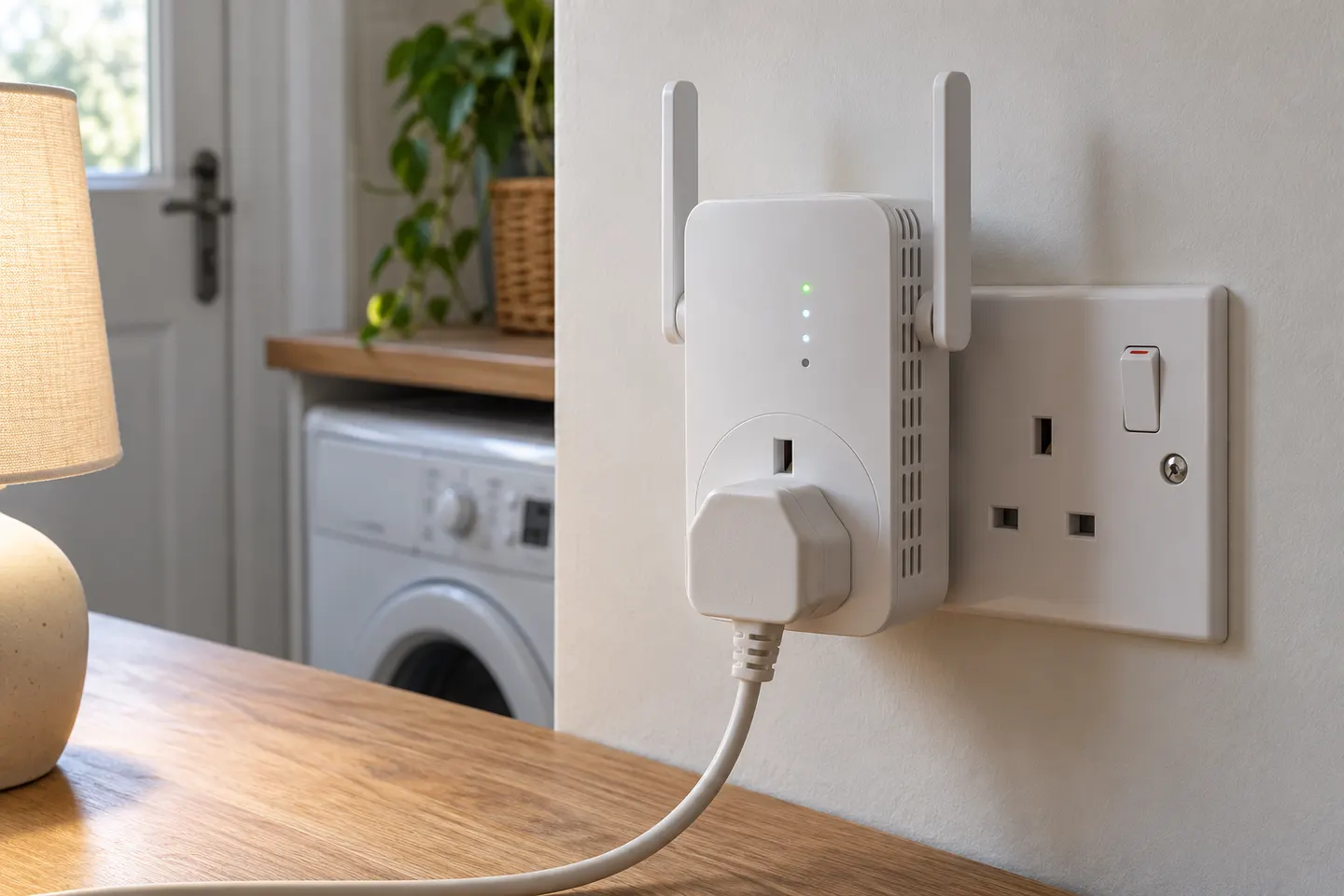 Plug socket
Common questions
Questions before you buy
Does a WiFi extender socket need to plug directly into a wall outlet?
Plug-in range extenders are designed to be powered from an electrical outlet. Follow the manual for the specific model and avoid placing it where furniture or other objects obstruct ventilation or its signal.
Do WiFi extender sockets have a pass-through plug?
Some products may offer a pass-through mains socket, but it is not a standard feature. Check the official product description and photographs for the exact model before assuming another appliance can use the same outlet.
Where should I plug in a socket WiFi extender?
Place it between the router and the area with weak coverage, where it can still receive a stable router signal. A status light or setup app may help identify a suitable location.
Can a plug-in WiFi extender have an Ethernet port?
Yes. For example, the TP-Link RE200’s official specification lists one 10/100 Mbps Ethernet port. The presence and speed of a port vary by model.