Independent buying guidance · US editionHow we work
Gearjury
All categories
All categories
Best picksGood Meat Thermometers for Every Kind of Cook
Best picksBest Dash Cams for Cars in 2026
Best picksBest WiFi Extenders: Which Range Extender Should You Buy?
Best picksBest Radar Detectors for Cars: Models Compared
Best picksGood Winter Gloves for Cold Weather: Five Useful Picks
Best picksBest Headlamps: Six Lights Compared for Different Uses
Best picksBest Portable Air Coolers for Patios, Workshops and Small Spaces (2026)
Best picksTop 10 Best Battery-Powered Weed Eaters for Different Yards
Best picksBest Air Purifier for Bedroom in the US: Quiet Models Compared
United StatesEnglish

Gearjury may earn a commission from qualifying purchases made through our links.

Best picks

Best Dashcam Apps for Android and Compatible Cameras

Garmin Drive with the Dash Cam X310 is the strongest general-purpose pairing for straightforward clip access and settings. Choose VIOFO for fast local transfers, Thinkware for parking tools, Nextbase for cellular features, or BlackVue for cloud access.

Quick answer

The best Android dashcam app is the one officially matched to your camera, not a generic recorder. Garmin Drive and the Dash Cam X310 are our balanced pick; VIOFO A329S is compelling for quick local file transfer, Thinkware U3000 Pro for parking management, Nextbase iQ for cellular security, and BlackVue DR970X-2CH Plus for cloud-oriented monitoring.

01Garmin Dash Cam X310Official manufacturer image

Best Android app pairing for most drivers

Garmin Dash Cam X310

  • Garmin Drive provides camera controls, settings, recorded footage, editing, and sharing
  • The camera combines 4K recording, GPS, a touchscreen, and a 140° field of view

Drawback: Remote live view and online Vault functions have network, power, and subscription requirements.

Check price on AmazonSponsored link · no live price shown

02VIOFO A329S 2CHOfficial manufacturer image

Best for fast local video downloads

VIOFO A329S 2CH

  • The VIOFO Android app supports preview, playback, downloads, recording control, and settings
  • Dual-band Wi-Fi 6 complements the camera's 4K front and 2K rear recording

Drawback: It is centered on a direct local camera connection rather than an always-on cellular cloud service.

Check price on AmazonSponsored link · no live price shown
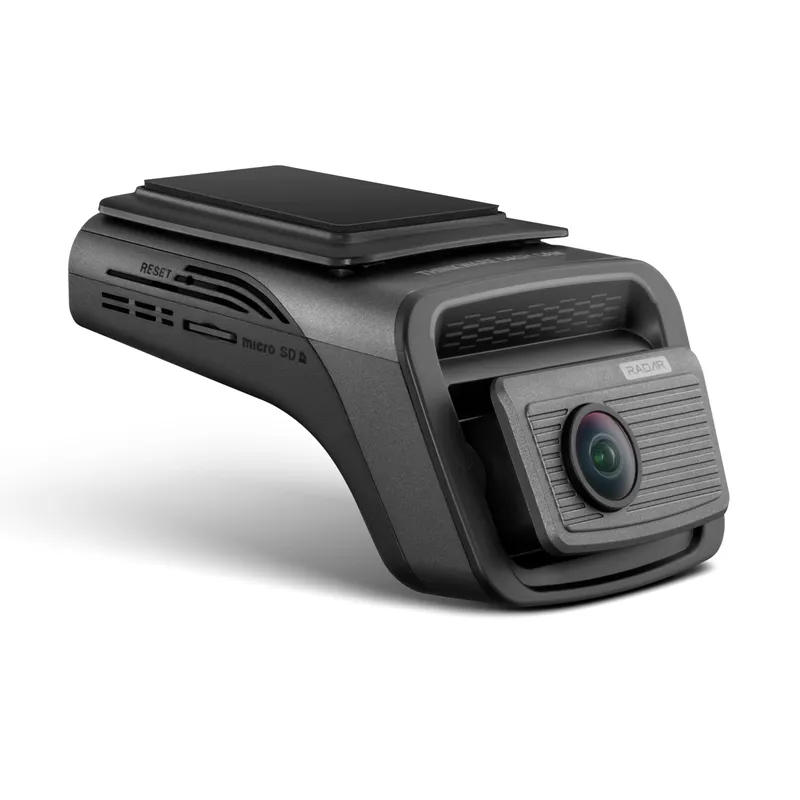
03Thinkware U3000 Pro 2CHOfficial manufacturer image

Best Android pairing for parking settings

Thinkware U3000 Pro 2CH

  • Thinkware Dash Cam Link supports playback, downloads, live view, and camera settings
  • Dual radar parking hardware and front-and-rear recording suit parked-car monitoring

Drawback: Thinkware separates local camera management and some connected functions, so feature availability depends on the app, accessories, and plan used.

Check price on AmazonSponsored link · no live price shown
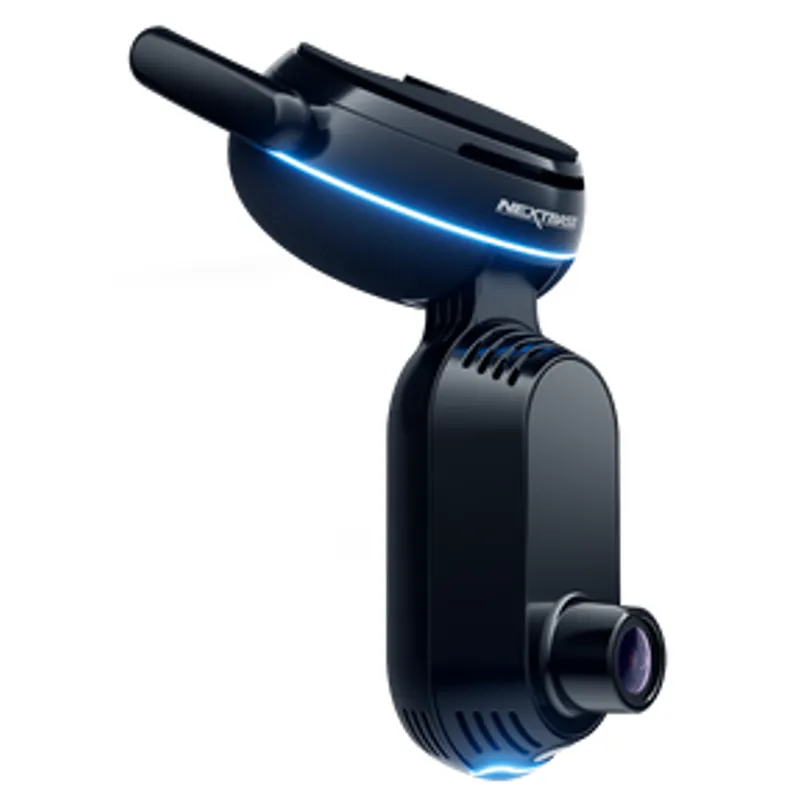
04Nextbase iQ 4KOfficial manufacturer image

Best for cellular alerts and live view

Nextbase iQ 4K

  • The Nextbase iQ Android app supports setup, alerts, incident access, vehicle location, and live view
  • The system uses an always-on 4G connection and includes front and cabin cameras

Drawback: The most useful remote functions require an eligible paid subscription.

Check price on AmazonSponsored link · no live price shown
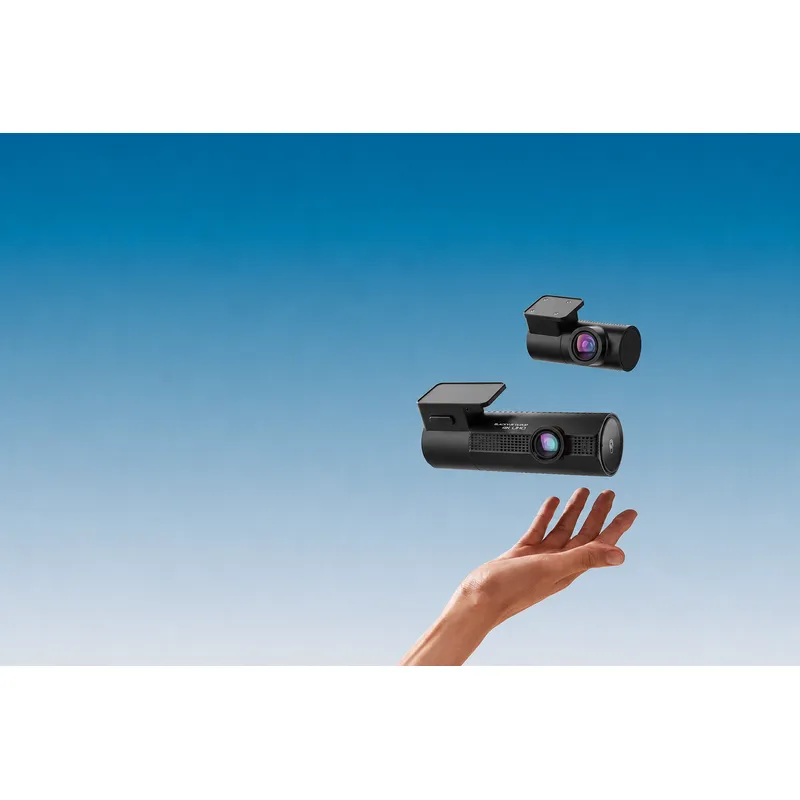
05BlackVue DR970X-2CH PlusOfficial manufacturer image

Best for established cloud-camera workflows

BlackVue DR970X-2CH Plus

  • The BlackVue app supports direct Wi-Fi access and compatible cloud connections
  • The system records 4K front and Full HD rear video with GPS and parking modes

Drawback: Remote functions need an internet path for the camera and may involve additional hardware or service limits.

Check price on AmazonSponsored link · no live price shown

Compare them side by side

Garmin Dash Cam X310Official manufacturer imageGarmin Dash Cam X310VIOFO A329S 2CHOfficial manufacturer imageVIOFO A329S 2CHThinkware U3000 Pro 2CHOfficial manufacturer imageThinkware U3000 Pro 2CHNextbase iQ 4KOfficial manufacturer imageNextbase iQ 4KBlackVue DR970X-2CH PlusOfficial manufacturer imageBlackVue DR970X-2CH Plus
Official Android appGarmin DriveVIOFODash Cam LinkNextbase iQBlackVue
Local clip downloadYesYesYesYesYes
Camera settings in appYesYesYesYesYes
Remote connection focusVault features with requirementsLocal Wi-FiOptional LTE ecosystemBuilt-in 4GCloud with internet connection
Built-in channelsFrontFront and rearFront and rearFront and cabinFront and rear
Android requirementCheck current Play listingCheck current Play listingAndroid 9 or later statedAndroid 8 or later statedAndroid 8 or later stated
Check price on AmazonCheck price on AmazonCheck price on AmazonCheck price on AmazonCheck price on Amazon

Common questions

Questions before you buy

What is the best dashcam app for Android?

For most buyers, start with the official app for a well-supported camera. Garmin Drive is the balanced choice here, while VIOFO is better suited to fast local transfers and Nextbase iQ to remote cellular features.

Can I use any Android app with any dashcam?

Usually not. Camera Wi-Fi protocols, file systems, firmware controls, and cloud accounts are brand-specific, so confirm the exact model in the official app's compatibility list.

Why does my phone lose mobile data when connected to a dashcam?

Many cameras create a local Wi-Fi network that has no internet connection. Android may warn you or switch networks; follow the camera maker's connection steps and do not change settings while driving.

Can an Android dashcam app show live video when I am away from the car?

Only systems with a supported internet connection and remote service can do that. Local Wi-Fi apps generally work only when you are close to the camera.

Do dashcam apps require subscriptions?

Local setup and clip transfer are commonly included, while cloud storage, cellular access, remote live view, or advanced alerts may require hardware and a paid plan.

Sources and how we chose