Best overall
Tesla USB Drive
- Designed for Tesla Dashcam and Sentry Mode storage
- Available from Tesla with the expected vehicle connector format
Drawback: Tesla does not publish detailed endurance figures on the accessory page.

 Best picksGood Meat Thermometers for Every Kind of Cook
 Best picksBest Dash Cams for Cars in 2026
 Best picksBest WiFi Extenders: Which Range Extender Should You Buy?
 Best picksBest Radar Detectors for Cars: Models Compared
 Best picksGood Winter Gloves for Cold Weather: Five Useful Picks
 Best picksBest Headlamps: Six Lights Compared for Different Uses
 Best picksBest Portable Air Coolers for Patios, Workshops and Small Spaces (2026)
 Best picksTop 10 Best Battery-Powered Weed Eaters for Different Yards
 Best picksBest Air Purifier for Bedroom in the US: Quiet Models Compared
Gearjury may earn a commission when you buy through a retailer link. Our recommendations are based on the cited specifications.
Best picks
The Tesla USB Drive is the simplest fit because it is supplied for Tesla recording features. Samsung's BAR Plus is a compact alternative, while the FIT Plus protrudes less from the port.
Quick answer
Choose the Tesla USB Drive for the least complicated setup. Samsung BAR Plus suits drivers who want a metal Type-A stick, Samsung FIT Plus keeps the installation low-profile, and SanDisk Extreme PRO is the performance-led option. Confirm the connector in your own car before ordering.
Best overall
Drawback: Tesla does not publish detailed endurance figures on the accessory page.
 Official manufacturer image
Best metal-body drive
Drawback: Its bar body projects farther than a nano-style drive.
 Official manufacturer image
Best low-profile option
Drawback: The tiny body is easier to misplace when removed.
 Official manufacturer image
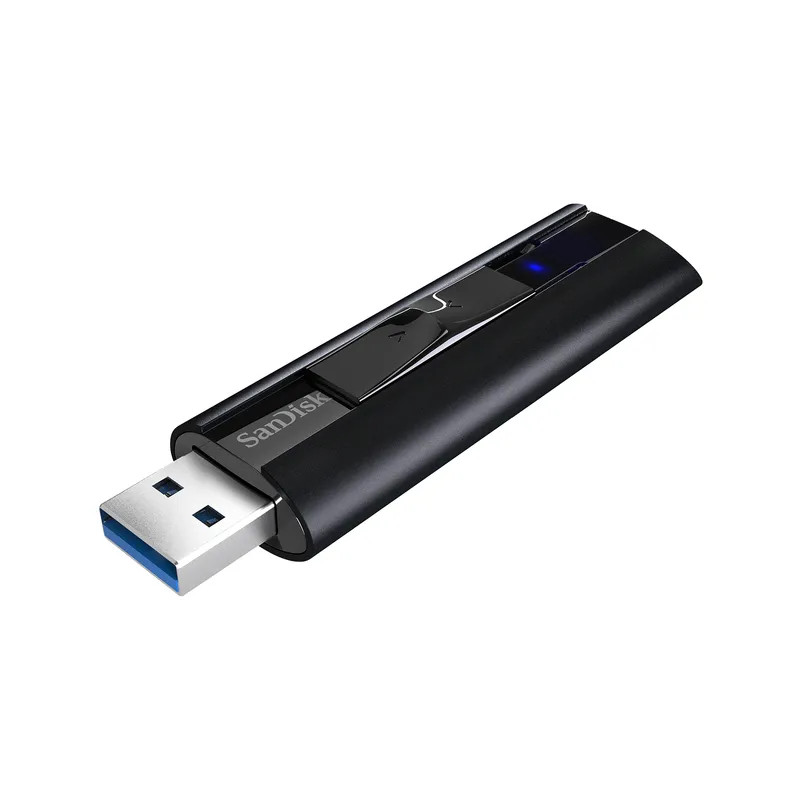
Best for fast file transfers
Drawback: The larger body is less discreet in a confined glovebox.
Best keyring-friendly design
Drawback: Kingston markets it for general storage rather than continuous dashcam workloads.
| Tesla USB Drive | Official manufacturer imageSamsung BAR Plus 128GB | Official manufacturer imageSamsung FIT Plus 256GB | Official manufacturer imageSanDisk Extreme PRO USB 3.2 Solid State Flash Drive | Kingston DataTraveler Kyson 256GB | |
|---|---|---|---|---|---|
| Capacity shown | 128 GB | 128 GB | 256 GB | 128 GB to 1 TB | 256 GB |
| Connector | USB Type-A | USB Type-A | USB Type-A | USB Type-A | USB Type-A |
| Low-profile body | No | No | Yes | No | No |
| Tesla-specific product | Yes | No | No | No | No |
| Published sustained write figure | — | — | — | — | — |
| Check price on Amazon | Check price on Amazon | Check price on Amazon |
Common questions
Tesla specifies at least 64 GB, a sustained write speed of at least 4 MB/s, USB 2.0 compatibility and a supported file format. A USB 3 drive must also support USB 2.0.
Only if it meets Tesla's capacity, sustained-write, compatibility and formatting requirements. The correct physical connector also depends on the data-capable port in your vehicle.
The easiest route is Controls, Safety, then Format USB Drive. Tesla says computer formatting can use exFAT and requires a base-level folder named TeslaCam.
It clears Tesla's minimum capacity and suits ordinary clip storage, but saved footage can eventually fill any drive. Move important clips elsewhere and delete old files regularly.
Keep exploring

Start with the coverage you need: front-only, front and rear, cabin or a wider multi-camera view. Then compare recording detail, storage and power requirements.
VIOFO A229 Pro 2CH is our broad recommendation for detailed front and rear coverage. Garmin Mini 3 favors discretion, while Garmin X310 is the sharper single-camera choice.

A front and rear dash cam records both directions and can provide context a single lens misses. Check the rear-camera cable route and simultaneous recording resolution before buying.

The A329S serves buyers seeking high-detail multichannel recording; A229 models cover more moderate dual-camera needs, while A119 Mini 2 is the compact front-only option.