Independent buying guidance · US editionHow we work
Gearjury
All categories
All categories
Best picksGood Meat Thermometers for Every Kind of Cook
Best picksBest Dash Cams for Cars in 2026
Best picksBest WiFi Extenders: Which Range Extender Should You Buy?
Best picksBest Radar Detectors for Cars: Models Compared
Best picksGood Winter Gloves for Cold Weather: Five Useful Picks
Best picksBest Headlamps: Six Lights Compared for Different Uses
Best picksBest Portable Air Coolers for Patios, Workshops and Small Spaces (2026)
Best picksTop 10 Best Battery-Powered Weed Eaters for Different Yards
Best picksBest Air Purifier for Bedroom in the US: Quiet Models Compared
United StatesEnglish

Category hub

Goodyear Dashcam Model and Support Guide

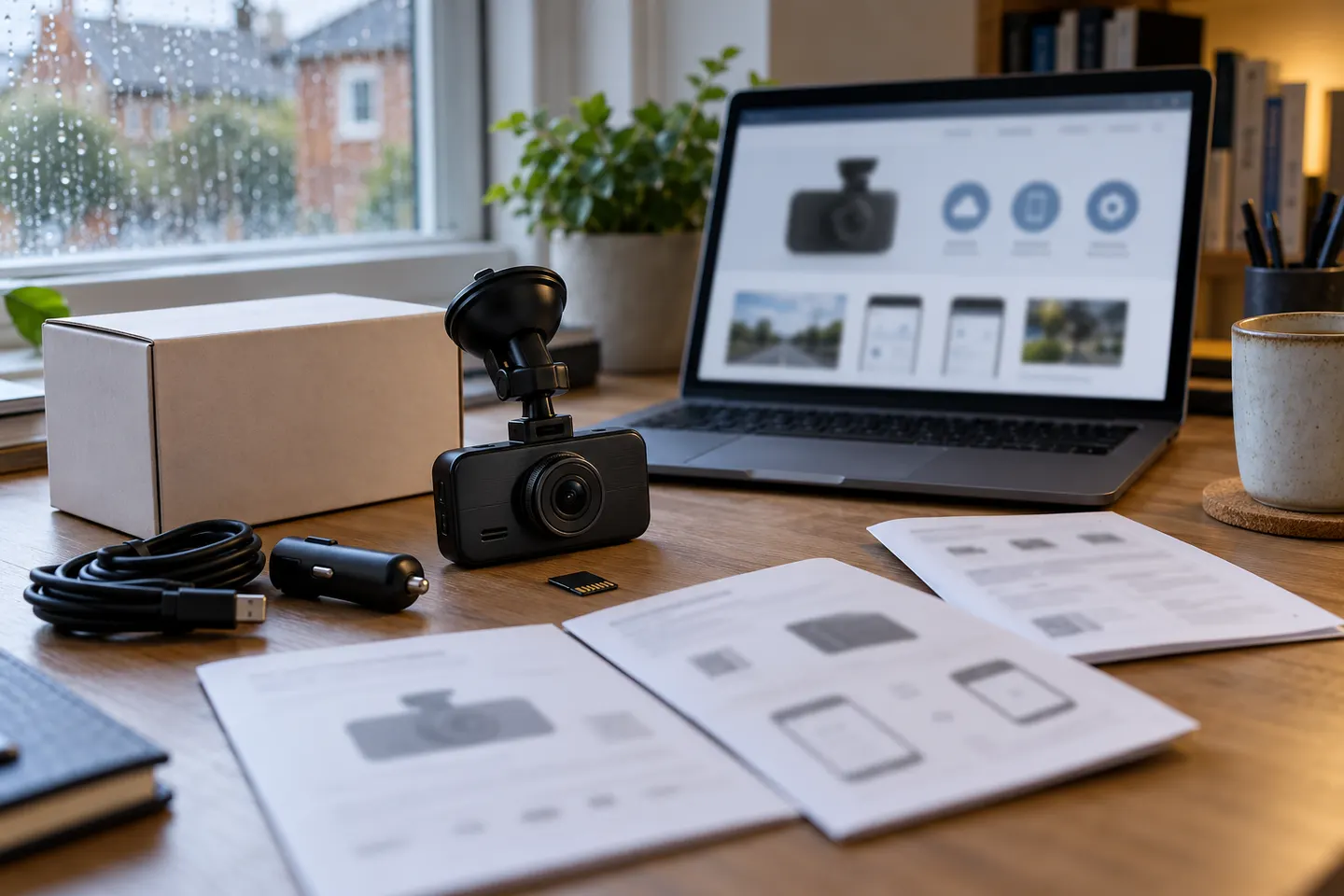
Treat “Goodyear dashcam” as a brand search, not a complete model name. Find the exact identifier on the camera or packaging before choosing an accessory or following setup instructions.

A Goodyear dashcam may be a licensed product sold through a particular retailer or market, and the Goodyear name alone does not establish its hardware, app, firmware, or accessory compatibility. Locate the model number on the device label, box, receipt, or startup screen first.

Goodyear Dashcam Model and Support Guide

Common questions

Questions before you buy

Who makes the Goodyear dashcam?

Manufacturing and licensing can vary by product and market. Check the legal manufacturer or distributor printed on your camera, package, or manual.

Where is the model number on a Goodyear dashcam?

Look on the underside or rear label, packaging, manual cover, receipt, or device information screen.

Which app works with a Goodyear dashcam?

Use only the app named in the exact model's manual or QR code, and confirm that the listed publisher matches the documentation.

Can I buy any replacement cable for it?

No. Match connector, electrical rating, pinout, and intended function to the specific model before connecting a replacement.