Independent buying guidance · US editionHow we work
Gearjury
All categories
All categories
Best picksGood Meat Thermometers for Every Kind of Cook
Best picksBest Dash Cams for Cars in 2026
Best picksBest WiFi Extenders: Which Range Extender Should You Buy?
Best picksBest Radar Detectors for Cars: Models Compared
Best picksGood Winter Gloves for Cold Weather: Five Useful Picks
Best picksBest Headlamps: Six Lights Compared for Different Uses
Best picksBest Portable Air Coolers for Patios, Workshops and Small Spaces (2026)
Best picksTop 10 Best Battery-Powered Weed Eaters for Different Yards
Best picksBest Air Purifier for Bedroom in the US: Quiet Models Compared
United StatesEnglish

Gearjury may earn a commission from qualifying retailer links. This does not affect our editorial coverage.

Guide

What Does L Mean on a Radar Detector? Model Settings Explained

On some detectors, “L” labels a logic or low-sensitivity mode; on others, the display convention can differ. Use the model's manual to interpret the symbol safely.

What Does L Mean on a Radar Detector? Model Settings Explained
01

Start with the detector model

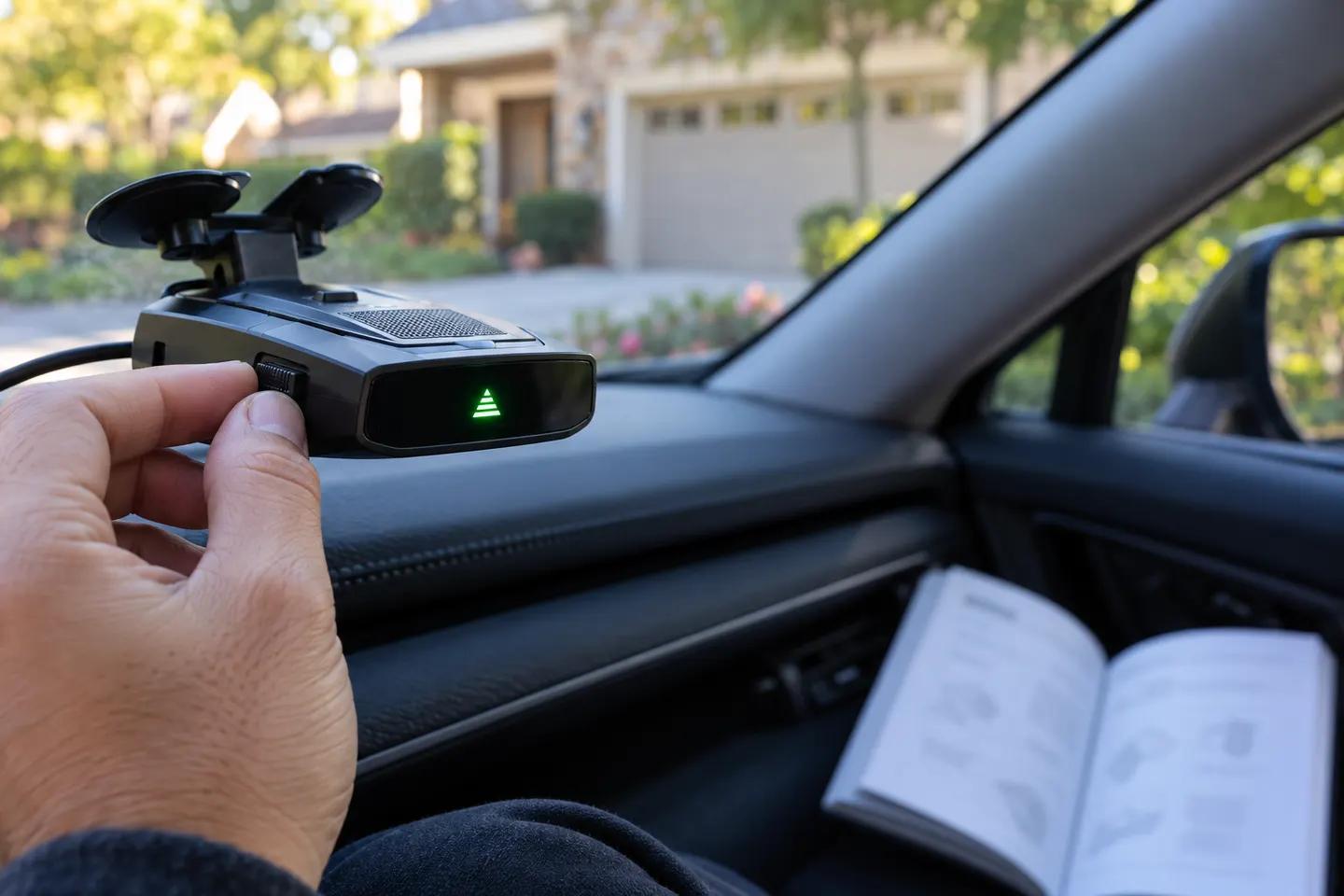
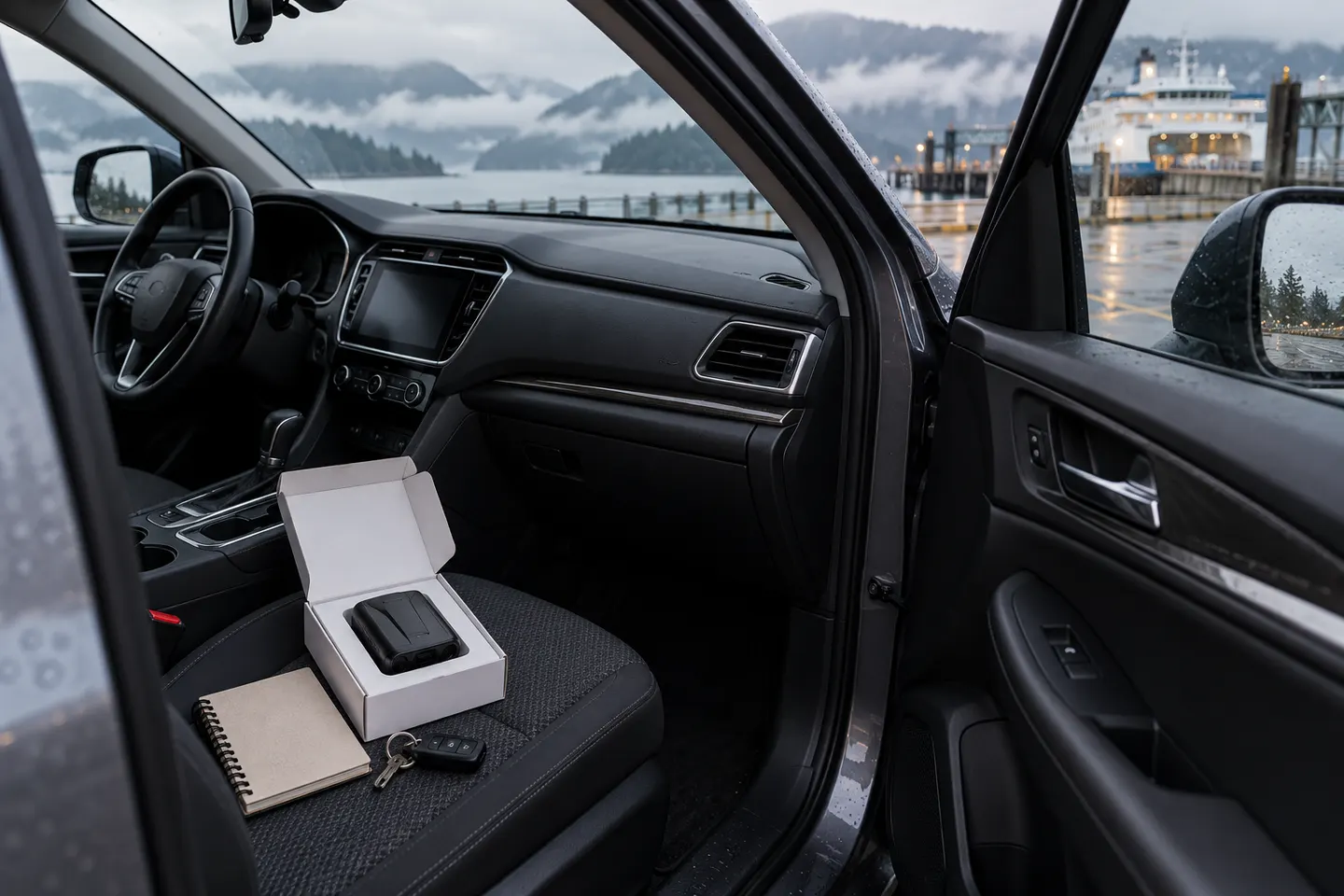
There is no universal display code shared by every radar detector. Find the exact model name on the device or packaging, then open the matching owner manual. The same letter can label a mode, a band, or a status depending on the manufacturer.
02

Check whether L labels a logic mode

Some detector interfaces use logic terminology for filtering or sensitivity behavior. If the manual defines L as a logic or low-sensitivity setting, consult that definition before changing it; the mode may affect which alerts are presented, not what signals physically exist.

03

Do not confuse a mode with a radar band

Many detectors display band identifiers such as X, K or Ka. An isolated L is not a universally recognized radar-band label. Compare the screen legend and alert tones in the model-specific manual rather than inferring a threat from one character.

04

Review mute and filter settings

A quiet or filtered display may result from a user setting, a locked-out location, or an alert mode. Check the manual's sections on sensitivity, muting, GPS filtering and saved locations. Restore default settings only if you understand how to configure the detector afterward.

05

If the indicator remains unclear

Photograph the display while parked and note the detector model and active mode. Use the manufacturer's support channel or manual to interpret it. Do not handle or troubleshoot a detector while driving; keep attention on the road.

Common questions

Questions before you buy

Does L mean low sensitivity on every radar detector?

No. Display labels vary by manufacturer and model. Some devices use logic-related names, but only the matching manual can confirm what L means on your unit.

Is L a police radar band?

It is not a universal band label. Common detector band labels include X, K and Ka, but the exact display depends on the product and region.

Why does my detector show L with no alert sound?

It may indicate a mode or setting rather than a detected signal, but the meaning depends on the model. Check the display legend and audio behavior in the owner manual while parked.

Can I change the L setting while driving?

Avoid handling menus while the vehicle is moving. Pull over safely and use the owner's manual to understand any mode change before applying it.

Sources and how we chose