Independent buying guidance · US editionHow we work
Gearjury
All categories
All categories
Best picksGood Meat Thermometers for Every Kind of Cook
Best picksBest Dash Cams for Cars in 2026
Best picksBest WiFi Extenders: Which Range Extender Should You Buy?
Best picksBest Radar Detectors for Cars: Models Compared
Best picksGood Winter Gloves for Cold Weather: Five Useful Picks
Best picksBest Headlamps: Six Lights Compared for Different Uses
Best picksBest Portable Air Coolers for Patios, Workshops and Small Spaces (2026)
Best picksTop 10 Best Battery-Powered Weed Eaters for Different Yards
Best picksBest Air Purifier for Bedroom in the US: Quiet Models Compared
United StatesEnglish

Category hub

Arlo WiFi Range Extenders and Camera Connectivity

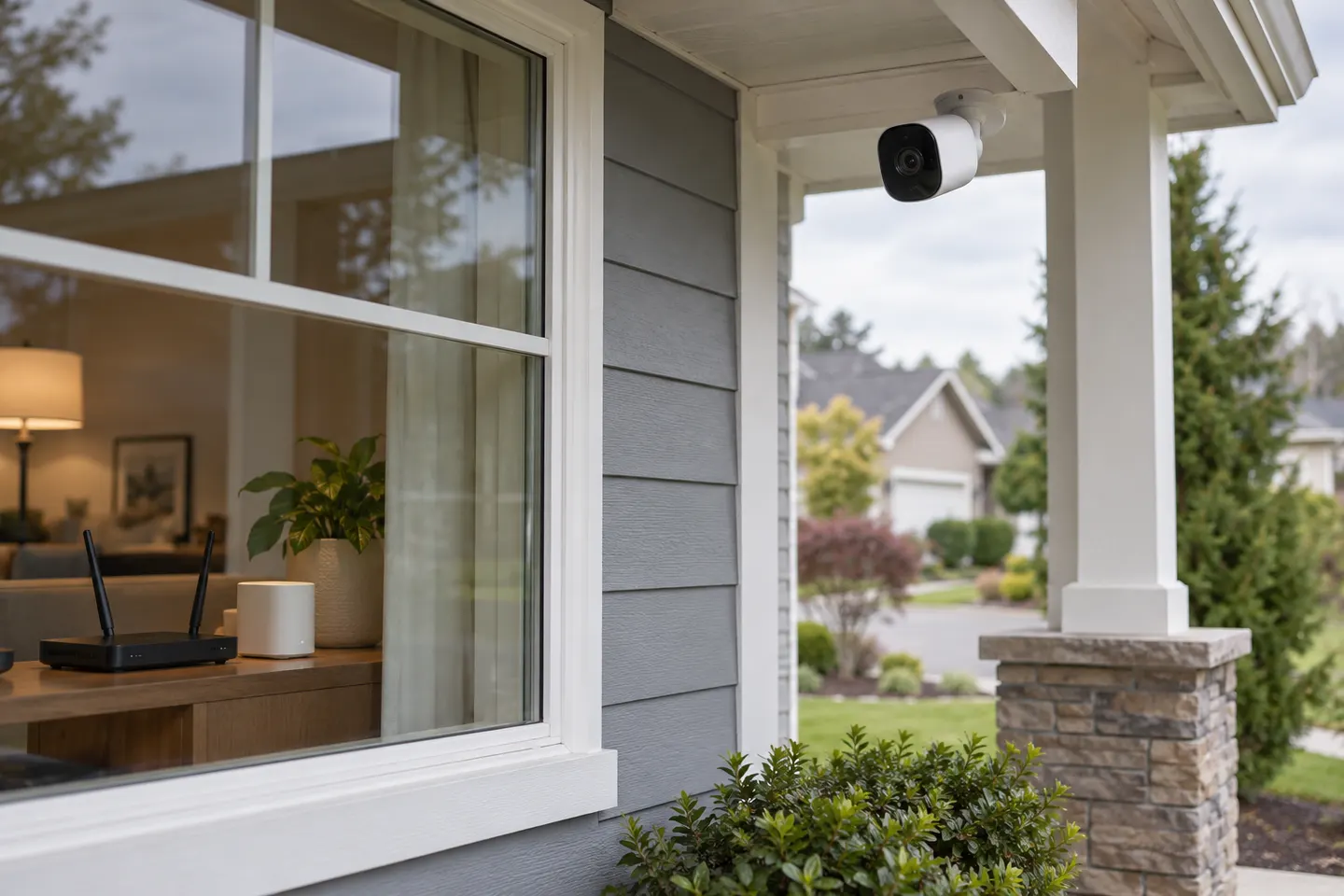
Arlo camera connectivity can involve the home router, a SmartHub or a base station. Identify the weak link before adding a generic WiFi extender.

An Arlo WiFi range extender search may mean extending the home network for cameras, or improving the connection between a camera and an Arlo hub. These are different links. Check the camera setup path and model documentation before purchasing networking hardware. A standard extender may improve coverage for a directly connected device, but it does not automatically extend a proprietary camera-to-hub radio link.

Arlo WiFi Range Extenders and Camera Connectivity

Common questions

Questions before you buy

Does Arlo make a WiFi range extender?

Arlo offers camera hubs and base stations, but connectivity depends on the camera system. Consult official support for your exact camera and hub.

Can a WiFi extender improve an Arlo camera connection?

It may help if the camera uses home WiFi and that network is weak at the camera location. It will not necessarily improve a camera-to-hub radio link.

Should the extender go near the camera?

It needs a stable connection to the router and useful coverage toward the device. Avoid placing it where the router signal is already too weak.

How can I tell whether the hub or WiFi is the problem?

Check whether the camera pairs through a SmartHub/base station or directly to WiFi, then use the model-specific app status and troubleshooting steps.