









 Official manufacturer image
Our picks
Top picks
Official manufacturer image Official manufacturer image
NETGEAR EAX15
Check price on Amazon Official manufacturer image
TP-Link RE550
Check price on AmazonCommon questions
Questions before you buy
Can a WiFi booster connect to a computer with Ethernet?
Some range extenders include an Ethernet port that can connect a desktop by cable. Check the exact model specifications; a port does not necessarily provide the same performance as a direct router connection.
Will a WiFi extender make my computer internet faster?
It can improve a weak connection where the extender receives a usable router signal, but it cannot raise the speed supplied by the internet plan or overcome every source of interference.
Where should I place an extender for a desktop computer?
Place it between the router and the problem area, where it still receives a stable signal. Avoid hiding it behind furniture or placing it at the edge of the router’s coverage.
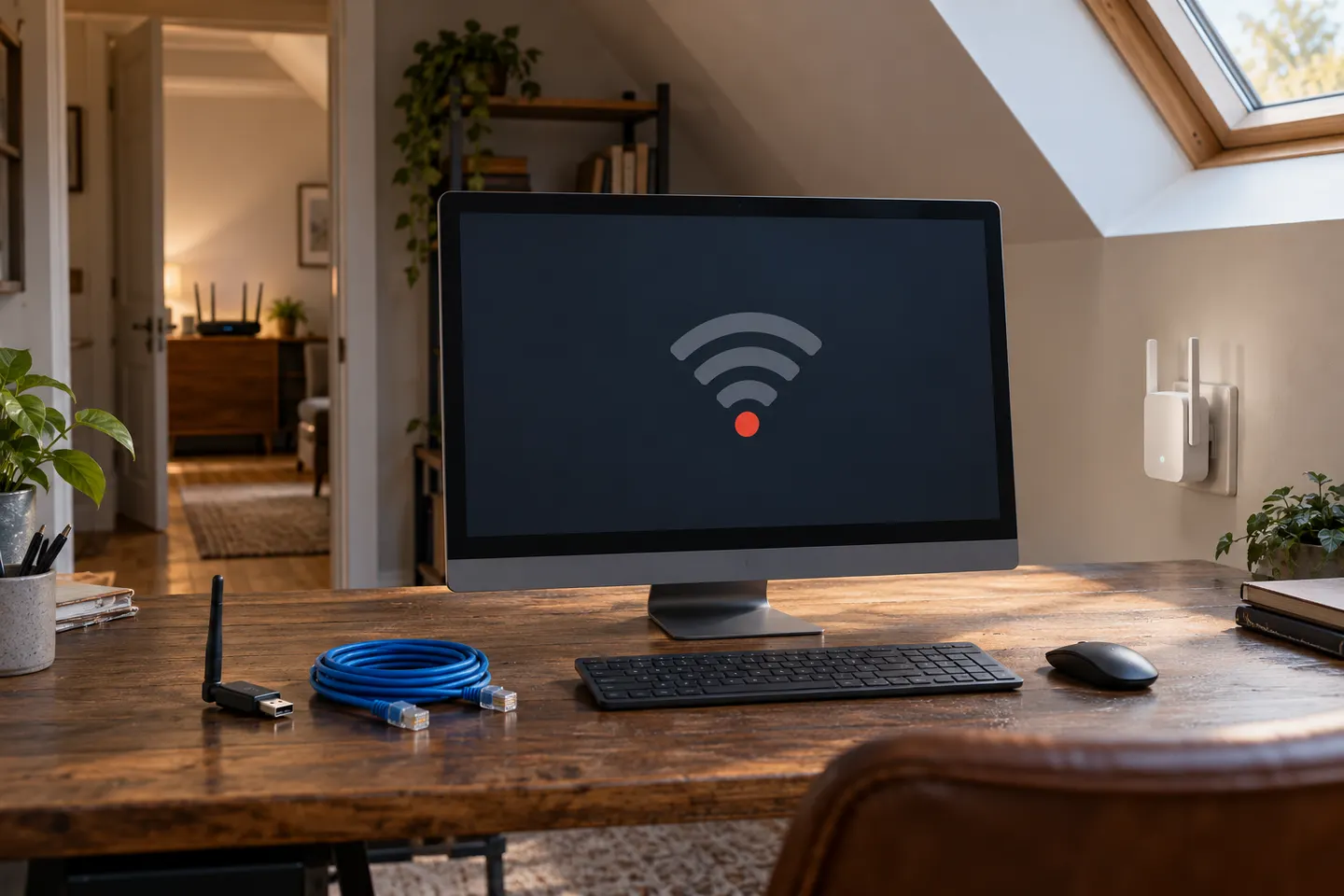
Should I use a WiFi booster or a USB WiFi adapter for my computer?
An extender can improve coverage for multiple devices in a distant area; a USB adapter changes how one computer connects. Choose based on whether the coverage gap affects one device or the room.