Independent buying guidance · US editionHow we work
Gearjury
All categories
All categories
Best picksGood Meat Thermometers for Every Kind of Cook
Best picksBest Dash Cams for Cars in 2026
Best picksBest WiFi Extenders: Which Range Extender Should You Buy?
Best picksBest Radar Detectors for Cars: Models Compared
Best picksGood Winter Gloves for Cold Weather: Five Useful Picks
Best picksBest Headlamps: Six Lights Compared for Different Uses
Best picksBest Portable Air Coolers for Patios, Workshops and Small Spaces (2026)
Best picksTop 10 Best Battery-Powered Weed Eaters for Different Yards
Best picksBest Air Purifier for Bedroom in the US: Quiet Models Compared
United StatesEnglish

Category hub

Desktop WiFi Range Extenders for Flexible Placement

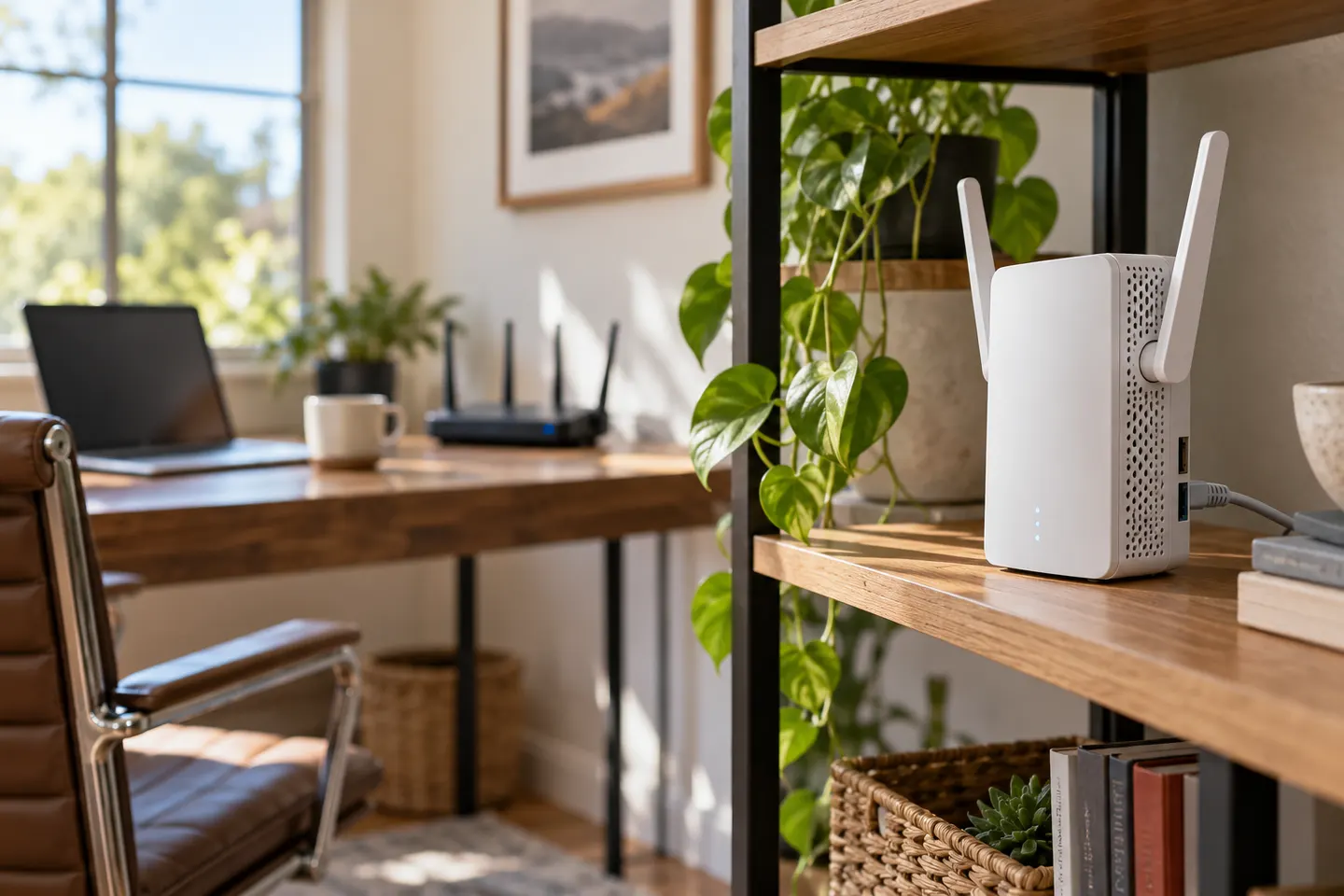
A desktop WiFi range extender sits on a shelf or desk rather than directly in a wall outlet. That form can offer different port and antenna layouts, but still depends on a good router connection.

A desktop WiFi range extender can be easier to position than a wall-plug unit because it can sit on a table or shelf near a power outlet. Look at its Ethernet ports, antenna arrangement and whether the manufacturer recommends a clear, elevated position.

Desktop WiFi Range Extenders for Flexible Placement

Common questions

Questions before you buy

What is a desktop WiFi extender?

It is a range extender designed to sit on a surface and connect to power separately, rather than plugging directly into a wall outlet.

Are desktop extenders more powerful than plug-in models?

Not by form factor alone. Compare the manufacturer's radio, antenna, port and supported-mode specifications.

Where should I place a desktop WiFi booster?

Set it on an open surface between the router and weak-coverage area, where it can still receive a stable signal from the router.

Can a desktop extender connect a computer by Ethernet?

If it has an Ethernet port and supports the needed operating mode, it can provide a wired connection for a nearby computer. Check the product manual.