Decide what you are trying to improve
Test the same device in several rooms and note whether the problem is weak Wi-Fi, a slow internet connection everywhere, or one device. A range extender only addresses coverage between the router and client.

 Best picksGood Meat Thermometers for Every Kind of Cook
 Best picksBest Dash Cams for Cars in 2026
 Best picksBest WiFi Extenders: Which Range Extender Should You Buy?
 Best picksBest Radar Detectors for Cars: Models Compared
 Best picksGood Winter Gloves for Cold Weather: Five Useful Picks
 Best picksBest Headlamps: Six Lights Compared for Different Uses
 Best picksBest Portable Air Coolers for Patios, Workshops and Small Spaces (2026)
 Best picksTop 10 Best Battery-Powered Weed Eaters for Different Yards
 Best picksBest Air Purifier for Bedroom in the US: Quiet Models Compared
Gearjury may earn a commission from qualifying retailer links. DIY guidance is editorial and does not endorse unsafe device modifications.
Guide
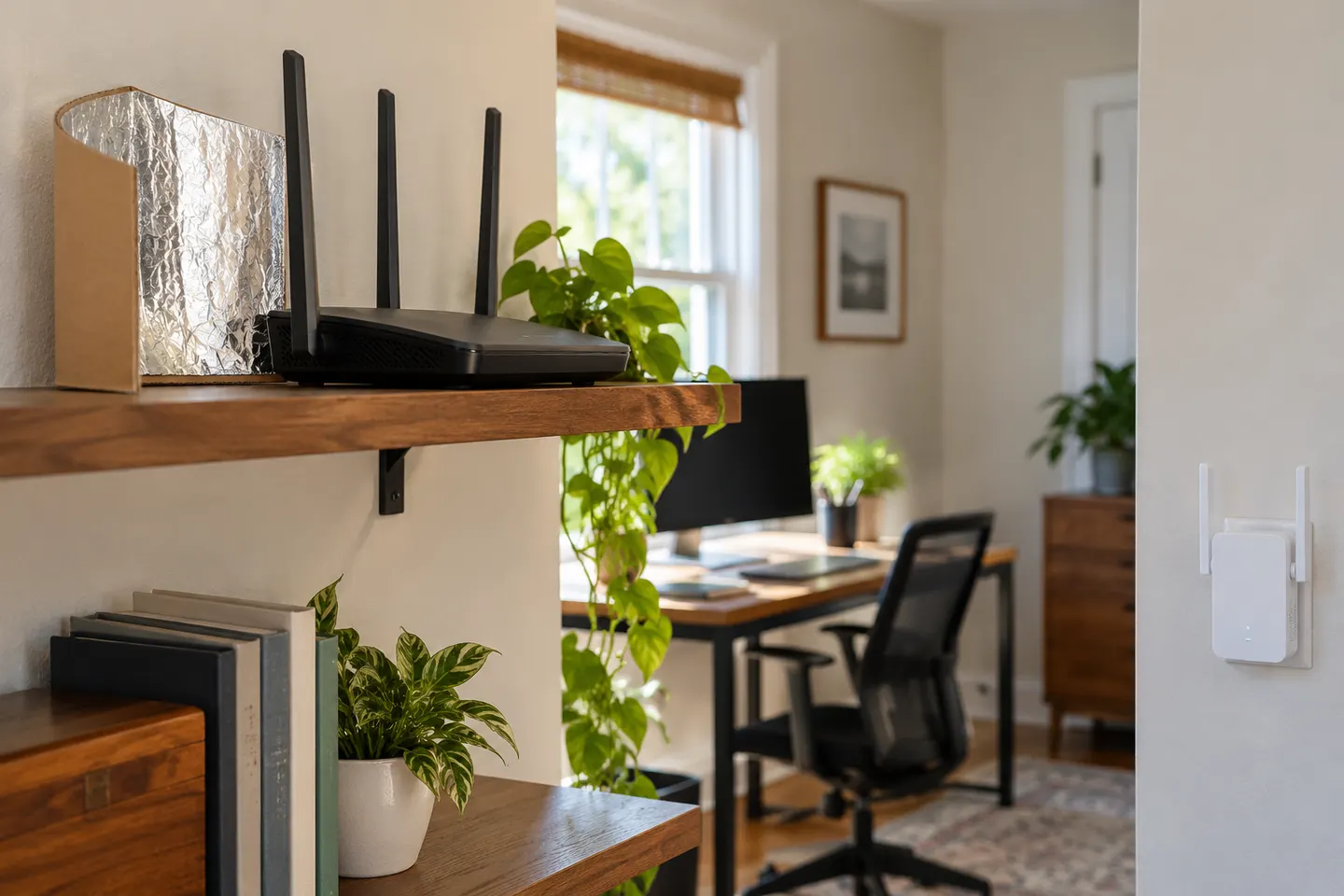
You can experiment with router placement or a directional reflector, but a homemade object does not become a reliable repeater. For dependable coverage, use supported networking hardware.
Test the same device in several rooms and note whether the problem is weak Wi-Fi, a slow internet connection everywhere, or one device. A range extender only addresses coverage between the router and client.
Place the router in an open, central location away from metal cabinets and dense obstructions. Keep its ventilation clear and follow the manufacturer’s antenna-placement advice.
A shaped conductive reflector may direct some signal toward one area, while reducing it elsewhere. Its effect depends on antenna design and positioning; there is no universal household template that guarantees a stronger connection.
Do not remove covers, splice antenna cables or attach foil where it can contact electronics. Such changes can damage the router, disrupt radio performance or create an electrical hazard.
A range extender pairs with the existing router and relays its network. Install it where the original signal is still dependable, then test the target room; placement inside a dead zone defeats the relay.
If you can run Ethernet, connect an access point near the weak area. This avoids using the same wireless connection for both the router link and client traffic, though installation takes more effort.
Common questions
Some routers support a repeater or access-point mode, but compatibility and setup vary by model. Check both manuals; an Ethernet-connected access point is often the clearer route when cable is available.
A reflector can alter the direction of an antenna’s radiation pattern, but it may create weaker areas elsewhere. It cannot guarantee more internet speed or consistent whole-home coverage.
Phone hotspot or sharing features vary by operating system and hardware, and usually are not designed as a permanent home repeater. A dedicated extender or access point is better suited to ongoing coverage.
Only use changes explicitly supported by the router manufacturer. Opening equipment or improvising electrical or antenna connections can damage it and may affect compliance or warranty.
Keep exploring
For a versatile WiFi 6 choice, consider TP-Link RE705X, which pairs dual-band WiFi 6 with a Gigabit Ethernet port. NETGEAR EAX15 suits an existing NETGEAR mesh setup, while TP-Link RE550 and NETGEAR EX6120 offer different WiFi 5 feature sets.

TP-Link offers WiFi 6 and WiFi 5 extenders with different port and mesh features. Check hardware version and router compatibility before choosing.

A WiFi extender can carry a router's signal into a nearby weak-signal area. Start by checking compatibility, placement and whether a wireless repeater or wired access point fits your home.
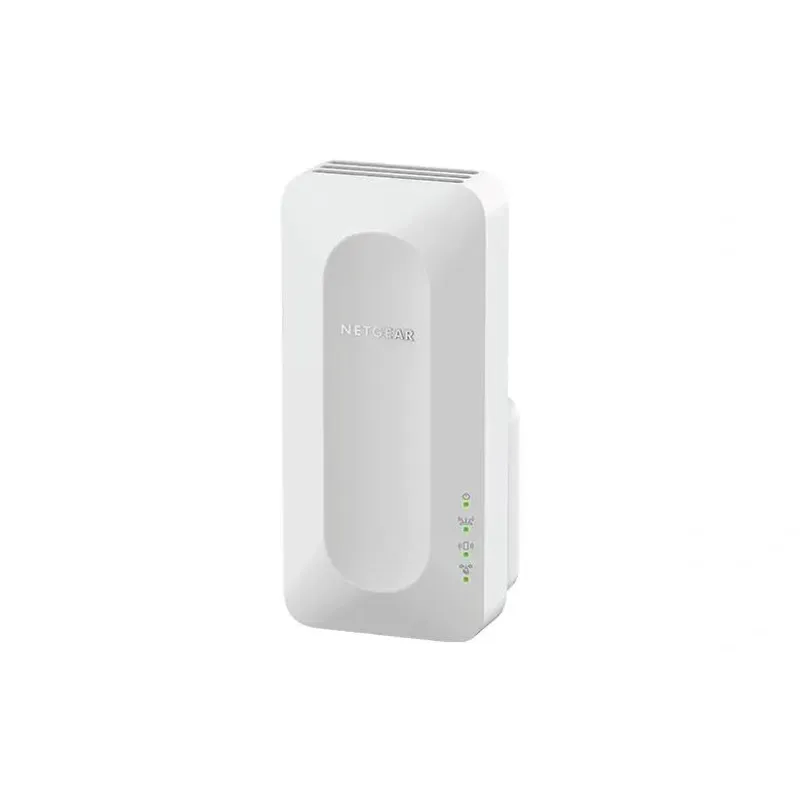
NETGEAR sells plug-in extenders across WiFi generations. Compare exact model features and check whether mesh behavior suits your router.