Independent buying guidance · US editionHow we work
Gearjury
All categories
All categories
Best picksGood Meat Thermometers for Every Kind of Cook
Best picksBest Dash Cams for Cars in 2026
Best picksBest WiFi Extenders: Which Range Extender Should You Buy?
Best picksBest Radar Detectors for Cars: Models Compared
Best picksGood Winter Gloves for Cold Weather: Five Useful Picks
Best picksBest Headlamps: Six Lights Compared for Different Uses
Best picksBest Portable Air Coolers for Patios, Workshops and Small Spaces (2026)
Best picksTop 10 Best Battery-Powered Weed Eaters for Different Yards
Best picksBest Air Purifier for Bedroom in the US: Quiet Models Compared
United StatesEnglish

Category hub

HughesNet WiFi Boosters and Modem Compatibility

HughesNet documents its own booster as compatible with the HT2000W modem built-in WiFi. Verify your modem and router arrangement before choosing.

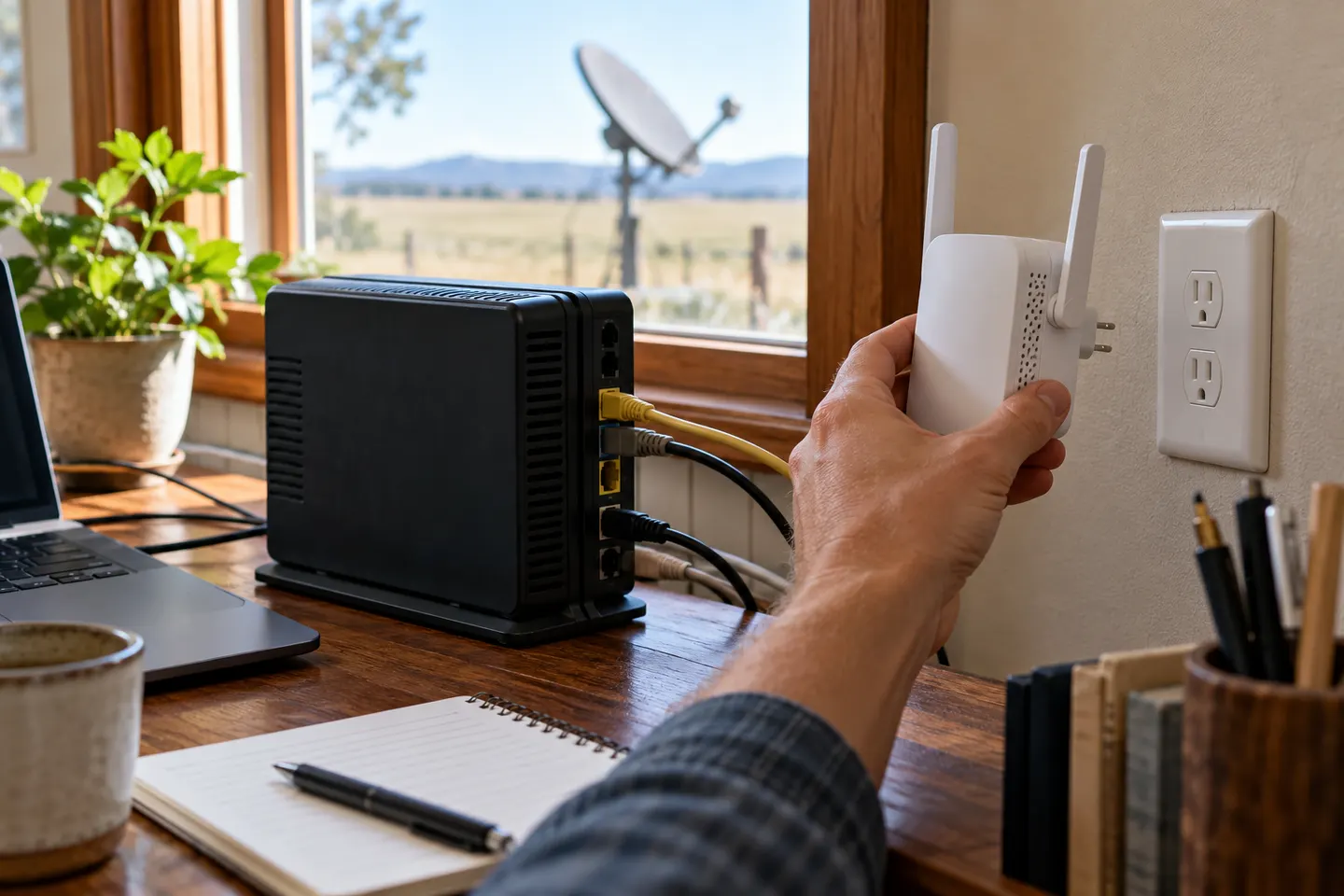
A HughesNet WiFi booster is not automatically compatible with every installation. HughesNet says its branded booster is designed for the HT2000W modem and will not work when a separate third-party router replaces the built-in WiFi. Identify the modem and router arrangement first. A generic extender also needs a usable signal at its chosen location.

HughesNet WiFi Boosters and Modem Compatibility

Common questions

Questions before you buy

Which HughesNet modem works with its WiFi Booster?

HughesNet says its WiFi Booster is designed for the HT2000W modem. Its support page says it will not work with a third-party wireless router used instead of built-in WiFi.

Where should I place a HughesNet WiFi booster?

HughesNet recommends placing it halfway between the router and the weak-signal area, where it can still receive the source WiFi.

Does the HughesNet booster support 2.4 and 5 GHz?

HughesNet states its booster detects both channels automatically. Check current product documentation for your exact hardware.

Can I use a third-party extender with HughesNet?

HughesNet notes third-party boosters are available but are not optimized for satellite internet. Confirm compatibility with your modem and router before buying.