Independent buying guidance · US editionHow we work
Gearjury
All categories
All categories
Best picksGood Meat Thermometers for Every Kind of Cook
Best picksBest Dash Cams for Cars in 2026
Best picksBest WiFi Extenders: Which Range Extender Should You Buy?
Best picksBest Radar Detectors for Cars: Models Compared
Best picksGood Winter Gloves for Cold Weather: Five Useful Picks
Best picksBest Headlamps: Six Lights Compared for Different Uses
Best picksBest Portable Air Coolers for Patios, Workshops and Small Spaces (2026)
Best picksTop 10 Best Battery-Powered Weed Eaters for Different Yards
Best picksBest Air Purifier for Bedroom in the US: Quiet Models Compared
United StatesEnglish

Category hub

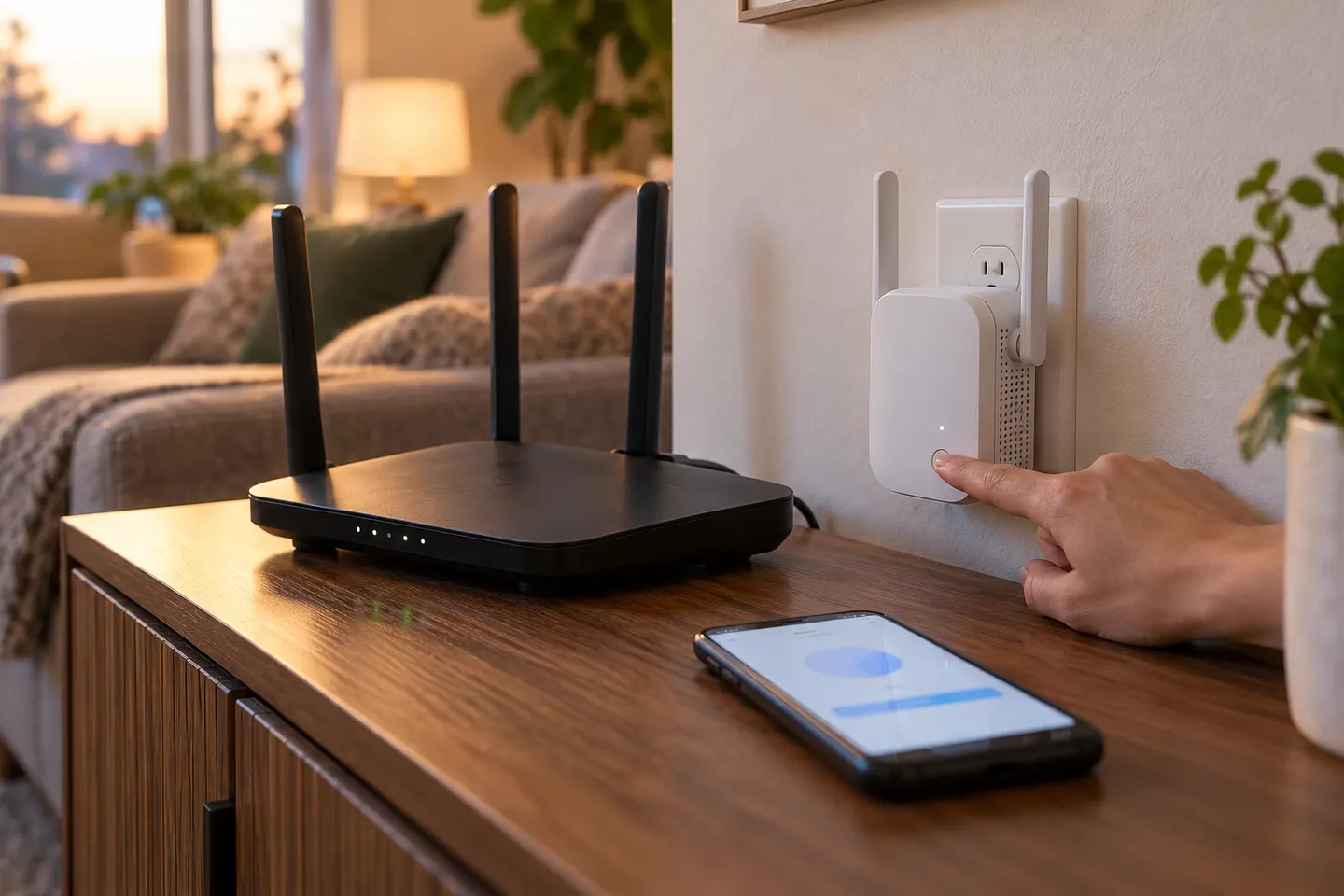
WiFi Range Extender Instructions for Setup and Placement

Check compatibility, pair near the router, confirm connection, then move the extender toward the coverage gap.

WiFi range extender instructions vary by model, but the core setup is similar: confirm router compatibility, connect through WPS or the manufacturer setup flow, and verify the link before relocating the extender. Always use the supplied manual for button names, indicator meanings and reset steps.\n\nPlace a wireless unit where it receives a stable signal from the router and can reach the weak-coverage area. If the device offers access-point mode, that may require Ethernet and a different setup process.

WiFi Range Extender Instructions for Setup and Placement

Common questions

Questions before you buy

How do I reset a WiFi range extender?

Most models have a reset control, but hold time and reset behavior vary. Follow the manual for the exact model and expect to configure the network again afterward.

What do extender lights mean?

Indicator meanings differ by model. Consult its light table for power, router link, client link and signal strength states.

Do I connect my phone to the router or extender during setup?

Use the connection path specified in setup. Some systems discover the extender through an app; others require joining its temporary network first.

Can I use Ethernet with a range extender?

Some models provide an Ethernet port for a wired client, while others can use Ethernet in access-point mode. Check the manual because port function differs.