Independent buying guidance · US editionHow we work
Gearjury
All categories
All categories
Best picksGood Meat Thermometers for Every Kind of Cook
Best picksBest Dash Cams for Cars in 2026
Best picksBest WiFi Extenders: Which Range Extender Should You Buy?
Best picksBest Radar Detectors for Cars: Models Compared
Best picksGood Winter Gloves for Cold Weather: Five Useful Picks
Best picksBest Headlamps: Six Lights Compared for Different Uses
Best picksBest Portable Air Coolers for Patios, Workshops and Small Spaces (2026)
Best picksTop 10 Best Battery-Powered Weed Eaters for Different Yards
Best picksBest Air Purifier for Bedroom in the US: Quiet Models Compared
United StatesEnglish

Category hub

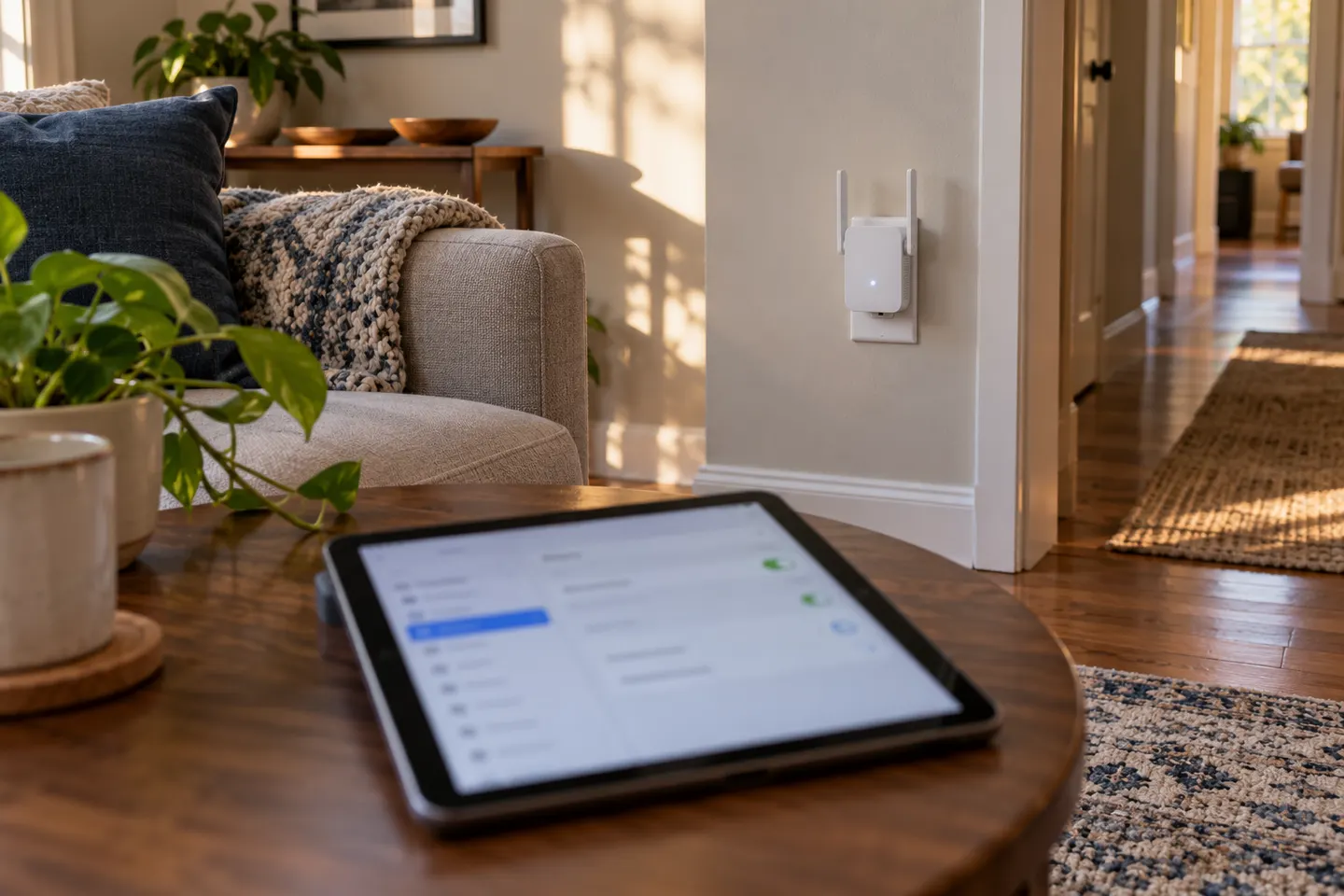
WiFi Boosters for iPad: Improve Coverage or Troubleshoot?

An iPad connects to WiFi like other client devices; a range extender helps only when the router’s coverage is the issue.

If you searched for a booster wifi ipad, first check whether the iPad loses WiFi only in one part of the home or everywhere. A dead zone affecting several devices points toward router coverage; a problem limited to one iPad may call for checking its network settings or software before adding equipment.

WiFi Boosters for iPad: Improve Coverage or Troubleshoot?

Common questions

Questions before you buy

Can an iPad use a WiFi range extender?

Yes. An iPad can connect to the extended WiFi network like other WiFi devices, provided the extender is configured and compatible with the router.

Why does my iPad have weak WiFi in one room?

Distance, walls and interference can weaken the signal. Compare with another device in the same location to determine whether this is a coverage issue or iPad-specific.

Will a WiFi booster increase iPad internet speed?

It may improve the connection where coverage is weak, but it cannot raise the speed supplied by your internet plan and may add another wireless hop.

Does iPad need a special WiFi booster?

Usually no special iPad-only extender is required. Choose a compatible network extender and follow its setup instructions.