









 Official manufacturer image
Our picks
Top picks
Official manufacturer image Official manufacturer image
NETGEAR EAX15
Check price on Amazon Official manufacturer image
TP-Link RE550
Check price on AmazonBy place and use
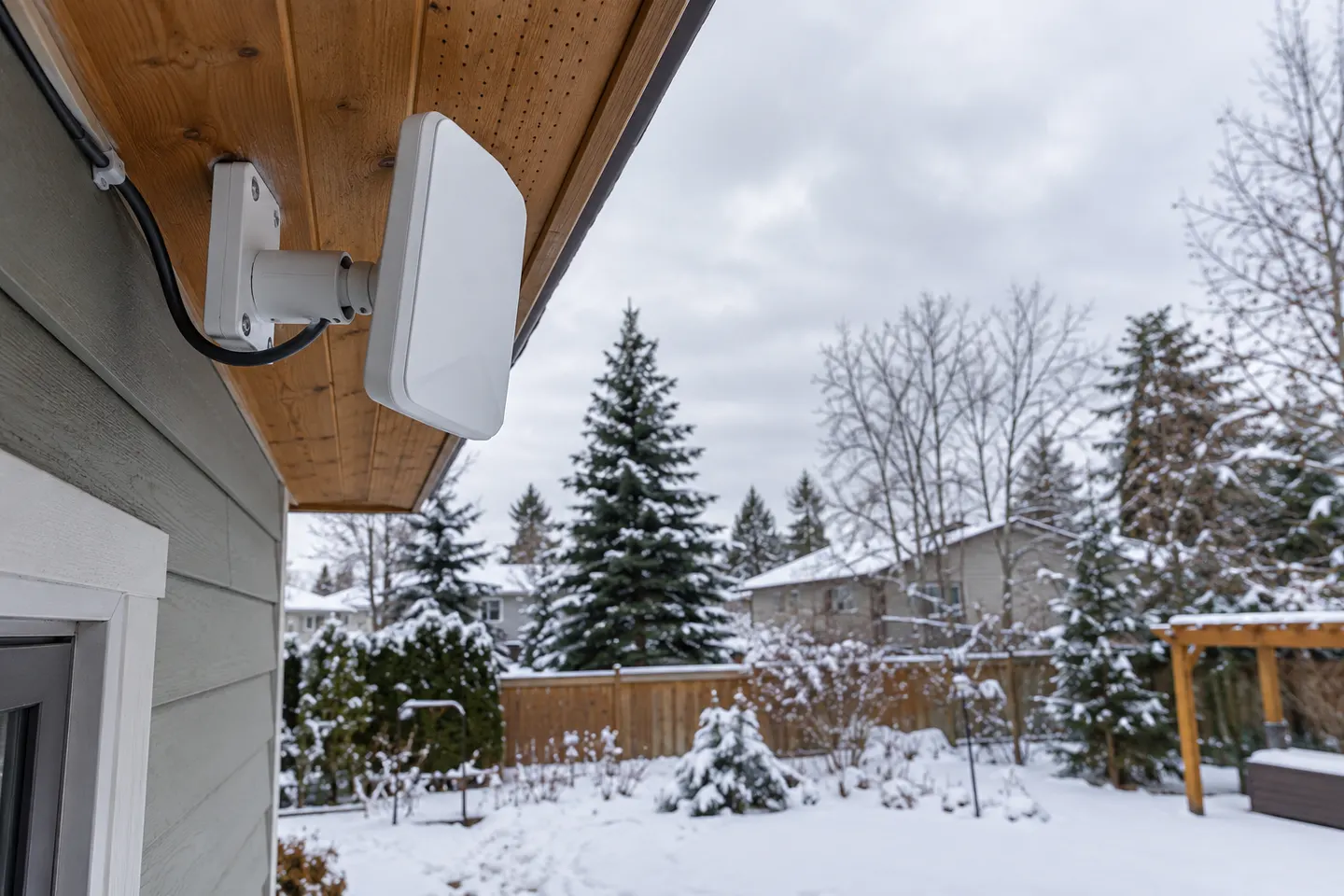 Outdoor antenna
By type
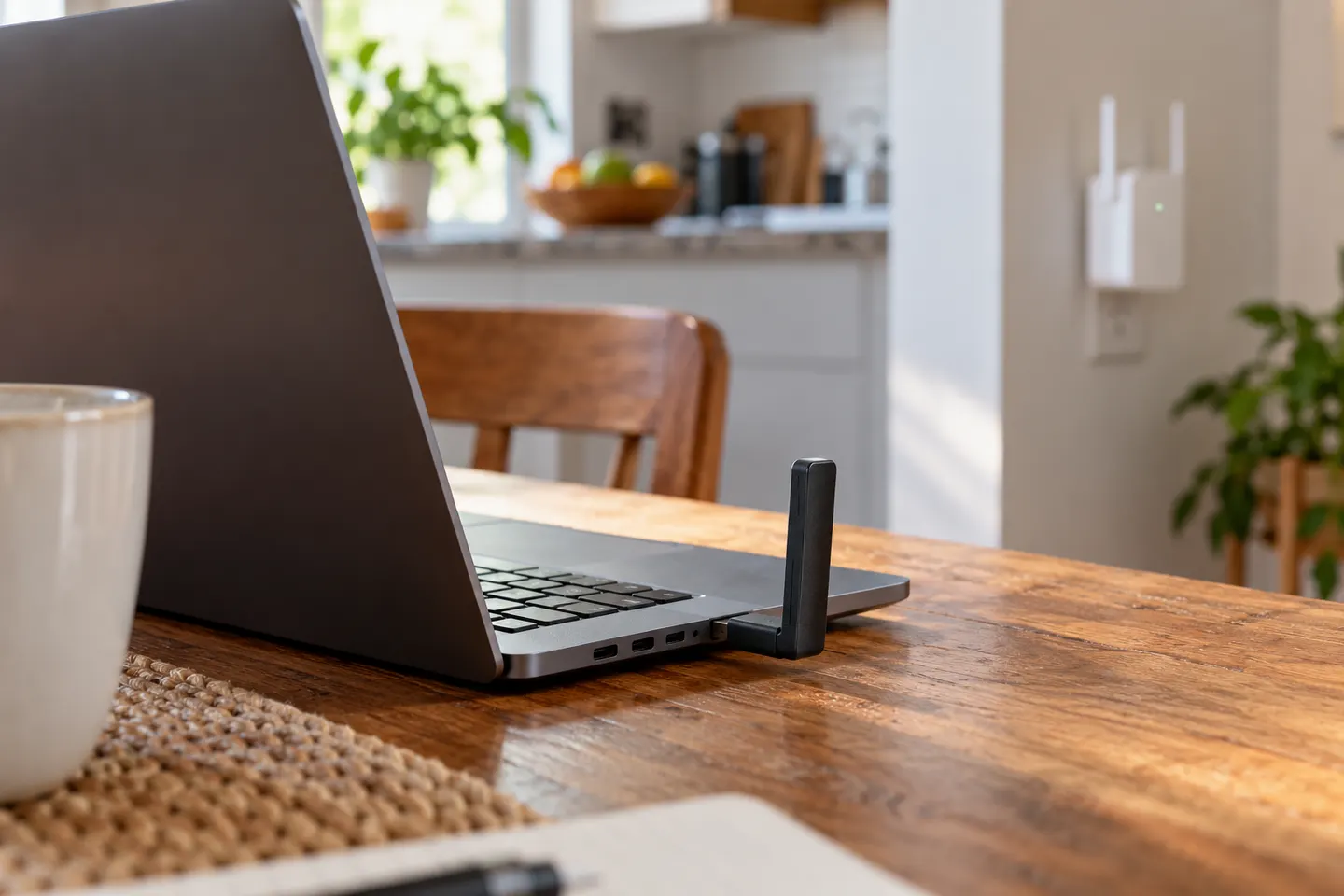 Usb laptop
More topics
 Laptop WiFi Extenders
 Can You Use a Laptop as a WiFi Extender? Options…
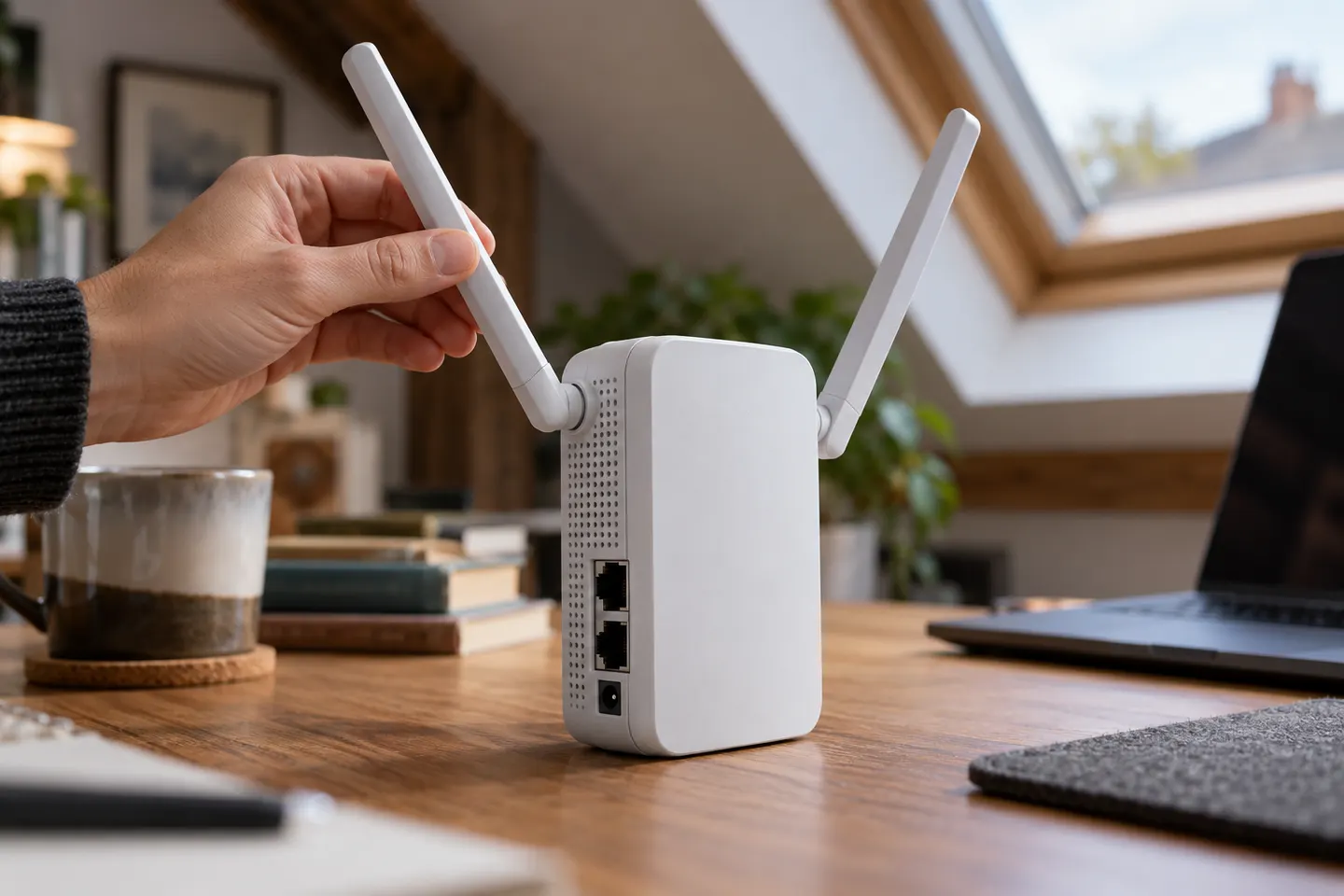 WiFi Range Extenders with an External AntennaDIY WiFi antenna boosters
Show all (5)
Common questions
Questions before you buy
Can I attach an external WiFi antenna to any laptop?
No. Compatibility depends on the laptop’s wireless hardware and available interfaces. Check the manufacturer’s specifications before selecting an adapter or antenna.
Should I buy a laptop WiFi adapter or a range extender?
Choose based on where the problem occurs. If multiple devices have weak signal in one area, improve coverage; if only one laptop is affected, investigate its adapter first.
Can a USB WiFi adapter improve laptop reception?
A compatible adapter may replace or supplement the laptop’s wireless interface. Results depend on its specifications, placement and network environment.
Will a WiFi extender make my laptop internet faster?
It may improve access in a weak-coverage area, but it cannot exceed the underlying connection or guarantee speed. Placement and the router link matter.